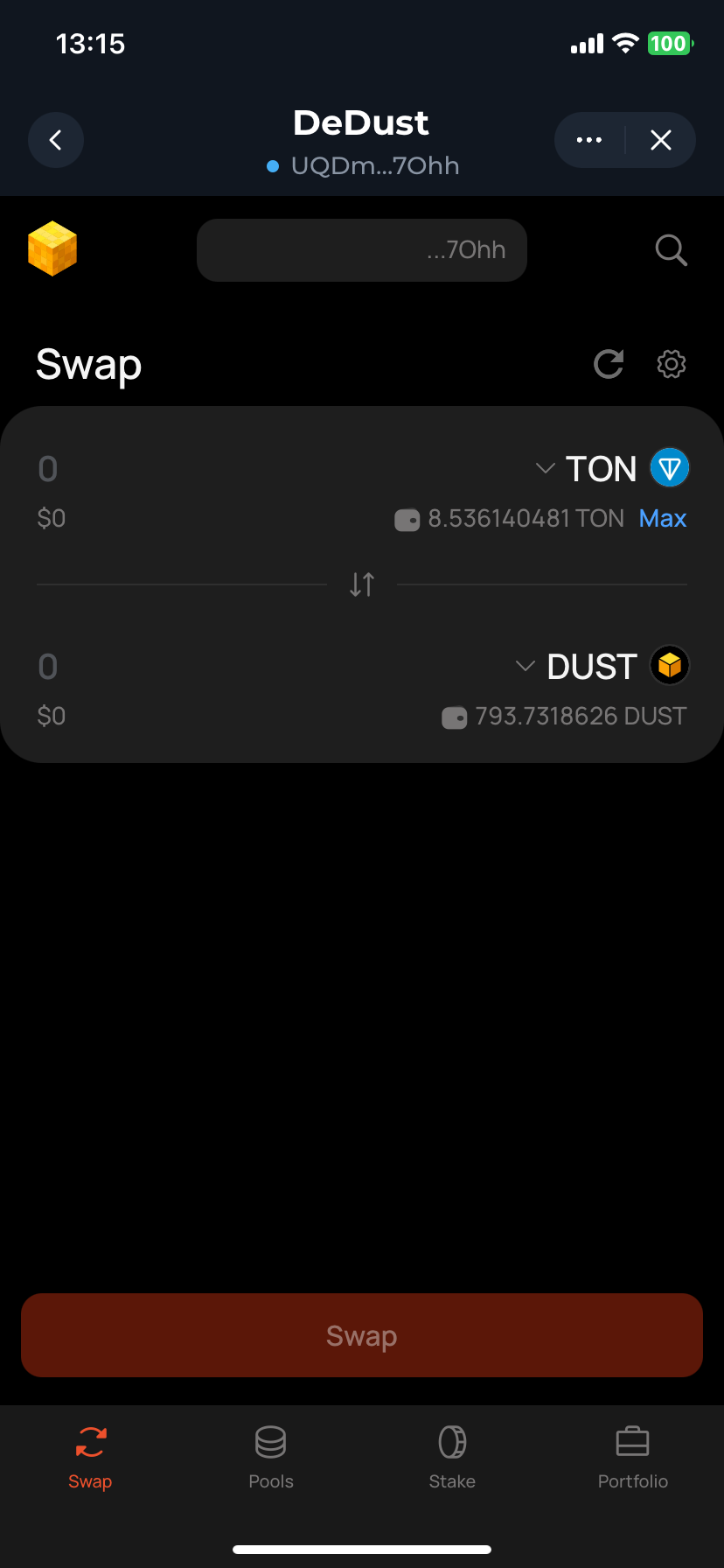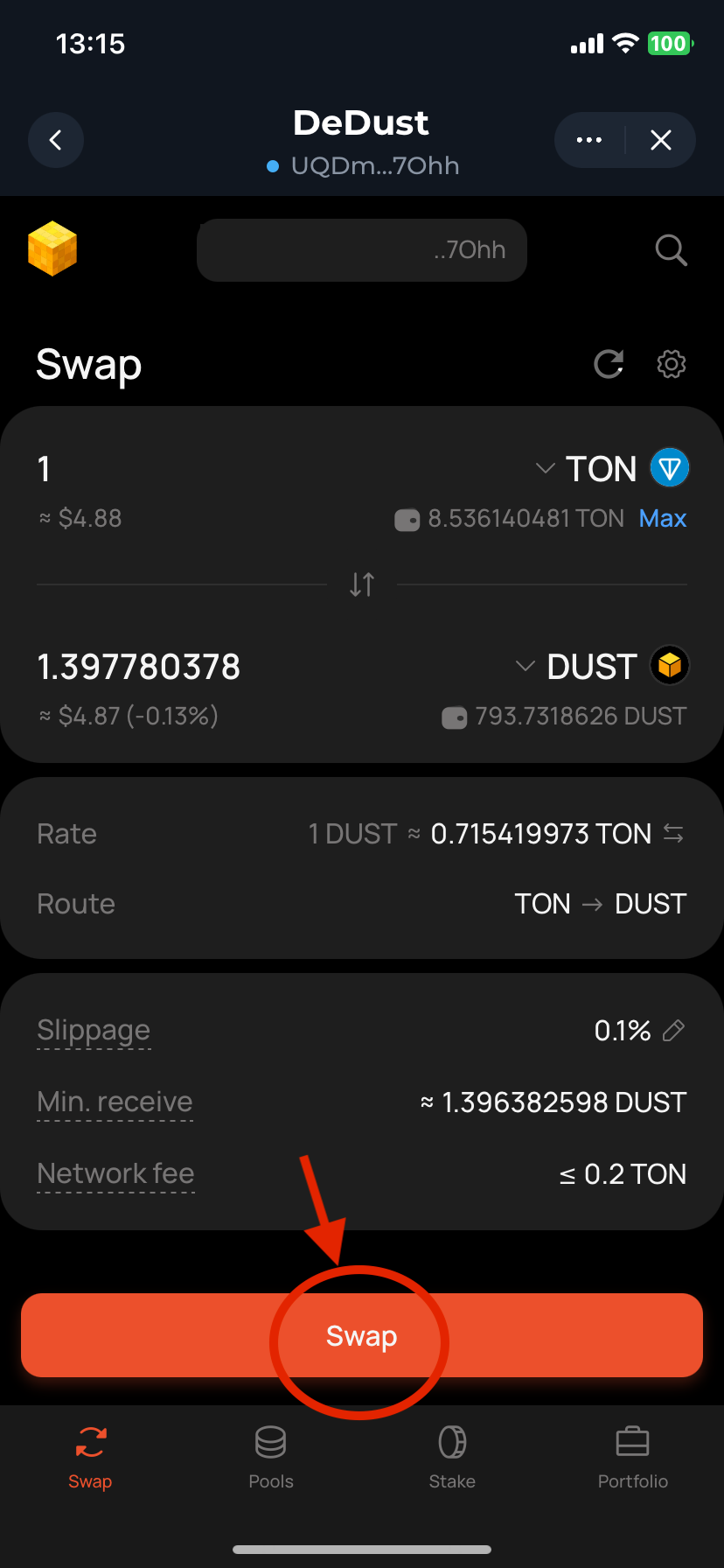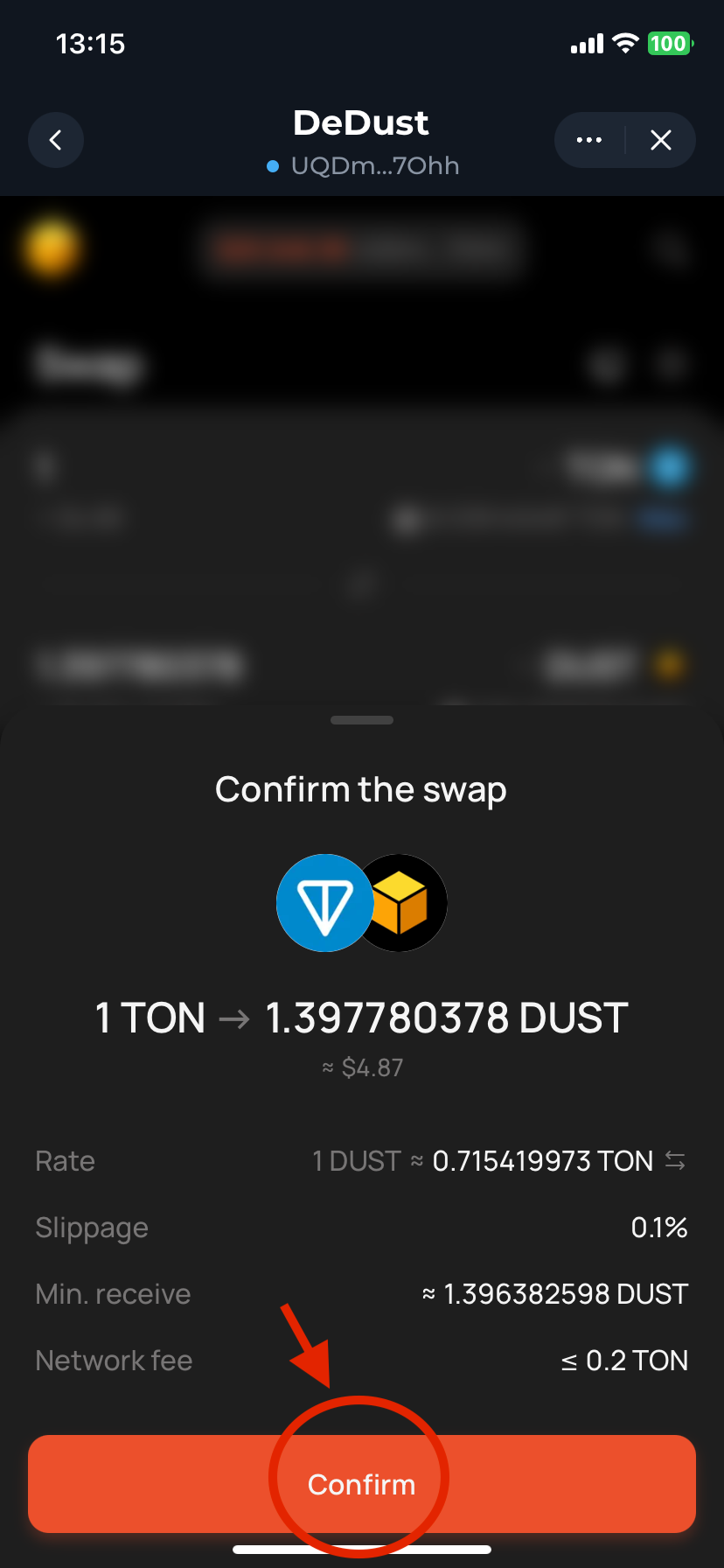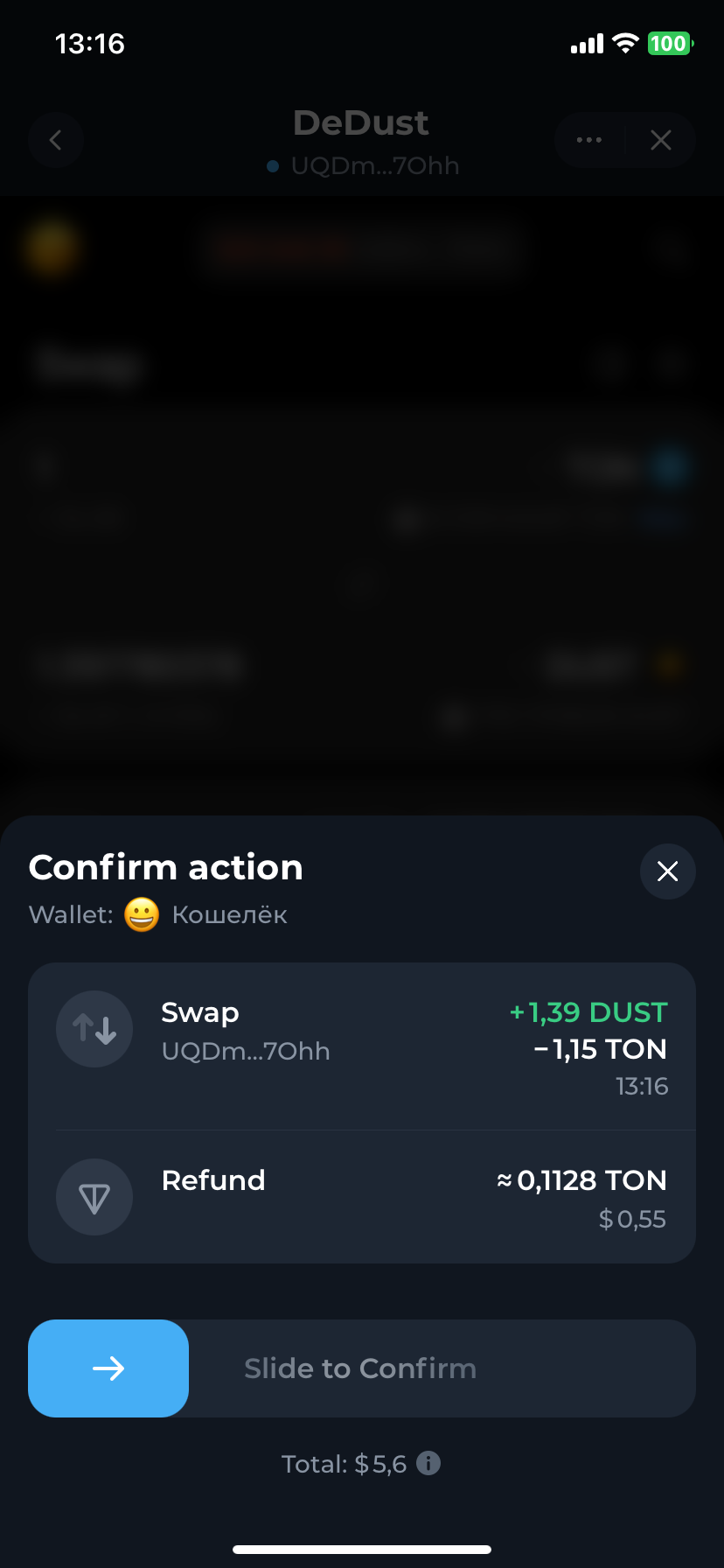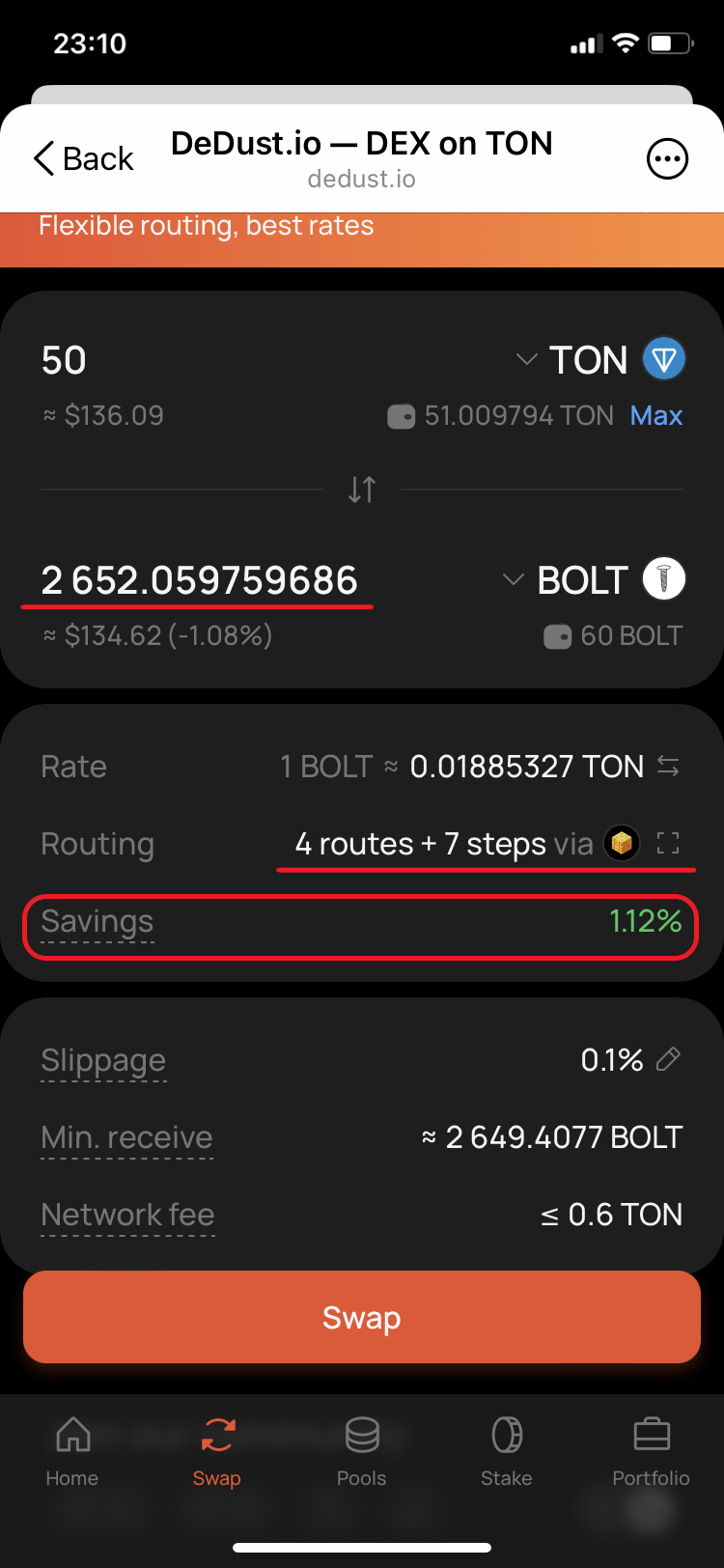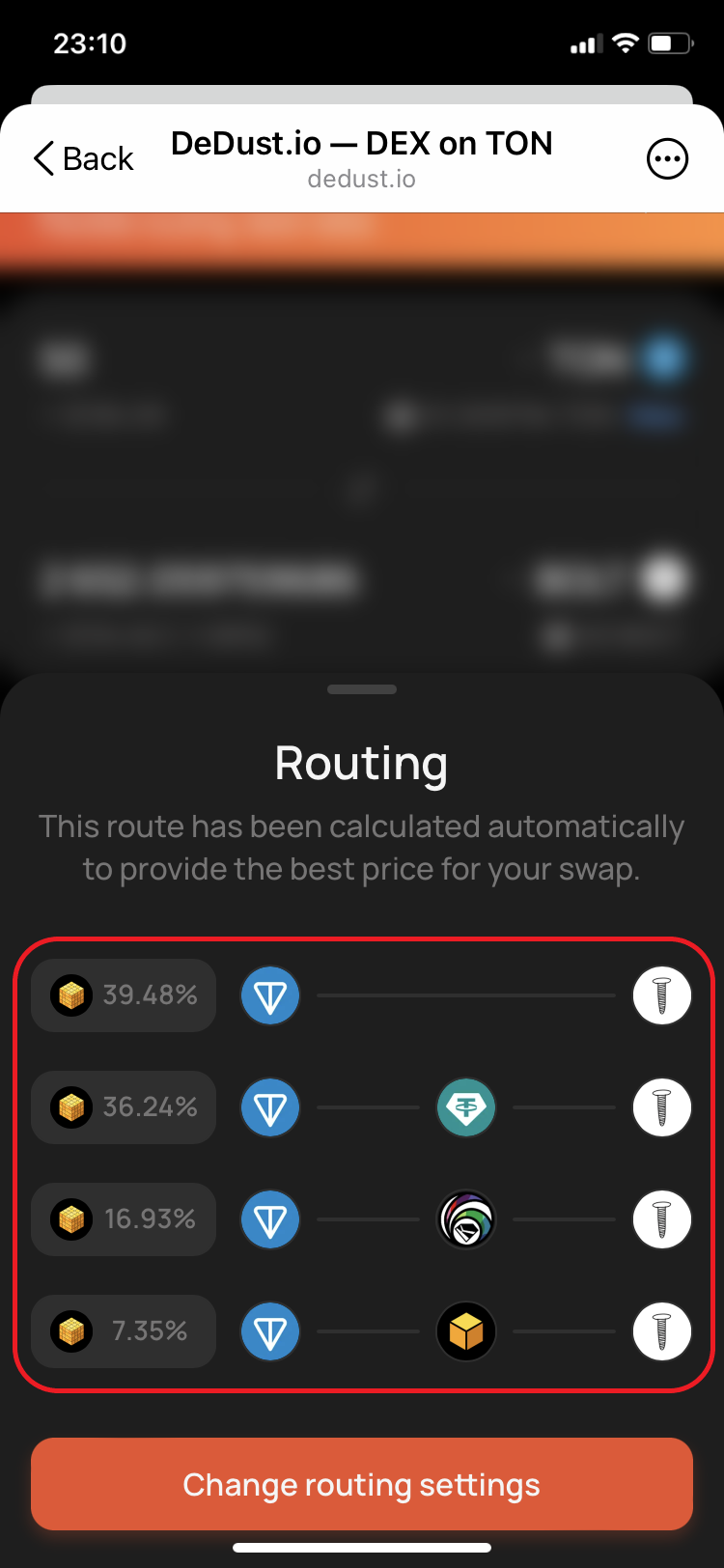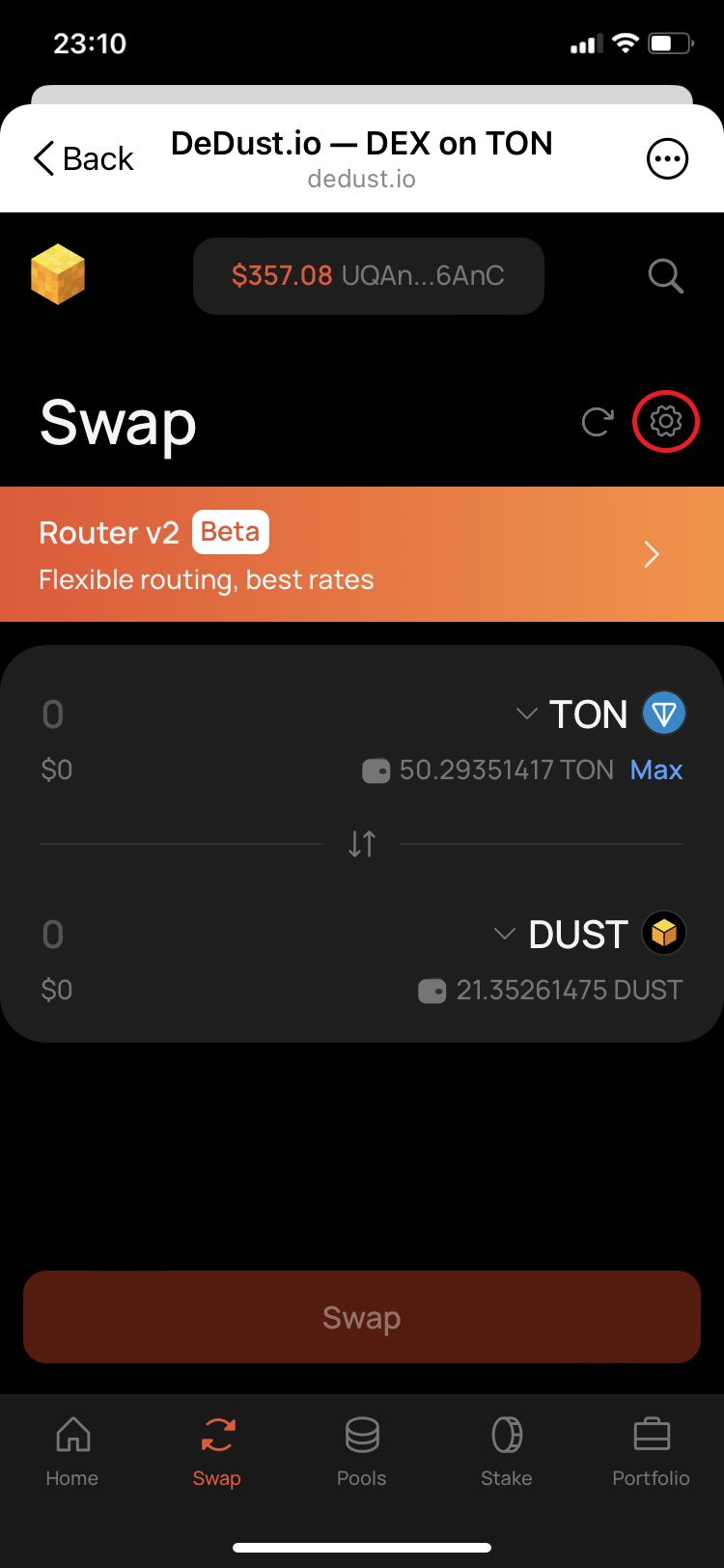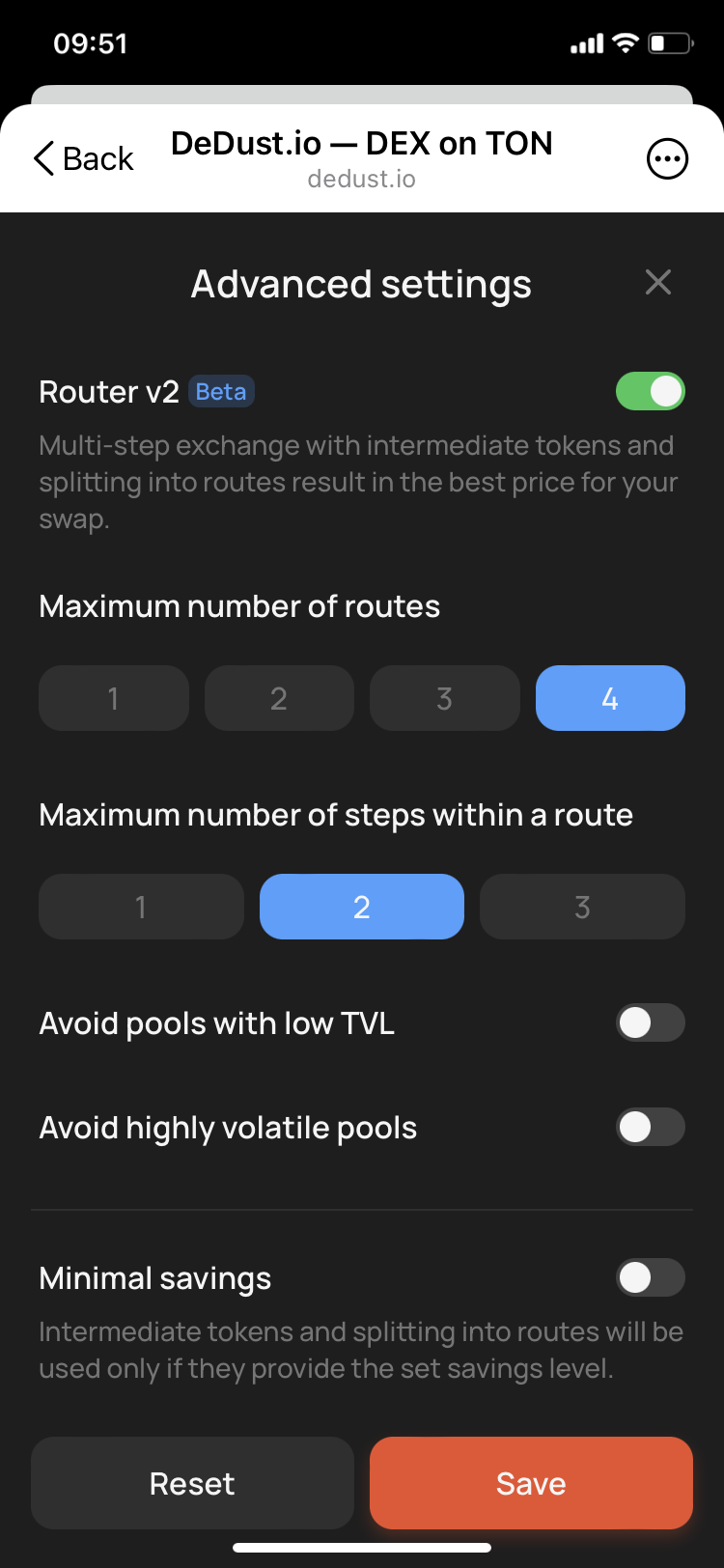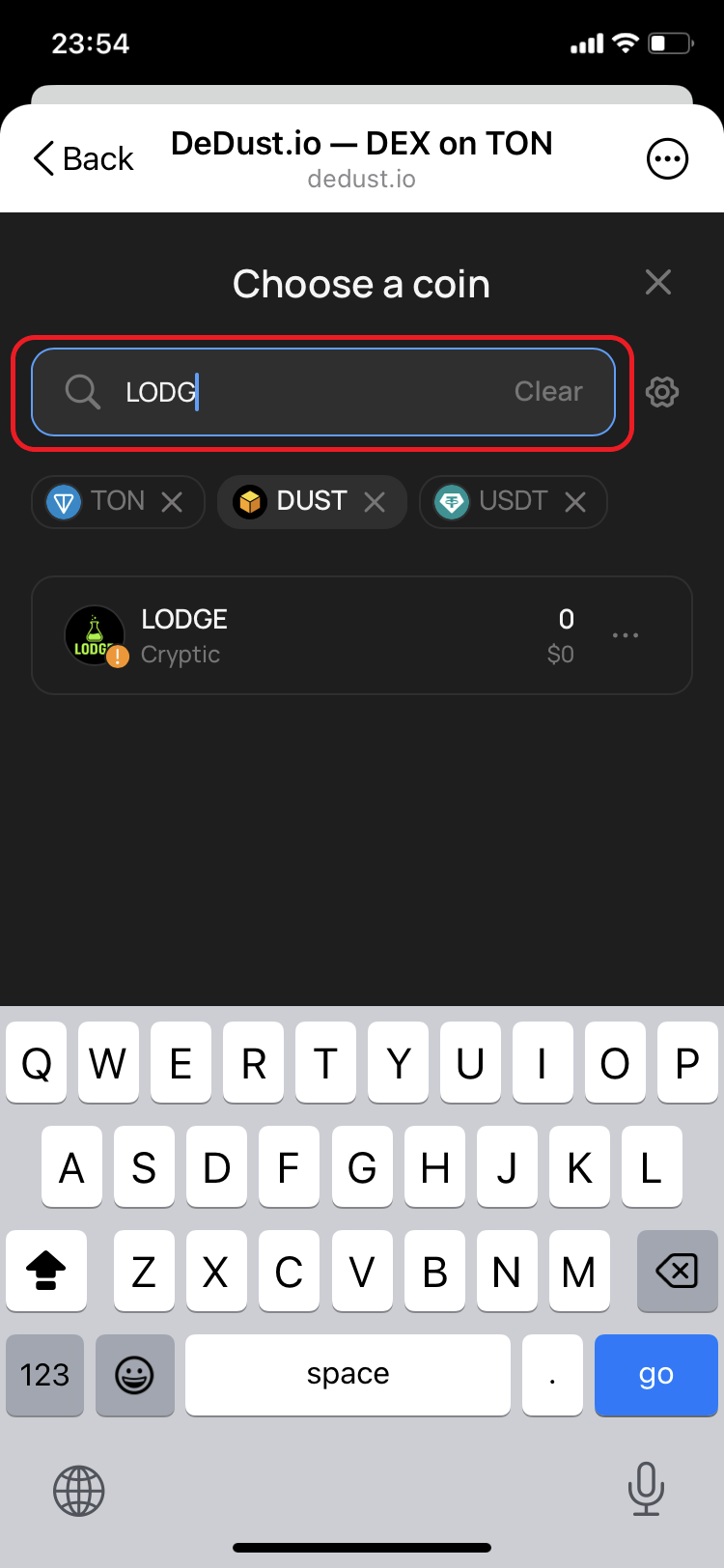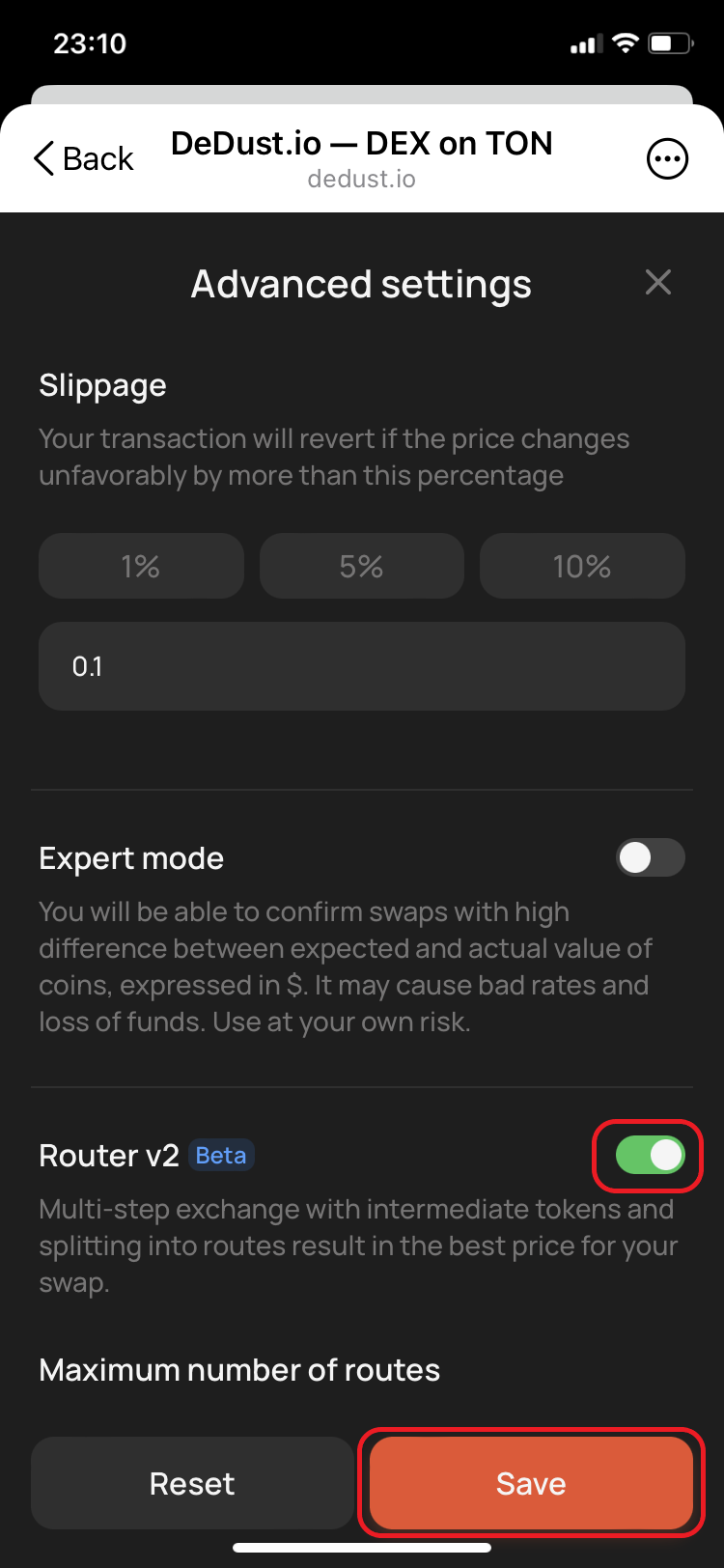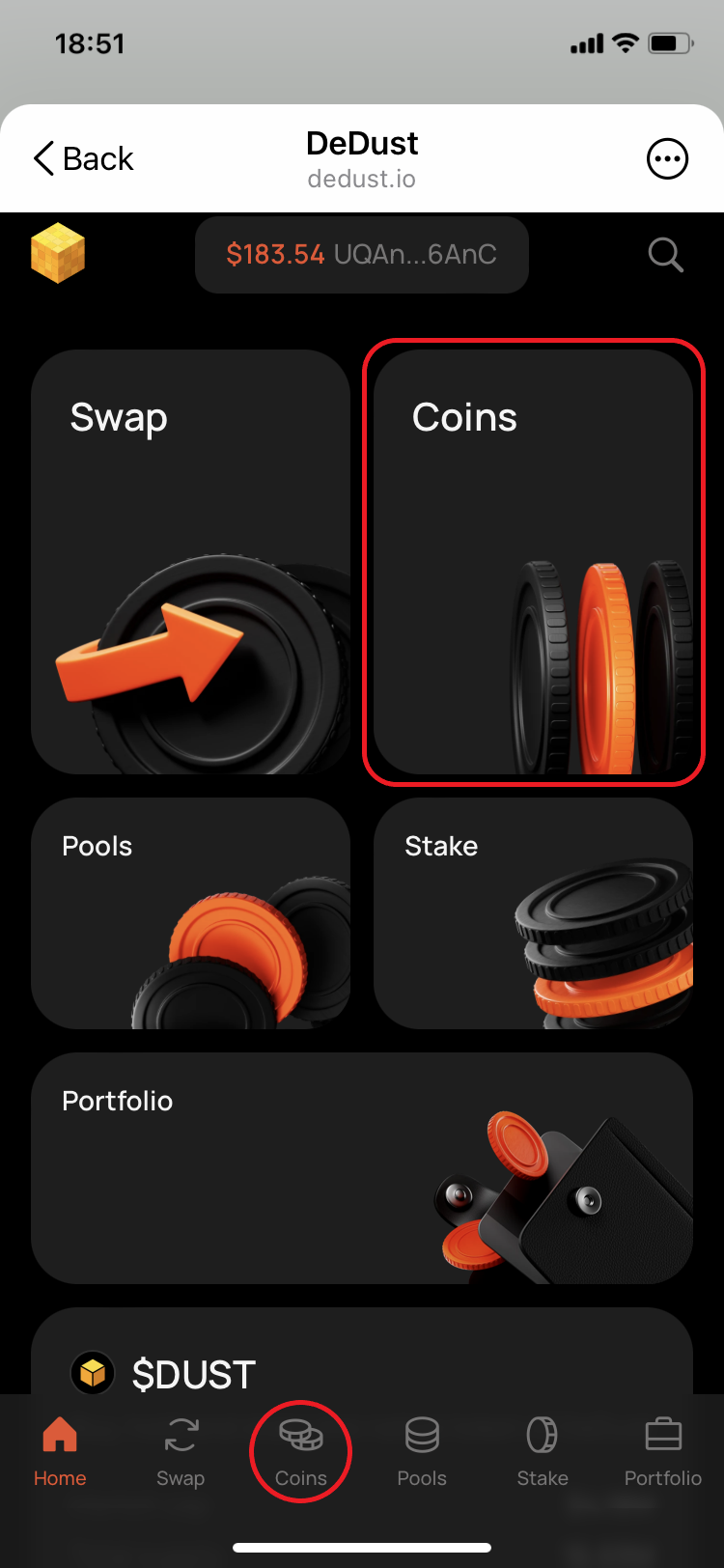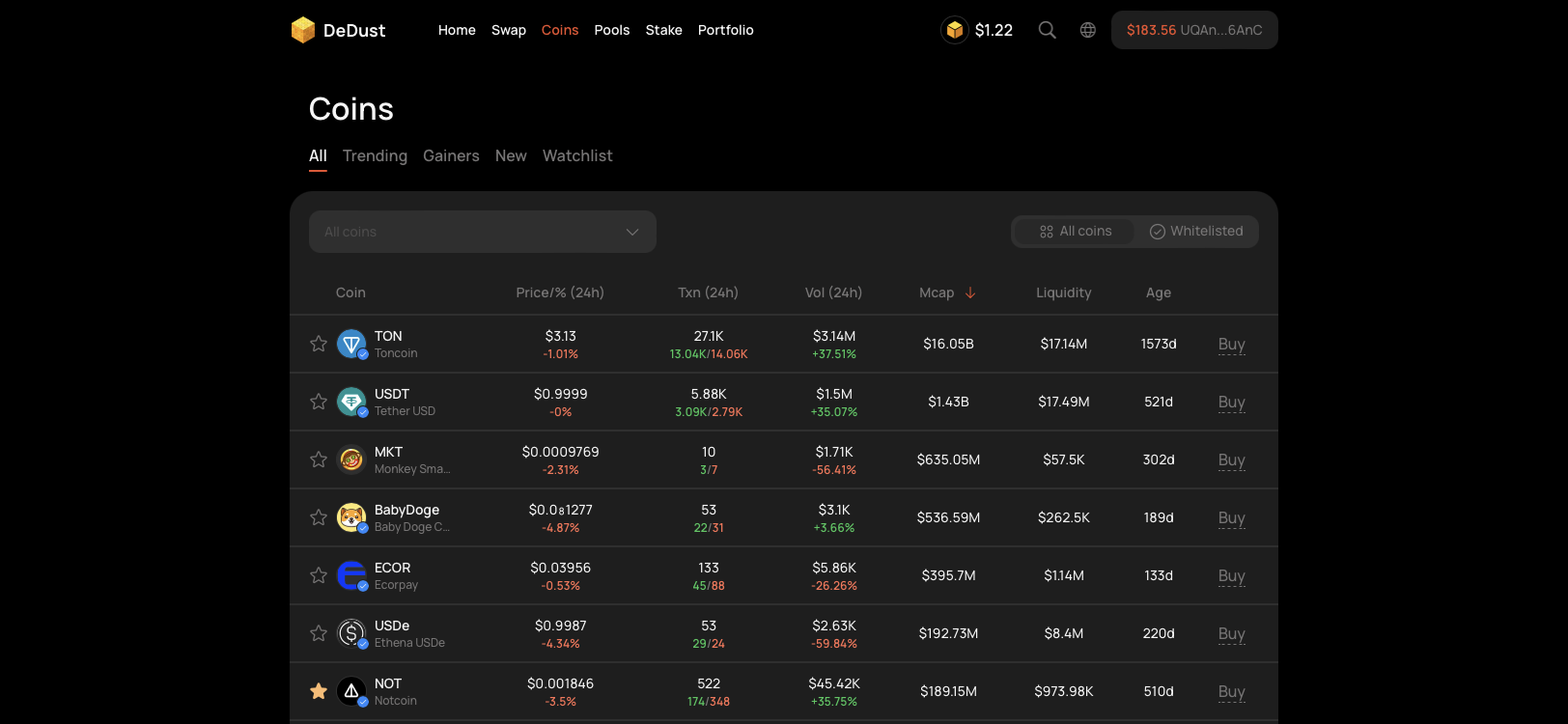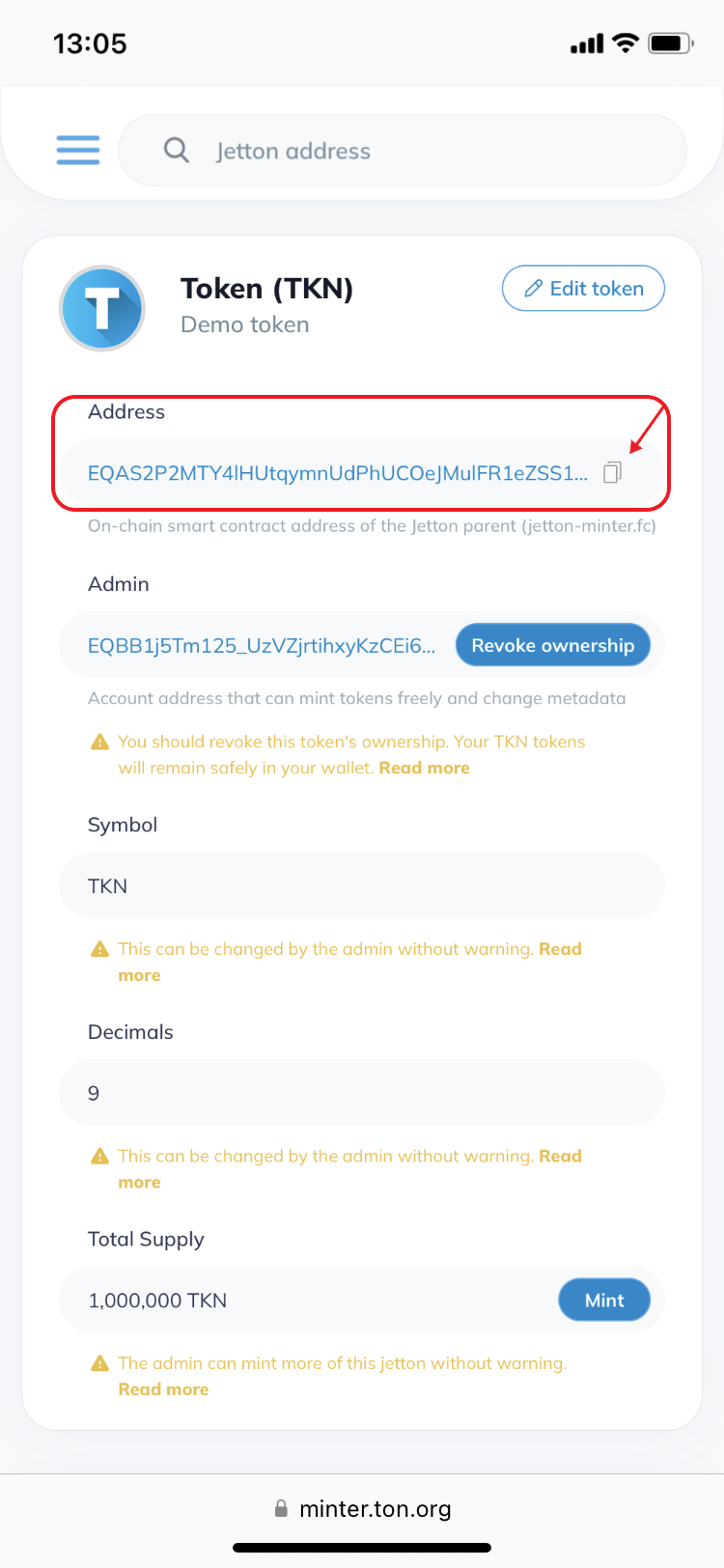
> This is part 1 of 2 of the full documentation (pages 1–100 of 108).
> The content is paginated: fetch every part to see all of it.
> Next part: https://help.dedust.io/en/llms-full.txt/1
> Page index: https://help.dedust.io/en/llms.txt

# About DeDust

{% columns %}
{% column width="66.66666666666666%" %}
**DeDust.io** is a platform designed to be the central DeFi hub for TON users. With robust DeDust Protocol at its core, It lets you [swap tokens](/en/trade/swap), [provide liquidity](/en/liquidity/pools) to earn a share of trading fees, create your own pools, and [launch](/en/launch/mint) trading for a new token.
{% endcolumn %}

{% column %}

<figure><img src="https://85253202-files.gitbook.io/~/files/v0/b/gitbook-x-prod.appspot.com/o/spaces%2FiLJ0WdKUBHXsAEMMSEfd%2Fuploads%2FCnwXeo4C8LlfziSeAmk2%2FGroup%201410092243.png?alt=media&amp;token=1a932f4c-c088-4e51-b8d1-72c86421957c" alt=""><figcaption></figcaption></figure>
{% endcolumn %}
{% endcolumns %}

**What the protocol includes**

* **DEX DeDust v2** — the set of smart contracts behind swaps, liquidity provision and pool creation. Supports multi-hop swaps, stable-swap pairs and boosted pools.
* **Router** — a multi-DEX aggregator that builds routes across liquidity pools throughout the TON ecosystem, not only DeDust's own.

{% hint style="info" %}
[**x1000**](https://x1000.finance/) is a separate product built by the DeDust team — the first trading terminal on TON. It has its own interface and its own documentation at [help.x1000.finance](https://help.x1000.finance).
{% endhint %}

### Official addresses

**These are the only official DeDust addresses:**

* [dedust.io](https://dedust.io/) — the exchange
* [app.dedust.io](https://app.dedust.io/) — mirror, identical to the main site
* [@dedustBot](https://t.me/dedustBot) — Telegram Mini App

{% hint style="danger" %}
Anything else claiming to be DeDust is not. Check the address bar before connecting your wallet.
{% endhint %}

### Customer Support

DeDust has no private support service. All help happens openly in the [community chats](/en/about/community-and-links) — nobody from the team will contact you first.

{% hint style="danger" %}
**How to spot a scammer**

Real team members and community moderators have an **admin title** — visible in the chat's member list and in the top-right corner of each of their messages.

Treat as a scam attempt anyone who:

* writes or calls you privately first;
* offers to solve your problem in DMs;
* claims to be DeDust or x1000 support without an admin title in the chat.

Never share your seed phrase, and never sign a transaction someone sends you. See [Safety rules](/en/start/safety) for the full list.
{% endhint %}


# Community and links

#### Community channels and chats

* [X (Twitter)](https://twitter.com/dedust_io)

**Telegram**

* **English** — [channel](http://t.me/dedust_en) · [chat](http://t.me/dedust_en_chat)
* **Russian** — [channel](http://t.me/dedust_ru) · [chat](http://t.me/dedust_ru_chat)
* **Chinese** — [channel](http://t.me/dedust_zh) · [chat](http://t.me/dedust_zh_chat)
* **Ukrainian** — [channel](http://t.me/dedust_ua) · [chat](http://t.me/dedust_ua_chat)
* **Spanish** — [channel](http://t.me/dedust_es) · [chat](http://t.me/dedust_es_chat)

**Also**

* [New Listings](https://t.me/DeDustListings) — every new token and boost, announced automatically

**Market data**

* [DEX Screener](https://dexscreener.com/ton/dedust) — pairs and charts
* [GeckoTerminal](https://www.geckoterminal.com/ton/dedust-v2/pools) — pools and volumes
* [DefiLlama](https://defillama.com/protocol/dedust) — TVL and protocol stats
* [Dune dashboard](https://dune.com/dedust_io/smart) — on-chain analytics

**For developers**

* [Developer Hub](https://hub.dedust.io/) — smart contracts and API reference
* [Developers TG channel](https://t.me/dedust_dev) · [chat](https://t.me/dedust_dev_chat)

**For projects**

* [Verification form](https://forms.gle/wpFxwtyhBMKu2hs37) — submit your token for verification
* [Brand kit](https://www.figma.com/proto/u8XTSf8Rs7MRboXqW8XhfN/DeDust-Brand-Kit?page-id=0%3A1\&node-id=1-308) — logos and assets


# Wallets

How to start using DeDust?

DeDust is a decentralized exchange: you trade from your own wallet, and your funds never pass through us. To use it you need a **self-custodial** TON wallet — one where the keys belong to you, not to a company.

Accounts on centralized exchanges won't work here. What you need is a wallet app where you're given a **seed phrase** — 12 or 24 words that are the only way to restore access.

### Choosing a wallet

|                                                         | Where it runs                   |
| ------------------------------------------------------- | ------------------------------- |
| [**My Wallet**](https://mywallet.io/) (ex. MyTonWallet) | app, desktop, browser extension |
| [**Tonkeeper**](https://tonkeeper.com/)                 | app, desktop, browser extension |
| [**Gram Wallet**](https://wallet.ton.org/)              | web wallet                      |

Any of them works with DeDust.

> **Keep some GRAM in your wallet.** Every transaction on TON costs a small [network fee](/en/protocol/fees#network-fees), paid in GRAM — even when you're swapping other tokens. Without a GRAM balance nothing will go through.

### Connecting to DeDust

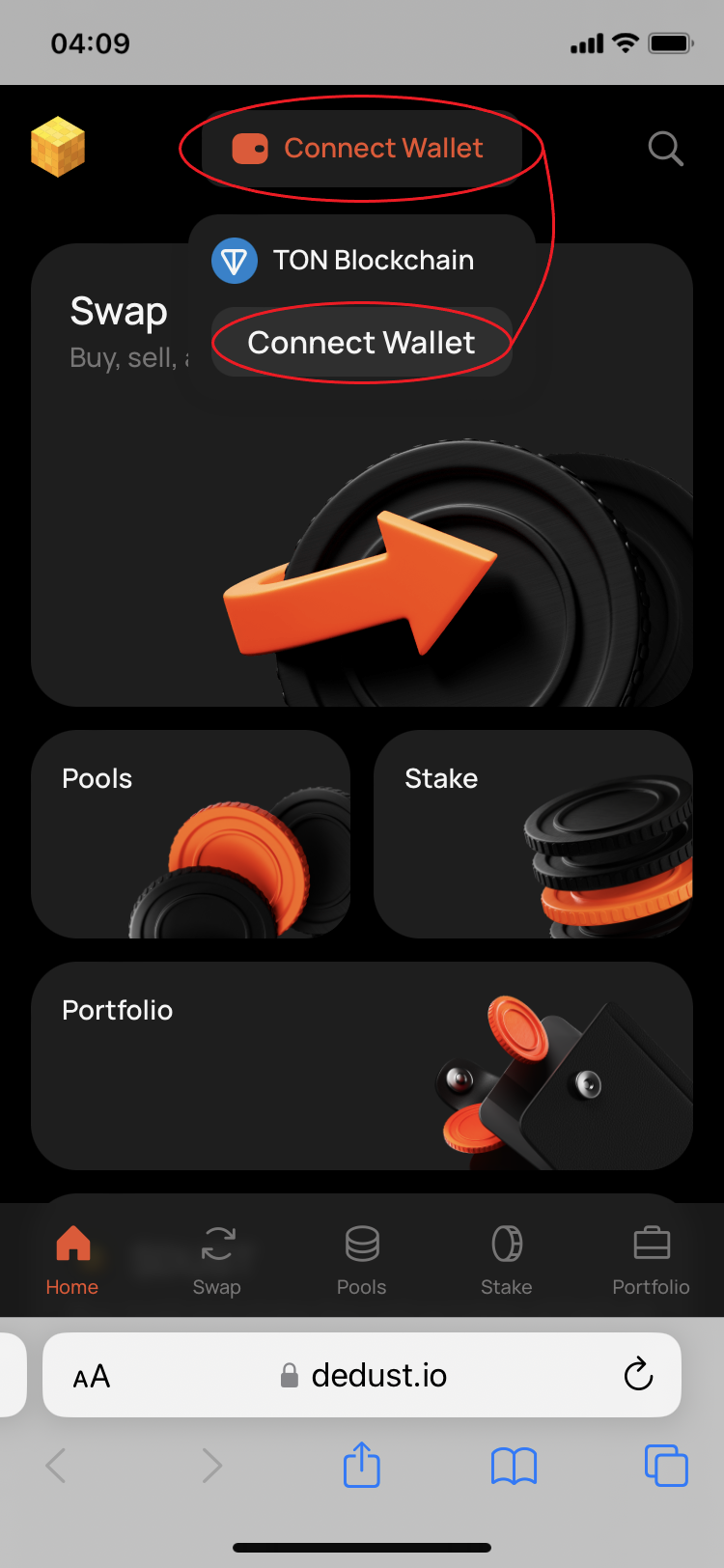
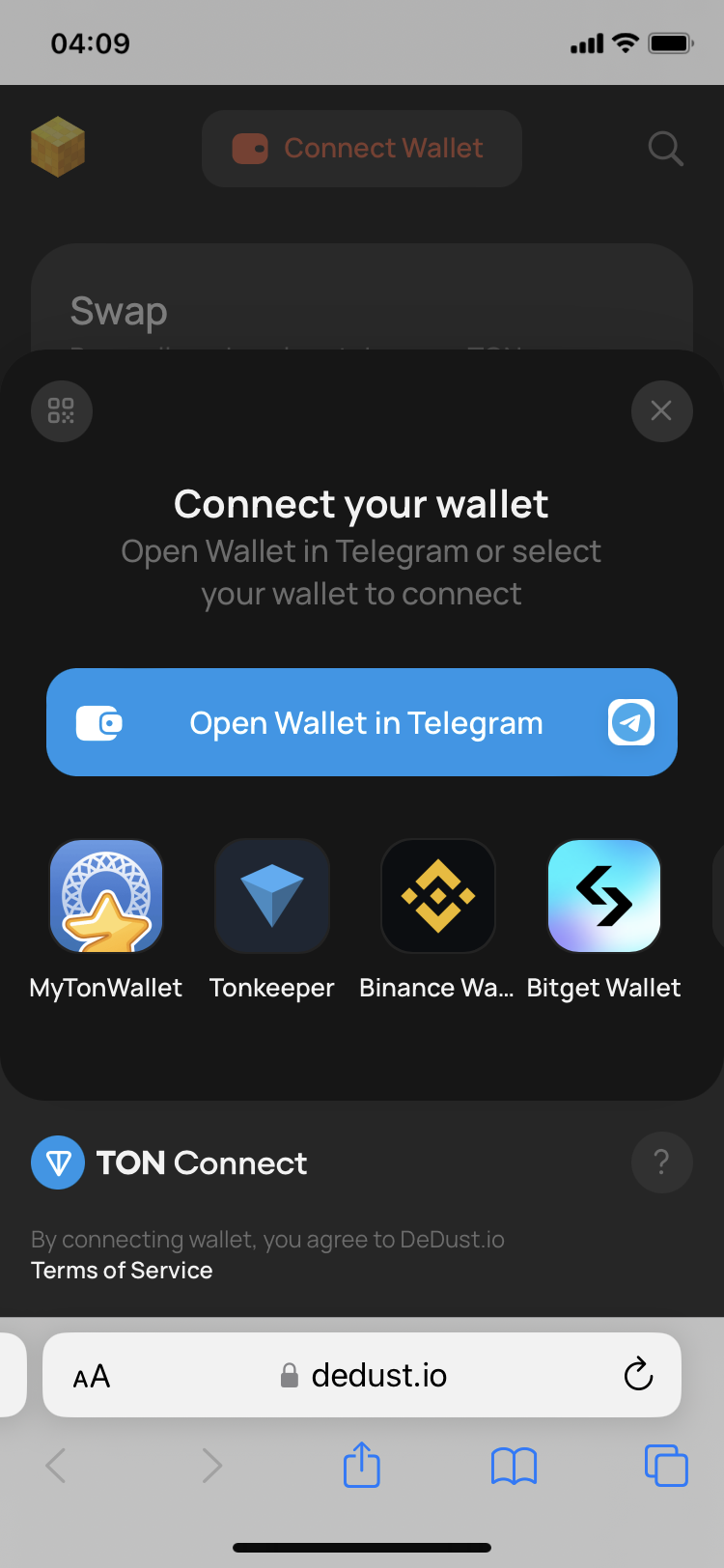
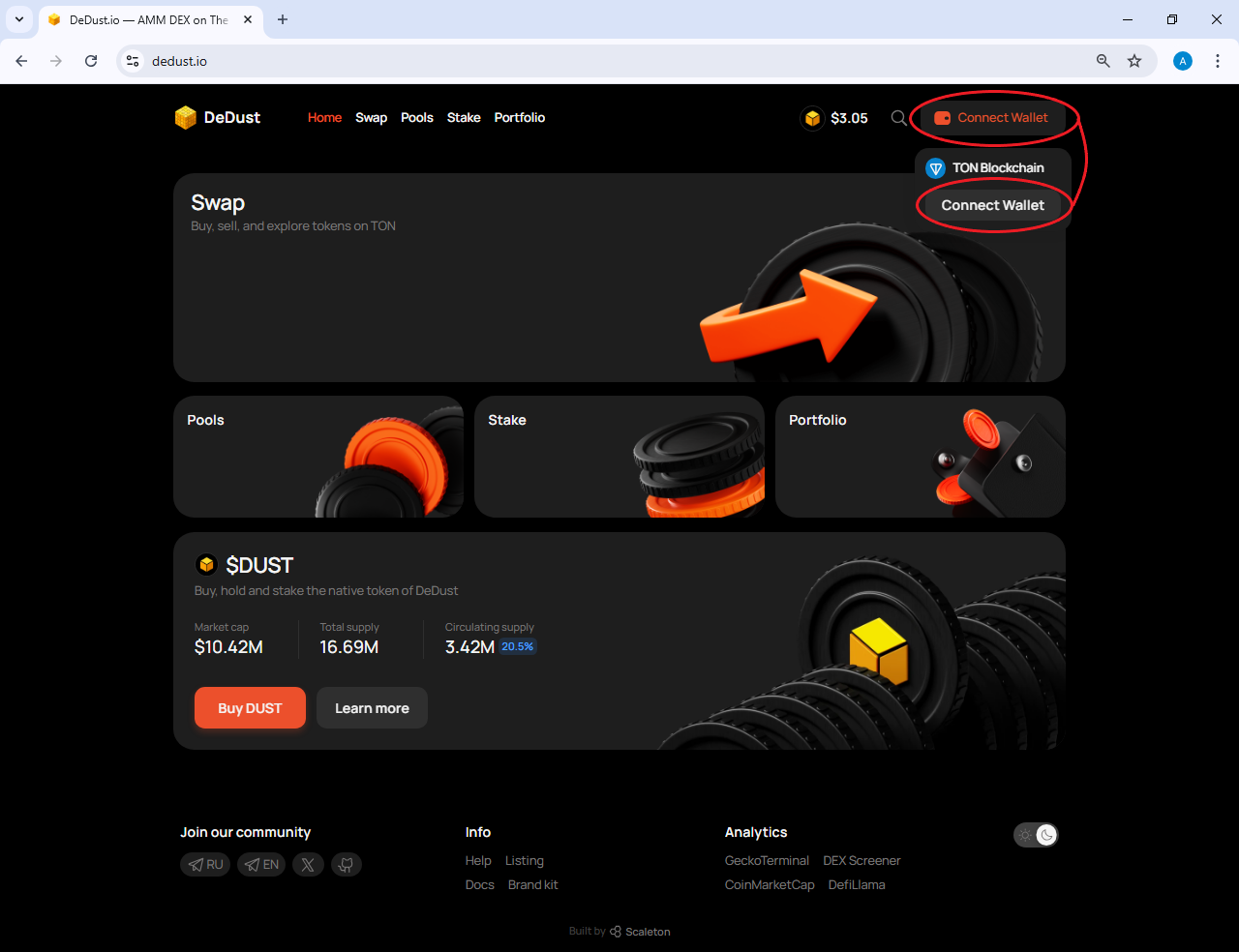
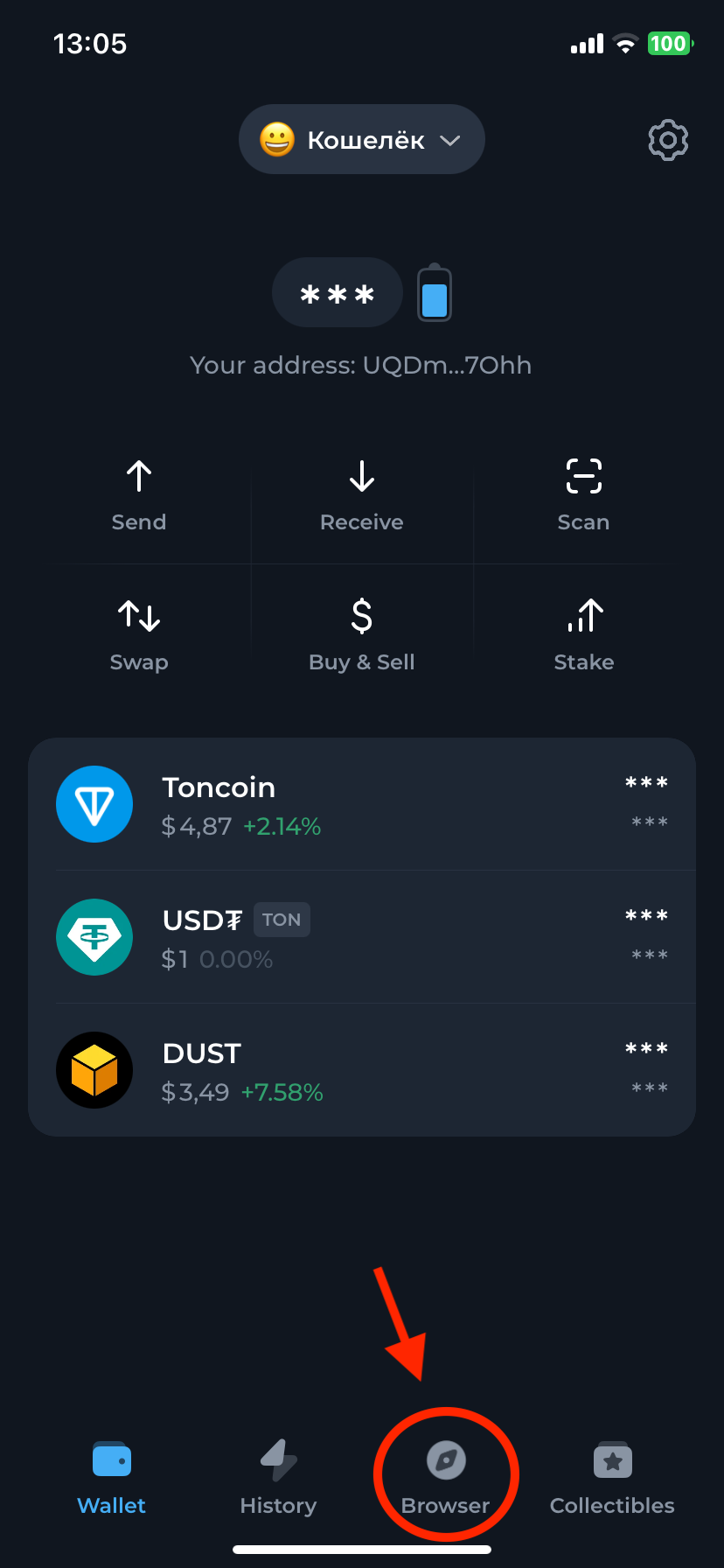
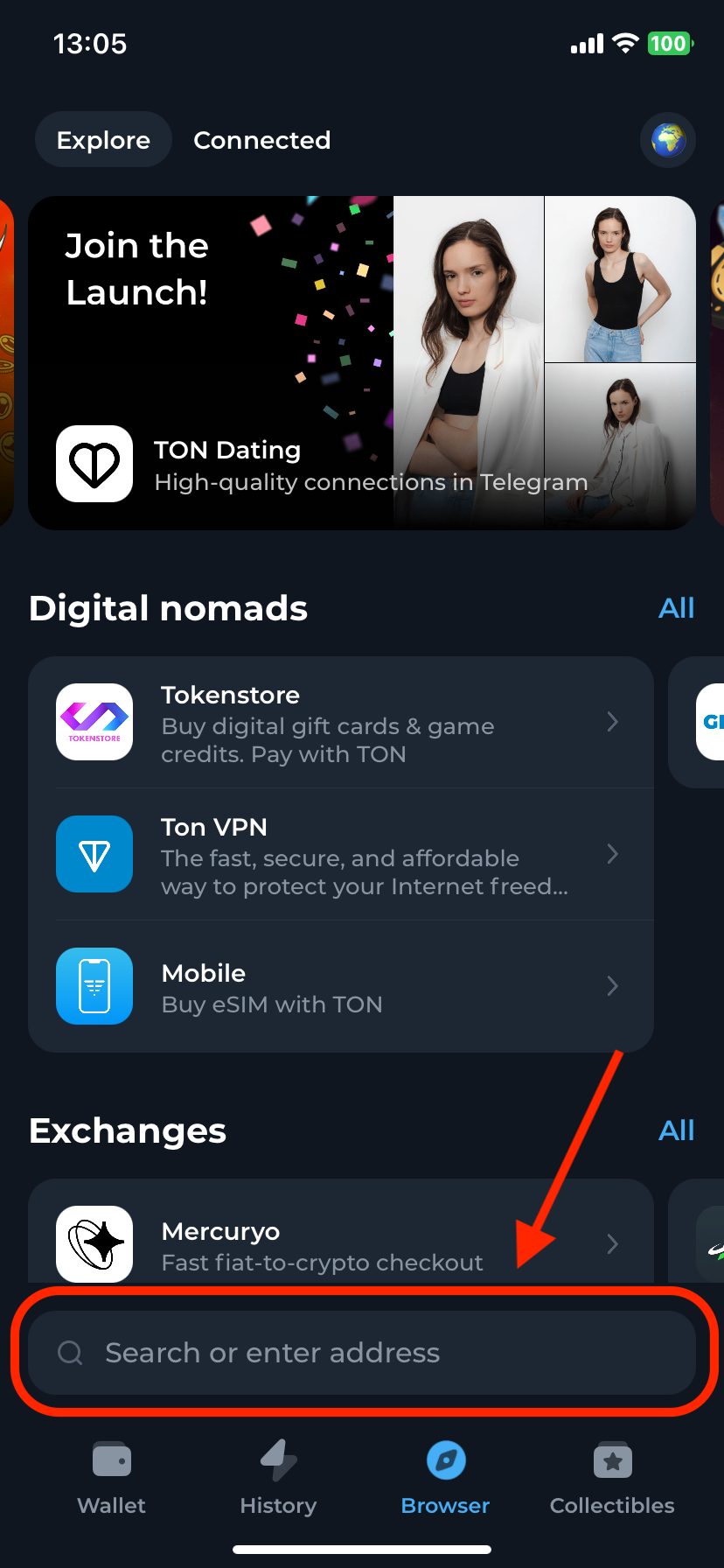
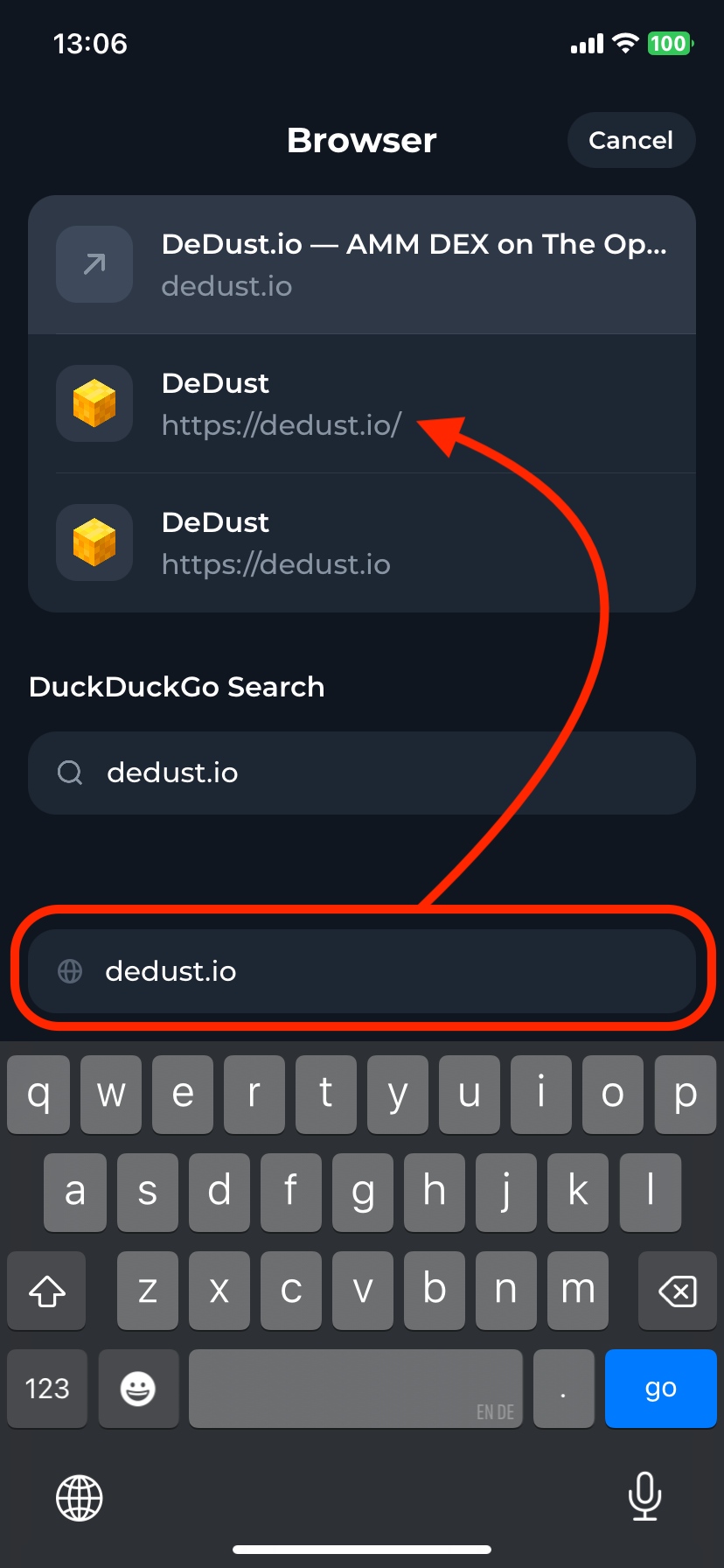
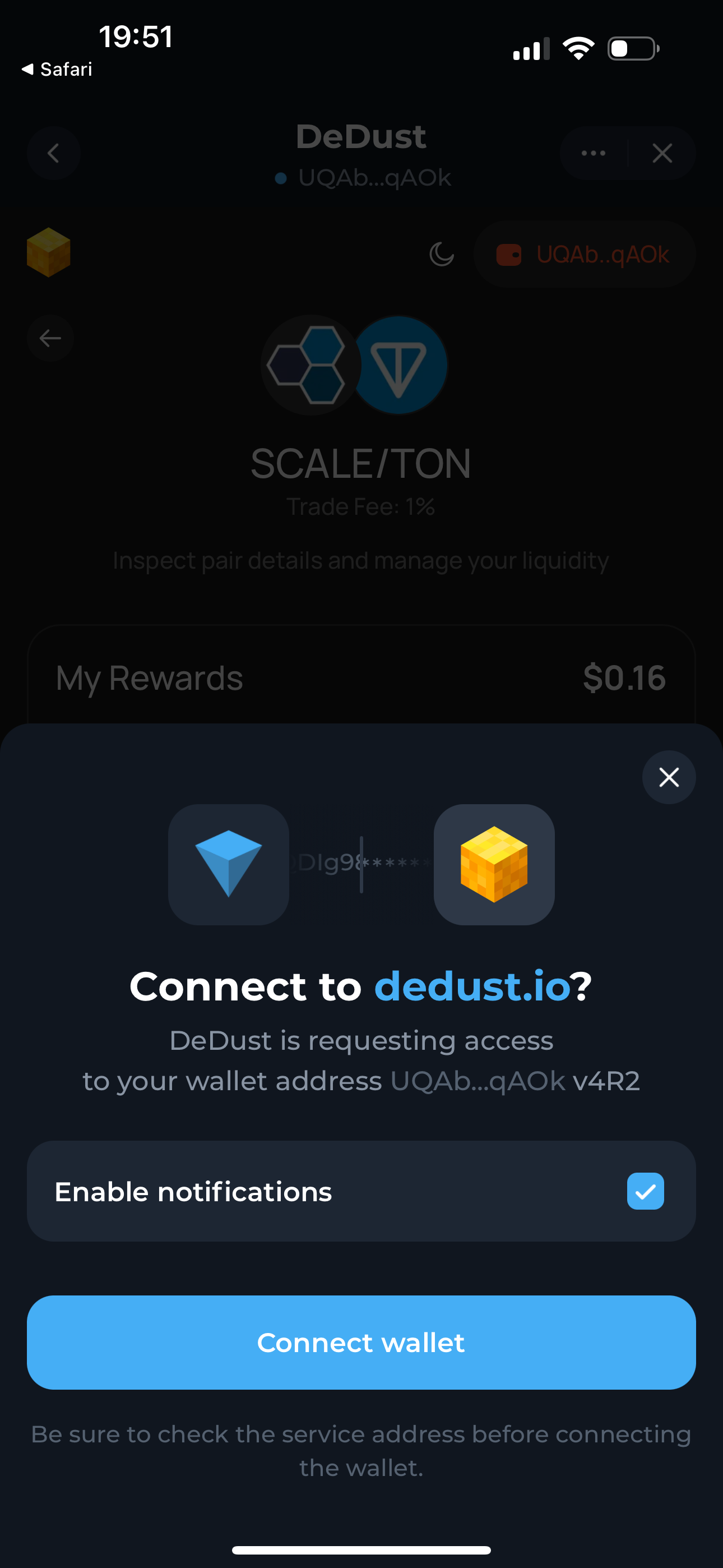
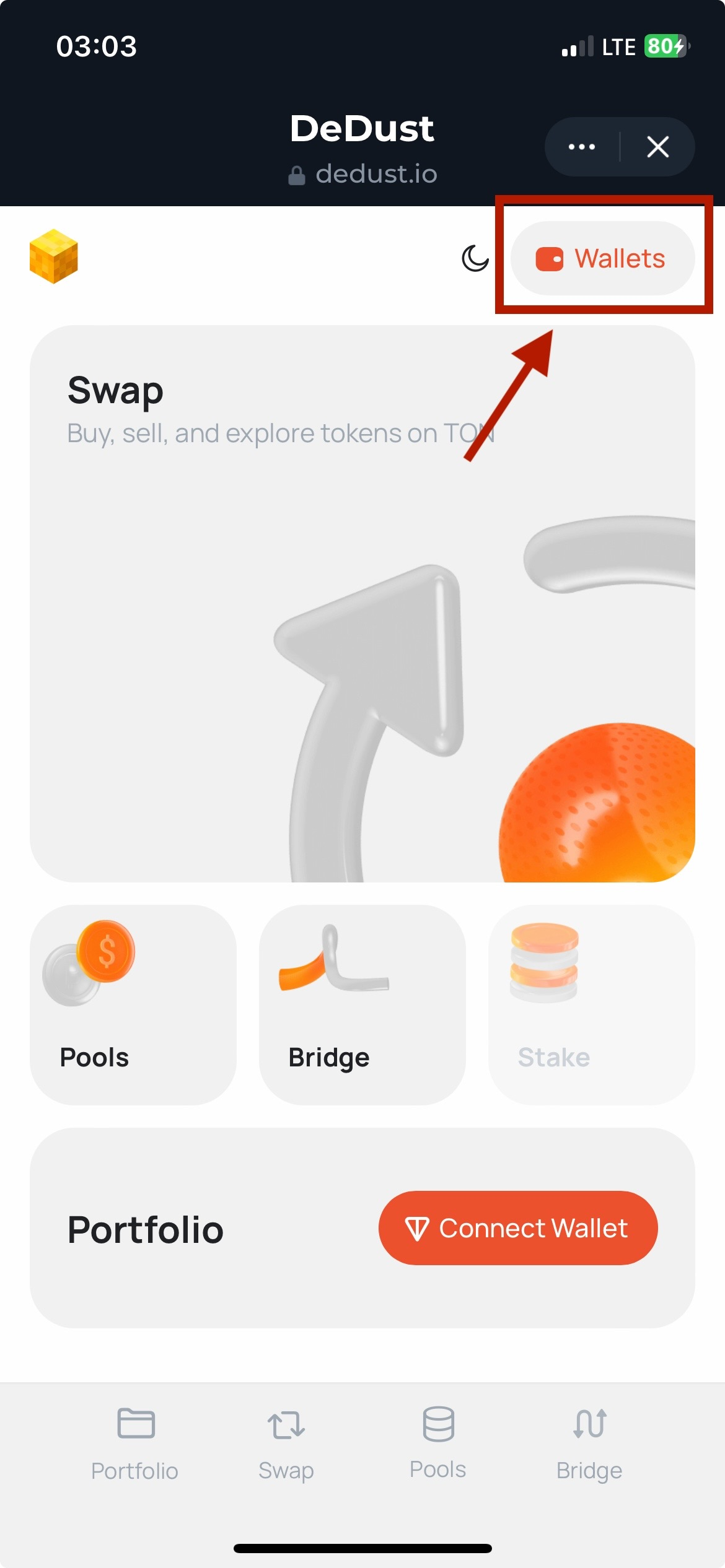
1. Open [dedust.io](https://dedust.io) and press **Connect wallet**.
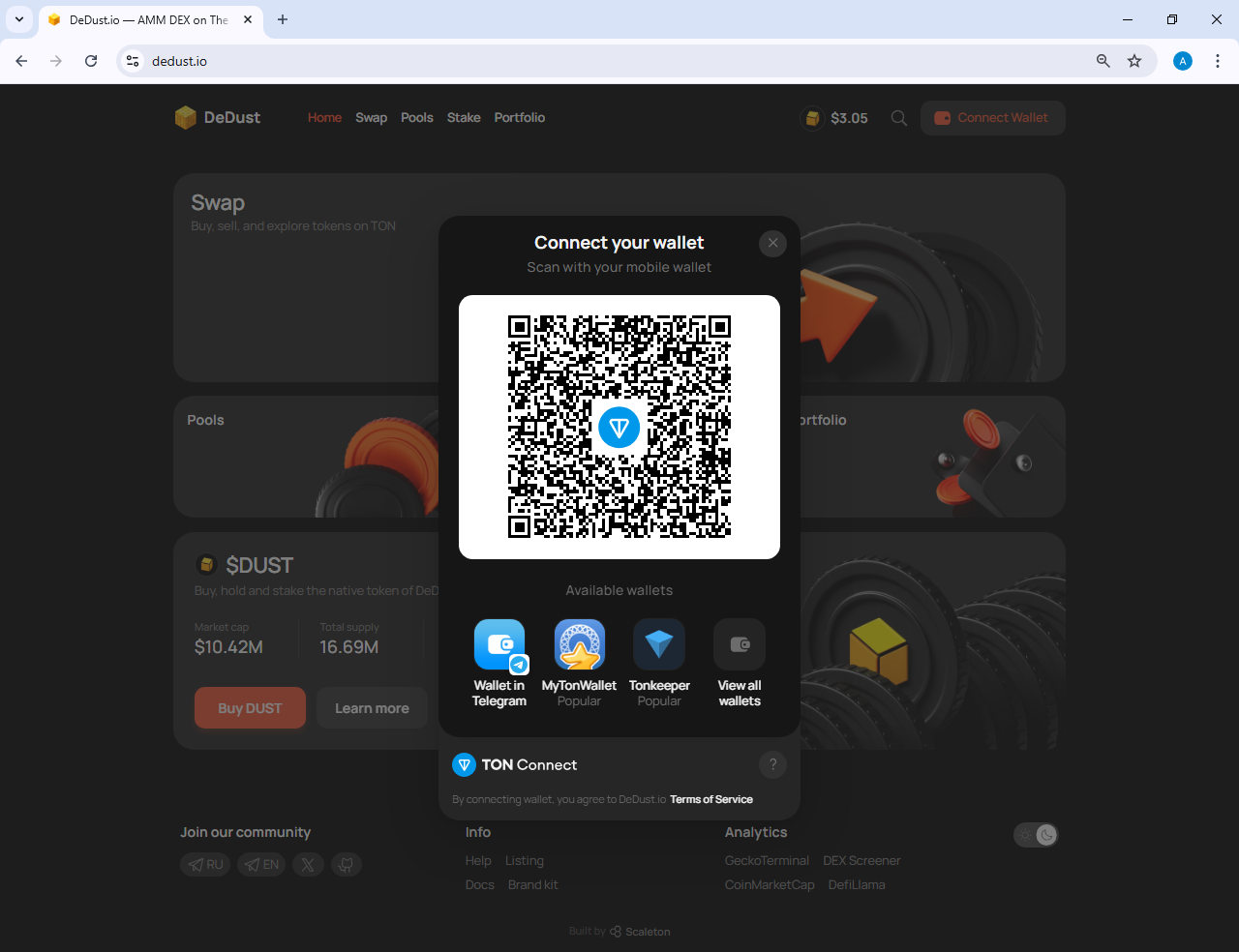
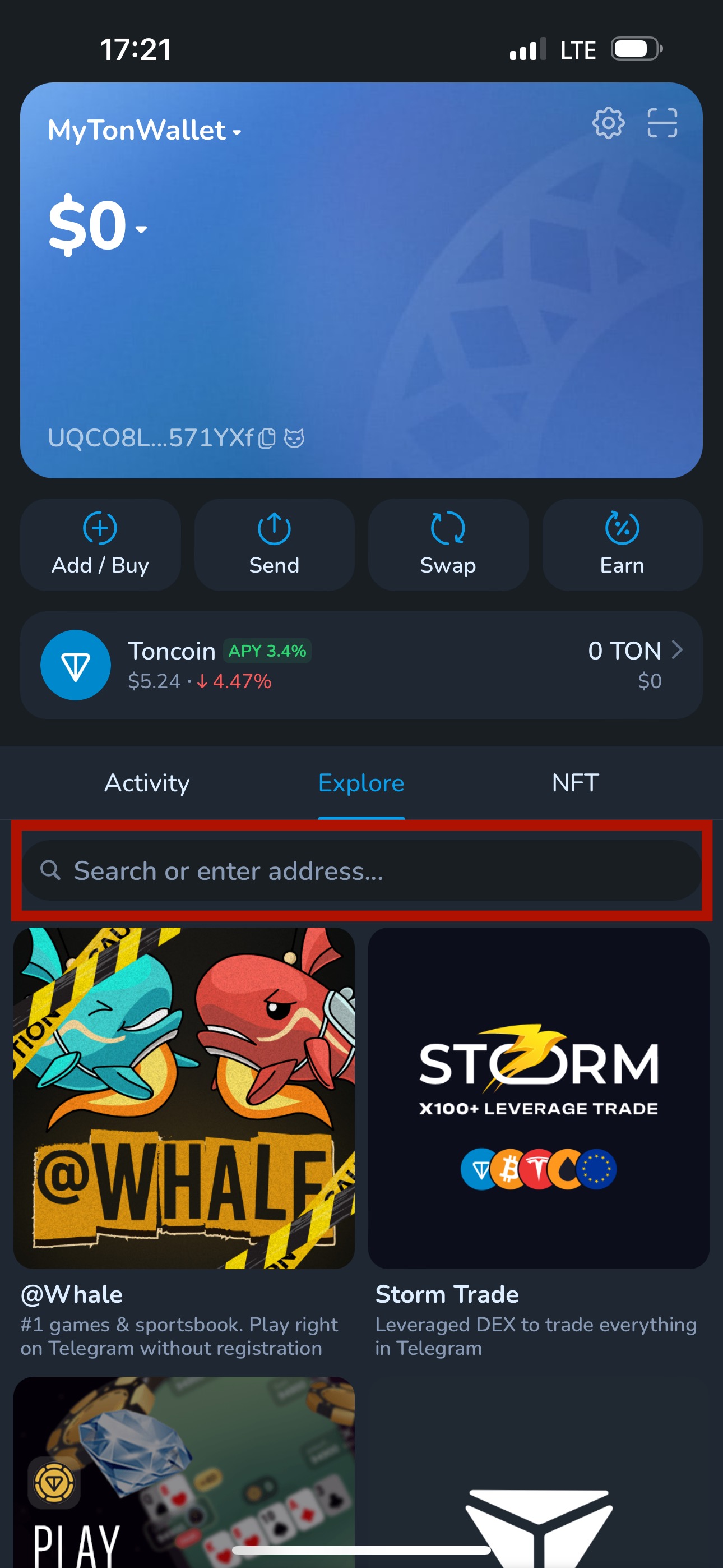
2. Pick your wallet from the list.
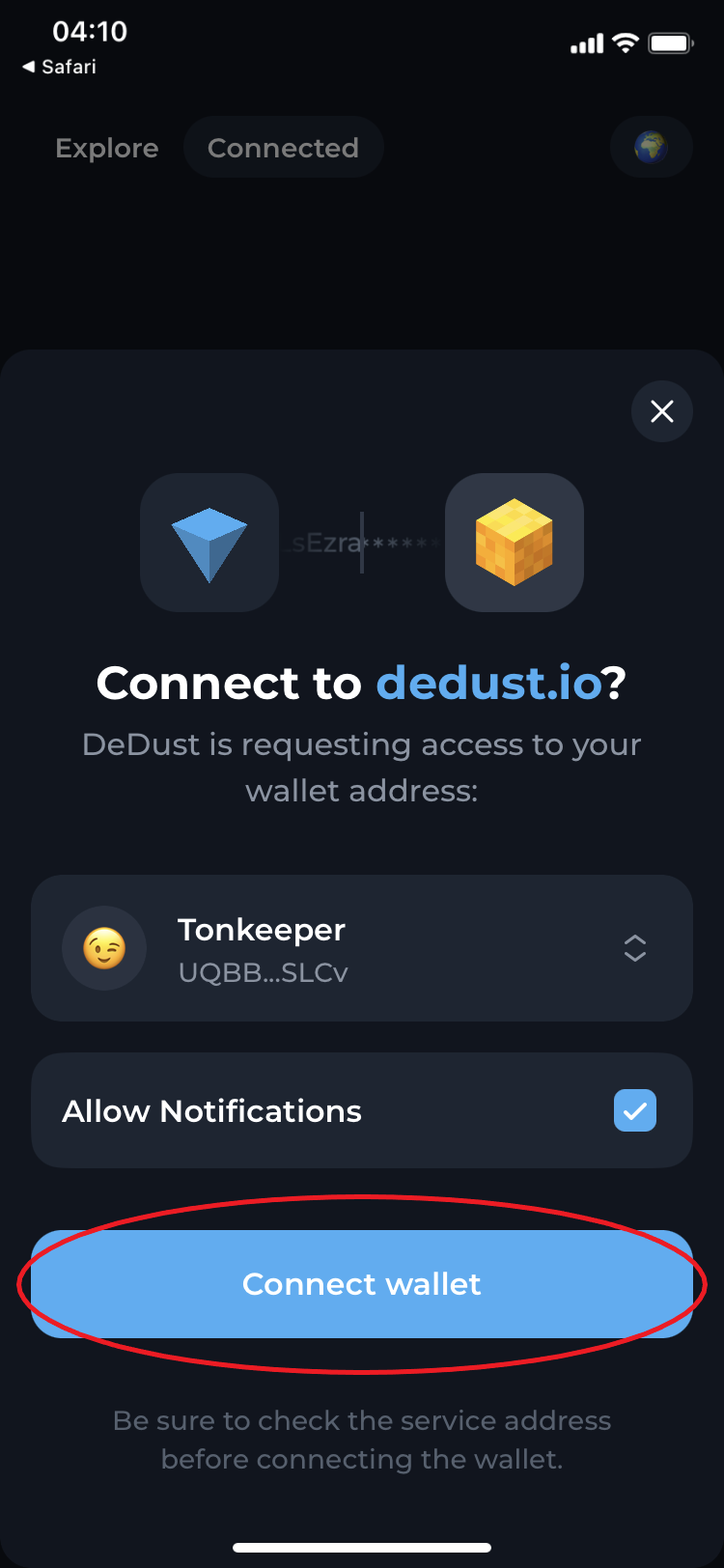
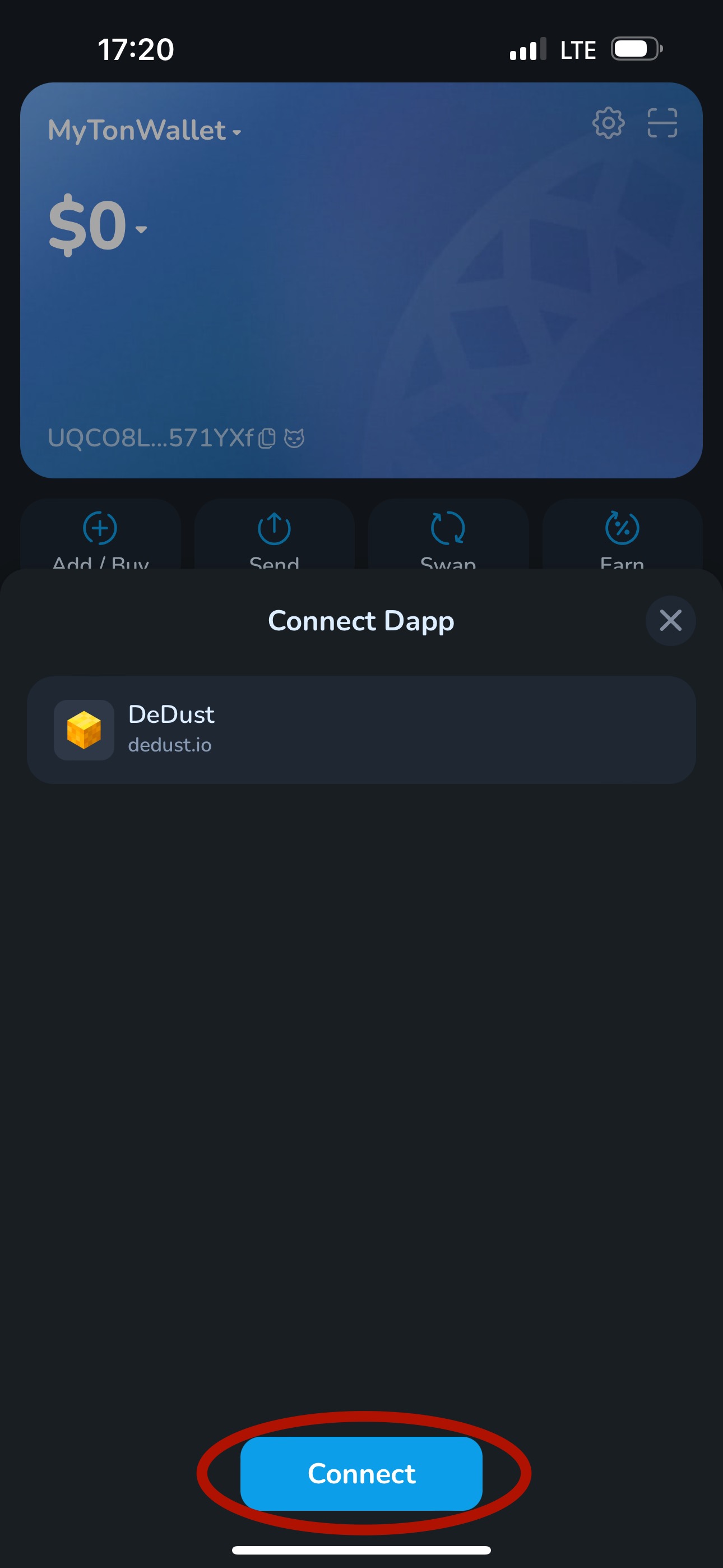
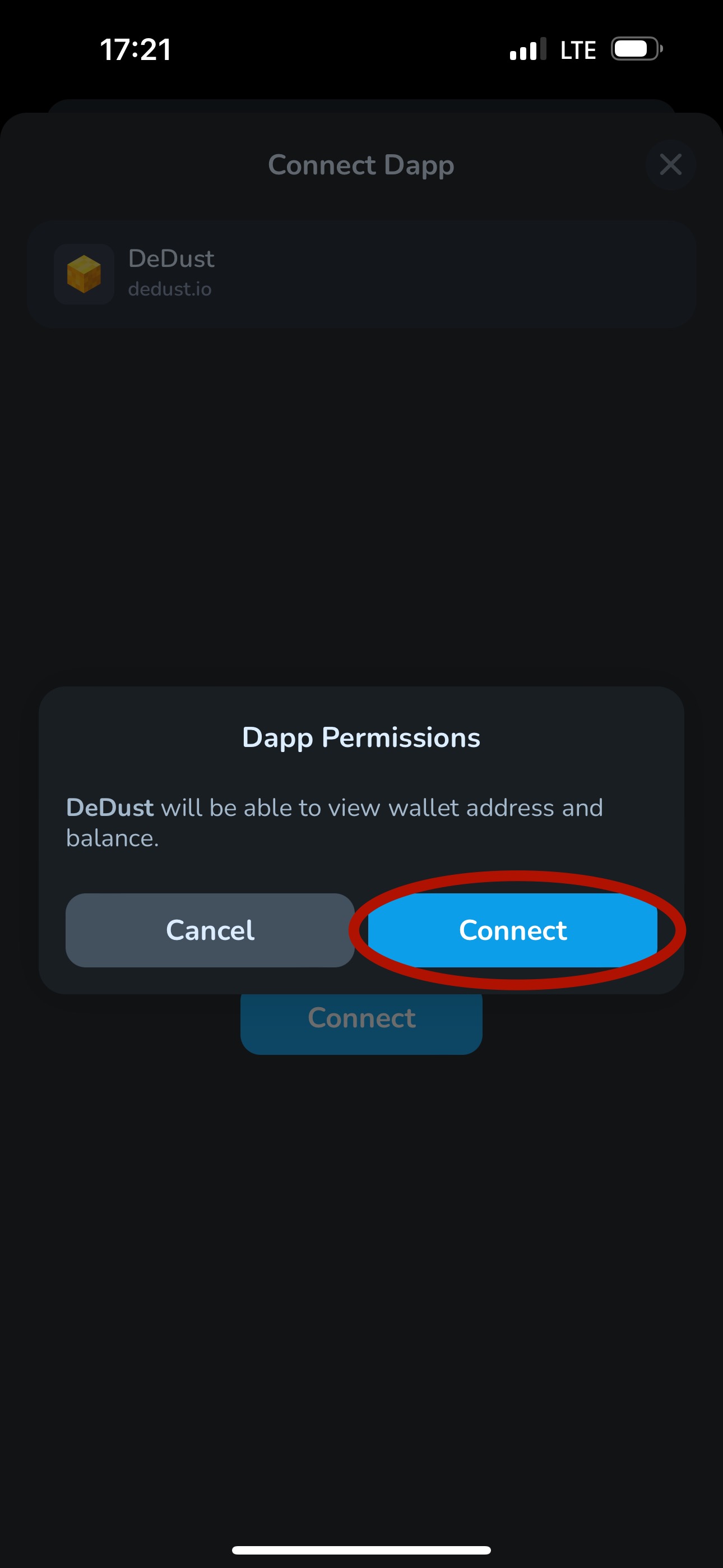
3. Confirm the connection in the wallet app.

Connecting only lets DeDust see your address and propose transactions. **Every transfer still has to be signed by you** — the site can't move your funds on its own.

To disconnect, press your address in the top-right corner and choose **Disconnect**.

### Keep your wallet safe

> ⚠️ **Your seed phrase is your money.**
>
> * Write it down offline. If you lose it, nobody can recover your funds — not the wallet developers, not DeDust.
> * Never enter it anywhere except your own wallet app during recovery. No site, bot or support agent will ever need it.
> * Read every transaction before signing.
>
> See [Safety rules](/en/start/safety) for the full list.


# Safety rules

Before you go, stamp the following basics into your mind:

{% hint style="danger" %}

* **NEVER share your seed phrase**\
  *Even if someone is saying he/she is from DeDust team.*

* **NEVER lose your seed phrase**\
  *In* [*DeFi*](#user-content-fn-1)[^1] *nobody's able to help you reach your funds.*

* **NEVER connect your wallet to untrusted platforms or bots / miniapps**\
  *Even if it looks completely the same as origins or was shared to you by someone impersonating DeDust team. Always double-check.*
  {% endhint %}

{% hint style="warning" %}

* Carefully store your seed phrase and make sure to have at least one its backup, not to lose it.
* 'Not your keys — not your crypto'. Using custodial cryptowallets, you risk to lose access to your funds.
* Use anti-virus software on your device, only official versions and up to date wallet apps.
* Always DYOR[^2]. Only you are responsible for your funds and it's only up to you how you treat them.
  {% endhint %}

{% hint style="success" %}

* Always refer to this guide to verify any links and [official socials/contacts](/en/about/community-and-links) of DeDust team.
* First think (and ask) — act after.
  {% endhint %}

[^1]: Decentralized Finance

[^2]: Do Your Own Research


# DeDust Glossary

### **A**

<details>

<summary><a href="/en/trade/router"><strong>Aggregator</strong></a></summary>

A platform that consolidates [liquidity](#liquidity) from various decentralized exchanges (see [DEX](#dex)) to provide users with the best exchange rates and minimize [slippage](#slippage).

</details>

<details>

<summary><strong>Airdrop</strong></summary>

Free distribution of [tokens](#token) to users for performing certain actions or holding specific assets.

</details>

<details>

<summary><strong>AMM (Automated Market Maker)</strong></summary>

An automated market-making algorithm that determines asset prices on a [DEX](#dex) without an order book. Instead, the price is calculated using a mathematical formula based on the ratio of [tokens](#token) in the [pool](#pool).

</details>

<details>

<summary><strong>APR (Annual Percentage Rate)</strong></summary>

Annual interest rate without compound interest. Shows how much you will earn in a year under constant conditions.

</details>

<details>

<summary><strong>APY (Annual Percentage Yield)</strong></summary>

Annual [yield](#yield) including compound interest (reinvestment). Usually higher than [APR](#apr-annual-percentage-rate) as it accounts for capitalization.

</details>

<details>

<summary><strong>Arbitrage</strong></summary>

A strategy of earning on price differences of the same asset across different platforms or [pools](#pool). Arbitrageurs help equalize prices between [DEXs](#dex).

</details>

<details>

<summary><strong>ATH (All-Time High)</strong></summary>

The highest price of an asset in its entire history.

</details>

<details>

<summary><strong>ATL (All-Time Low)</strong></summary>

The lowest price of an asset in its entire history.

</details>

### B

<details>

<summary><a href="/en/liquidity/boosts"><strong>Boost</strong></a></summary>

A mechanic that allows anyone to add extra [token](#token) rewards for [liquidity providers](#liquidity-provider-lp) on top of exchange fees.

</details>

<details>

<summary><strong>Bridge</strong></summary>

A [protocol](#protocol-defi-protocol) for transferring [tokens](#token) between different blockchains. For example, transferring USDT from Ethereum to TON.

</details>

<details>

<summary><strong>Burning</strong></summary>

Irreversible destruction of [tokens](#token) by sending them to an inaccessible address. Reduces total supply and may help increase the price.

</details>

### C

<details>

<summary><strong>CA (Contract Address)</strong></summary>

The unique address of a [smart contract](#smart-contract) on the blockchain. Controlled by code and has no [private key](#private-key). Used to interact with [tokens](#token) and [dApps](#dapp). It is important to verify the CA to avoid buying a fake token.

</details>

<details>

<summary><strong>CEX (Centralized Exchange)</strong></summary>

A centralized exchange that custodies user funds and manages trading. Examples: Binance, Coinbase, Bybit.

</details>

<details>

<summary><a href="/en/liquidity/pools/types#claimable-fees-pool-cpmm-v2"><strong>Constant Product Formula</strong></a></summary>

The formula x × y = k, which underlies most [AMMs](#amm-automated-market-maker). The product of the quantities of two [tokens](#token) in a [pool](#pool) remains constant during [swaps](#swap).

</details>

### D

<details>

<summary><strong>DAO</strong></summary>

Decentralized Autonomous Organization governed by a community of [token](#token) holders. Decisions are made collectively through voting, without central leadership.

</details>

<details>

<summary><strong>dApp</strong></summary>

A decentralized application running on a blockchain via [smart contracts](#smart-contract). A [DEX](#dex) is a type of dApp.

</details>

<details>

<summary><strong>DCA (Dollar-Cost Averaging)</strong></summary>

An investment strategy where you invest a fixed amount of money at regular intervals, regardless of market conditions. Key benefits: reduces timing risk, lowers average price over time, minimizes emotional stress.

</details>

<details>

<summary><strong>DeFi</strong></summary>

Decentralized Finance. An ecosystem of financial services (exchange, lending, [staking](#staking)) without intermediaries, running on [smart contracts](#smart-contract).

</details>

<details>

<summary><strong>DEX</strong></summary>

A decentralized exchange for trading cryptocurrencies directly between users. Runs on [smart contracts](#smart-contract) without intermediaries. Examples: DeDust, Uniswap, PancakeSwap.

</details>

<details>

<summary><strong>DEX Aggregator</strong></summary>

See [Aggregator](#aggregator).

</details>

### E

<details>

<summary><a href="broken://pages/NKK2NNCyIdHwz7CfF1TB"><strong>Expert mode</strong></a></summary>

A trading mode on DeDust that disables the [swap](#swap) confirmation window and allows swaps with a high [price impact](#price-impact).

</details>

### F

<details>

<summary><strong>Farming (Yield Farming)</strong></summary>

A strategy for earning additional income in [DeFi](#defi) by [providing liquidity](#liquidity-provider-lp), [staking](#staking) [LP tokens](#lp-token), or participating in [protocol](#protocol-defi-protocol) reward programs.

</details>

<details>

<summary><strong>Fiat</strong></summary>

Traditional currencies (USD, EUR) not backed by physical assets, whose value is guaranteed by governments.

</details>

### G

<details>

<summary><strong>Gas</strong></summary>

A fee for executing a transaction on the blockchain. Paid in the network's [native coin](#native-coin).

</details>

<details>

<summary><strong>Governance Token</strong></summary>

A [token](#token) giving the holder voting rights in a [DAO](#dao). Allows participating in [protocol](#protocol-defi-protocol) governance, proposing, and voting on changes.

</details>

### H

<details>

<summary><strong>HODL (Hold)</strong></summary>

A strategy of long-term holding of cryptocurrency regardless of market [volatility](#volatility). Originates from a typo "I AM HODLING" on the Bitcointalk forum in 2013.

</details>

<details>

<summary><strong>Honeypot</strong></summary>

A fraudulent [token](#token) that can be bought but cannot be sold due to hidden restrictions in its [smart contract](#smart-contract). Always check the [CA](#ca-contract-address) before buying unfamiliar tokens.

</details>

### I

<details>

<summary><strong>Impermanent Loss (IL)</strong></summary>

Temporary loss for a [liquidity provider](#liquidity-provider-lp) due to changes in the [token](#token) price ratio in the [pool](#pool) compared to a simple holding strategy ([HODL](#hodl-hold)). Becomes permanent only upon withdrawal.

</details>

### J

<details>

<summary><strong>Jetton</strong></summary>

A standard for fungible tokens on TON blockchain. Analogous to ERC-20 on Ethereum.

</details>

### K

<details>

<summary><strong>KOL</strong></summary>

Key Opinion Leader, an influential figure in the crypto community whose forecasts and recommendations are listened to by the audience.

</details>

### L

<details>

<summary><strong>Liquid Asset</strong></summary>

Assets, like USDT or GRAM, that may be easily exchanged one for another, or for [fiat](#fiat) cash, on multiple platforms, and recognized worldwide.

</details>

<details>

<summary><strong>Liquidity</strong></summary>

Assets and their sufficiency. Availability of assets for trading. High liquidity = low [price impact](#price-impact) and [slippage](#slippage) during [swaps](#swap).

</details>

<details>

<summary><strong>Liquidity Mining</strong></summary>

A reward program where a [protocol](#protocol-defi-protocol) distributes its [tokens](#token) to [liquidity providers](#liquidity-provider-lp) to attract [TVL](#tvl).

</details>

<details>

<summary><strong>Liquidity Provider (LP)</strong></summary>

[DEX](#dex) users that deposit their crypto assets into a [pool](#pool). LPs provide the fuel that lets traders [swap](#swap) one [token](#token) for another instantly. In return, LPs earn a cut of the platform's trading fees.

</details>

<details>

<summary><a href="/en/liquidity/pools"><strong>Liquidity Pool</strong></a></summary>

A [smart contract](#smart-contract) containing a pair of [tokens](#token) to enable trading on a [DEX](#dex). Users deposit tokens and earn a share of trading fees.

</details>

<details>

<summary><strong>LP Token</strong></summary>

A receipt [token](#token) confirming your share in a [liquidity pool](#liquidity-pool). Can be used for [farming](#farming-yield-farming) or redeemed back for the underlying tokens.

</details>

### M

<details>

<summary><strong>Market Maker</strong></summary>

A market participant providing [liquidity](#liquidity) for trading. On [DEXs](#dex), this role is performed by [AMMs](#amm-automated-market-maker) and [liquidity providers](#liquidity-provider-lp).

</details>

<details>

<summary><strong>Multi-hop</strong></summary>

A [swap](#swap) through multiple [pools](#pool) sequentially. For example: NOT → GRAM → USDT, if a direct pair doesn't exist or if this route is more profitable.

</details>

### N

<details>

<summary><strong>Native coin</strong></summary>

A primary cryptocurrency of the blockchain built directly into it, acting as the "official currency" of that specific network. Examples: Bitcoin (BTC) on the Bitcoin network, Ether (ETH) on the Ethereum, Gram (GRAM) on The Open Network blockchain.

</details>

<details>

<summary><a href="/en/protocol/fees#blockchain-fees-or-network-fees"><strong>Network fee</strong></a></summary>

See [Gas](#gas).

</details>

<details>

<summary><strong>Non-custodial wallet</strong></summary>

A crypto [wallet](#wallet) where you control your own [private keys](#private-key). These are the secret passwords (a seed phrase) that prove ownership of your funds. Because no third party, like a bank or exchange, holds your keys, you have total control over your assets.

</details>

### O

<details>

<summary><strong>Oracle</strong></summary>

A service providing external data (usually prices) to the blockchain. Used by [DEXs](#dex) to determine fair prices and protect against manipulation.

</details>

### P

<details>

<summary><strong>Pool</strong></summary>

See [Liquidity Pool](#liquidity-pool).

</details>

<details>

<summary><strong>Private Key</strong></summary>

An alphanumeric code generated by a cryptocurrency [wallet](#wallet) to authorize transactions and prove ownership of blockchain assets. Private keys are essential for accessing cryptocurrency funds, and losing them means losing access to your crypto.

A seed phrase is typically a 12 to 24-word master backup for your crypto wallet. A private key is a long string of numbers and letters that controls a single address. Your seed phrase acts as a master key to recreate all of your private keys.

</details>

<details>

<summary><strong>Protocol (DeFi Protocol)</strong></summary>

[DeFi](#defi) protocols are open-source financial applications built on public blockchains (like TON or Ethereum) that replace traditional banking intermediaries with self-executing code, known as [smart contracts](#smart-contract). Instead of relying on a bank to facilitate transactions, or on a [centralized exchange](#cex-centralized-exchange), users interact directly with these protocols using a [self-custodial crypto wallet](#self-custodial-wallet).

</details>

<details>

<summary><strong>Protocol Fee</strong></summary>

A share of trading fees that goes to the [protocol](#protocol) (e.g., for its [token](#token) buyback and [burn](#burning) or project budget) rather than being distributed to [liquidity providers](#liquidity-provider-lp).

</details>

<details>

<summary><a href="/en/trade/price_impact"><strong>Price Impact</strong></a></summary>

The effect of your trade on the asset price in the [pool](#pool). The larger the trade relative to [pool](#pool) [liquidity](#liquidity), the higher the price impact.

</details>

### Q

<details>

<summary><strong>Q-Day</strong></summary>

Quantum computers threaten to crack the cryptographic systems protecting Bitcoin and other digital assets. Experts predict this threshold - often called "Q-Day" - could arrive as early as 2029.

</details>

### R

<details>

<summary><a href="/en/trade/router"><strong>Routing</strong></a></summary>

The path a [token](#token) [swap](#swap) takes. [Aggregators](#aggregator) find the optimal route through various [pools](#pool) and [DEXs](#dex) for the best price.

</details>

<details>

<summary><strong>Rug Pull</strong></summary>

A fraudulent scheme where project creators suddenly withdraw [liquidity](#liquidity) or user funds.

</details>

### S

<details>

<summary><a href="/en/start/wallet"><strong>Self-custodial wallet</strong></a></summary>

See [Non-custodial wallet](#non-custodial-wallet).

</details>

<details>

<summary><a href="broken://pages/iK3muqG7UDbeJp1n4f0v"><strong>Slippage</strong></a></summary>

The difference between the expected and actual transaction price. Occurs due to price changes between transaction submission and execution, caused by low [liquidity](#liquidity) / high [volatility](#volatility).

</details>

<details>

<summary><strong>Slippage Tolerance</strong></summary>

The maximum allowable [slippage](#slippage) you set. If the price changes more than this, the transaction is cancelled.

</details>

<details>

<summary><strong>Smart Contract</strong></summary>

A program code on a blockchain that automatically executes when specified conditions are met. [DEXs](#dex) run on smart contracts.

</details>

<details>

<summary><strong>Snapshot</strong></summary>

A "snapshot" of the blockchain state at a specific moment (at a specific block number). Used to record wallet balances before [token](#token) distributions (see [Airdrop](#airdrop)) or to determine voting rights in governance (see [DAO](#dao)).

</details>

<details>

<summary><strong>Split Swap</strong></summary>

Splitting a single [swap](#swap) into parts across different [pools](#pool) or [DEXs](#dex) to minimize [price impact](#price-impact). Used by [aggregators](#aggregator).

</details>

<details>

<summary><strong>Stablecoin</strong></summary>

A cryptocurrency pegged to a stable asset (usually the dollar). Examples: USDT, USDC.

</details>

<details>

<summary><strong>Staking</strong></summary>

Locking [tokens](#token) to receive rewards. Can be native (network validation) or in [DeFi protocols](#protocol-defi-protocol).

</details>

<details>

<summary><a href="/en/trade/swap"><strong>Swap</strong></a></summary>

Exchanging one [token](#token) for another on a [DEX](#dex). Unlike trading on a [CEX](#cex-centralized-exchange), it happens directly via a [smart contract](#smart-contract).

</details>

### T

<details>

<summary><strong>Token</strong></summary>

See [Jetton](#jetton).

</details>

<details>

<summary><strong>TVL</strong></summary>

Total Value Locked in a [DeFi protocol](#protocol-defi-protocol). An indicator of trust and protocol size.

</details>

<details>

<summary><strong>TWAP (Time-Weighted Average Price)</strong></summary>

A strategy of executing a large order by breaking it down over time to get an average price and minimize [price impact](#price-impact).

</details>

### U

<details>

<summary><strong>UI/UX</strong></summary>

User Interface (colors, typography, and button placements) / User Experience (overall feel and functionality of the product, ensuring it is intuitive and solves users problems).

</details>

<details>

<summary><a href="https://help.x1000.finance/memepad/uranus"><strong>Uranus</strong></a></summary>

[Uranus](https://x1000.finance/uranus) is a launchpad (and a [DeFi protocol](#protocol-defi-protocol)) by [x1000](#x1000) and DeDust team.

</details>

### V

<details>

<summary><a href="broken://pages/j78GLhviGY3Rq7lZ3wyS"><strong>Volatility</strong></a></summary>

A statistical measure characterizing asset price variability. High volatility is the norm in the crypto world.

</details>

### W

<details>

<summary><strong>Wallet</strong></summary>

An application for storing cryptocurrencies and interacting with the blockchain. A [non-custodial wallet](#non-custodial-wallet) is required for [DEXs](#dex). Examples: My Wallet, Unistash, Tonkeeper.

</details>

### X

<details>

<summary><a href="https://help.x1000.finance"><strong>x1000</strong></a></summary>

[x1000.finance](https://x1000.finance) is the first trading terminal on TON blockchain, built by DeDust team. A pro-level trading tool, that lets you track [token](#token) price movements in real time, quickly buy coins, monitor your portfolio’s value dynamics, and much more.

</details>

### Y

<details>

<summary><strong>Yield</strong></summary>

Profit from [DeFi](#defi) operations: [staking](#staking) rewards, [LP](#liquidity-provider-lp) fees, [farming](#farming-yield-farming) program [tokens](#token).

</details>

### Z

<details>

<summary><strong>ZK-Proof (Zero-Knowledge Proof)</strong></summary>

A cryptographic method that allows a party to prove their possession of certain information without revealing the information itself. Used in blockchain for privacy.

</details>


# How to swap

Swapping exchanges one token for another directly from your wallet. DeDust never holds your funds — every swap is a transaction you sign yourself.

> **Keep some GRAM in your wallet.** Every transaction on TON costs a small [network fee](/en/protocol/fees#network-fees), paid in GRAM — even when you're swapping other tokens. Without a GRAM balance nothing will go through.

### Swap

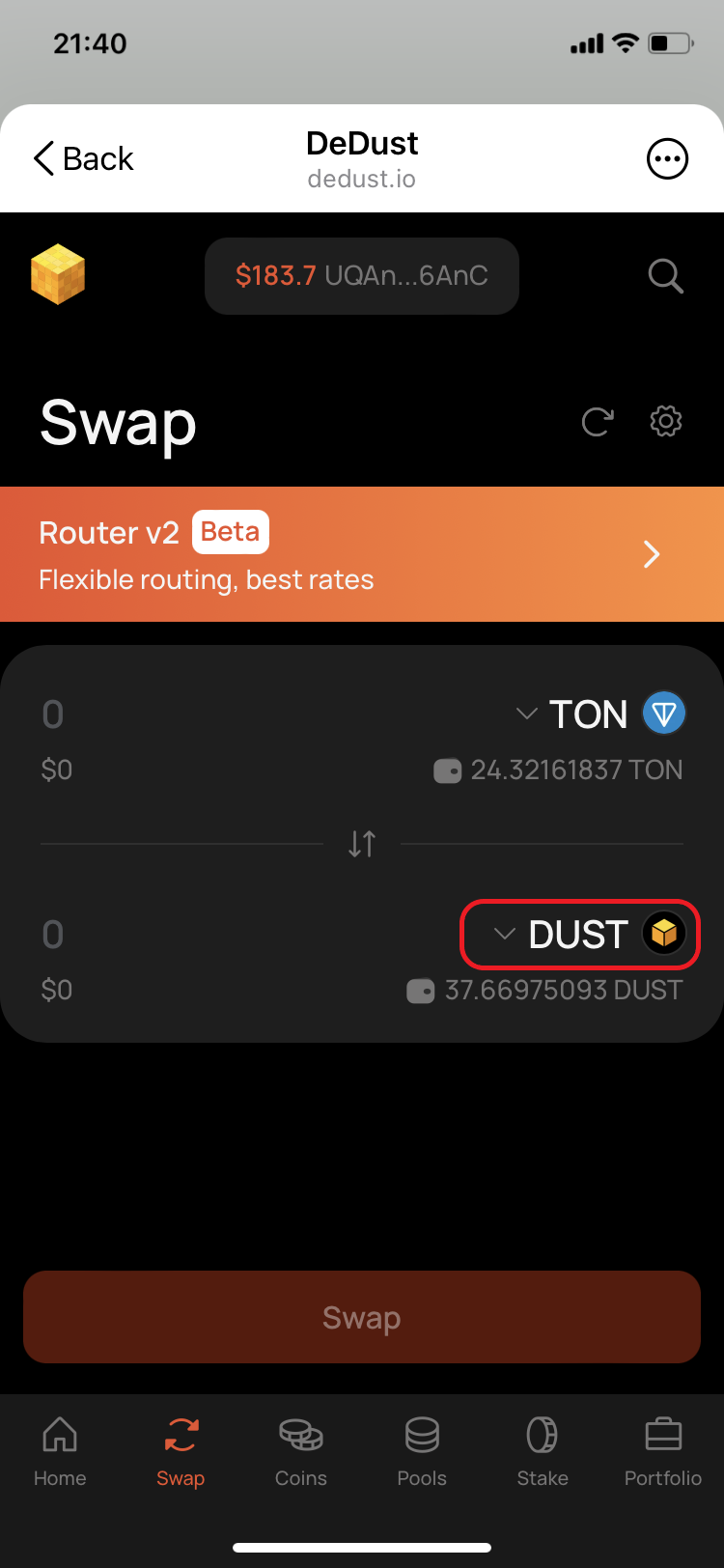
1. Open the [**Swap**](https://dedust.io/swap) page.
2. Choose the token you're paying with and the token you want to receive. If a token isn't in the list, it hasn't been verified yet — [import it first](/en/trade/tokens#how-to-import-a-token).
3. Enter the amount. The second field fills in automatically with what you'll receive.
4. Check the rate and the [route](/en/trade/router), then press **Swap**.
5. Review the details and press **Confirm**.
6. Sign the transaction in your wallet.

### Before you confirm

* **Watch for a high** [**price impact**](/en/trade/price_impact#price-impact-and-value-difference) **warning.** It means you'd get noticeably less than the market rate.
* [**Slippage**](/en/trade/price_impact#slippage-and-slippage-tolerance) sets how far the rate may move before your transaction is cancelled instead of going through at a worse price. The default suits most swaps — use [Swap settings](/en/trade/settings) to change it.

### If the swap doesn't go through

* **The transaction failed.** Usually the rate moved beyond your slippage tolerance. Your tokens stay in your wallet.
* **Nothing happens when you press Swap.** Check that your wallet is still connected and that you have GRAM for the network fee.


# Swap settings

Find best settings for your trade on DeDust

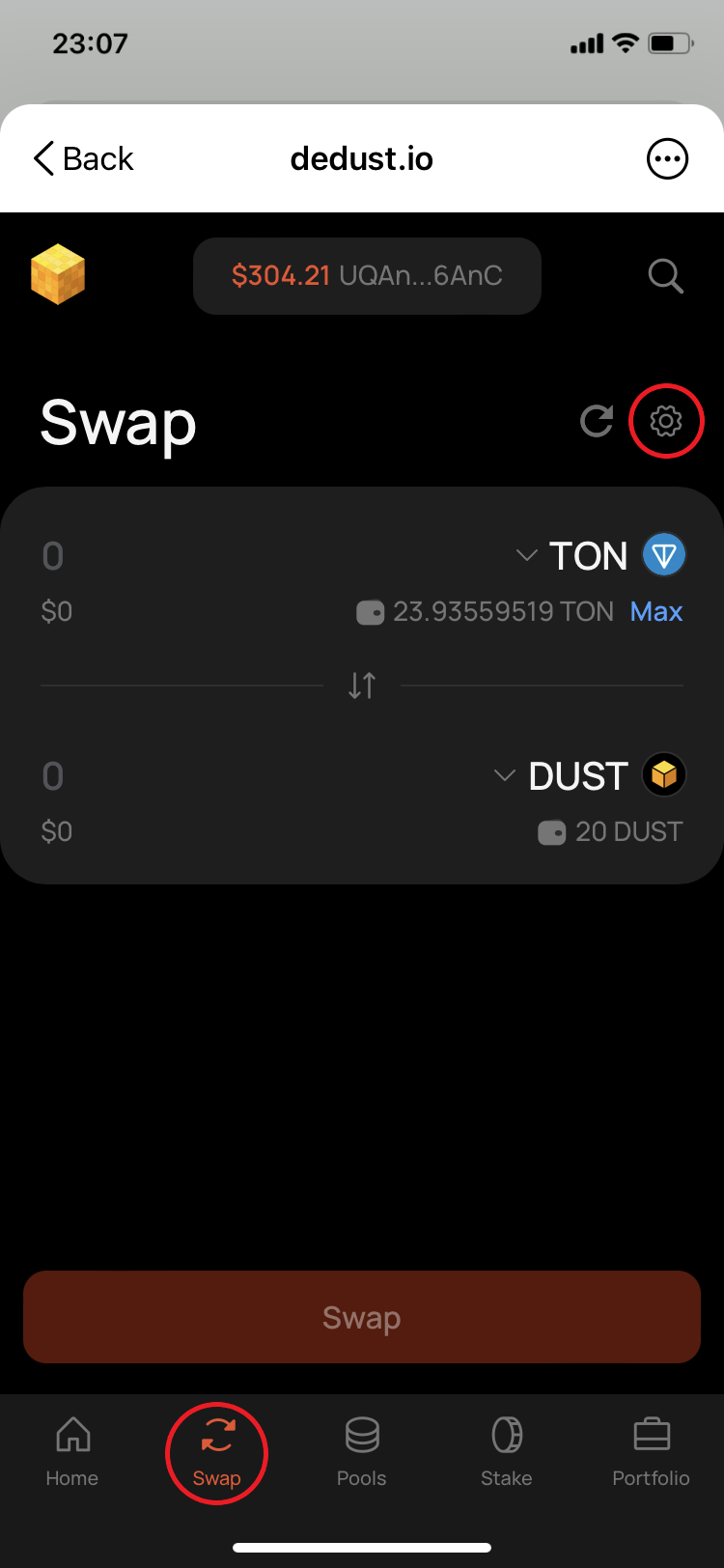
At DeDust, you can customize certain swap settings to enhance your experience and make interactions with the platform more efficient. You can access these settings by clicking the gear icon at the top right corner of various tabs and screens in the swap interface.

**When you adjust your user settings at DeDust, keep in mind:**

* Changes apply only to the device and browser (including built-in browsers in wallet apps) or Telegram mini-app that you are currently using.
* Settings are not linked to a specific wallet application or wallet address.
* If you use multiple wallet addresses within the same wallet application and its built-in browser, your settings will apply to all connected wallet addresses inside that app and browser.

**There are four key settings you can adjust:**

1. [**Slippage**](/en/trade/price_impact#slippage-and-slippage-tolerance) – defines the maximum price difference you're willing to accept for a trade.
2. [**Expert Mode**](/en/trade/price_impact#expert-mode-for-high-price-impact) – enables trading with high [price impact](/en/trade/price_impact), removing confirmation prompts for faster execution (recommended for experienced users only).
3. [**Trade tokens with tax**](/en/trade/tokens/tax) – enables trading for known tokens with [inbuilt fee](#user-content-fn-1)[^1] charged from every swap.
4. [**Router**](/en/trade/router) (with its extra set of settings) - activates multi-step exchange with intermediate tokens and splitting into routes, which result in the best price for your swap.

[^1]: A fee (often also called 'tax') that is designed by a token creator and is enforced by its smart contract every time you buy or sell token.


# Router settings (DEX Aggregator)

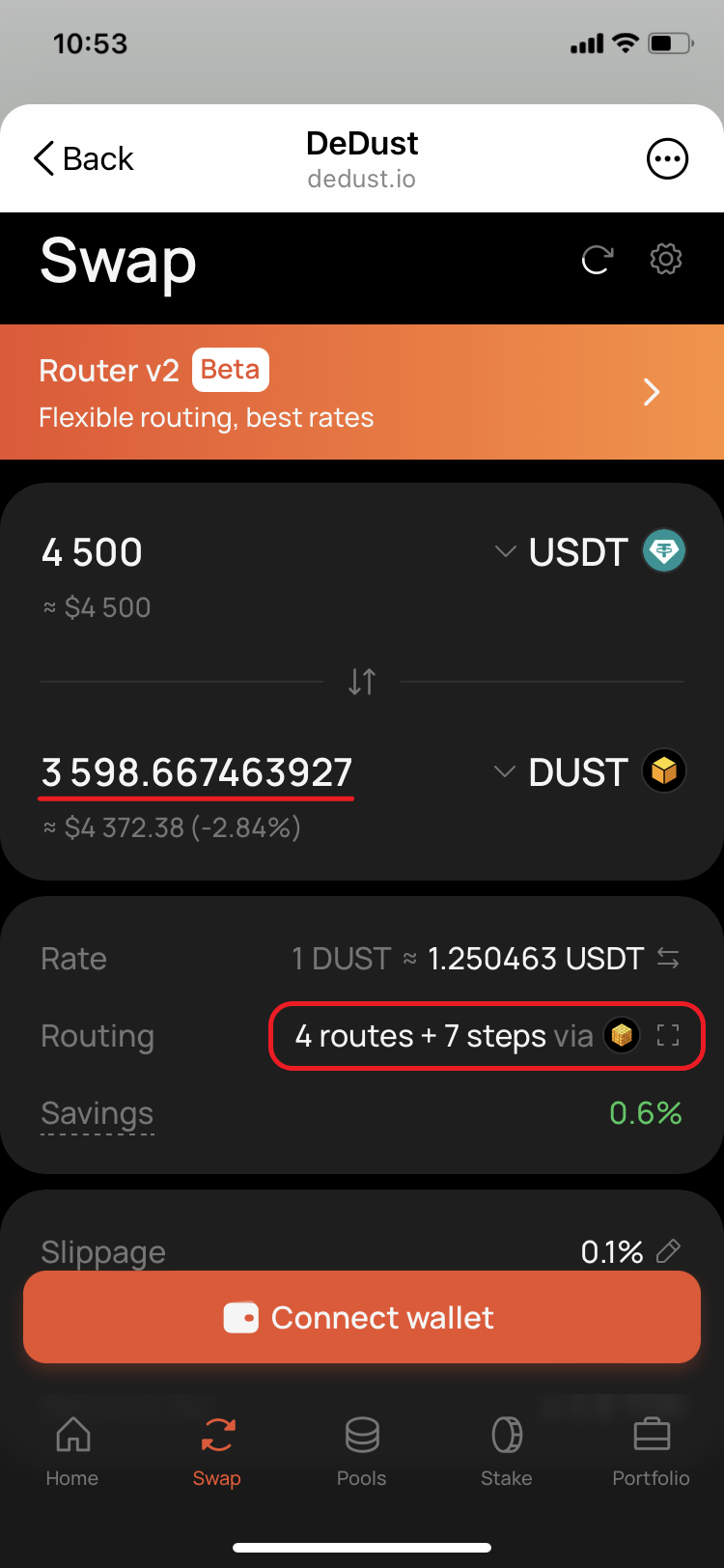
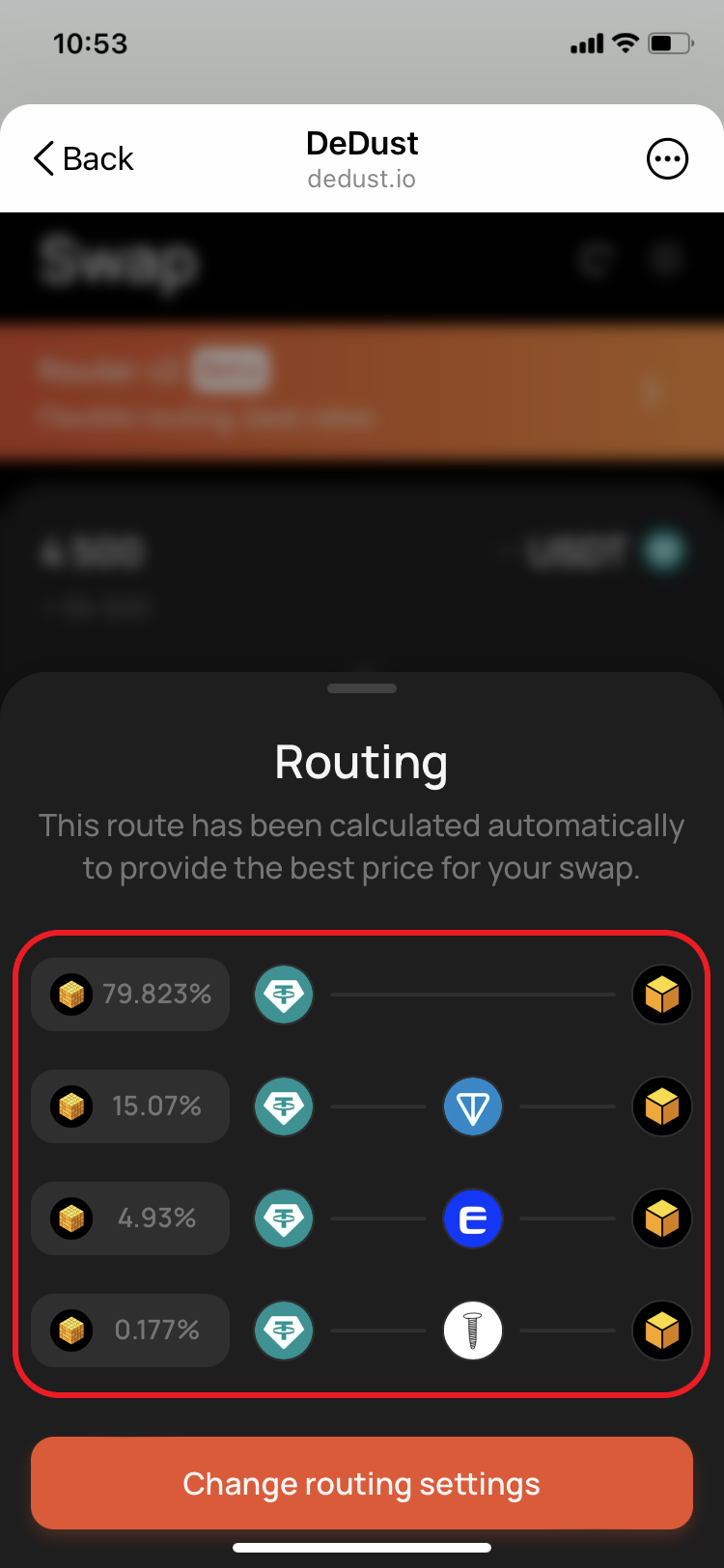
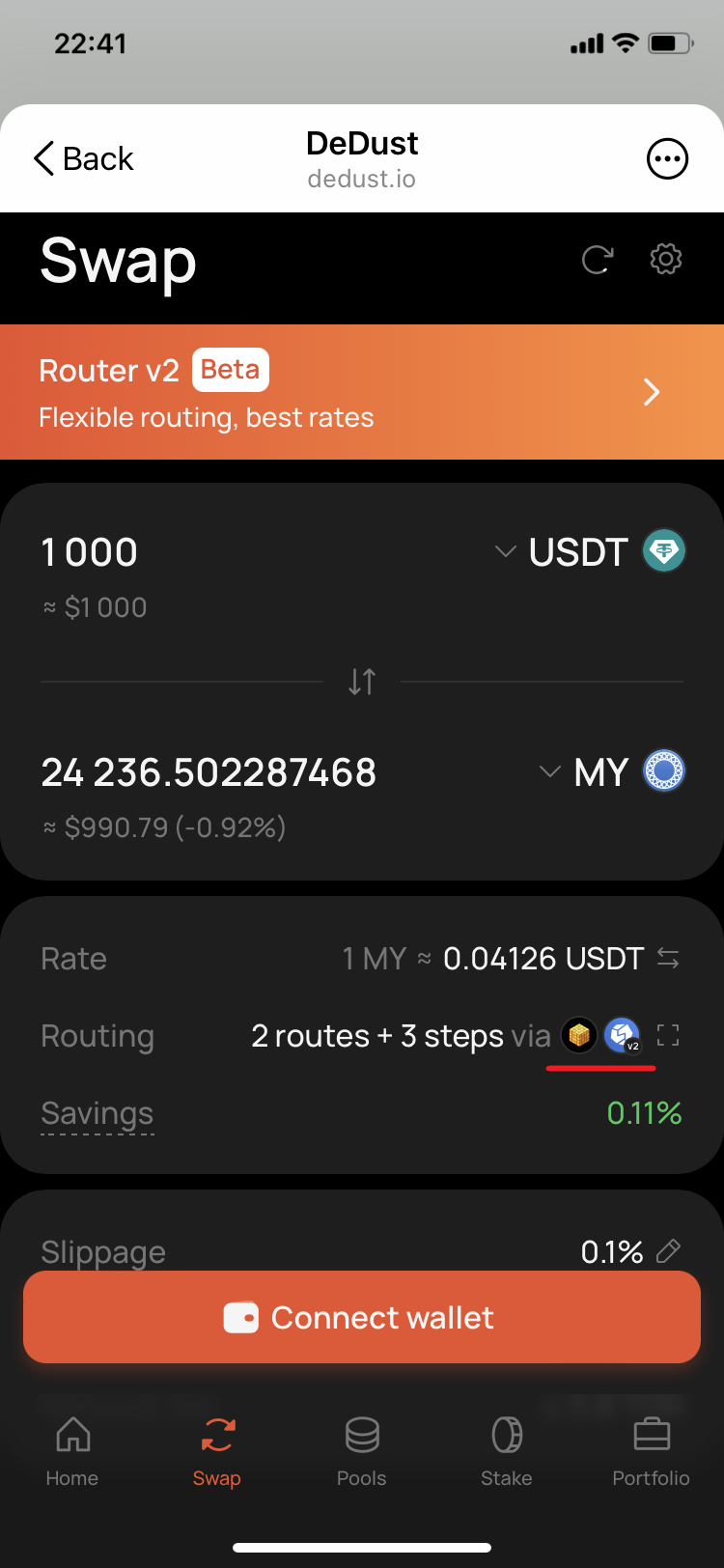
DeDust Router searches for the best available swap across [DeDust pools](/en/liquidity/pools) and supported third-party liquidity sources on TON. It can split your input across several parallel routes and use intermediate tokens when a direct pool does not offer the best result.

To open Router settings, go to [**Swap**](https://dedust.io/swap) and select the gear icon. After changing the settings, select **Save**.

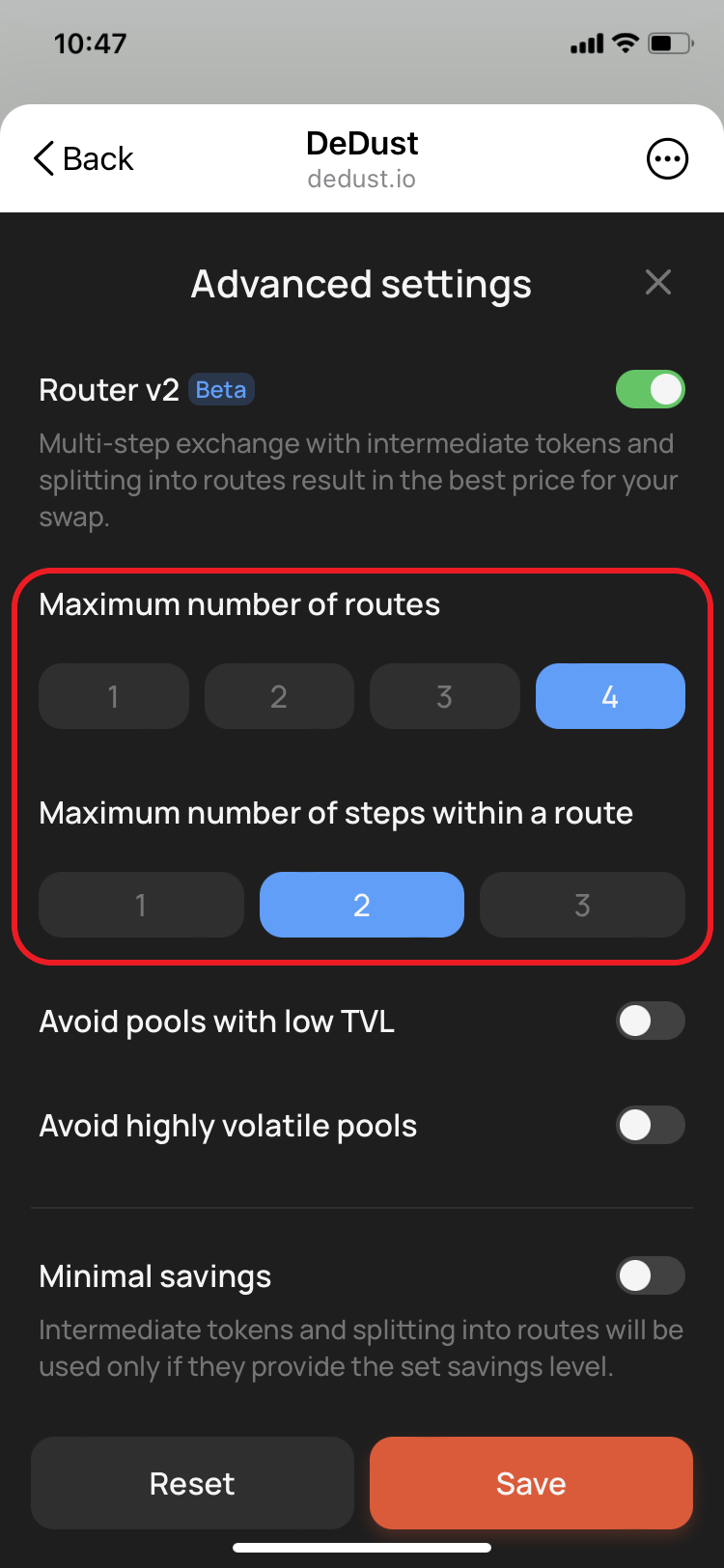
### Routes and steps

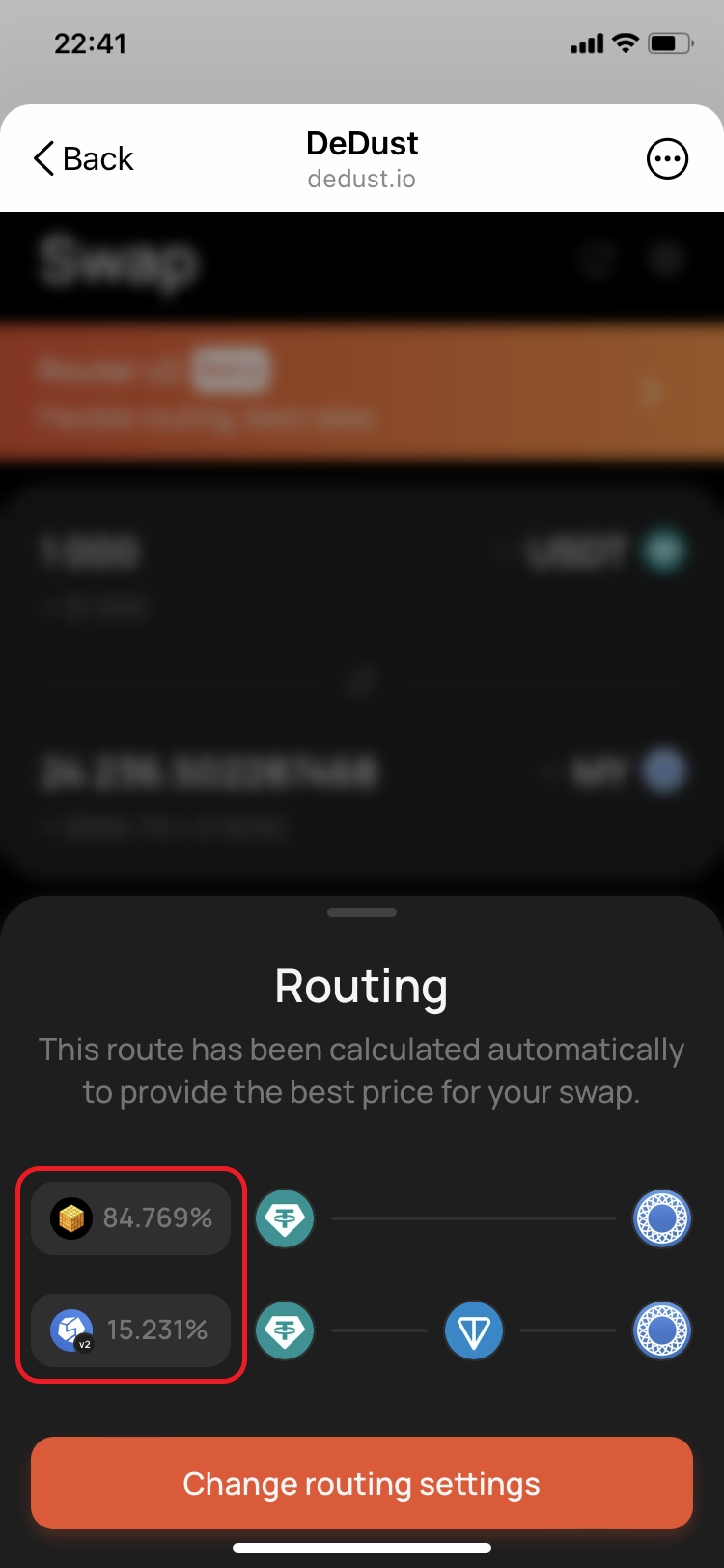
A **route** is a path that carries all or part of a swap. When several routes are used, Router splits the input amount and sends each part through a different path.

A **step** is one swap inside a route. For example, `TOKEN A → TON → TOKEN B` is one route with two steps.

By default, Router can use up to:

* **4 routes**;
* **2 steps per route**.

More routes and steps give Router more possible paths to compare. It can improve the quote, but may also increase execution complexity and [network fees](/en/protocol/fees#network-fees).

> **Important:** Transactions on TON are not atomic. In a multi-step route such as `TOKEN A → TOKEN B → TOKEN C`, the first swap can succeed while the second one fails. If that happens, `TOKEN B` remains in your wallet instead of the selected output token. You can then swap it separately or keep it.

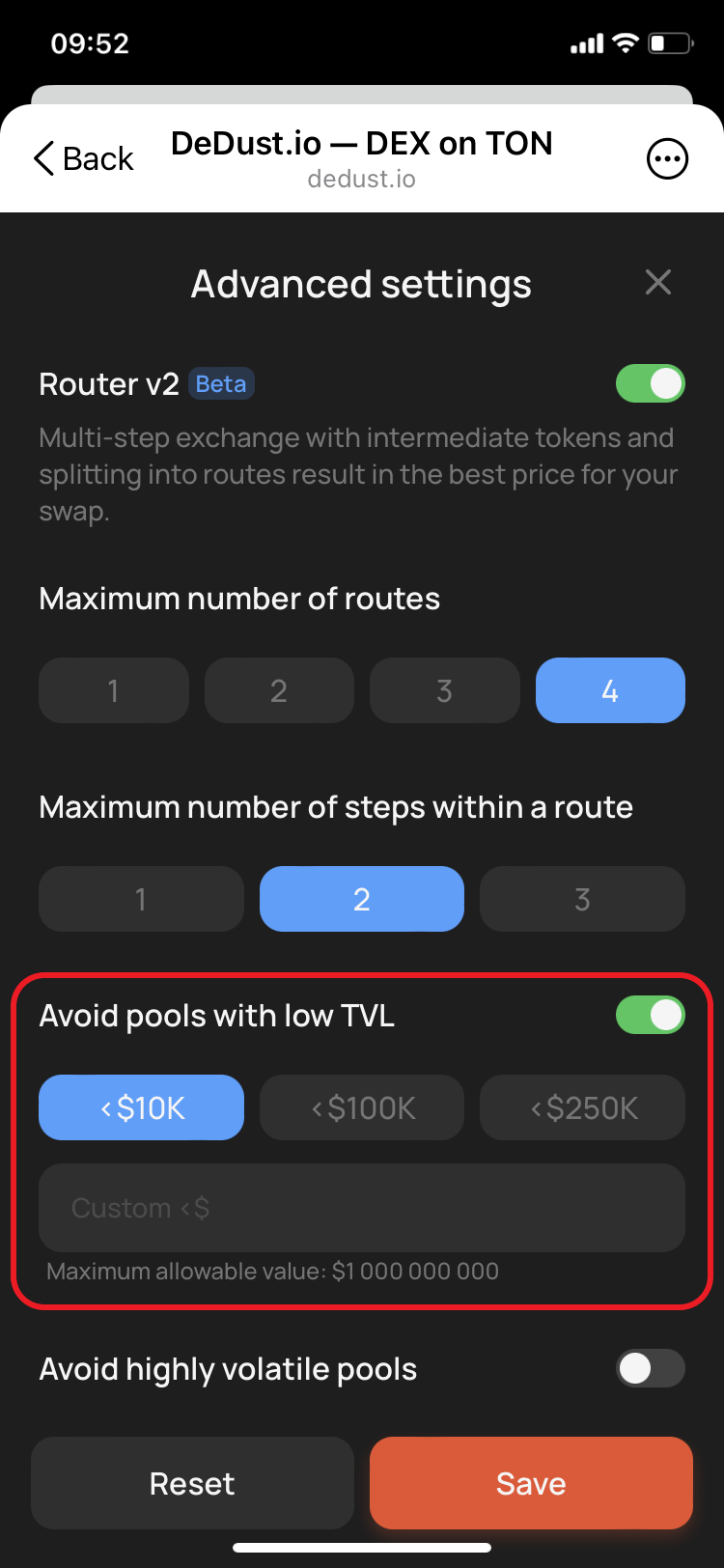
### Avoid pools with low TVL

Enable this option to exclude pools whose total value locked is below the selected threshold. A low-TVL pool may show an attractive quote but can be more sensitive to price movement and [slippage](/en/trade/price_impact#slippage-and-slippage-tolerance).

The option is disabled by default; when enabled, the initial threshold is `$10K`.

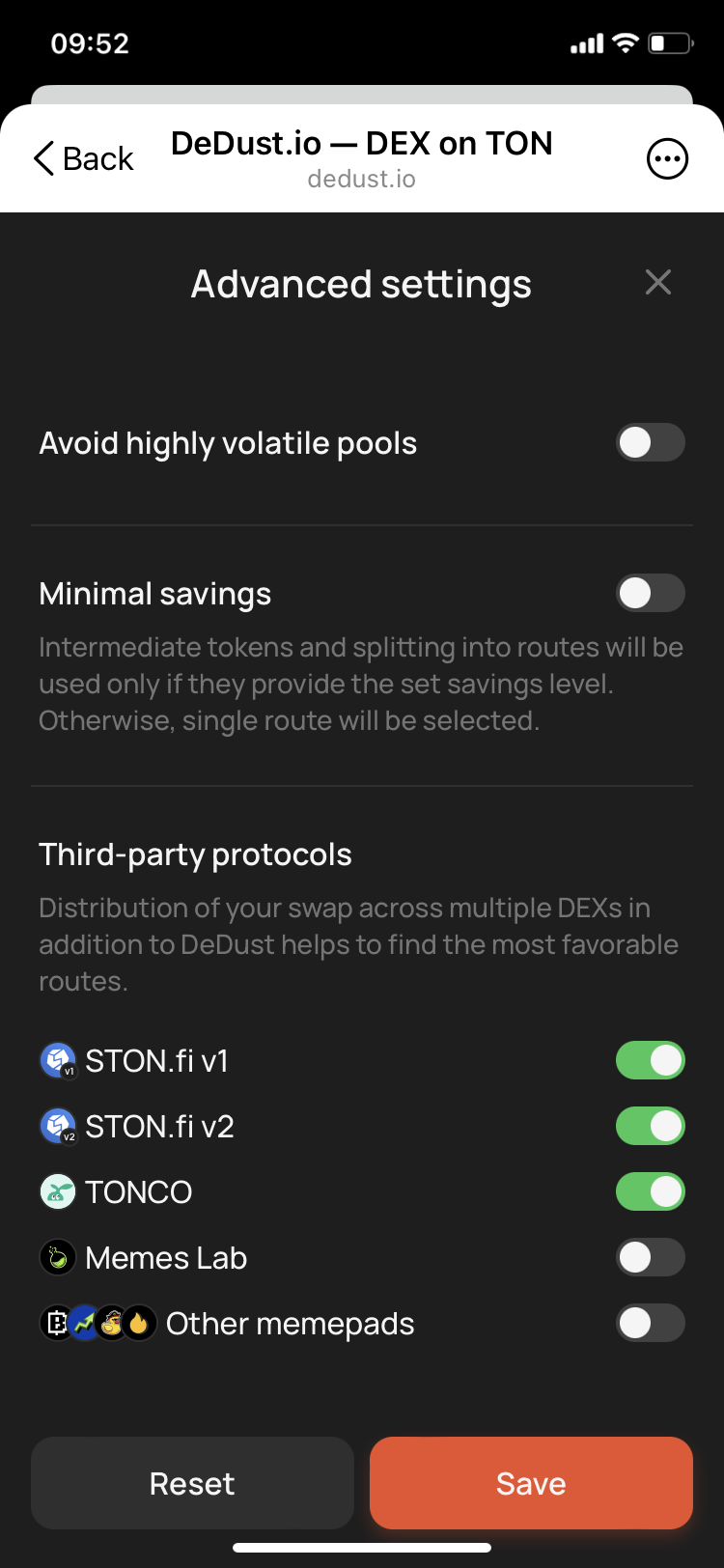
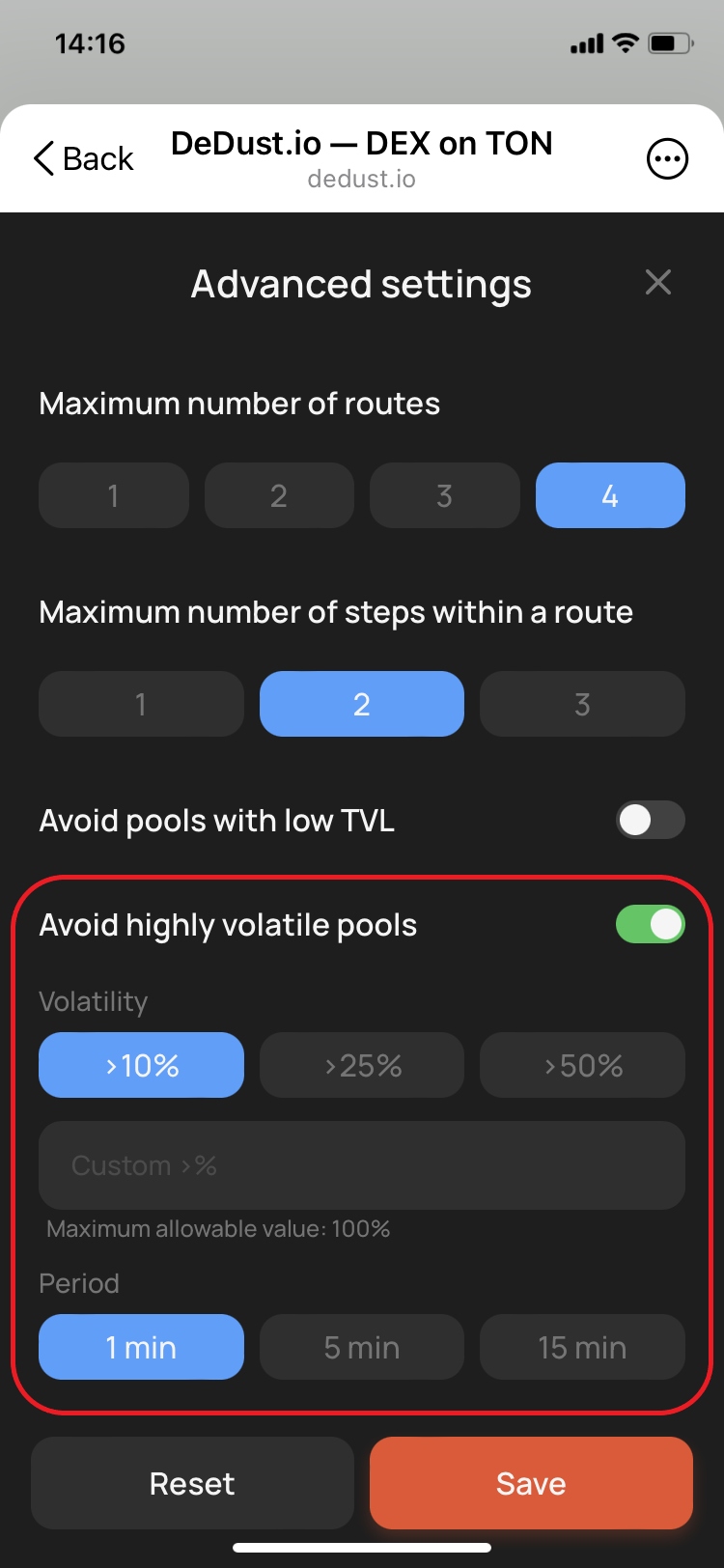
### Avoid highly volatile pools

Enable this option to exclude intermediate pools whose exchange rate changed by more than the selected percentage during the selected period.

Configure two values:

* **Volatility** — the maximum difference between the pool's lowest and highest exchange rates during the period;
* **Period** — how far back Router checks the pool's exchange rate.

The option is disabled by default; when enabled, it starts with `10%` over `1 minute`.

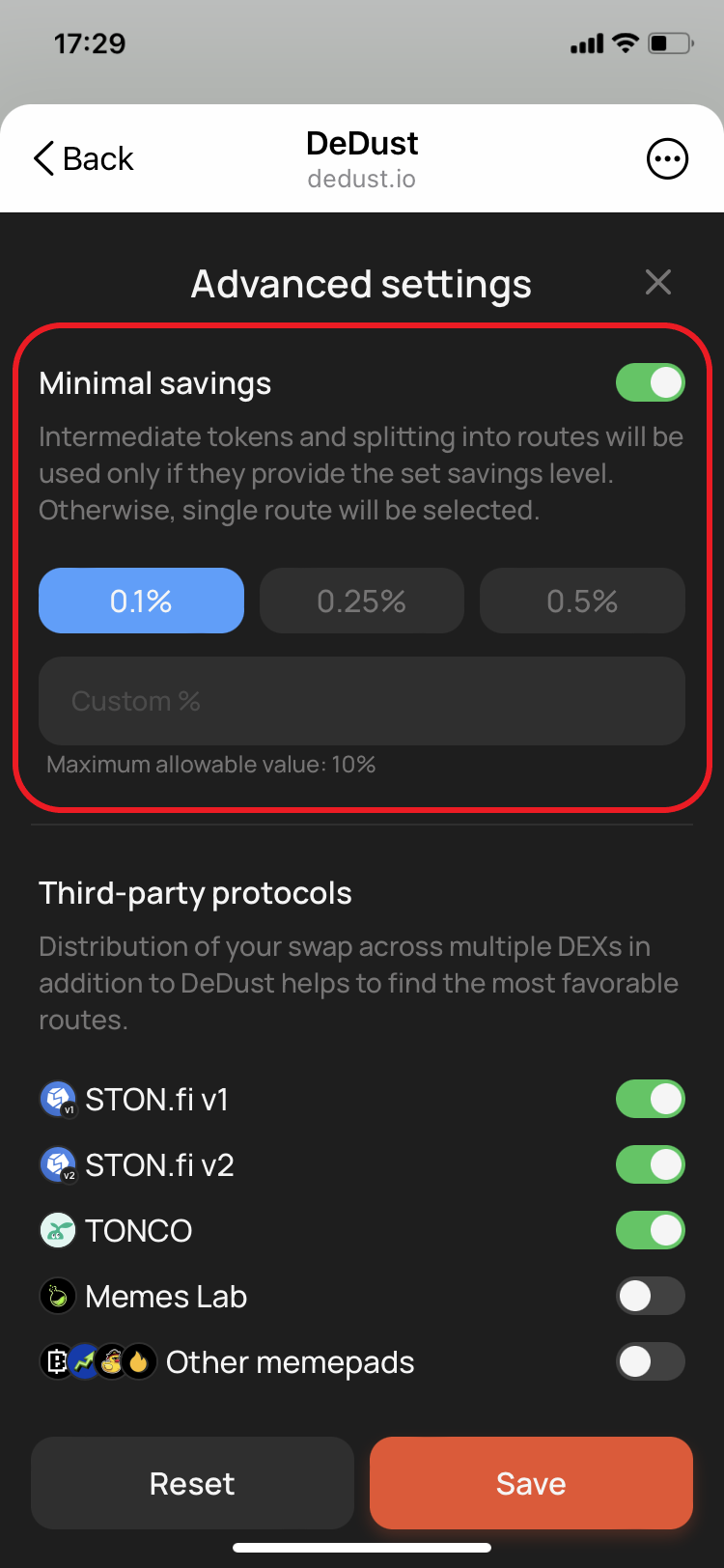
### Minimal savings

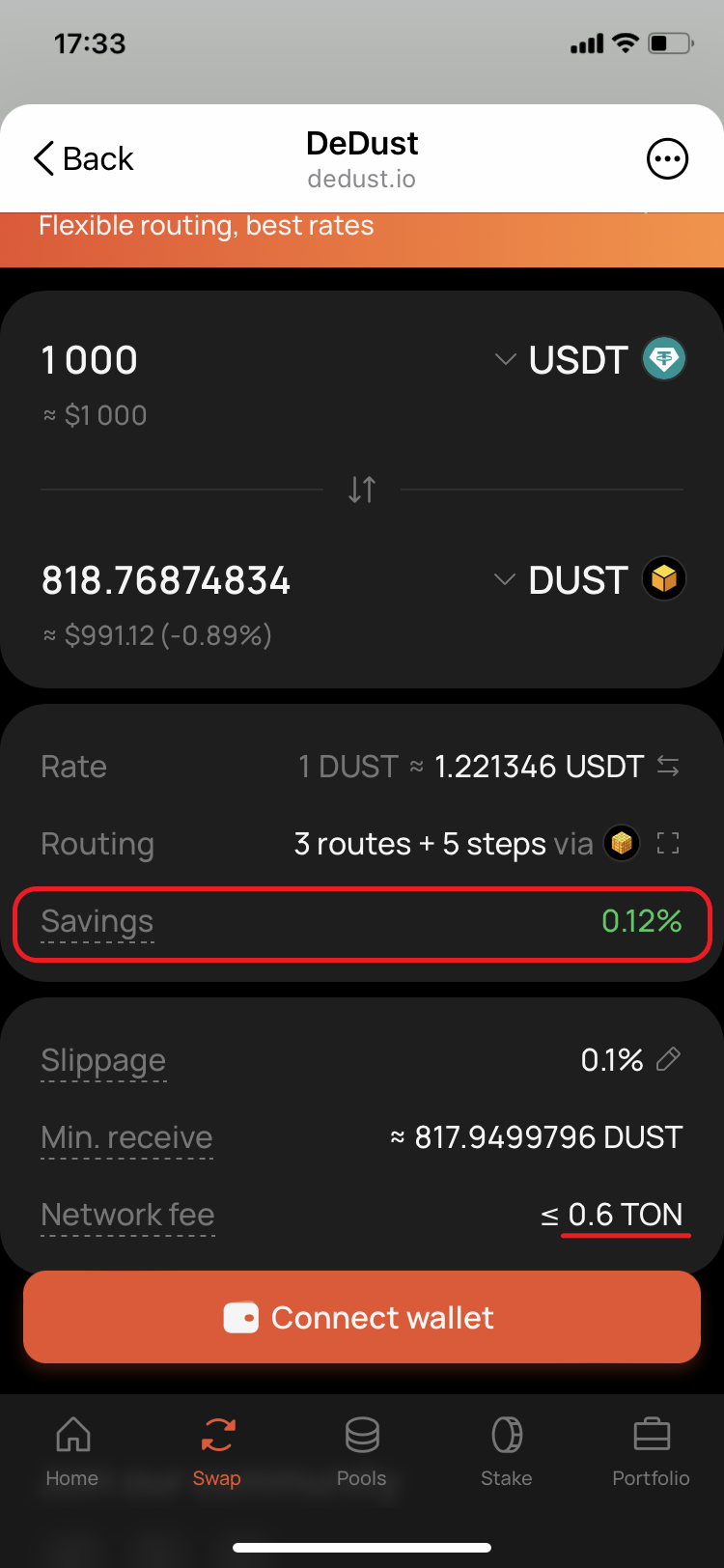
Enable this option to use intermediate tokens or split the swap into several routes only when the estimated benefit is greater than the selected percentage. Otherwise, Router selects a single route.

Router accounts for the additional network fees of a multi-route swap. It proposes the more complex route only when its overall benefit covers the extra network fee and exceeds the selected Minimal savings threshold.

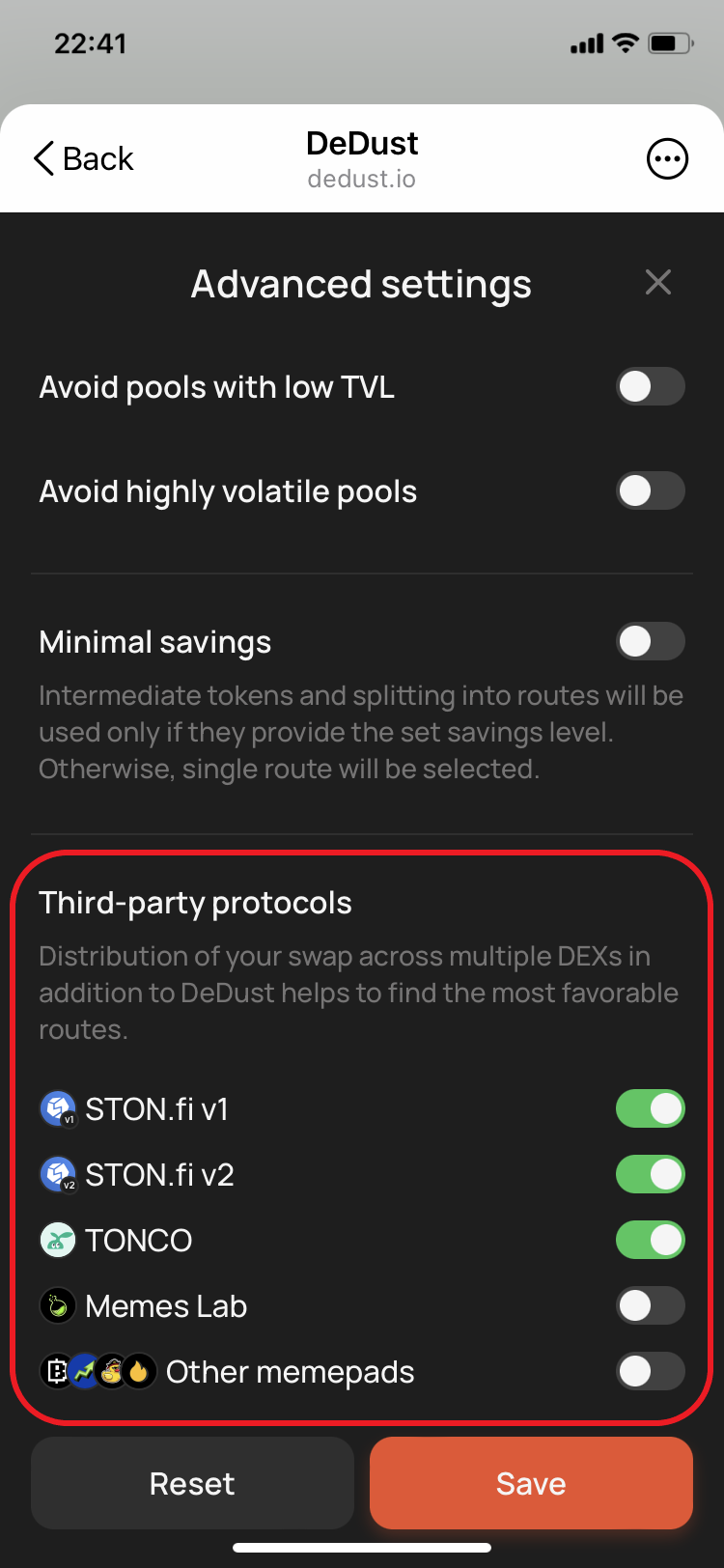
### Third-party protocols

Router can include liquidity from other TON trading protocols in addition to DeDust pools. Each source can be enabled or disabled separately.

Currently supported DEX protocols:

* **STON.fi v1** — enabled by default;
* **STON.fi v2** — enabled by default;
* **TONCO** — enabled by default.

Currently supported memepad sources:

* **Memes Lab** — disabled by default;
* **Other memepads** — disabled by default.

Memepad sources allow Router to trade supported tokens before they migrate to a DEX. They are disabled by default.

For Router v2 integration, see the [technical documentation](https://hub.dedust.io/apis/router-v2/overview/).


# Price impact, Slippage, and Expert Mode

### Price impact, Slippage, and Expert Mode

Price impact and slippage both affect the result of a swap, but they happen for different reasons:

* **Price impact** comes from your own trade changing the price in the [liquidity pools](/en/liquidity/pools) used for the swap.
* **Slippage** happens when the pool price changes after you confirm the swap but before it is executed.

DeDust displays price impact as **value difference**: the percentage difference between the estimated USD value of the tokens you send and the tokens you receive. This makes the potential result easier to understand before you confirm a swap.

### Price impact and value difference

Price impact is the price change caused by your trade. It depends mainly on:

* the size of your swap;
* the liquidity available in the pools;
* the routes and intermediate tokens selected by [Router](/en/trade/router).

A large trade relative to the available liquidity produces a higher price impact and a less favorable rate.

On the [Swap](https://dedust.io/swap) page, DeDust shows the estimated USD value below both token amounts. The value difference appears in brackets next to the estimated value of the token you receive.

The value difference is color-coded:

* <mark style="color:green;">**Green**</mark> — the estimated value of the received tokens is higher than the current value of the tokens you send;
* **No color** — the estimated loss is `3%` or less;
* <mark style="color:orange;">**Orange**</mark> — the estimated loss is greater than `3%` and up to `5%`;
* <mark style="color:$danger;">**Red**</mark> — the estimated loss is greater than `5%`.

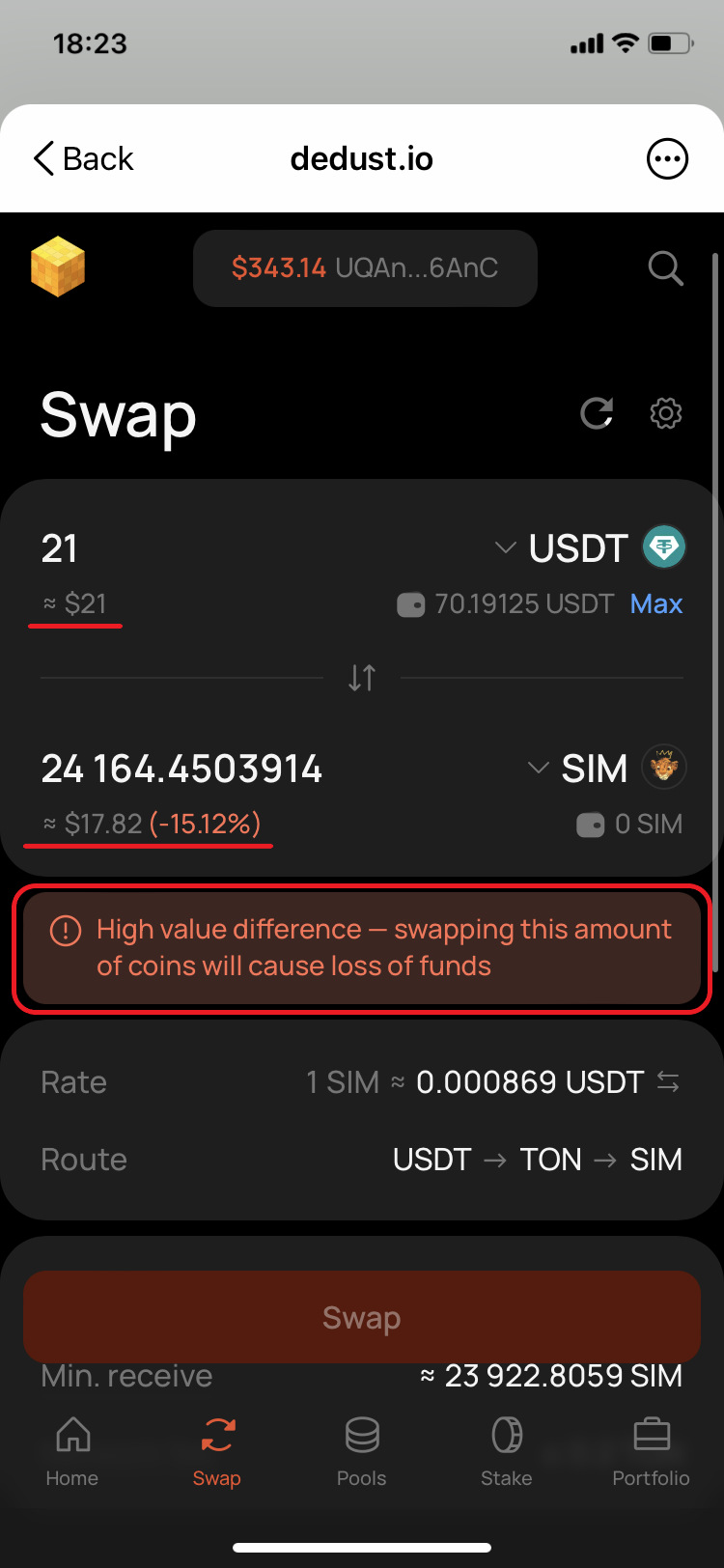
Without Expert mode, swaps with a value difference greater than 15% are restricted. DeDust displays a warning, and the swap cannot be confirmed until the price conditions improve or Expert mode is enabled.

### Slippage and slippage tolerance

Slippage is the difference between the quoted swap price and the price available when the transaction is executed.

There is a delay between confirming a swap and its execution on the blockchain. During that time, other trades can change the balances and price in the same pools.

**Slippage tolerance** is the maximum unfavorable price change you are willing to accept. If the price moves beyond this limit, the affected swap step fails instead of executing at a worse rate.

#### Slippage settings

To change the tolerance:

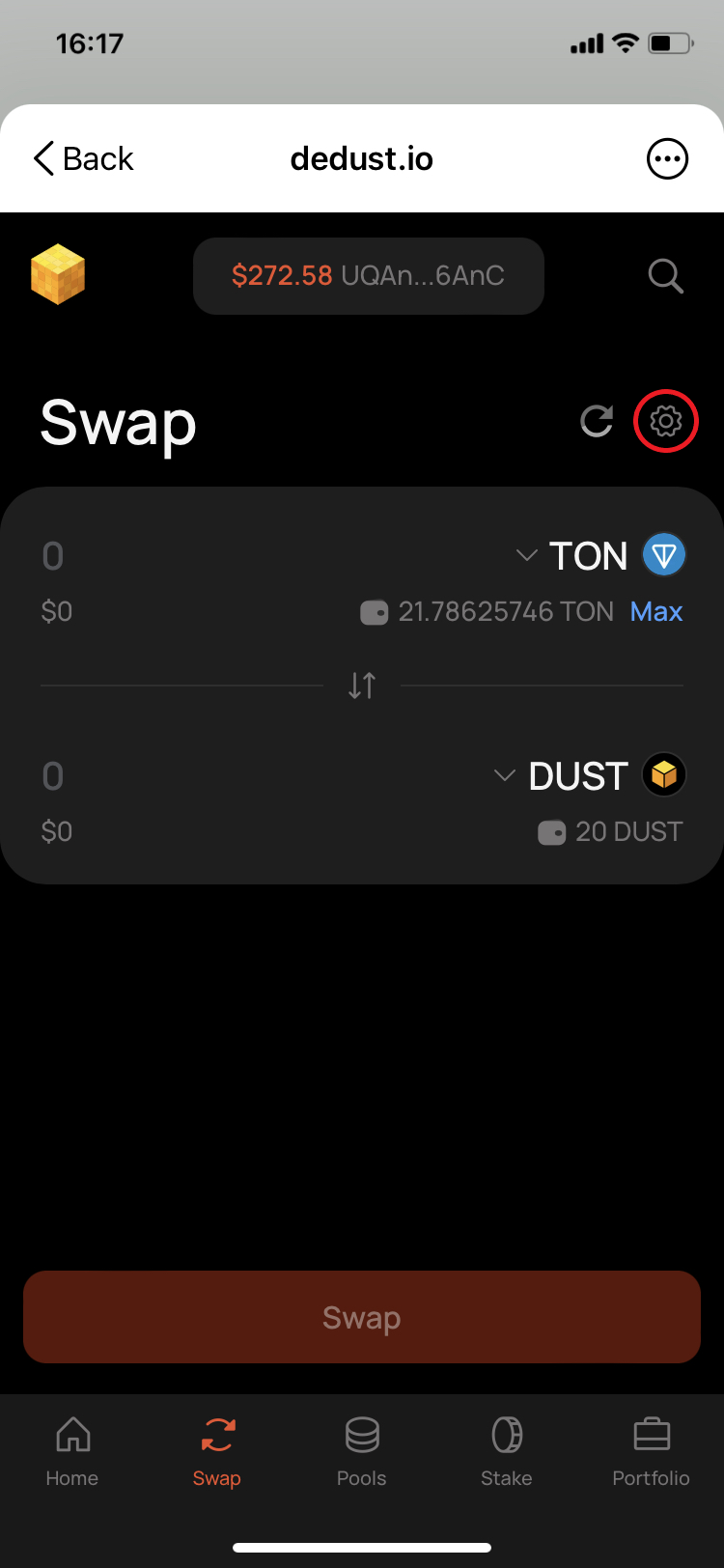
1. Go to **Swap** and select the gear icon.
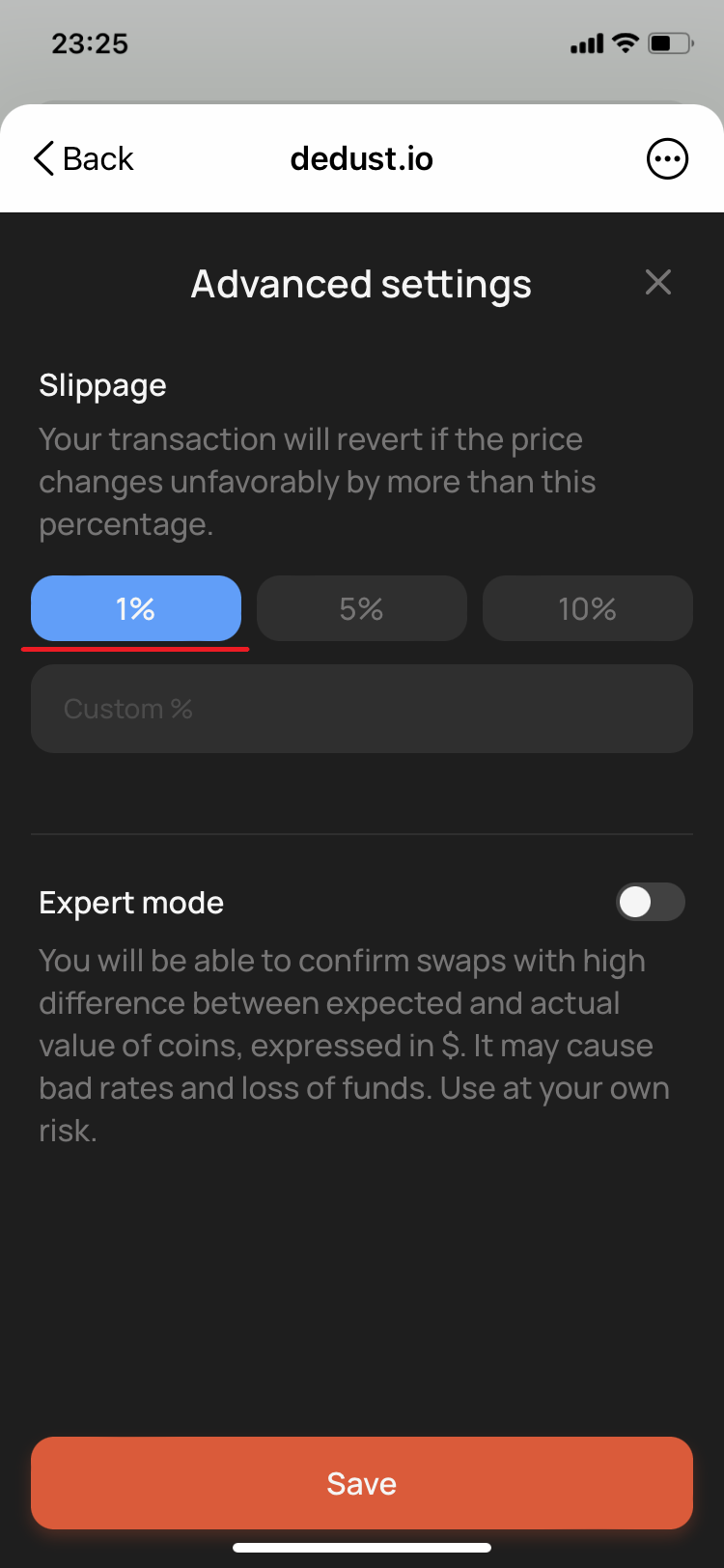
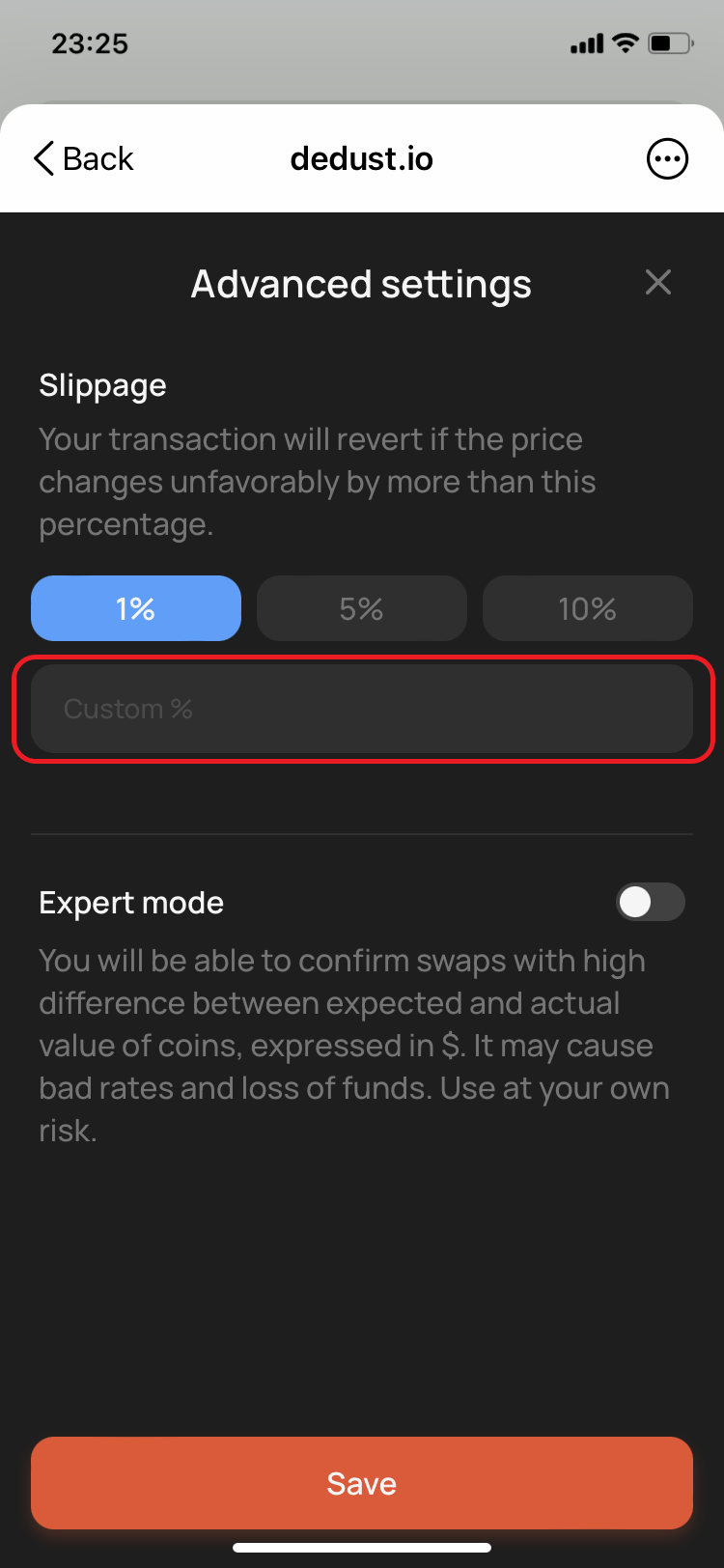
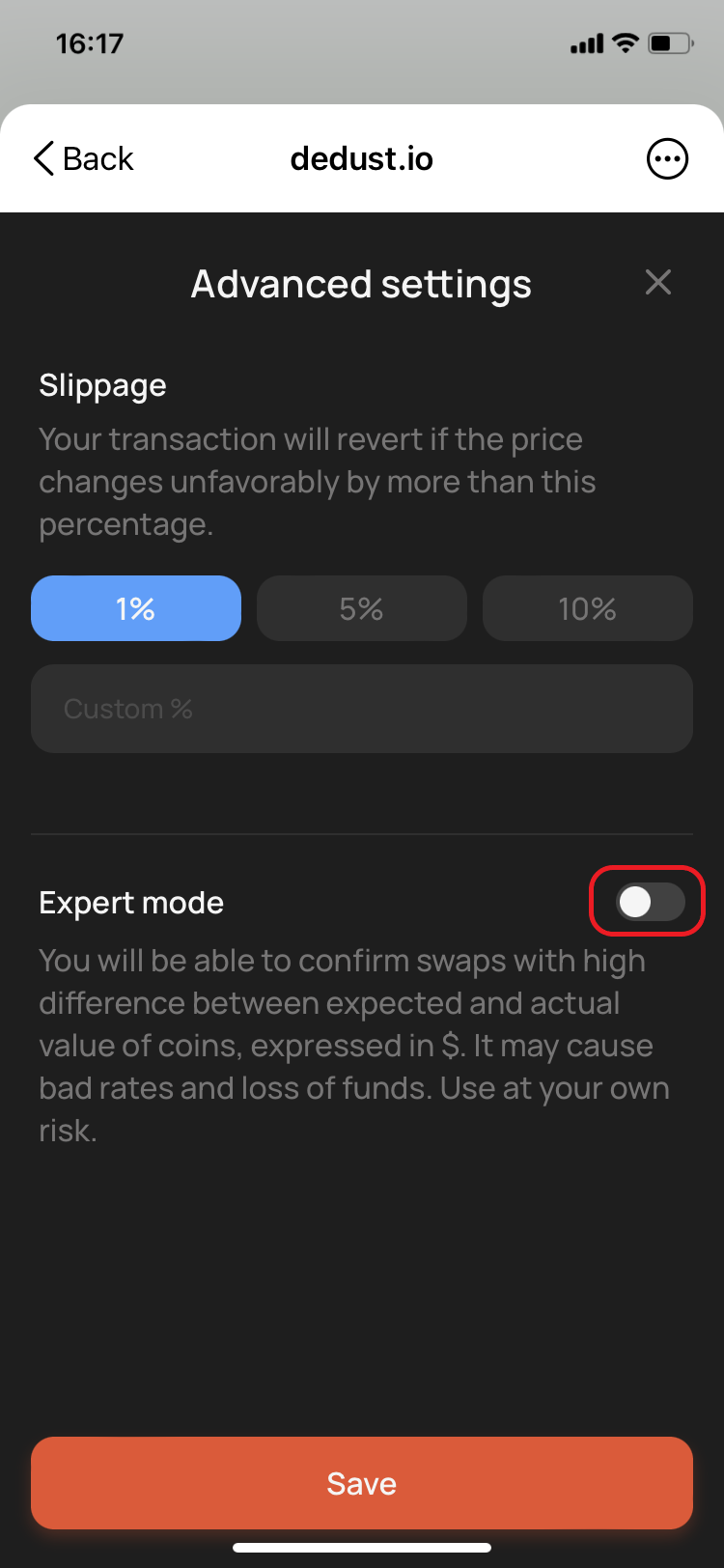
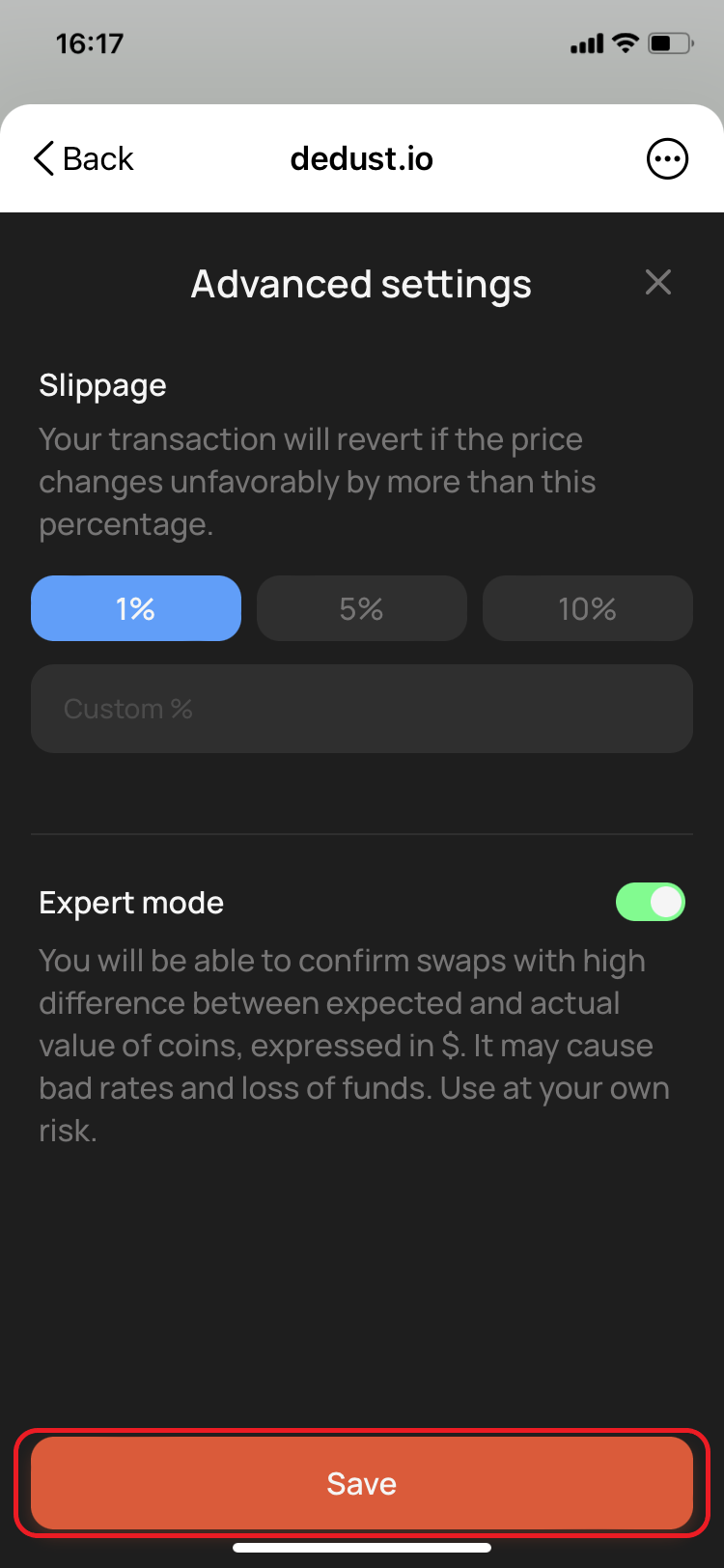
2. Choose `1%`, `5%`, or `10%`, or enter a custom value.
3. Press **Save**.

The default slippage tolerance is `1%`. You can enter a custom value from `0.01%` to `50%`.

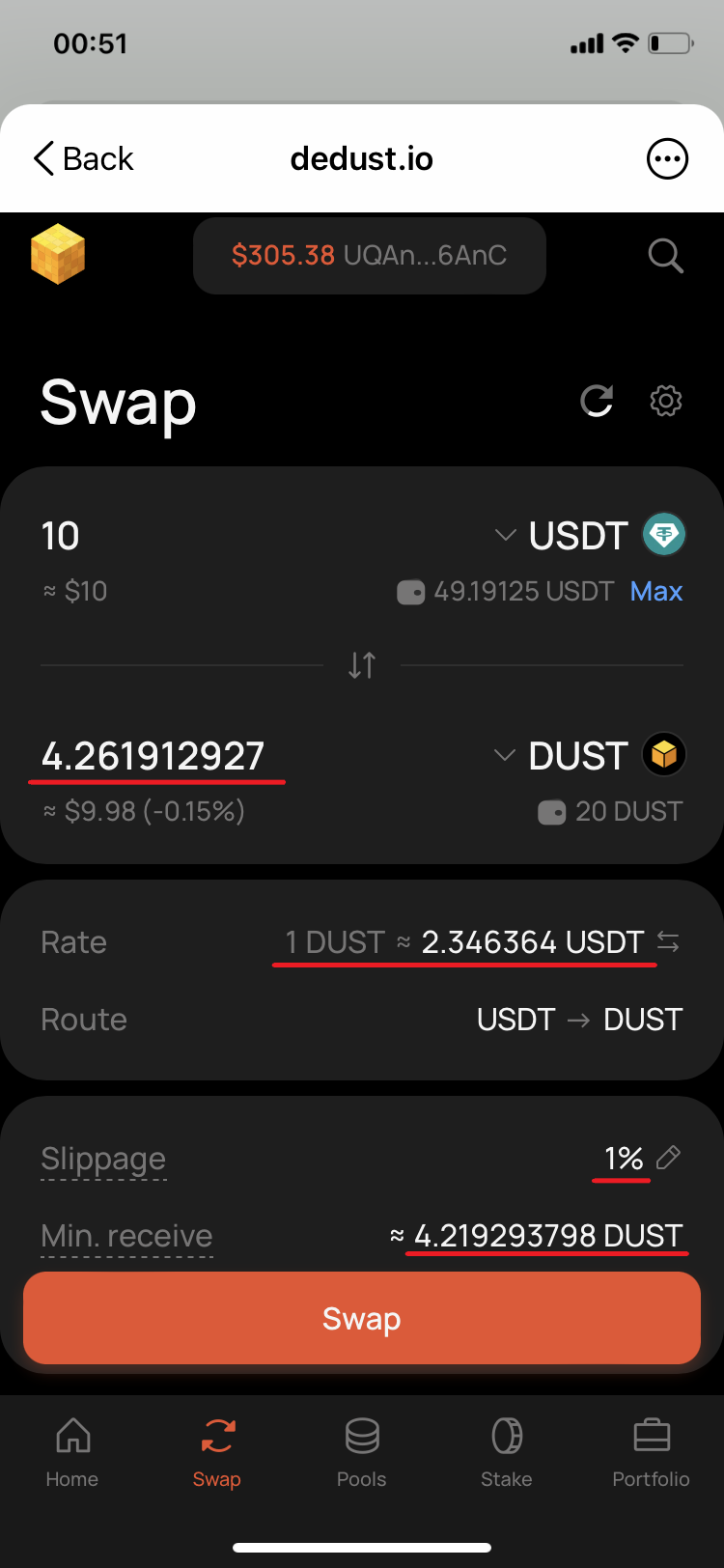
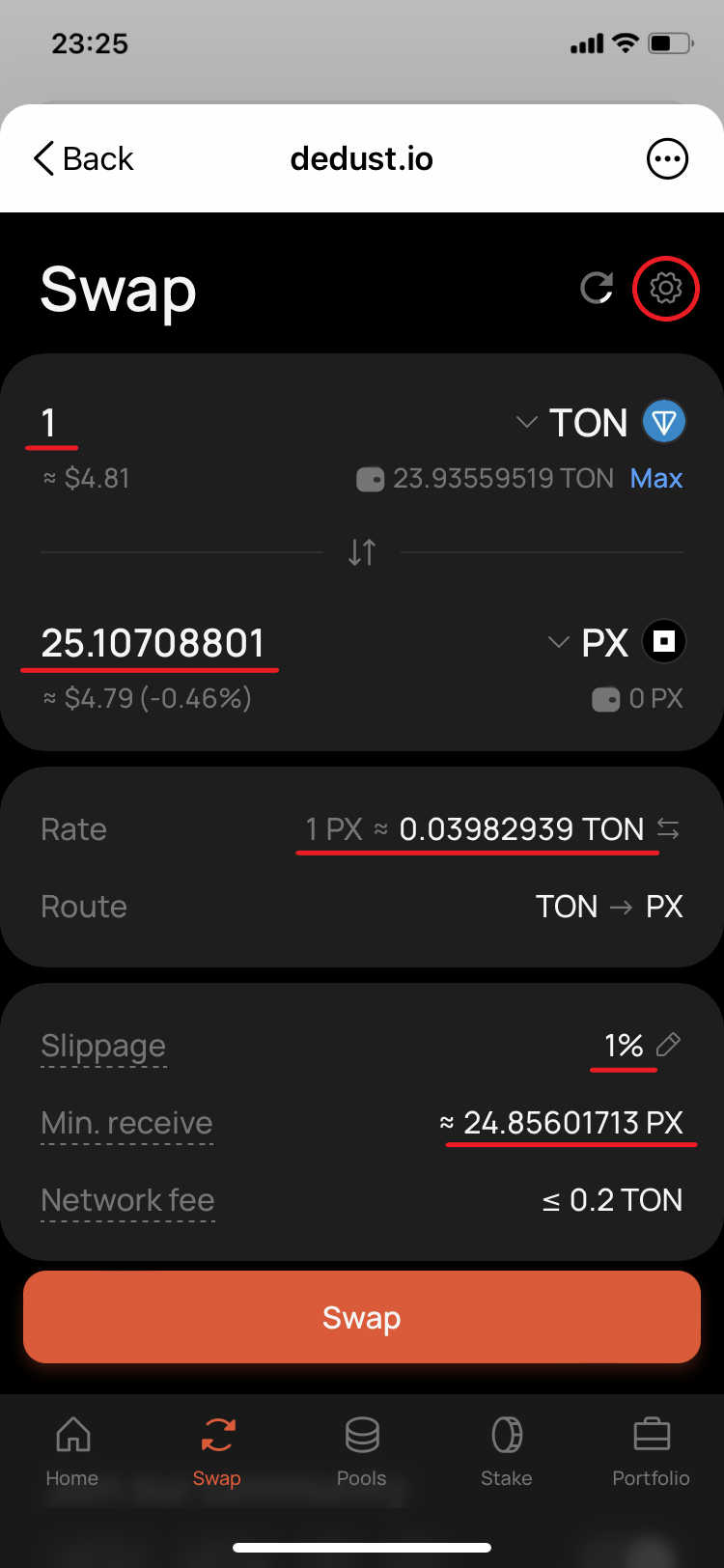
The **Min. receive** value on the Swap page already accounts for your slippage tolerance. It is the minimum output protected by the swap conditions.

#### Choosing a slippage tolerance

A lower tolerance gives you stronger protection against an unfavorable price change, but makes the swap more likely to fail when the market is moving.

A higher tolerance makes execution more likely, but allows the swap to complete at a significantly worse rate. Always check **Min. receive** before confirming.

At the extremes:

* with `0.01%`, even a very small price movement can cause the swap to fail;
* with `50%`, the swap may execute even if you receive only around half of the initially expected output.

> **Important:** You are responsible for the selected slippage tolerance. A high value increases the risk of an unfavorable result and permanent loss of value.

#### What happens when a swap step fails

For a direct swap, the original tokens are returned if the trade cannot satisfy the slippage condition. The [network fee](/en/protocol/fees#network-fees) is still charged.

Transactions on TON are not atomic. In a [multi-step route](/en/trade/router#routes-and-steps) such as `TOKEN A → TOKEN B → TOKEN C`, the first swap can succeed while the second one fails. If that happens, `TOKEN B` remains in your wallet instead of the original or selected output token. You can swap it separately when the price conditions are acceptable.

### Expert mode

Expert mode allows you to confirm swaps with a value difference greater than 15%. It also turns off the regular swap confirmation prompt.

This mode removes an important protection against poor rates. Use it only when you understand why the value difference is high and accept the risk of a permanent loss of funds.

#### How to enable Expert mode

1. Go to **Swap** and select the gear icon.
2. Turn on **Expert mode**.
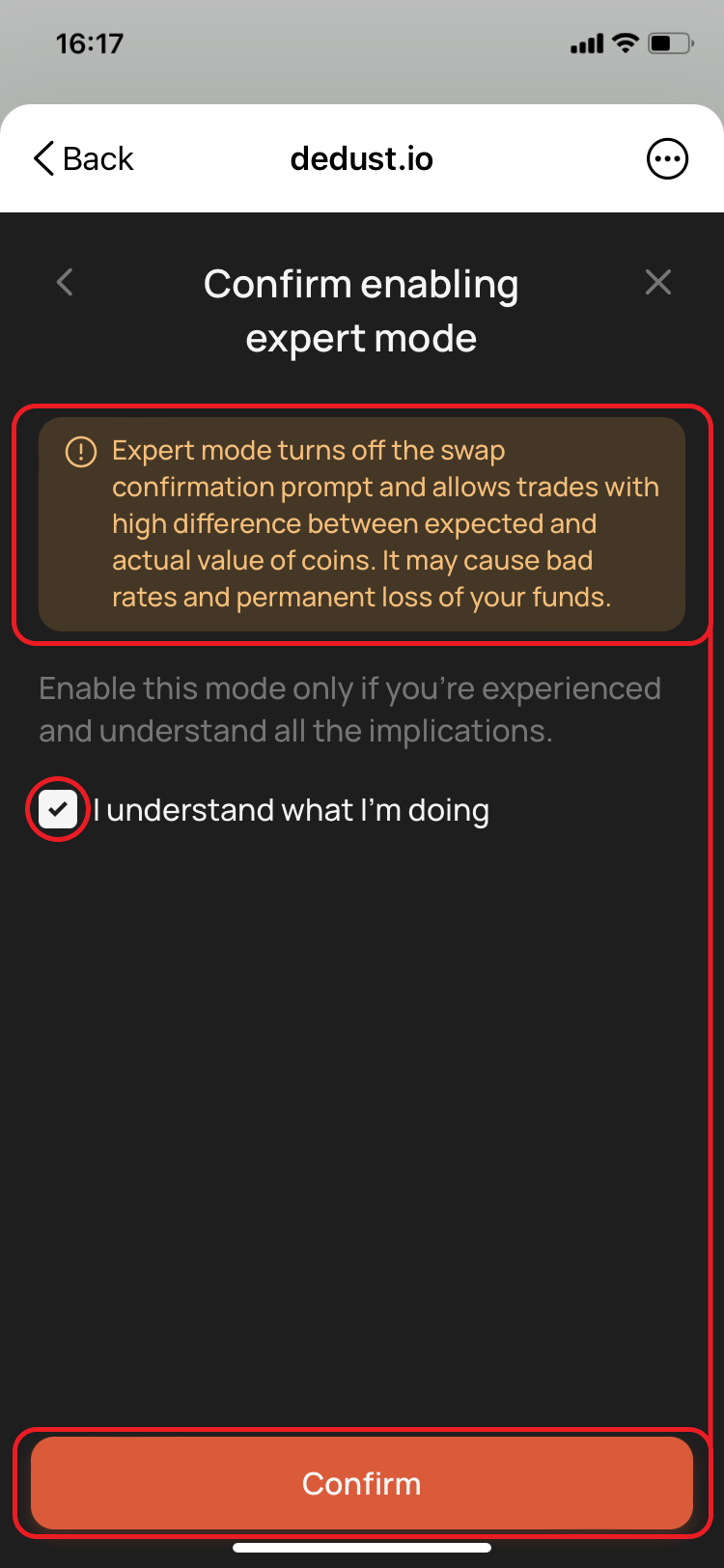
3. Read the warning.
4. Select **I understand what I’m doing**.
5. Select **Confirm**.
6. Select **Save** in Advanced settings.

Turn Expert mode off after completing the swap that required it. Leaving it enabled makes it easier to confirm future swaps with highly unfavorable rates.


# Tokens

Use the token selector on the [**Swap**](https://dedust.io/swap) page to find tokens, import a token by its contract address, manage Favorites, and open detailed token information.

You can search by:

* token name;
* ticker symbol;
* smart contract address.

Tokens can have identical names and symbols. Always verify the contract address before trading an unfamiliar token.

### Verified and imported tokens

Verified tokens appear in DeDust search by name or ticker and have a [verification](/en/launch/verification) checkmark. Verification confirms that the contract represents the intended project and helps distinguish it from copies using the same name or logo.

> **Important:** Verification confirms the token's identity, not its quality or safety. It means that the displayed contract belongs to the token it claims to represent rather than impersonating another project. It does not guarantee that the token will increase in value, retain its current price, remain liquid, or that its creators will act honestly. A verified project can still fail or turn out to be a scam. Always do your own research before trading.

An **imported token** is a token you add manually by its smart contract address. Importing makes the token available in your own token selector, but does not verify it or confirm that it is safe.

> **Important:** Get the contract address from the project's official sources. Anyone can create a token with a familiar name, ticker, or image. DeDust cannot recover funds lost after trading the wrong or malicious contract.

### How to import a token

If a token does not appear in search by name or ticker:

1. Open the token selector on the **Swap** page.
2. Paste the token's smart contract address into the **Search** field.
3. Check the token details and contract address carefully.
4. Confirm the import only if you understand and accept the risks.

The imported token is saved only in the current browser on the current device. This also applies to wallet browsers and the DeDust Telegram Mini App. Importing the same token on another device or in another browser must be done separately.

Imported tokens may contain custom smart-contract behavior, including transfer taxes. DeDust may not recognize or display these risks for a newly imported token.

### Favorite tokens

Add frequently used tokens to Favorites to keep them at the top of the token selector.

To add a token:

1. Open the token selector on **Swap**.
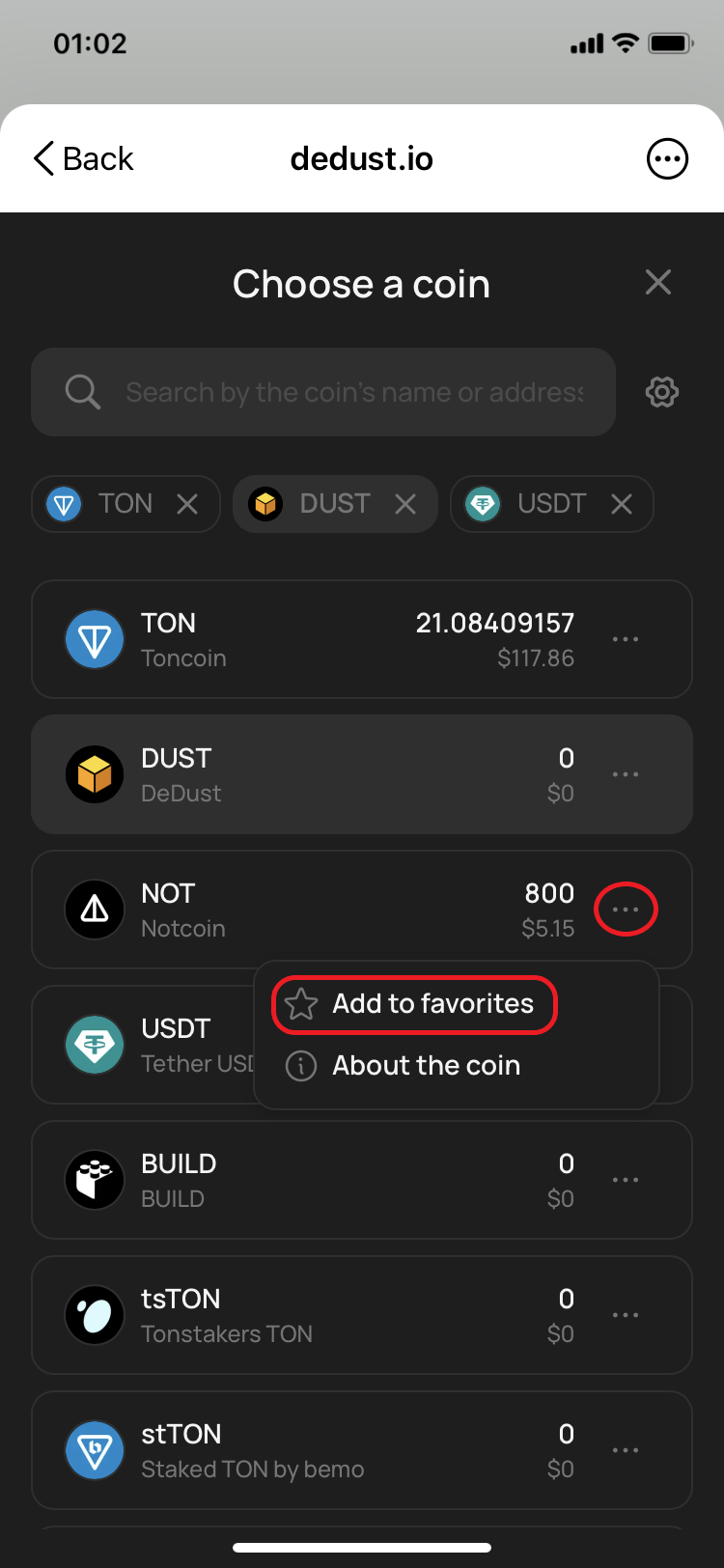
2. Select the `…` menu next to the token.
3. Select **Add to favorites**.

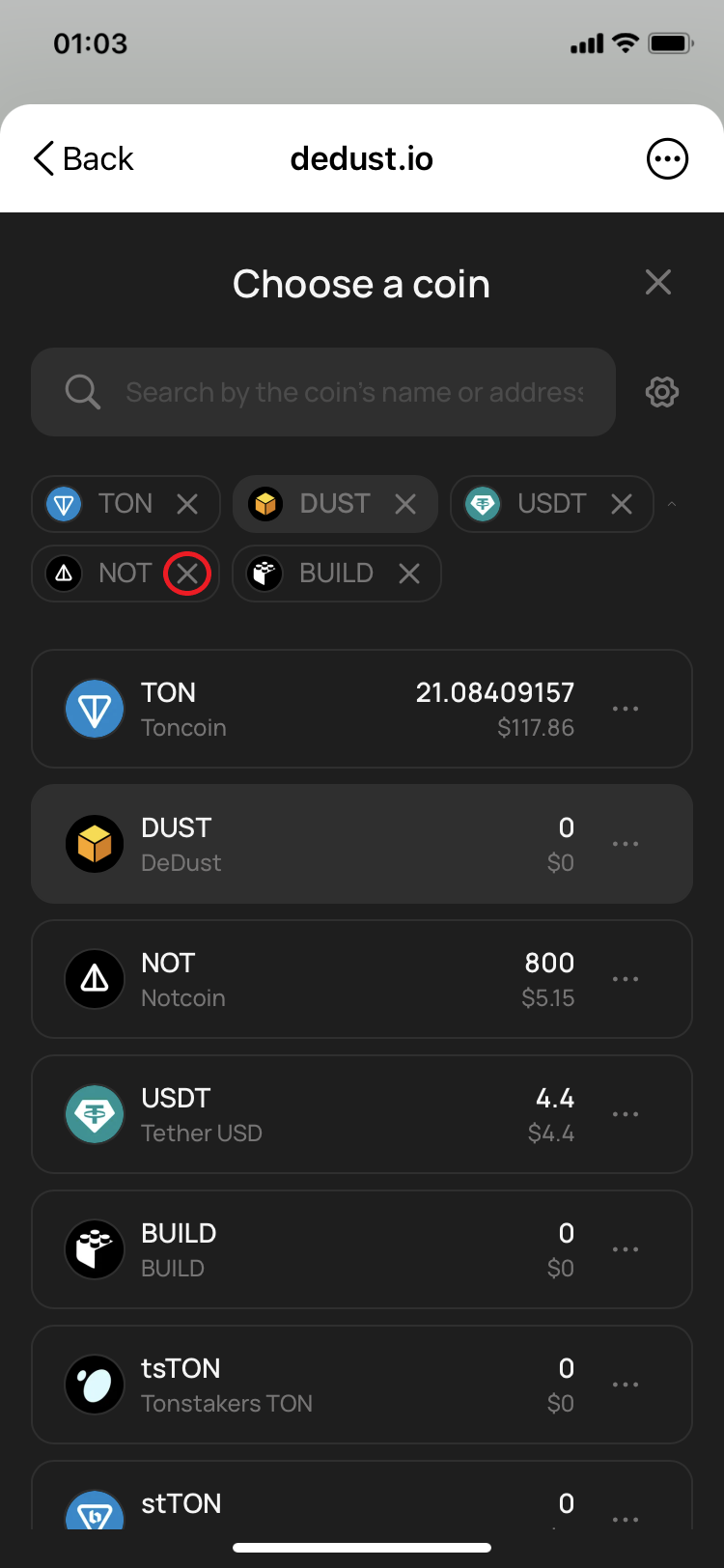
To remove a token, select the `×` next to its ticker in the Favorites row, or open the `…` menu and select **Remove from favorites**.

You can collapse or expand the Favorites row using the arrow on its right side. Your Favorites remain in place when token balances or the order of the main token list changes.

Favorites are saved only in the current browser on the current device, including wallet browsers and the Telegram Mini App.

### Token information and price charts

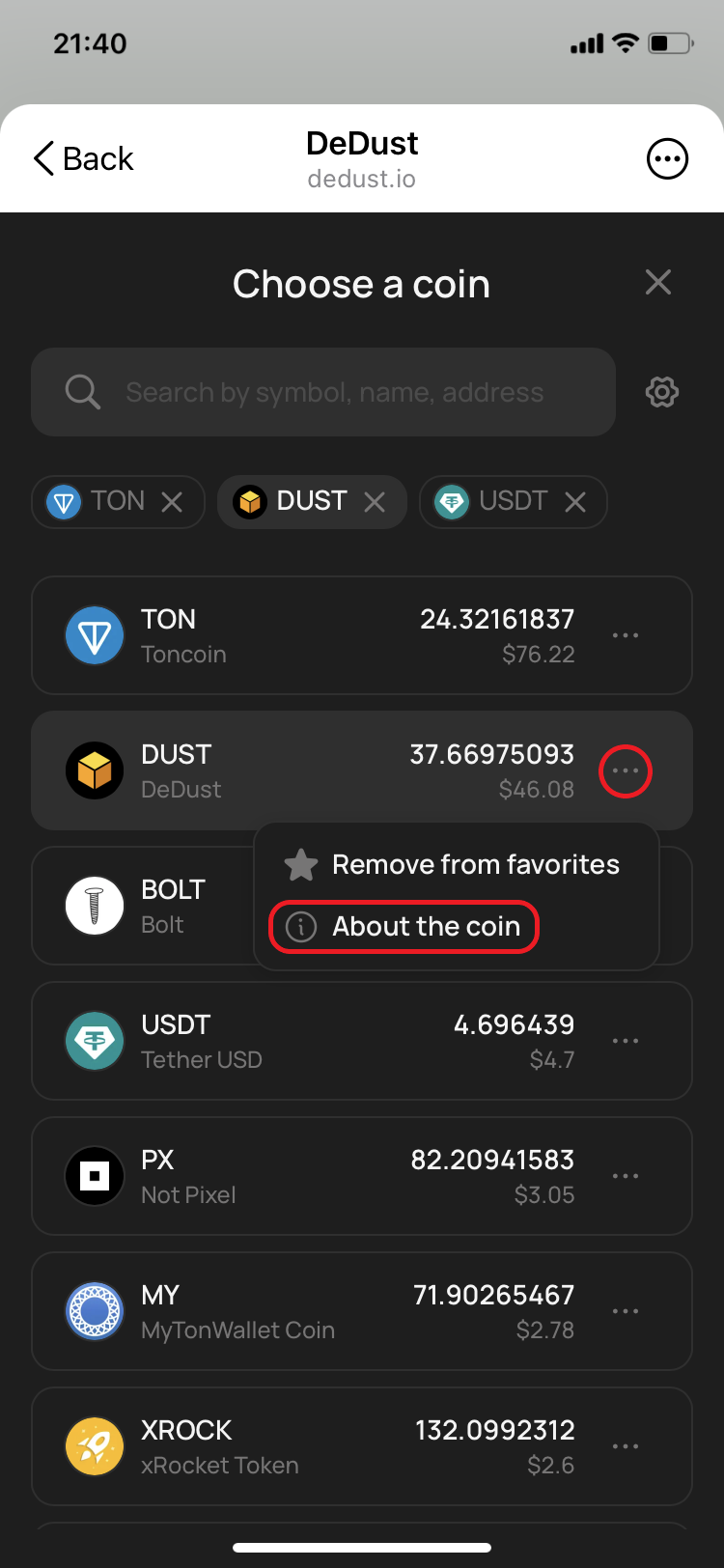
To open detailed information about a token from **Swap**:

1. Open the token selector.
2. Select the `…` menu next to the token.
3. Select **About the coin**.

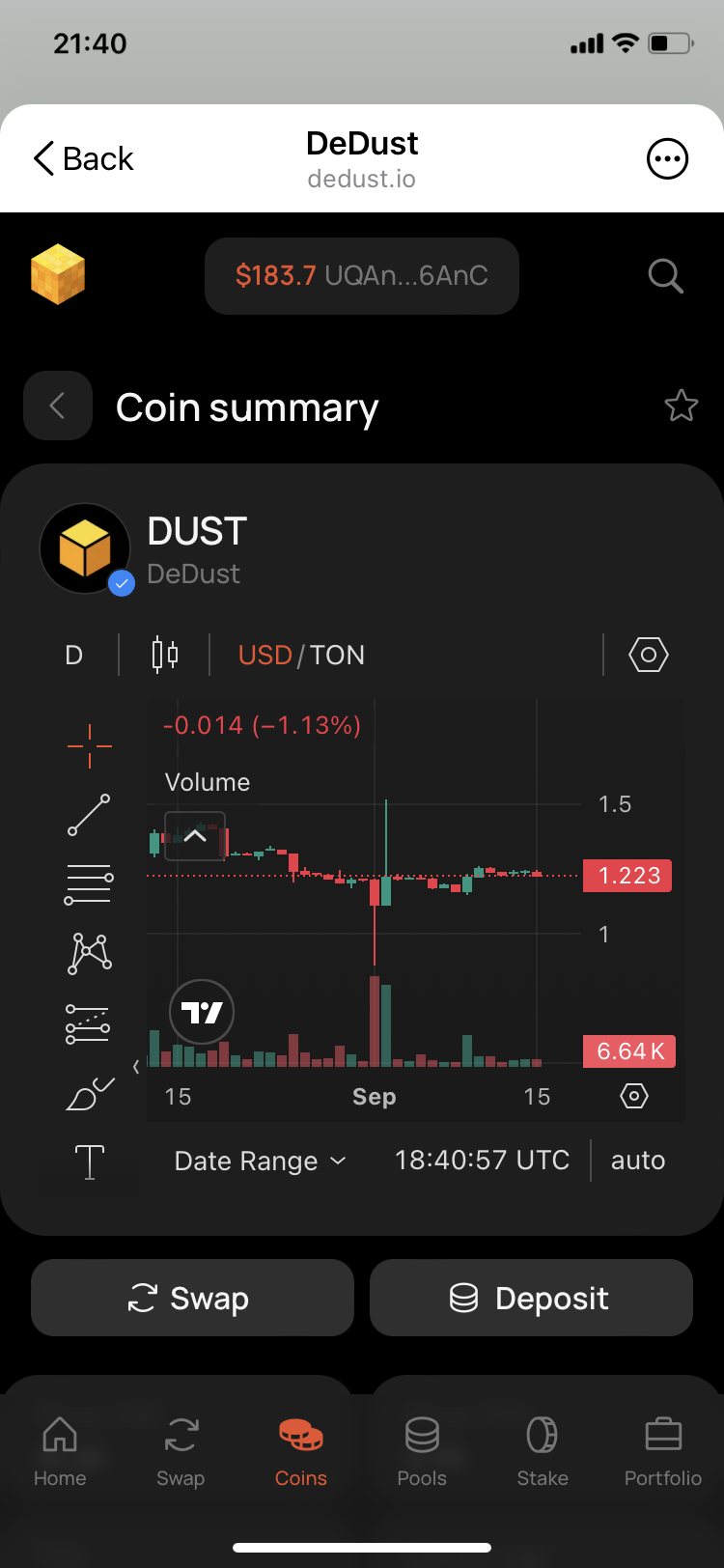
The [Coin summary page](/en/analytics/coins) includes the token's price chart, key market metrics, contract information, and other available data.

You can also open the same page by selecting a token in [**Portfolio**](/en/analytics/portfolio) or finding it in **Coins**.

### Tokens with tax

Some token contracts charge an additional fee when the token is bought, sold, or transferred. DeDust cannot remove or reduce a fee enforced by the token's smart contract.

Trading recognized tokens with tax is disabled by default and requires a separate setting. Unknown imported tokens may charge a tax without displaying a DeDust warning.

Before trading one, read [Tokens with tax](https://help.dedust.io/en/trade/tokens/tax), including the important limitation of **Min. receive** for taxed tokens.


# Tokens with tax

Some token contracts deduct an additional fee whenever the token is bought, sold, or transferred. This is commonly called a **token tax**.

The tax is defined and enforced by the token's smart contract. DeDust does not collect it and cannot remove, reduce, or refund it.

As a result, you may receive fewer tokens than the [Swap](https://dedust.io/swap) page initially shows or receive less value when selling the token.

### How DeDust warns you

Trading recognized tokens with tax is disabled by default.

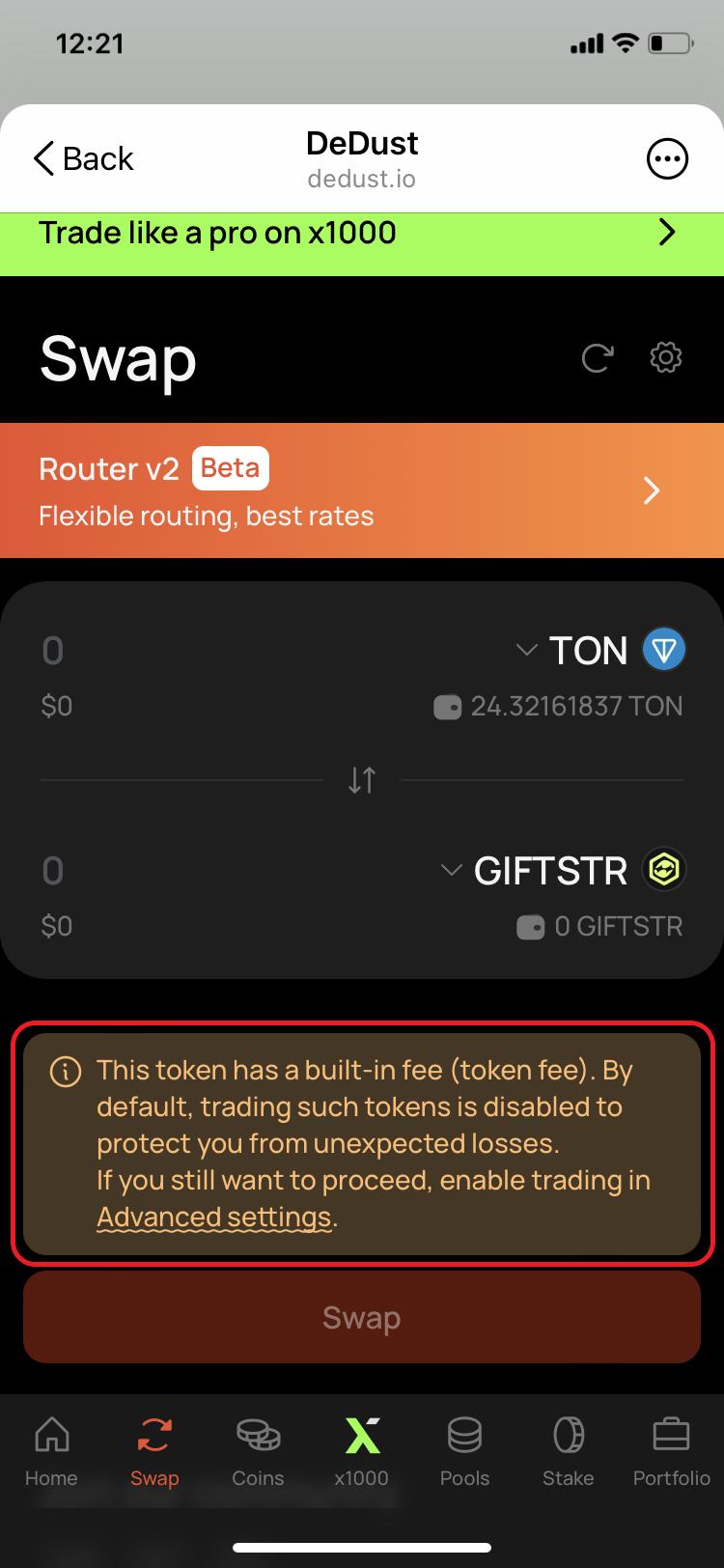
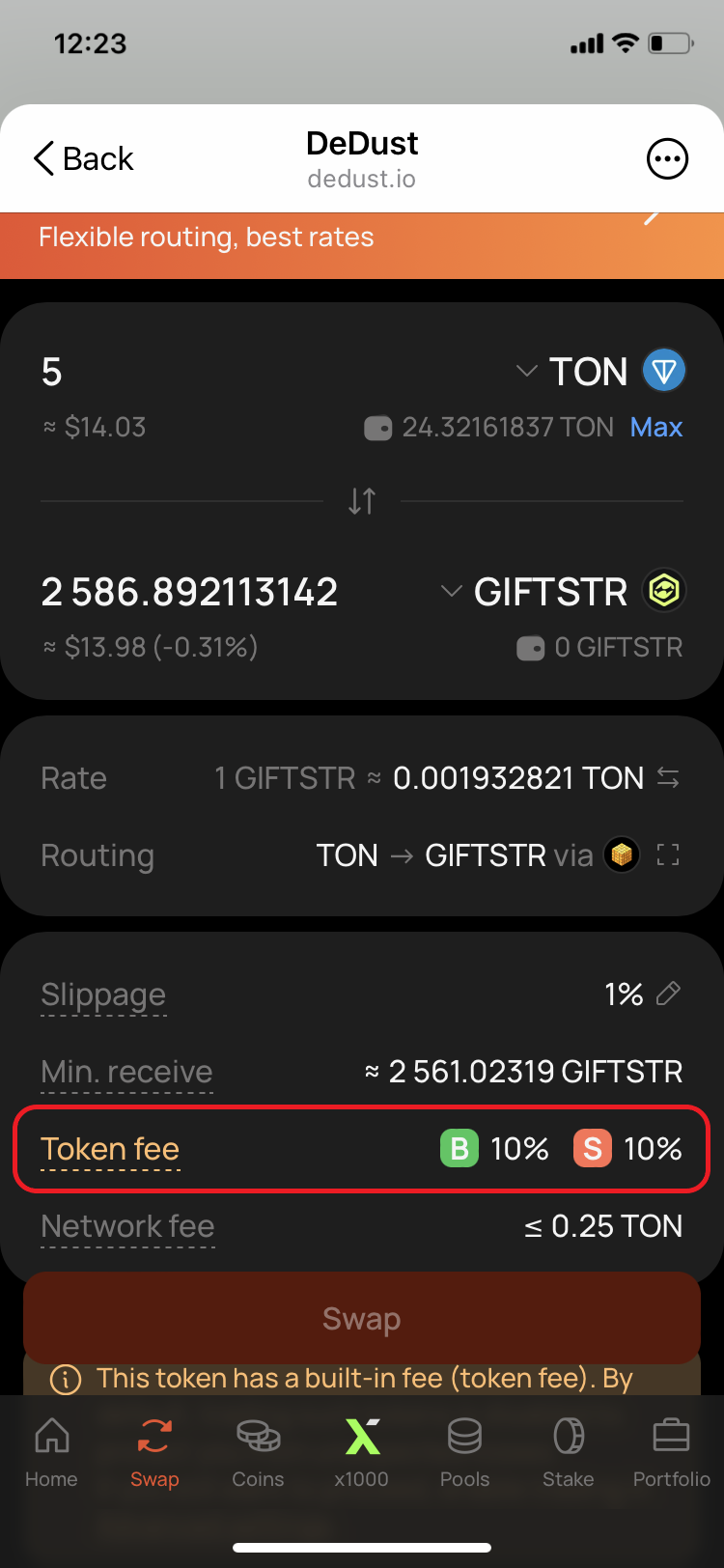
When you select a recognized taxed token, DeDust displays a warning. After you enter an amount, the interface also shows the known **Buy fee** and **Sell fee** charged by the token contract.

> **Important:** DeDust can display this warning and fee information only for taxed-token contracts it recognizes. An unknown [Imported token](/en/trade/tokens#verified-and-imported-tokens) may charge a tax without any warning or fee estimate. Always research an Imported token before trading it.

### How to enable trading

To trade a recognized token with tax:

1. Select the token on the **Swap** page.
2. Read the warning and review the displayed Buy fee and Sell fee.
3. Open [**Advanced settings**](/en/trade/settings) using the gear icon. You can also open the setting directly from the warning.
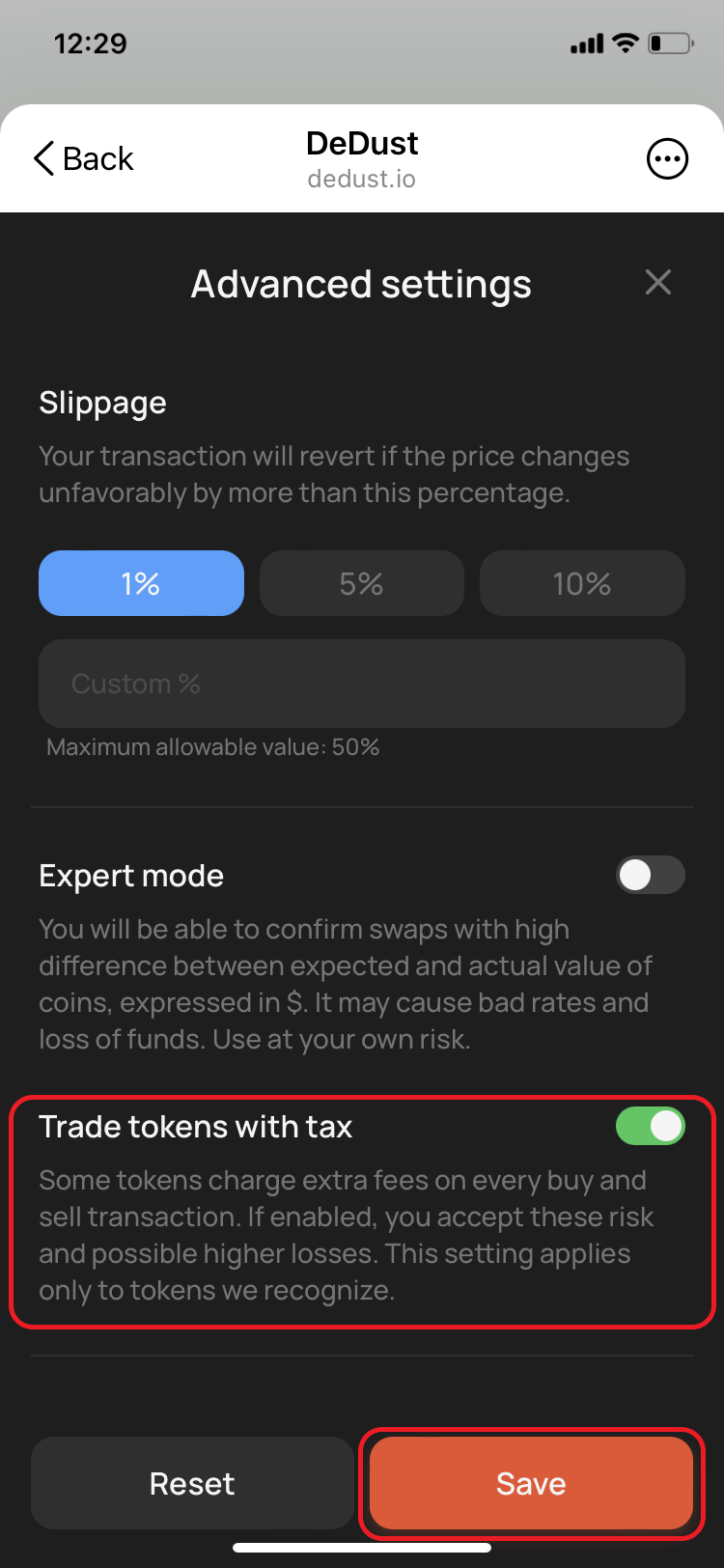
4. Turn on **Trade tokens with tax**.
5. Select **Save**.

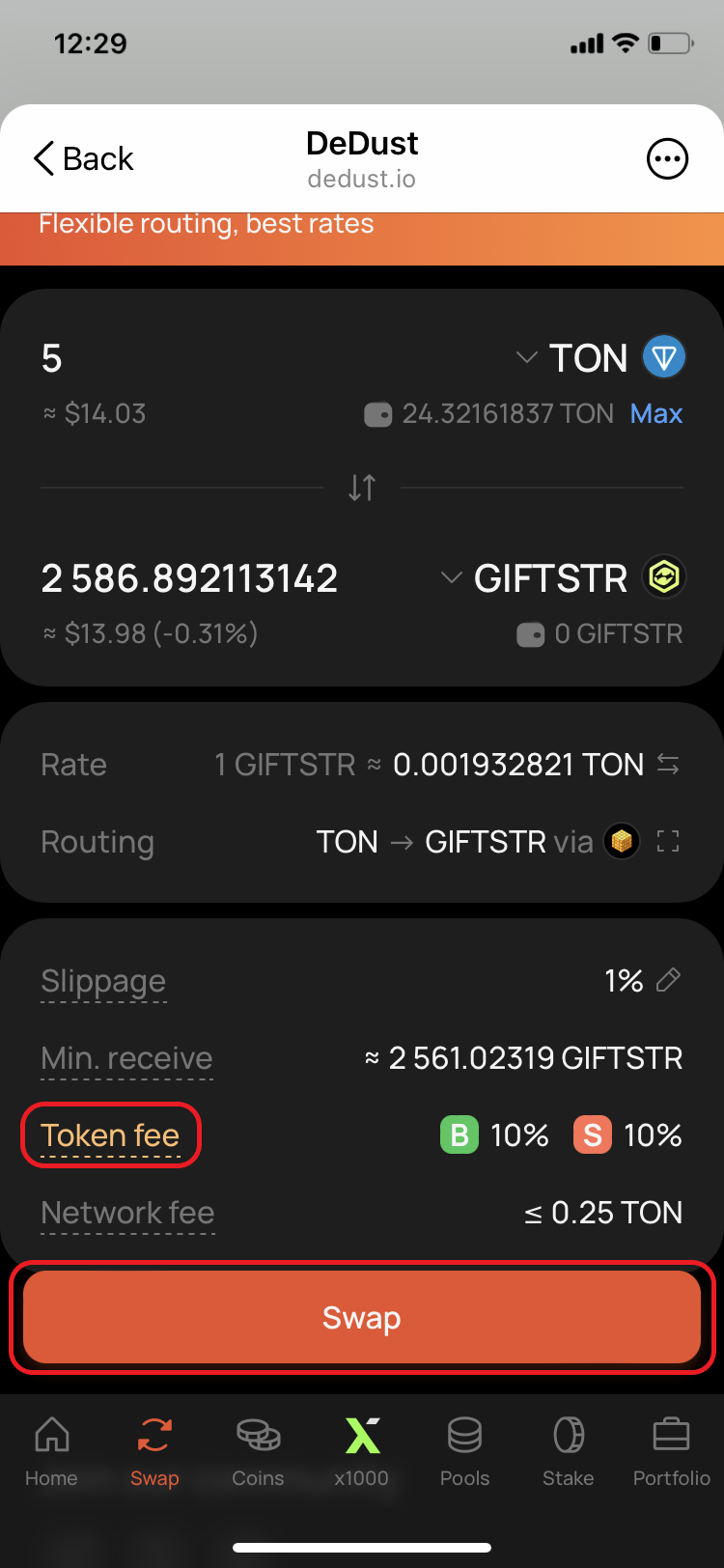
The Swap action becomes available after the setting is enabled. Select the displayed **Token fee** for a short explanation of taxed tokens.

Enabling the setting means that you understand and accept the additional deductions and the risk of receiving less than expected.

### Min. receive does not include token tax

The **Min. receive** value protects you against unfavorable price movement beyond your selected [slippage tolerance](/en/trade/price_impact#slippage-and-slippage-tolerance). It does not include the amount deducted separately by the taxed token's smart contract.

This means that the number of tokens that reaches your wallet can be lower than the **Min. receive** value shown on the Swap page.

Before confirming a swap:

* check the displayed Buy fee and Sell fee;
* account for the tax separately from slippage;
* confirm the token's smart contract address;
* decide whether the expected result is still acceptable after the deduction.

> **Warning:** A token tax is not proof that a token is legitimate or safe. Taxes can create substantial losses, especially when both buying and selling are taxed. Never rely only on the token name, ticker, or DeDust warning when assessing a project.


# Portfolio

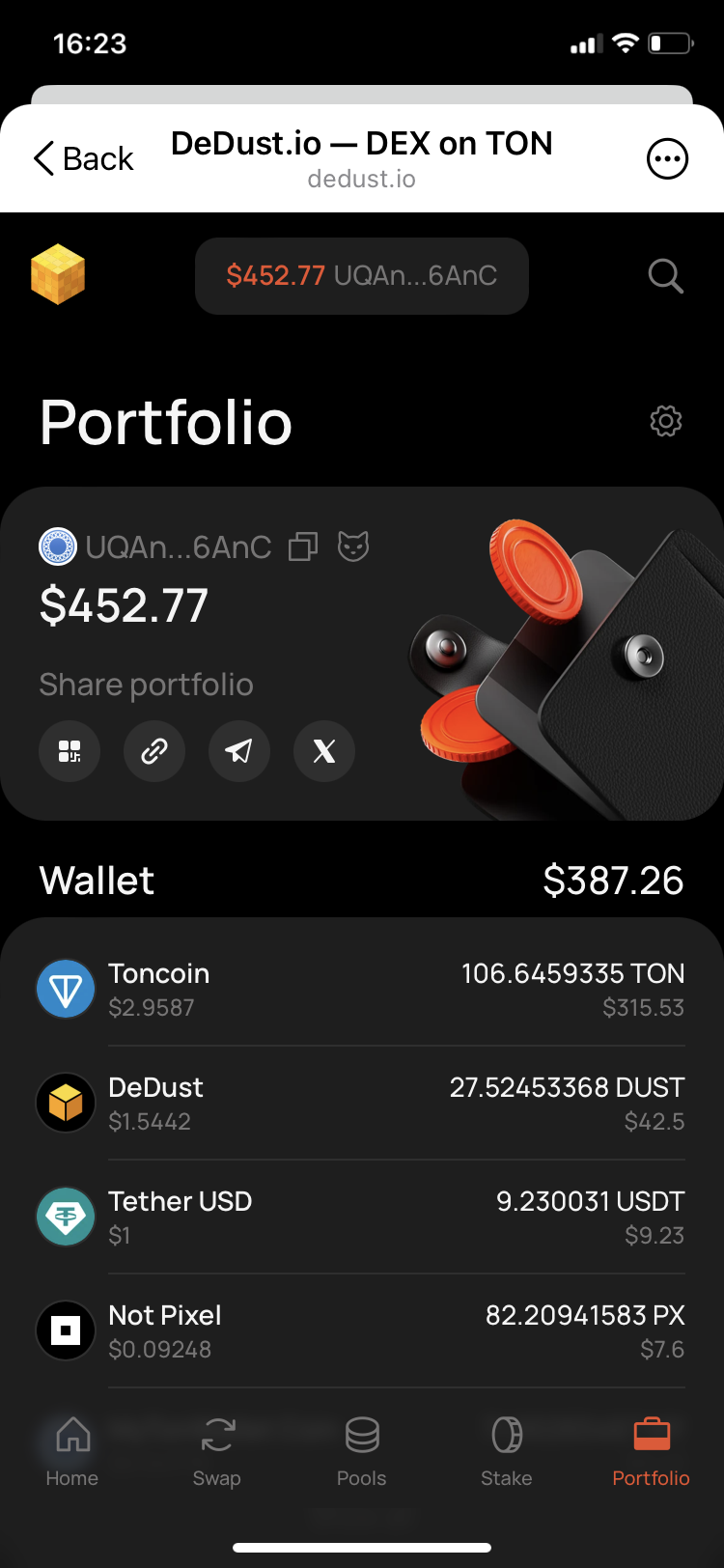
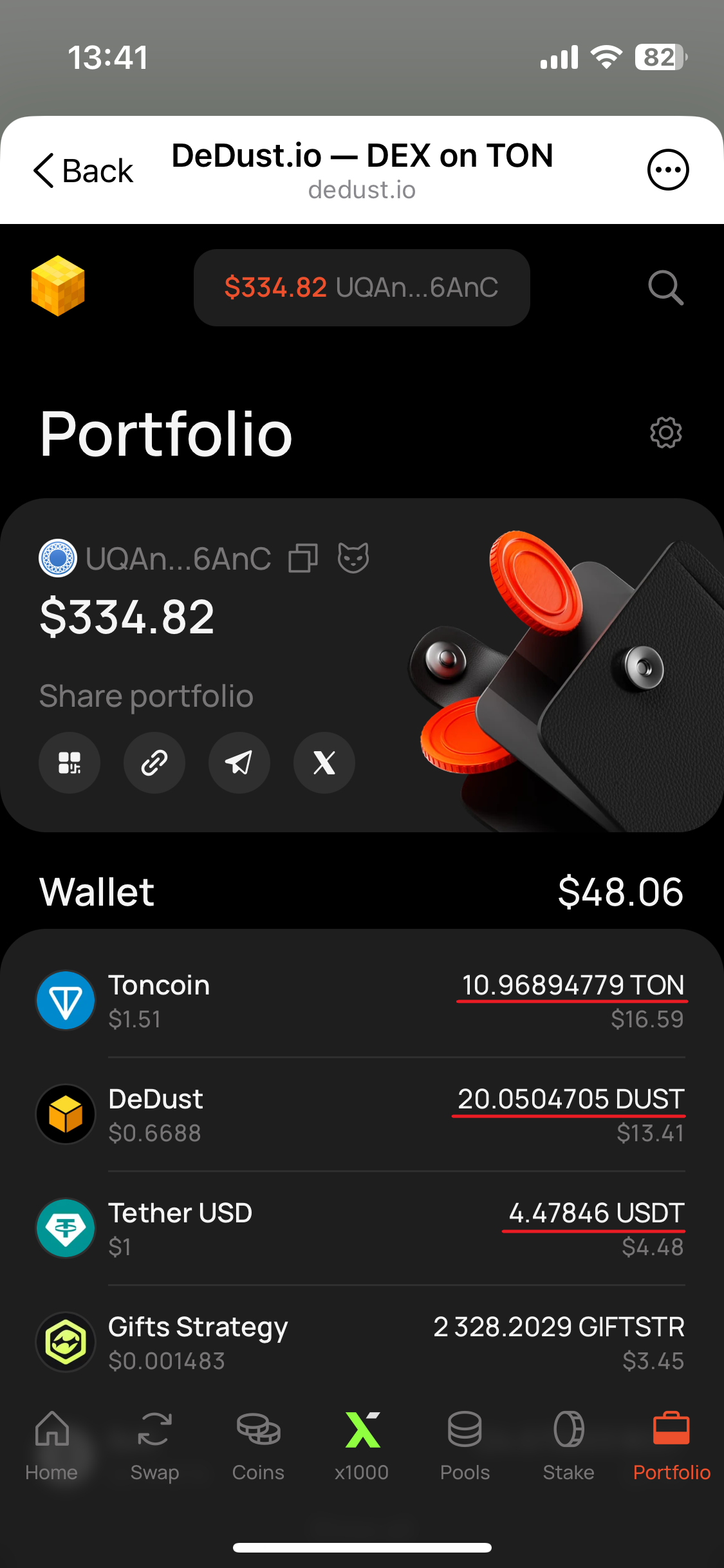
[Portfolio](https://dedust.io/portfolio) brings together the assets and DeDust positions associated with a TON wallet. You can use it for your connected wallet or view any other wallet by its address or TON domain.

Portfolio data comes from the blockchain. Connecting a wallet is required to manage your own positions, but not to view public on-chain data.

### What Portfolio shows

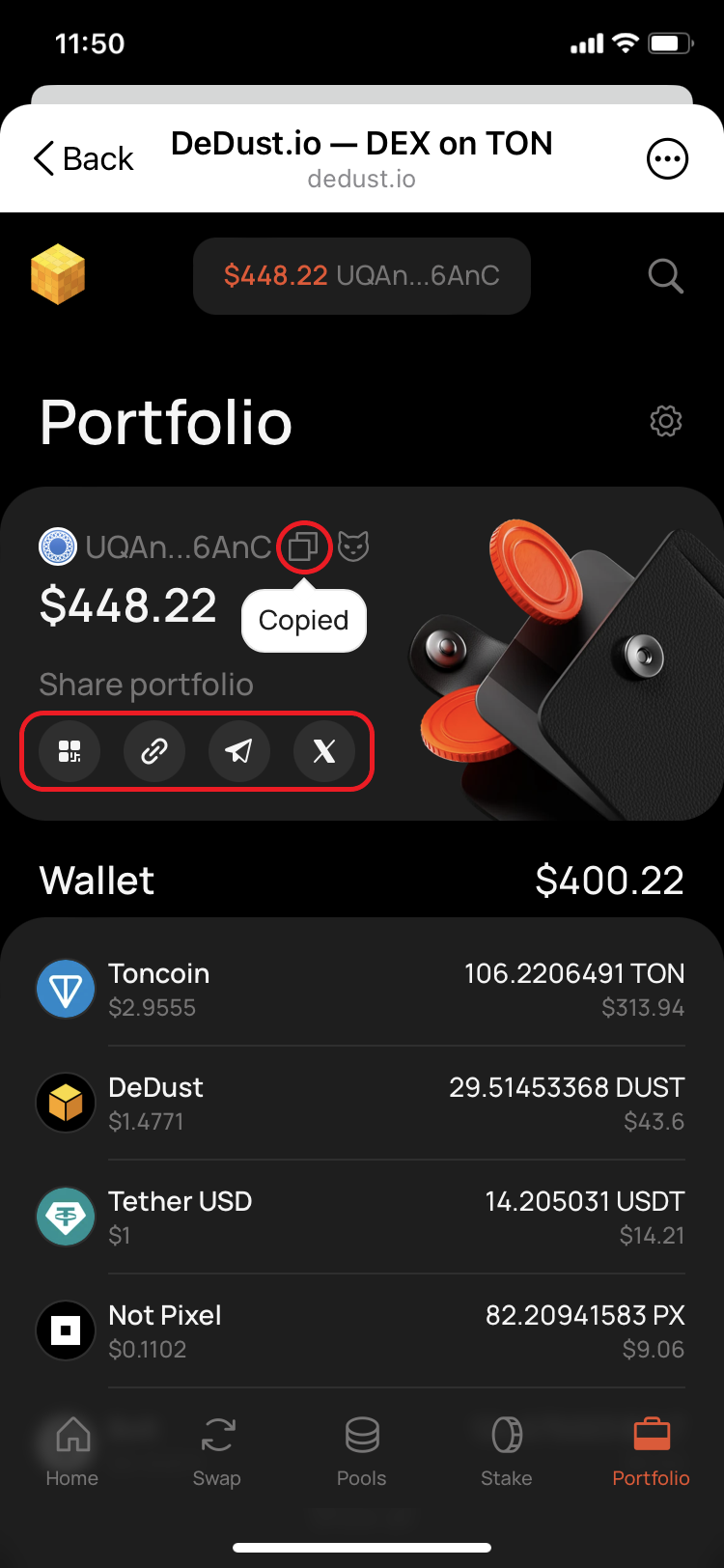
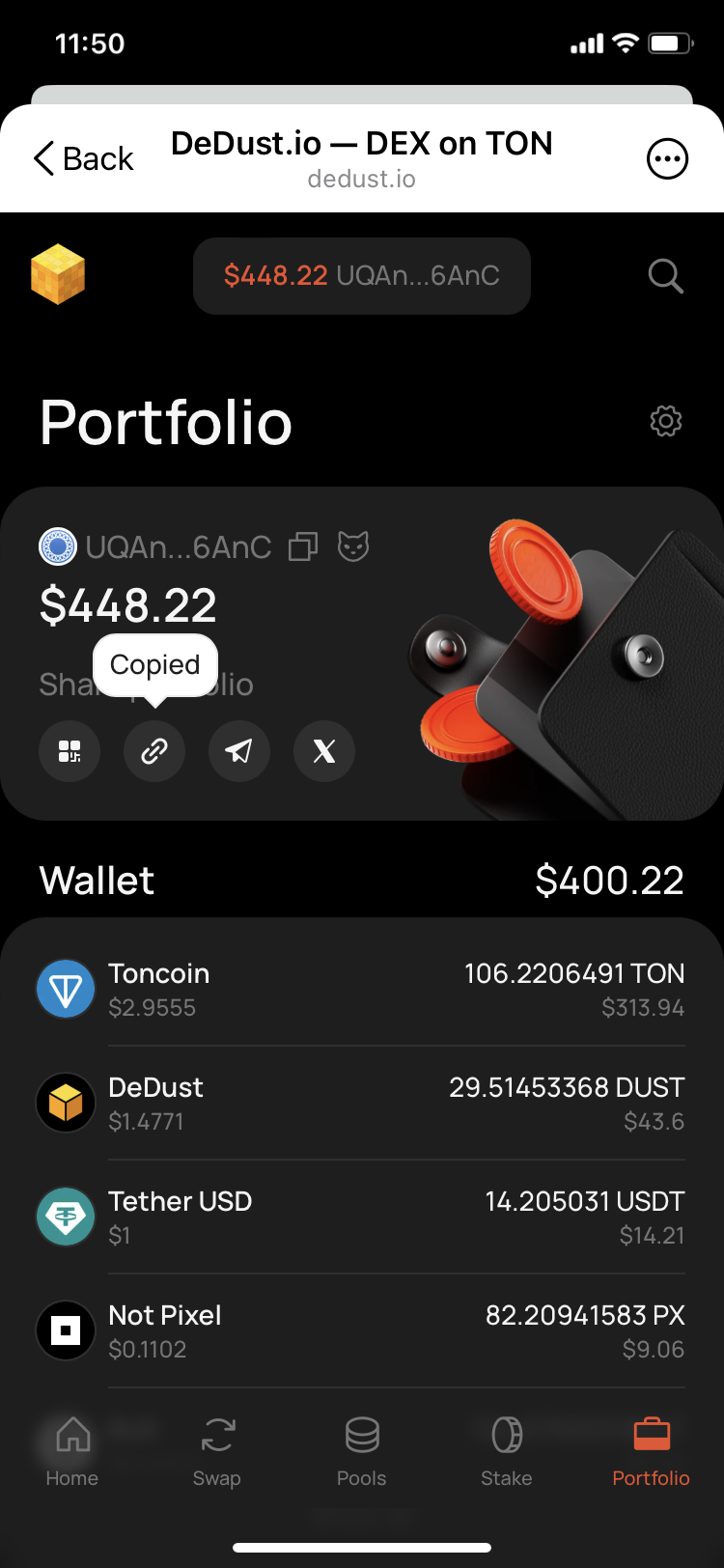
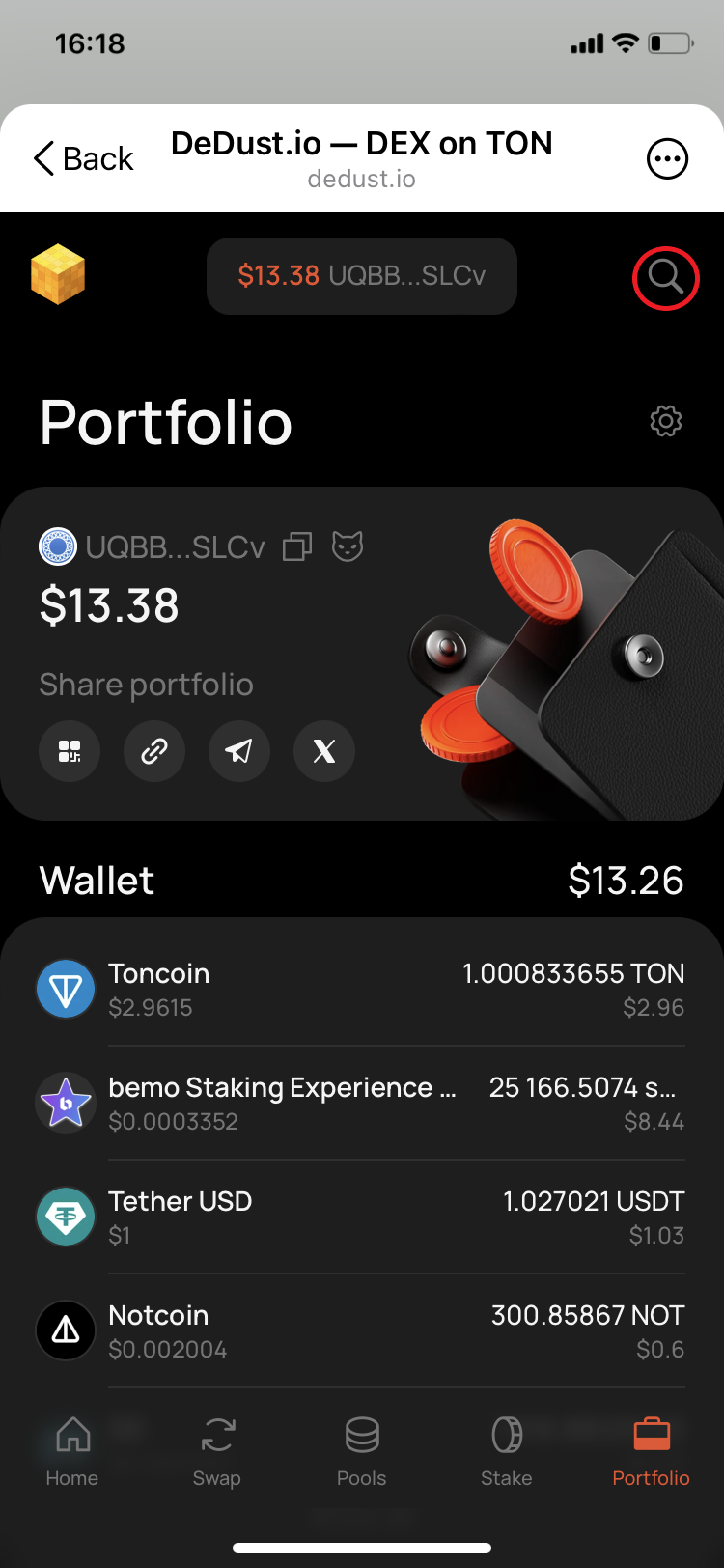
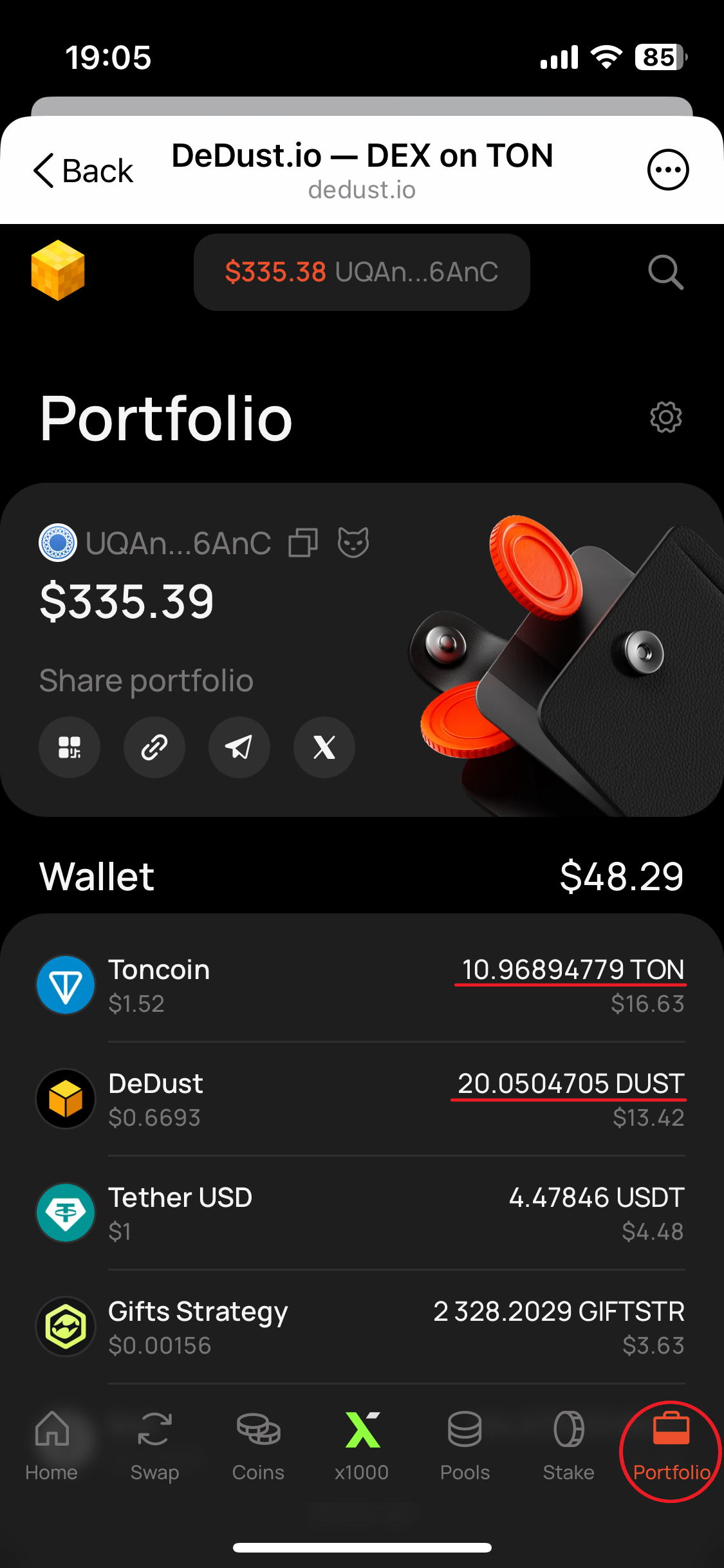
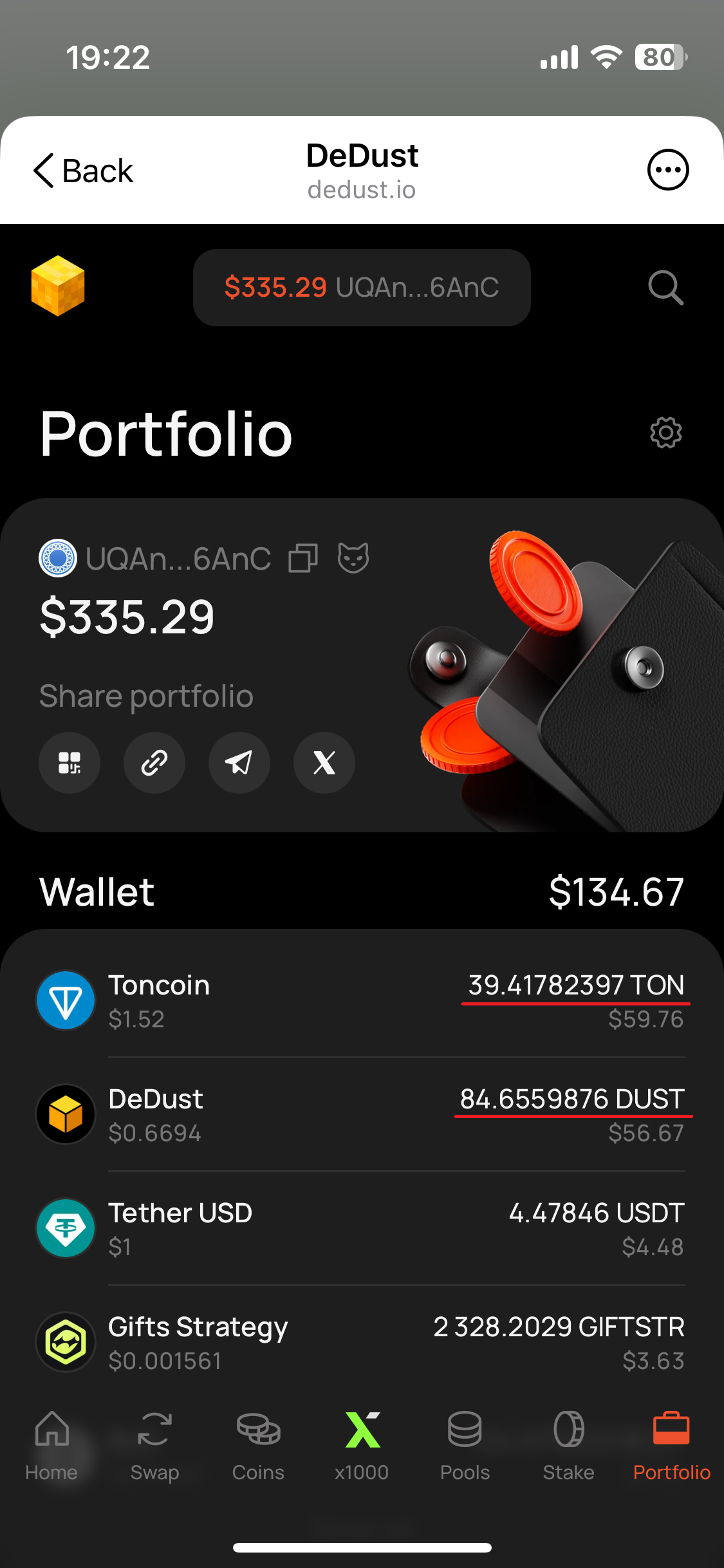
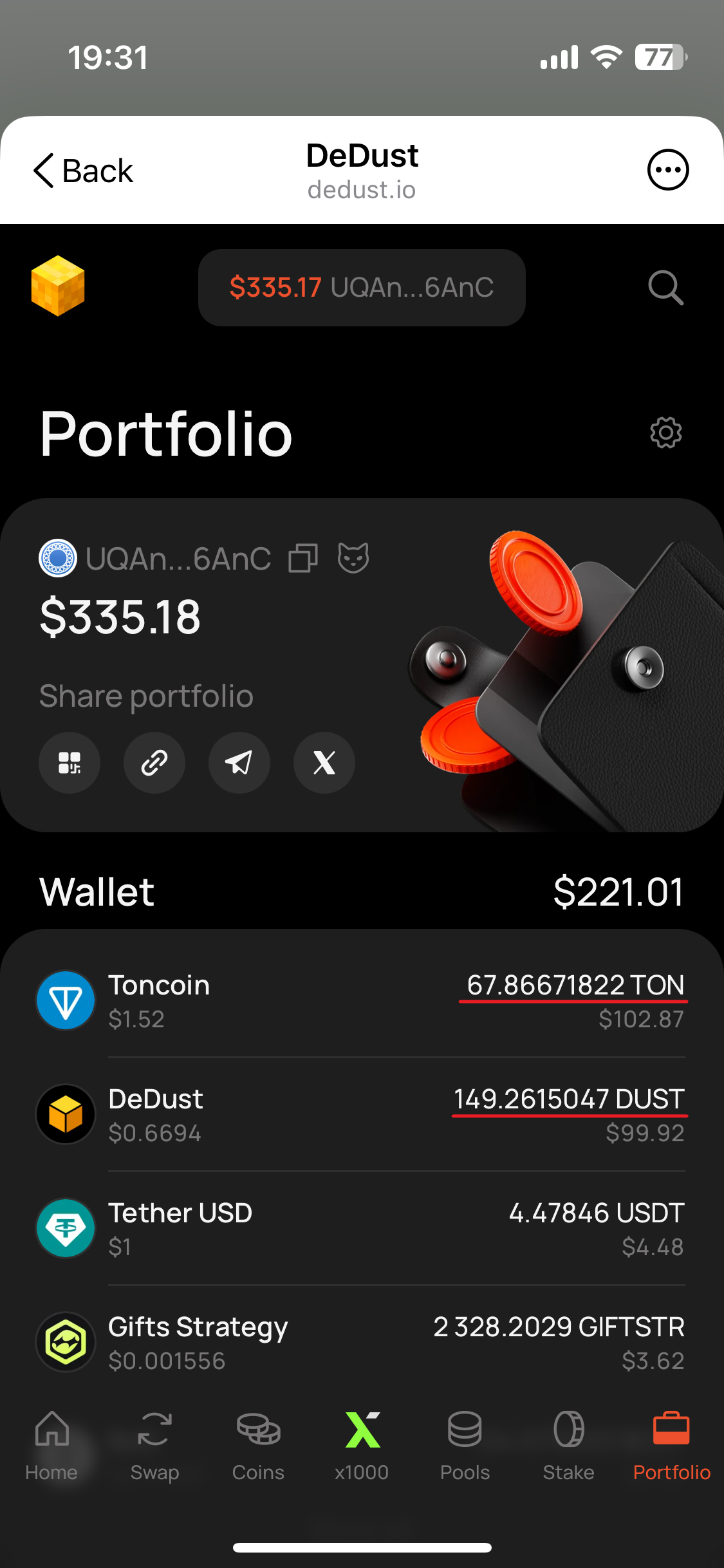
At the top of the page, DeDust shows:

* the wallet address;
* the estimated total value of its assets in USD;
* a link to the address in Tonscan;
* options for sharing the Portfolio.

The total value includes the available data from the sections below.

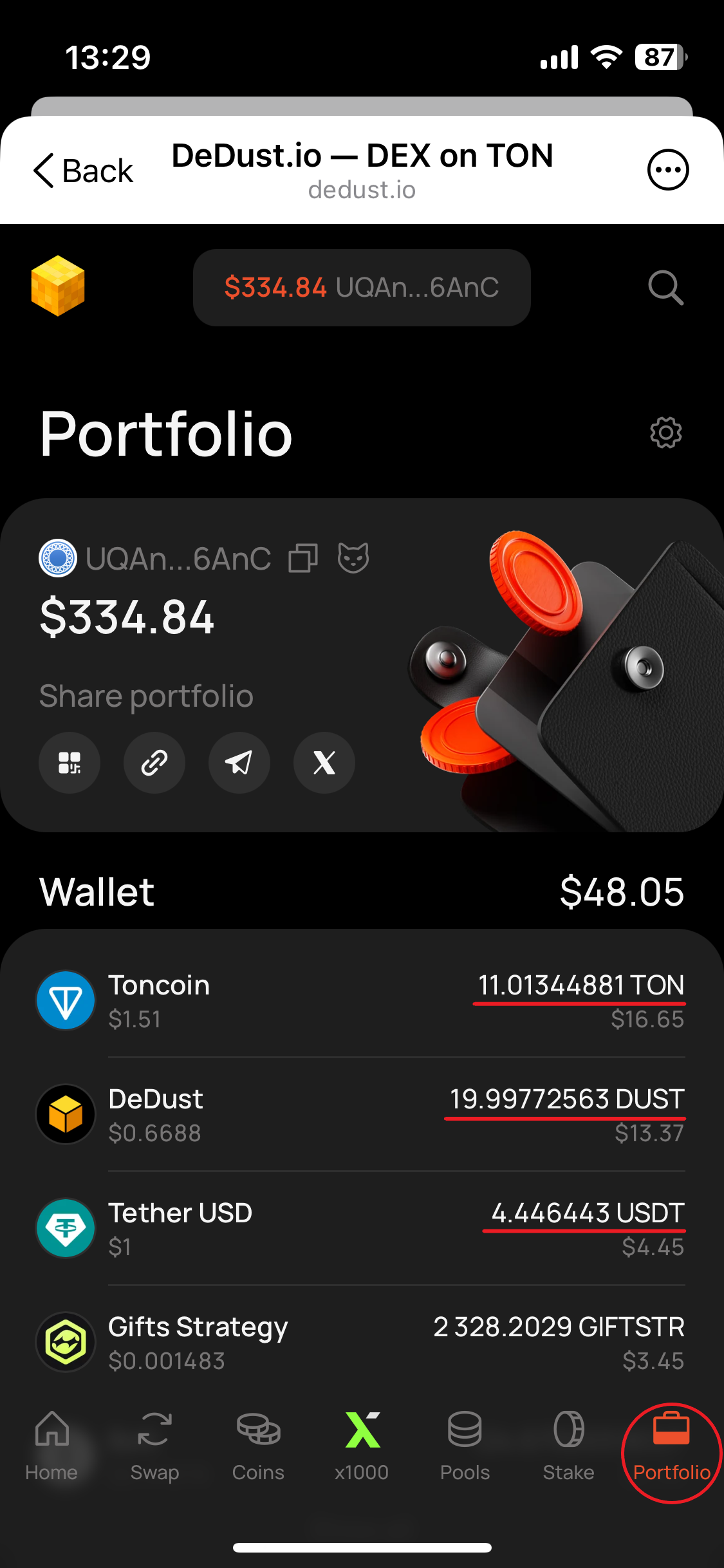
#### Wallet

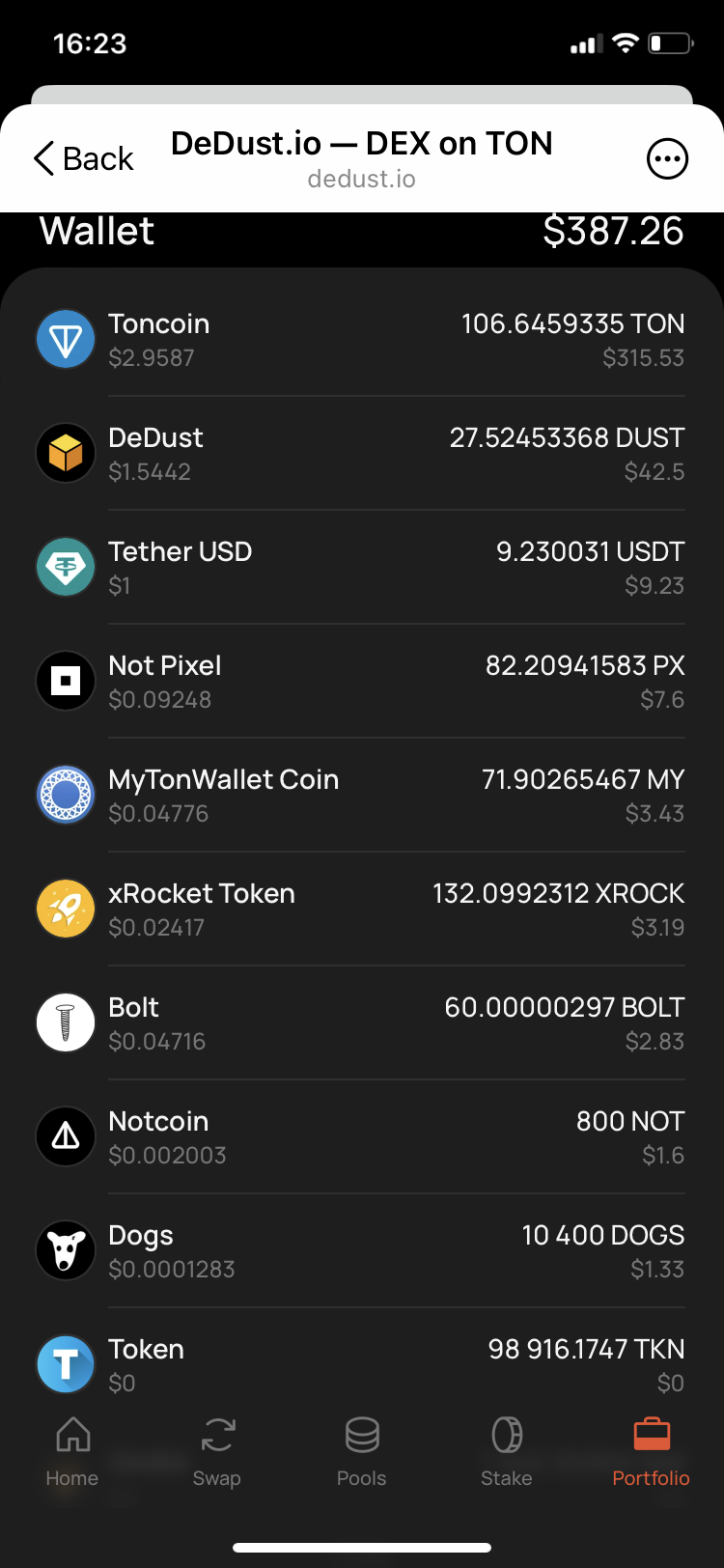
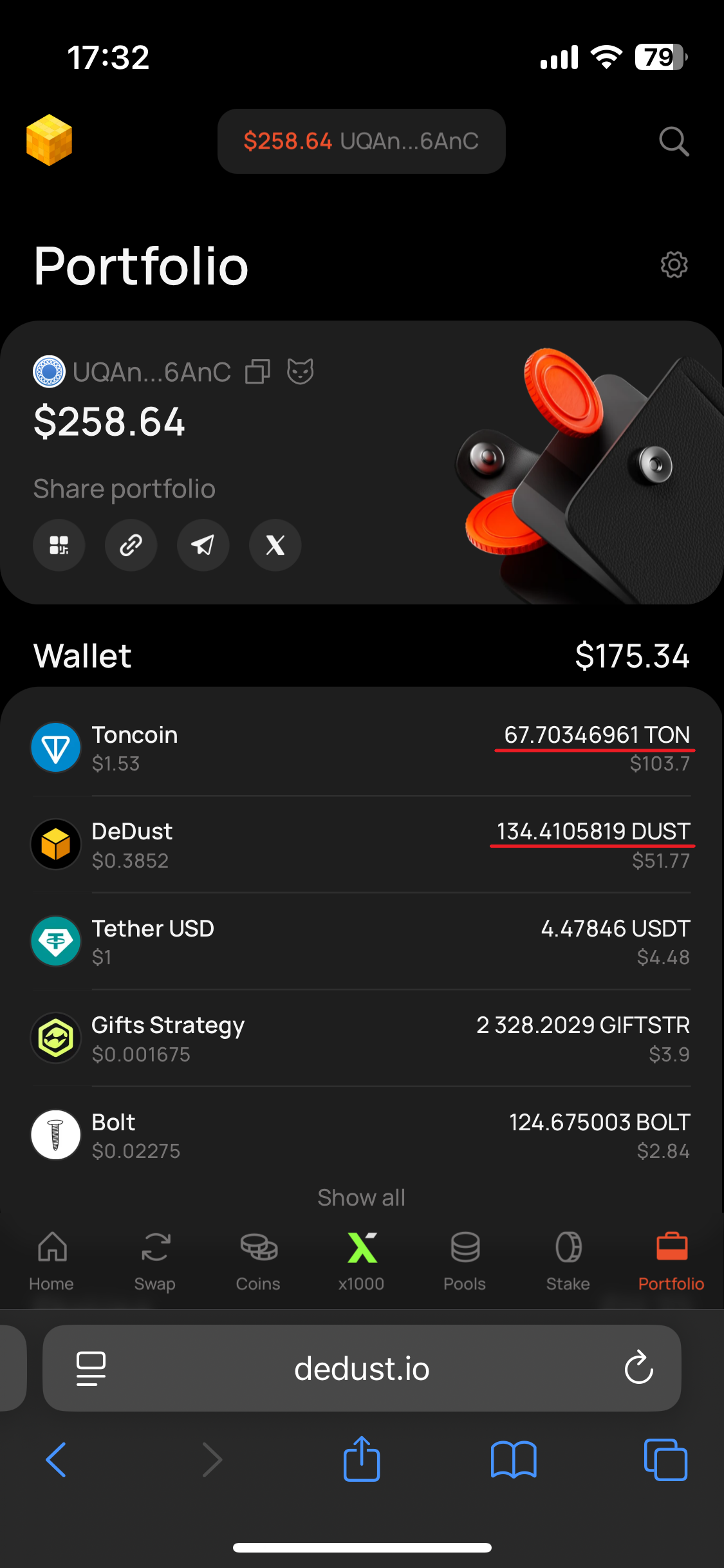
The **Wallet** section shows token balances, current token prices, and estimated USD values.

The first five assets are displayed by default. Select **Show all** to expand the complete list, or **Hide** to collapse it again.

Select a token to open its [Coin summary](/en/analytics/coins) with a price chart, market metrics, contract information, and other available data.

By default, Portfolio displays Verified tokens. If a token is missing, [import it](/en/trade/tokens#how-to-import-a-token) by its smart contract address in the token selector. Imported tokens are saved only in the current browser on the current device.

#### Staking

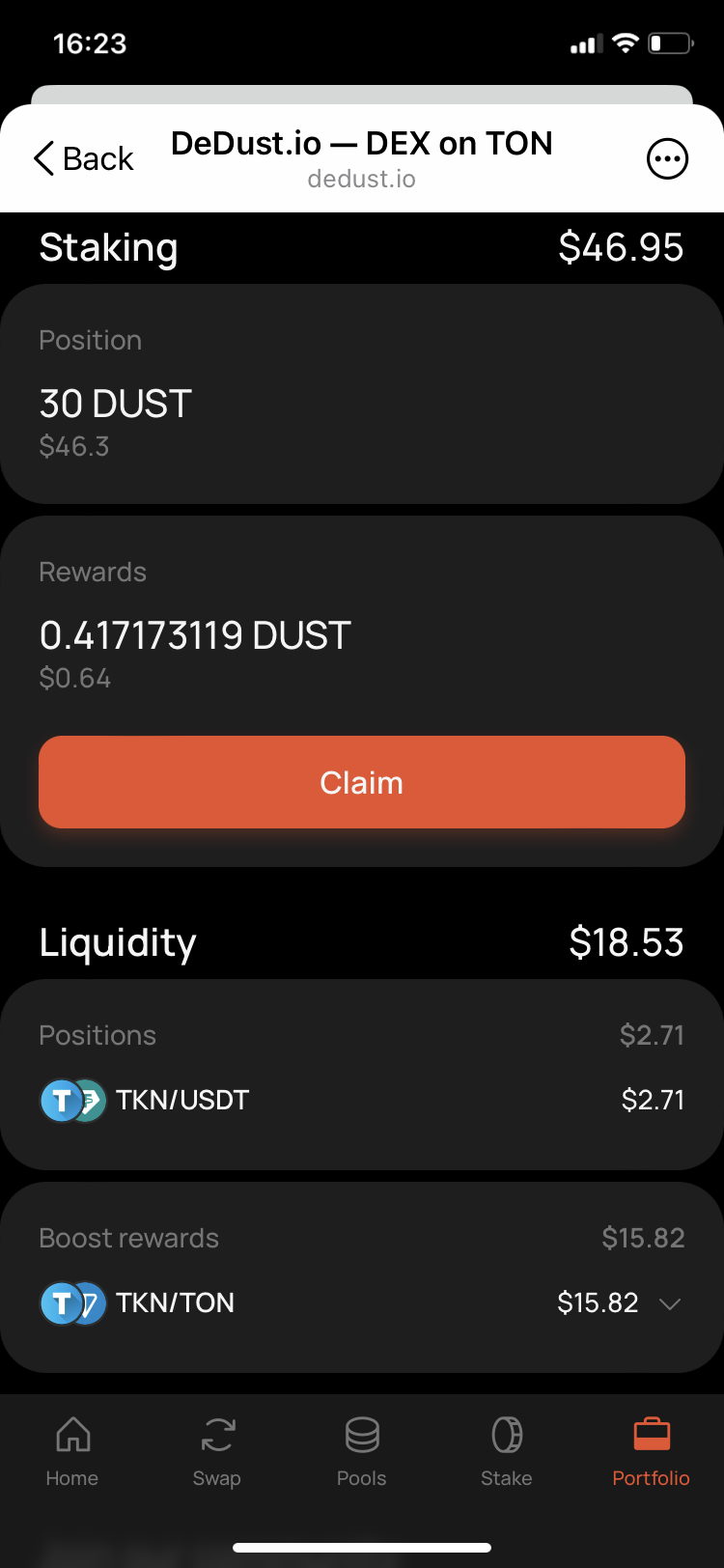
The **Staking** section shows the wallet's DUST staking position and available staking rewards.

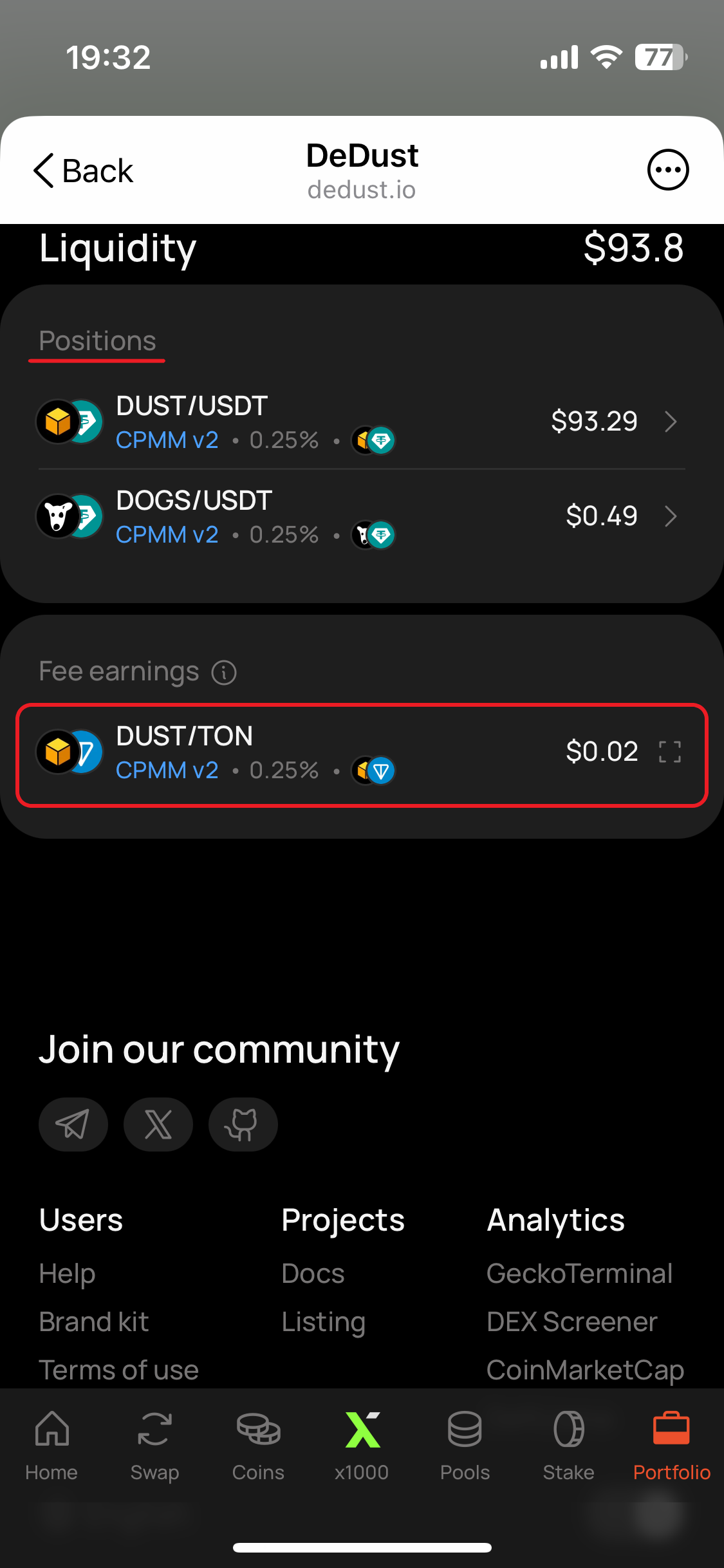
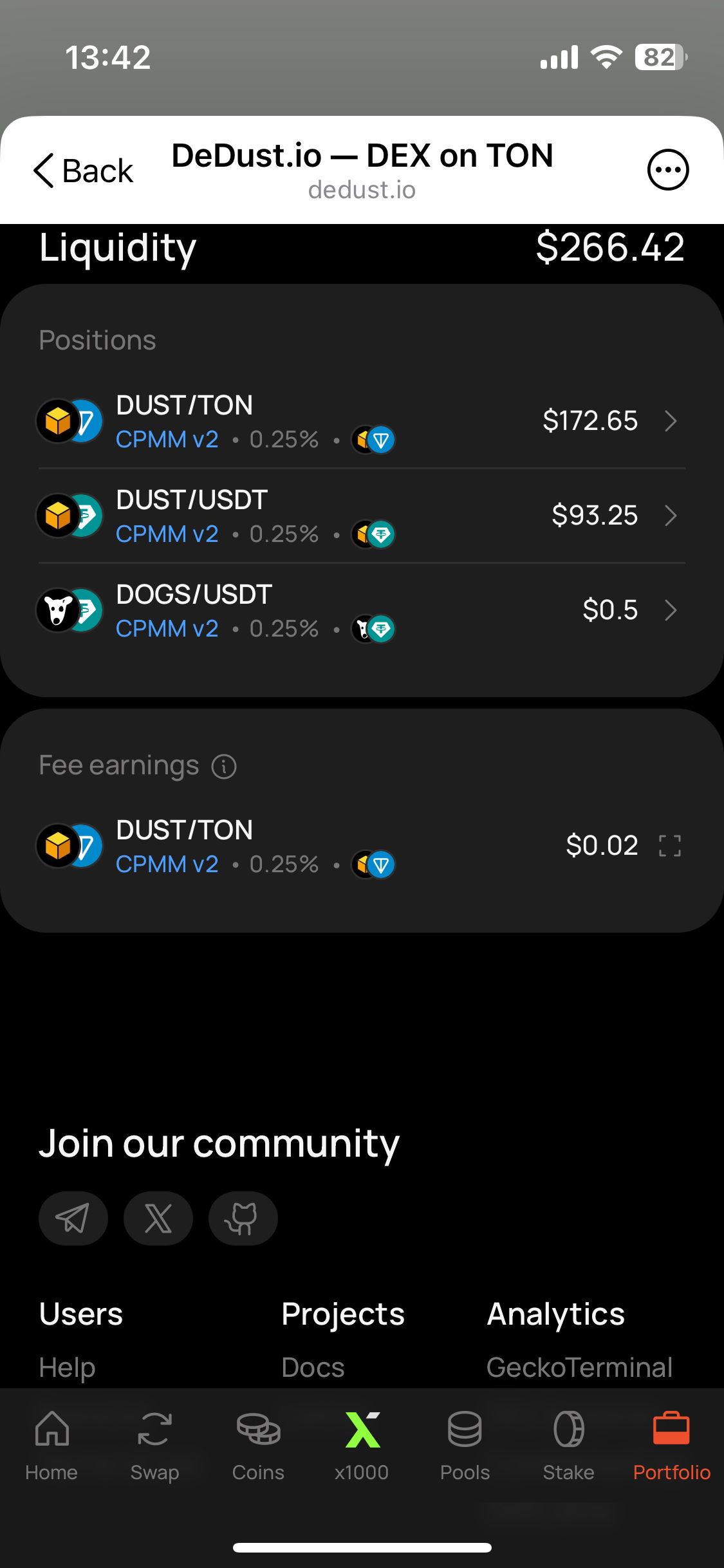
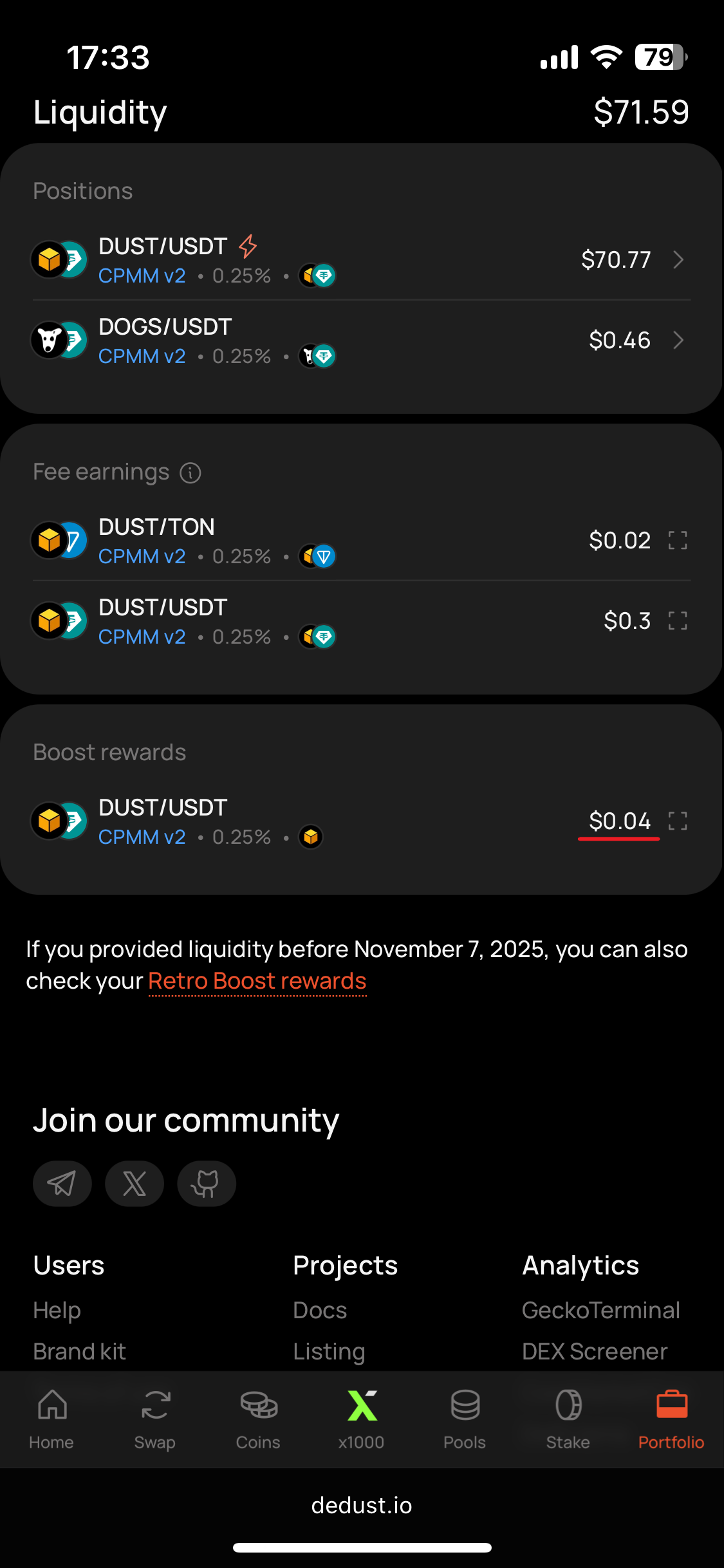
#### Liquidity

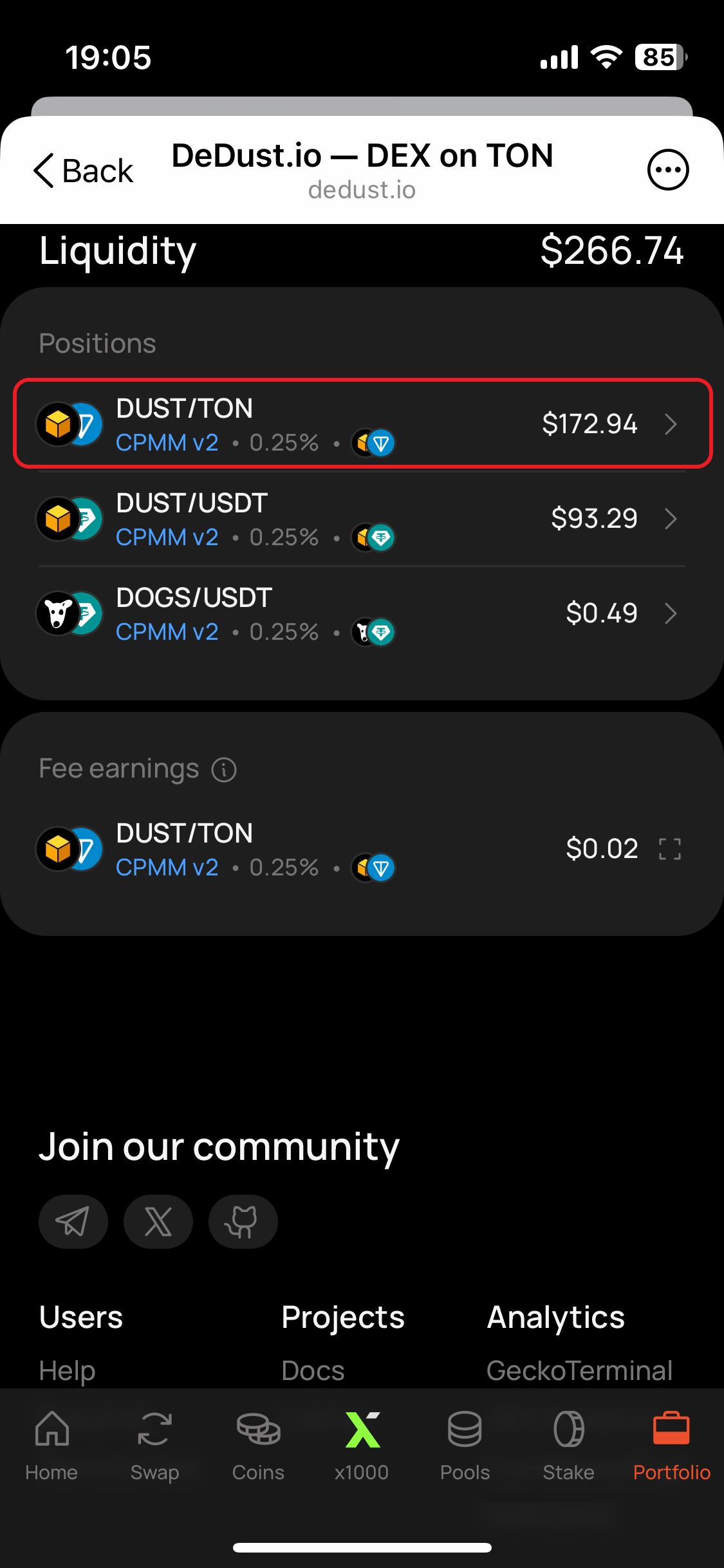
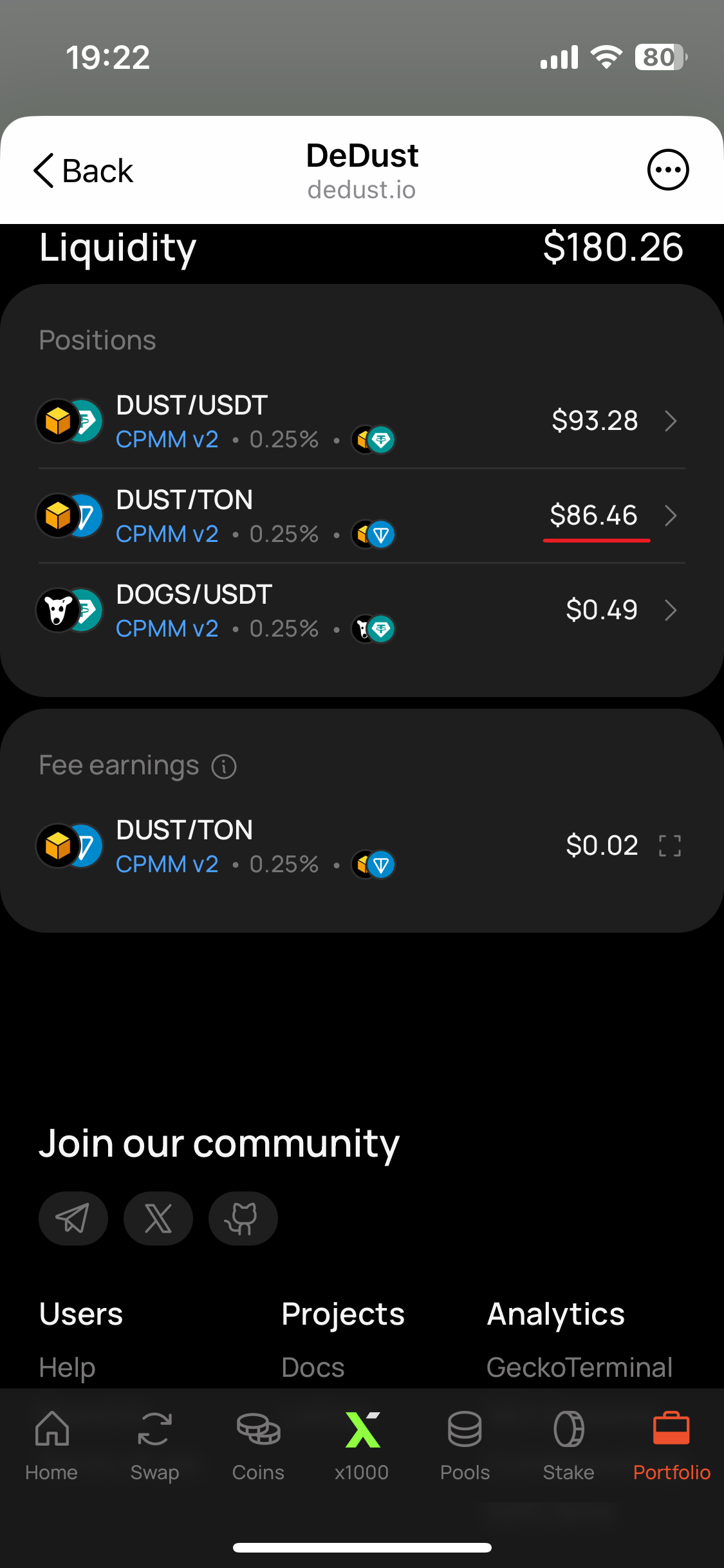
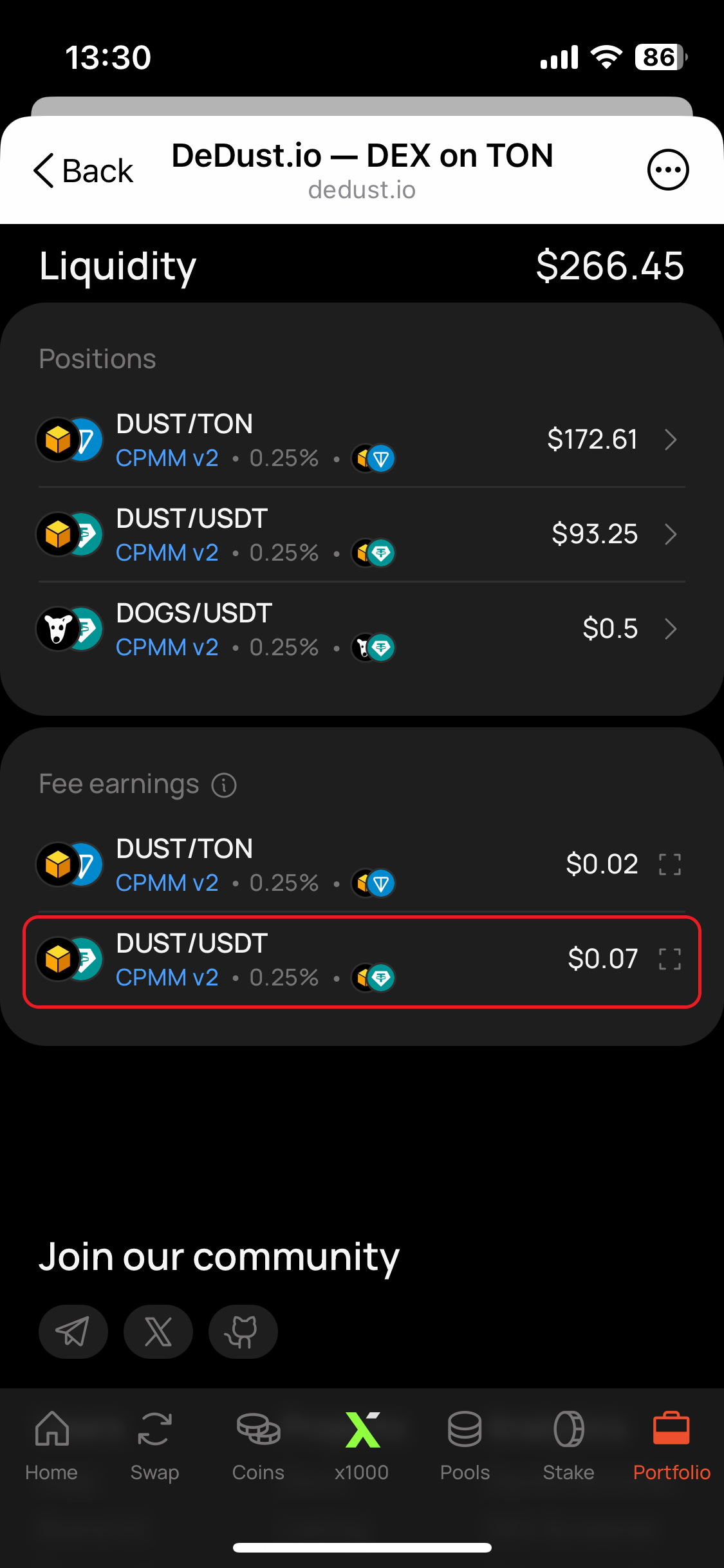
The **Liquidity** section includes:

* **Positions** — the wallet's liquidity positions in [DeDust pools](/en/liquidity/pools);
* [**Fee earnings**](/en/liquidity/earnings) — trading fees available from supported liquidity positions;
* **Boost rewards** — rewards earned from [boosted pools](/en/liquidity/boosts).

Select a pool under **Positions** to open its pool page and view the position details.

When applicable, Portfolio also provides access to Retro Boost rewards for liquidity supplied before the date shown in the interface.

### Viewing your Portfolio

Open **Portfolio** from the DeDust navigation and connect your wallet. DeDust automatically loads the assets, staking, liquidity positions, and rewards associated with the connected address.

The wallet header shows a shortened version of the connected address. Use the available controls to copy the full address or open it in Tonscan.

### Viewing another wallet

You do not need to connect a wallet to view public Portfolio data.

To open another wallet:

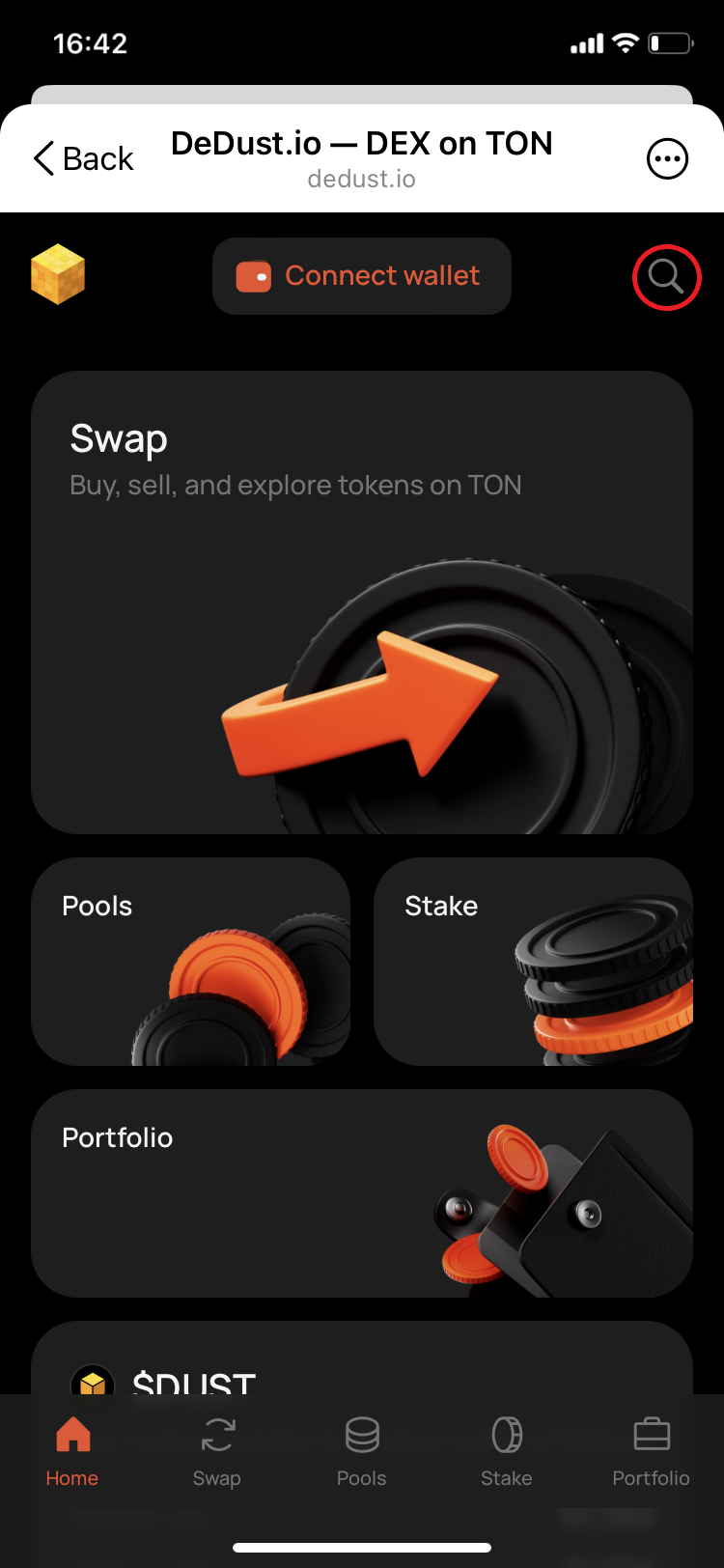
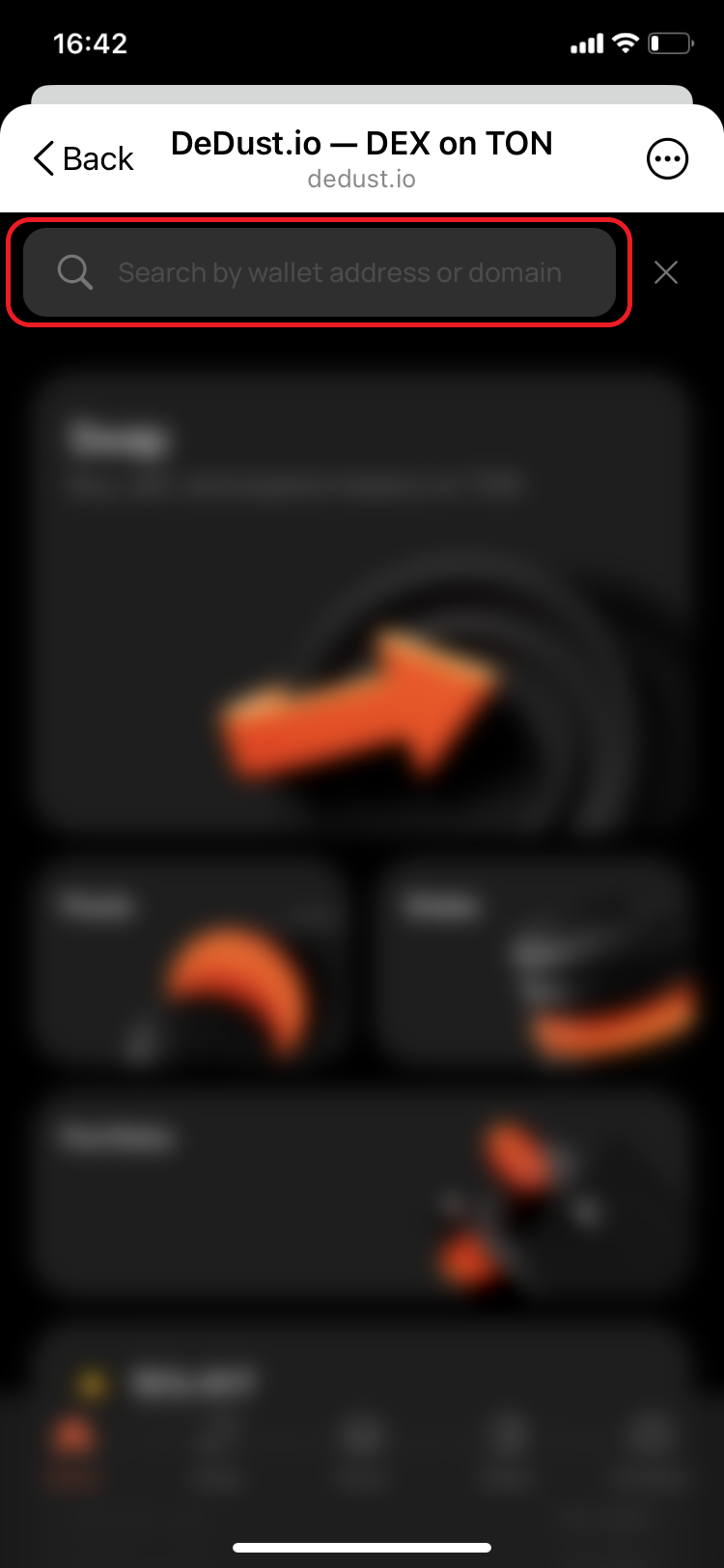
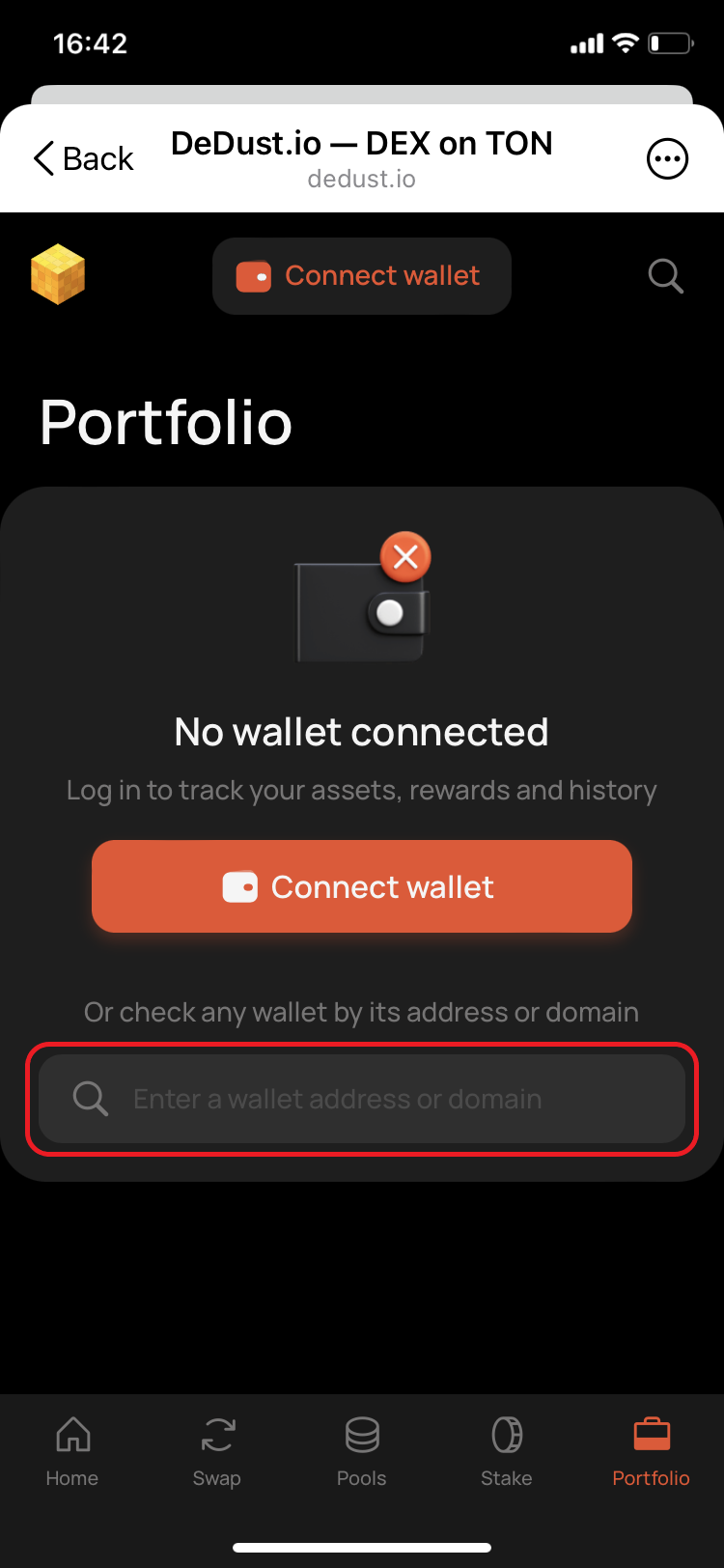
1. Go to **Portfolio**.
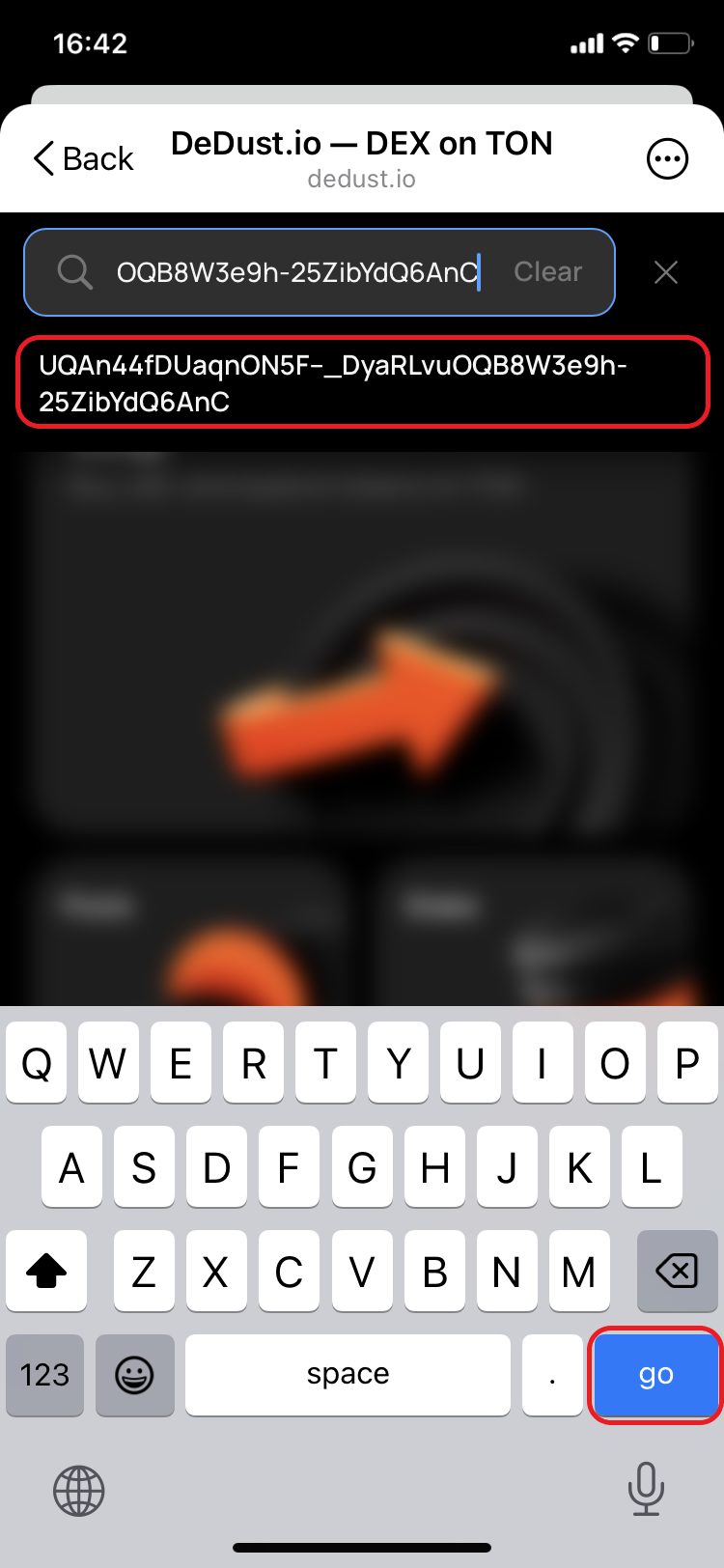
2. Enter a TON wallet address or TON domain into **Enter a wallet address or domain**.
3. Select the matching result.

DeDust displays a notice when the Portfolio belongs to a wallet different from the one currently connected. Check the address carefully before analyzing the data or transferring funds.

The public view can include the wallet's tokens, staking position, liquidity positions, fee earnings, and rewards. Viewing this information does not give you control over the wallet or its assets.

### Sharing a Portfolio

Each wallet has a direct public Portfolio link in this format:

`https://dedust.io/portfolio/WALLET_ADDRESS`

To share the Portfolio currently displayed, use the controls under **Share portfolio**. You can:

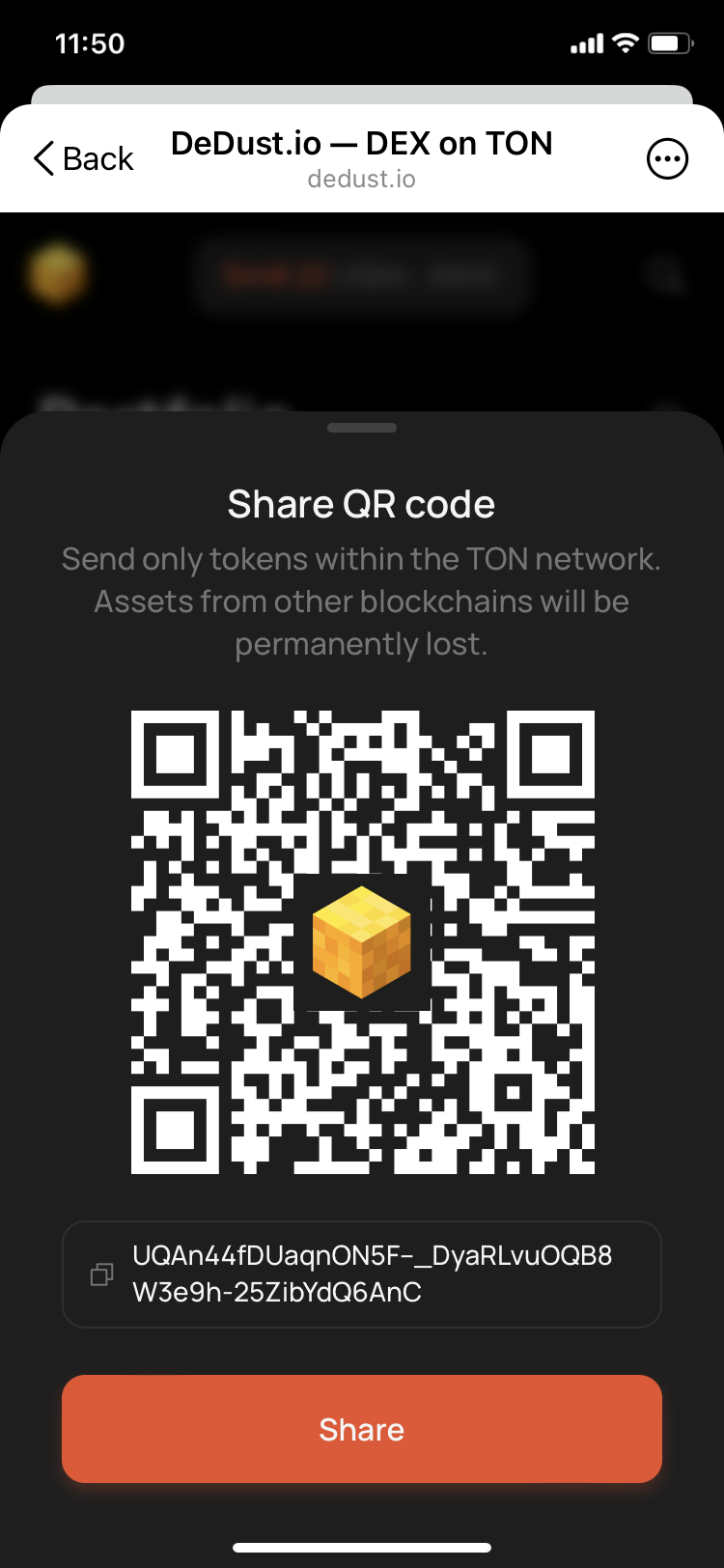
* display a QR code;
* copy the direct Portfolio link;
* share the link through Telegram;
* share the link through X.

You can also share the wallet address itself. Anyone with the address can enter it on the Portfolio page and view the same public on-chain data.

> **Privacy:** TON wallet balances and DeFi positions are public blockchain data. A Portfolio link does not grant access to the wallet, but it makes the address and its activity easier to view. Check what the page reveals before sharing it publicly.


# Coins

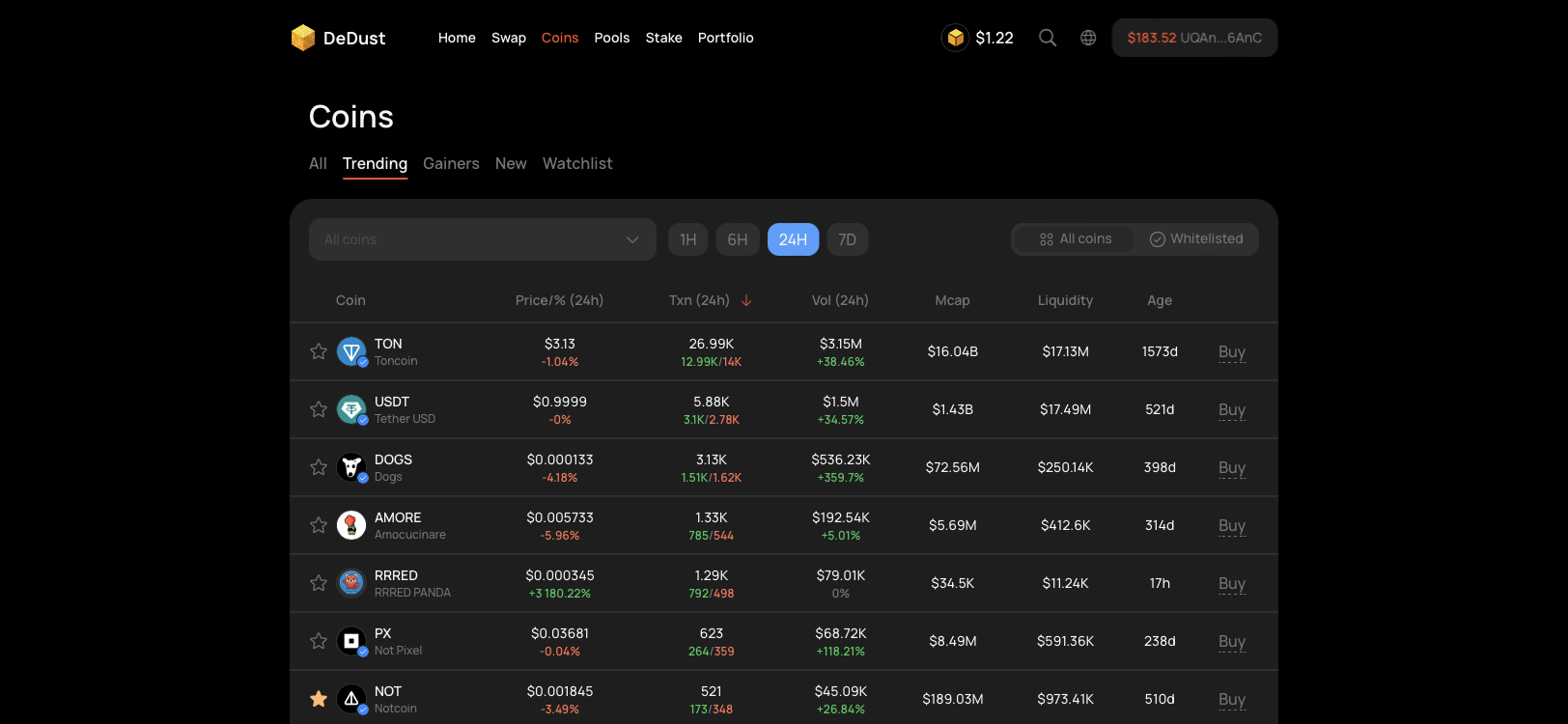
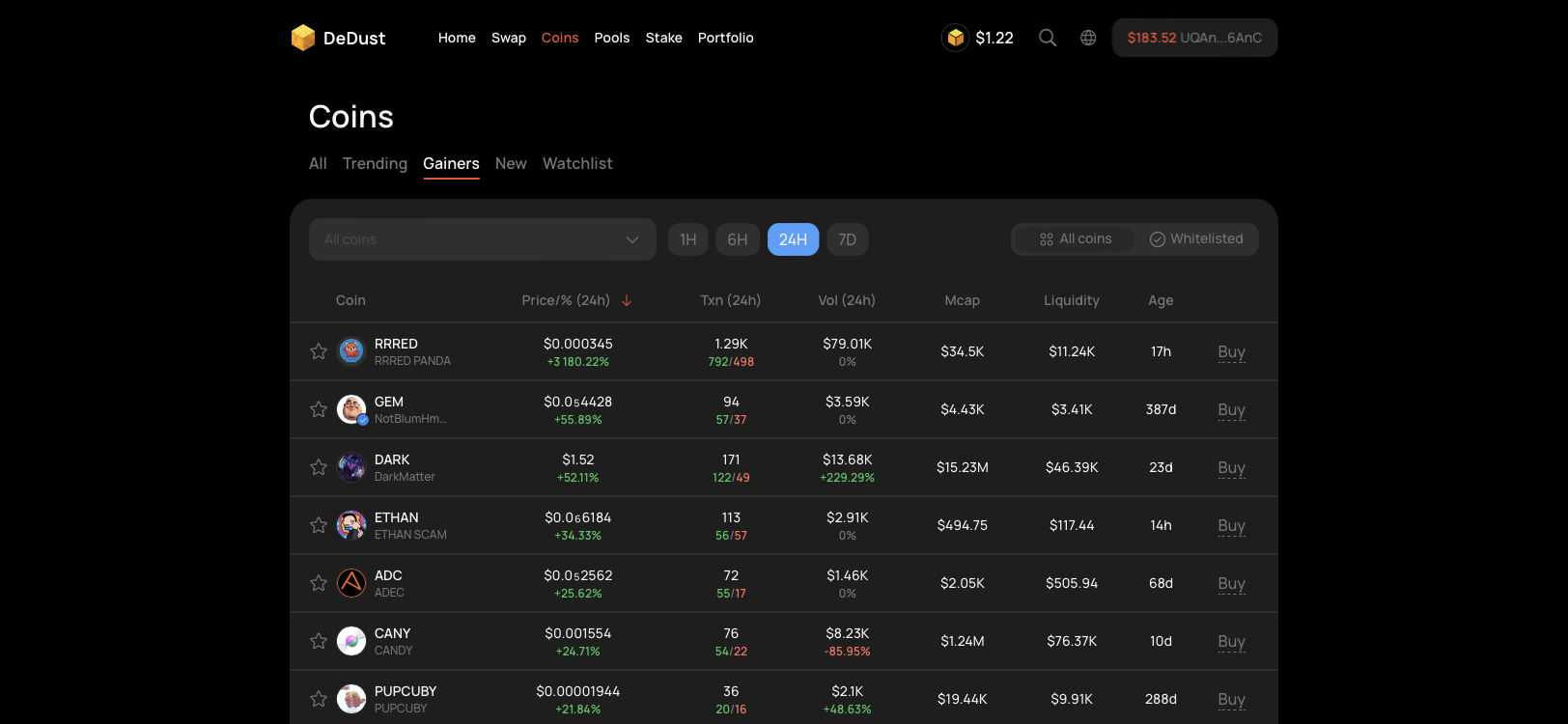
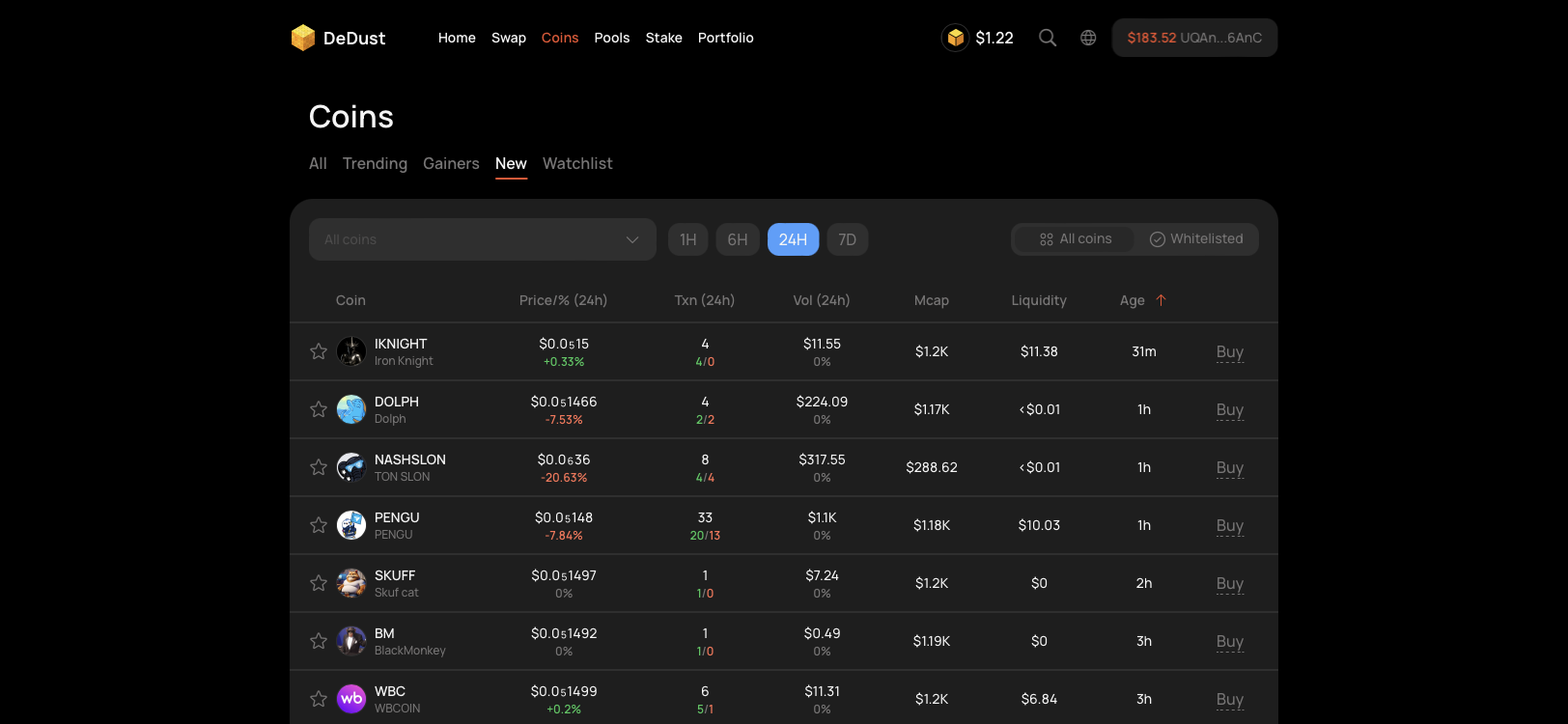
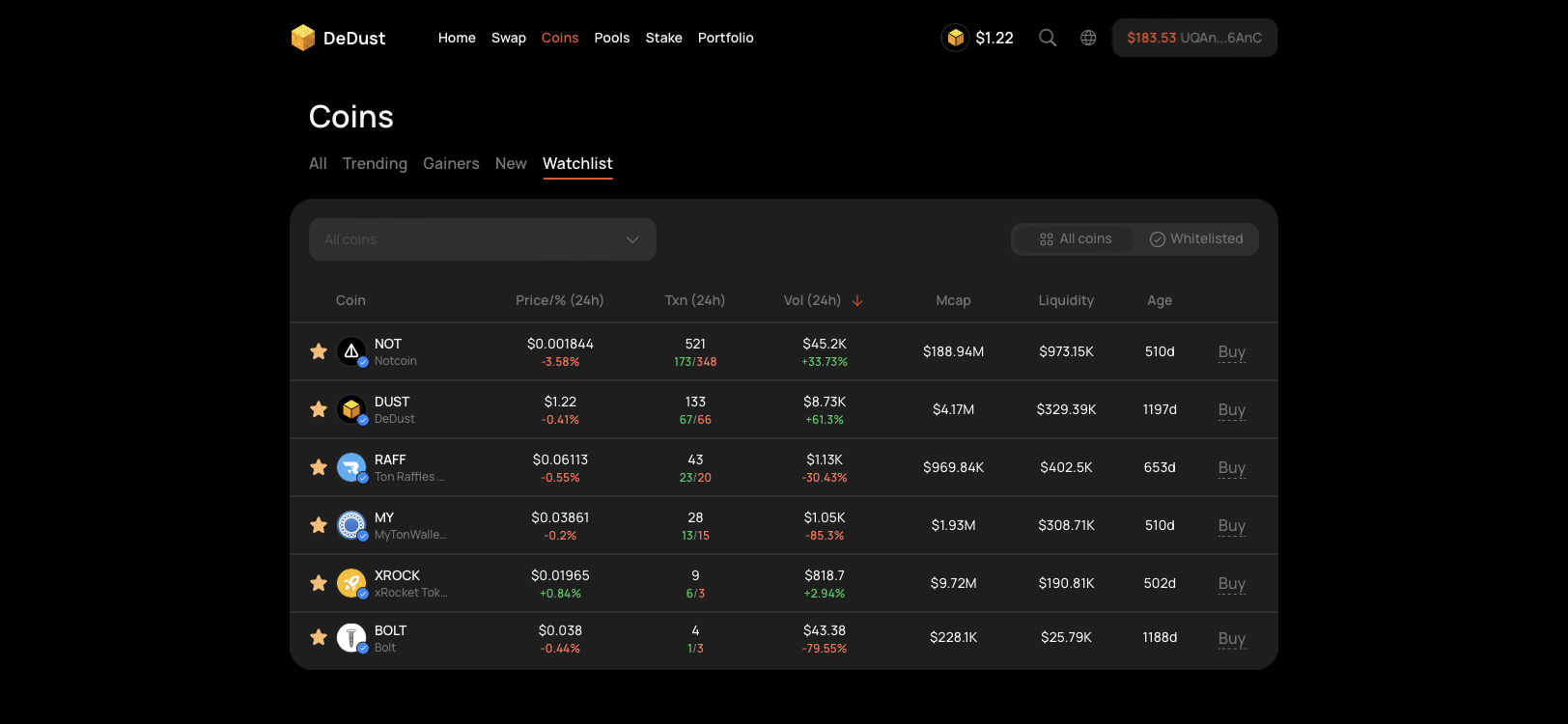
[Coins](https://dedust.io/coins) provides market data for tokens available through supported TON decentralized exchanges and memepad sources. Use it to discover tokens, compare activity and liquidity, maintain a Watchlist, and open detailed Coin summary pages.

In this guide, **coin** and **token** refer to the same type of asset.

> **Important:** Market data, verification, and risk labels are informational only. They are not investment advice or a guarantee that a token is safe. Always verify the smart contract address and do your own research before trading.

### Browsing coins

The table can display:

* token name and ticker;
* current price and price change;
* transaction count, including buys and sells;
* trading volume and its change;
* market capitalization;
* liquidity;
* token age.

Select a row to open its **Coin summary**. Select **Buy** to open the token on the Swap page.

#### Tabs

* **All** — the complete paginated coin list;
* **Trending** — tokens with the highest current trading activity;
* **Gainers** — tokens with the strongest price growth;
* **New** — recently created tokens, ordered by age;
* **Watchlist** — tokens you have chosen to track.

For Trending, Gainers, and New, select a timeframe of `1H`, `6H`, `24H`, or `7D`. The default timeframe is `24H`.

The timeframe changes the period used to rank the tokens and calculate the corresponding activity or price data. These tabs are dynamic lists, not endorsements by DeDust.

### Verified and higher-risk tokens

Use the list filter to switch between:

* **All coins** — includes Verified, unverified, Risky, and Dangerous tokens;
* **Verified** (Whitelisted) — this filter displays only Verified tokens.

A **Trusted** badge identifies a Verified token. [Verification](/en/launch/verification) confirms that the contract represents the token it claims to be, but does not guarantee its price, liquidity, security, or the behavior of its creators.

Risk labels provide an additional warning:

* **Risky** — DeDust has identified reasons for increased caution;
* **Dangerous** — DeDust has identified serious risks associated with the token.

Unmarked tokens are not automatically safe. They may simply have no assigned status. By default, Trusted and unmarked tokens appear before Risky and Dangerous tokens in the list.

### Watchlist

Use Watchlist to keep selected tokens in one place.

To add a token, select the star next to it in the Coins table. Select the star again to remove it. The token remains in Watchlist until you remove it manually.

Watchlist is saved in the current browser and is not synchronized across devices.

### Coin page

Select any token in Coins to open its Coin summary page.

At the top of the page, you can:

* review the token name, ticker, logo, and available trust or risk status;
* add or remove the token from Watchlist;
* open the token on **Swap**;
* open **Deposit** to find pools for [providing liquidity](/en/liquidity/pools).

#### Price chart

Coin summary includes an interactive price chart.

#### Market data

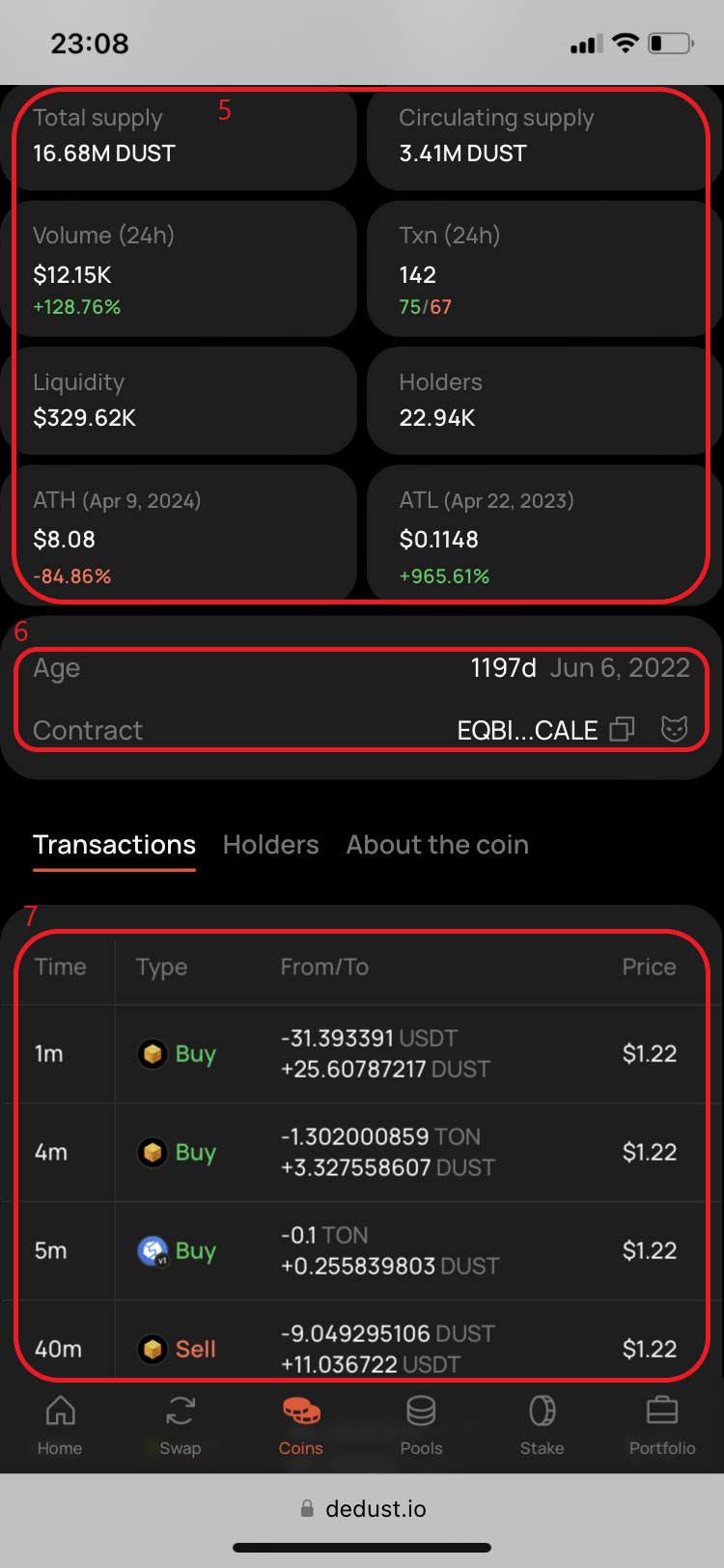
Depending on the available data, Coin summary can show:

* price in USD and GRAM;
* fully diluted valuation (FDV);
* market capitalization;
* total and circulating supply;
* 24-hour volume and transaction count;
* liquidity;
* number of holders;
* all-time high and all-time low;
* token age and creation date;
* smart contract address.

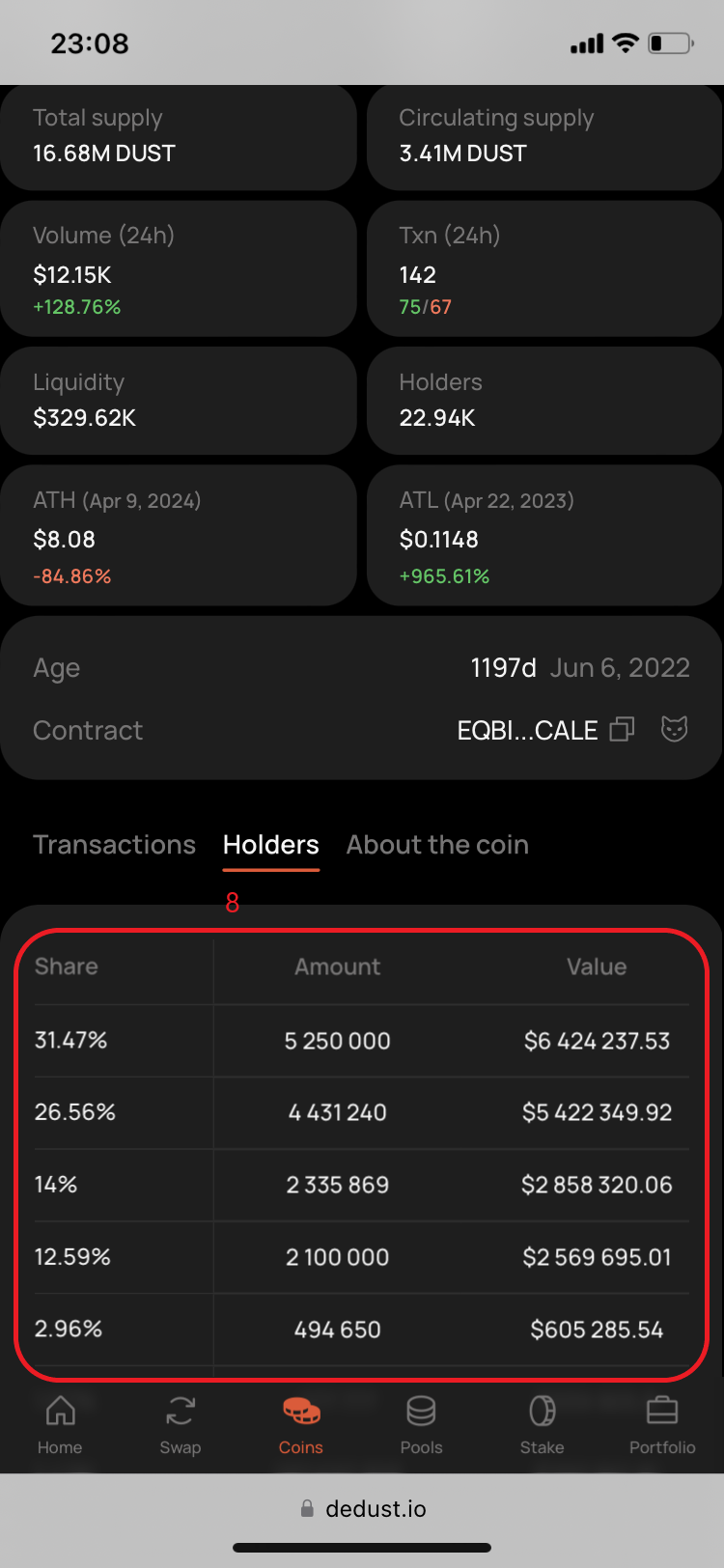
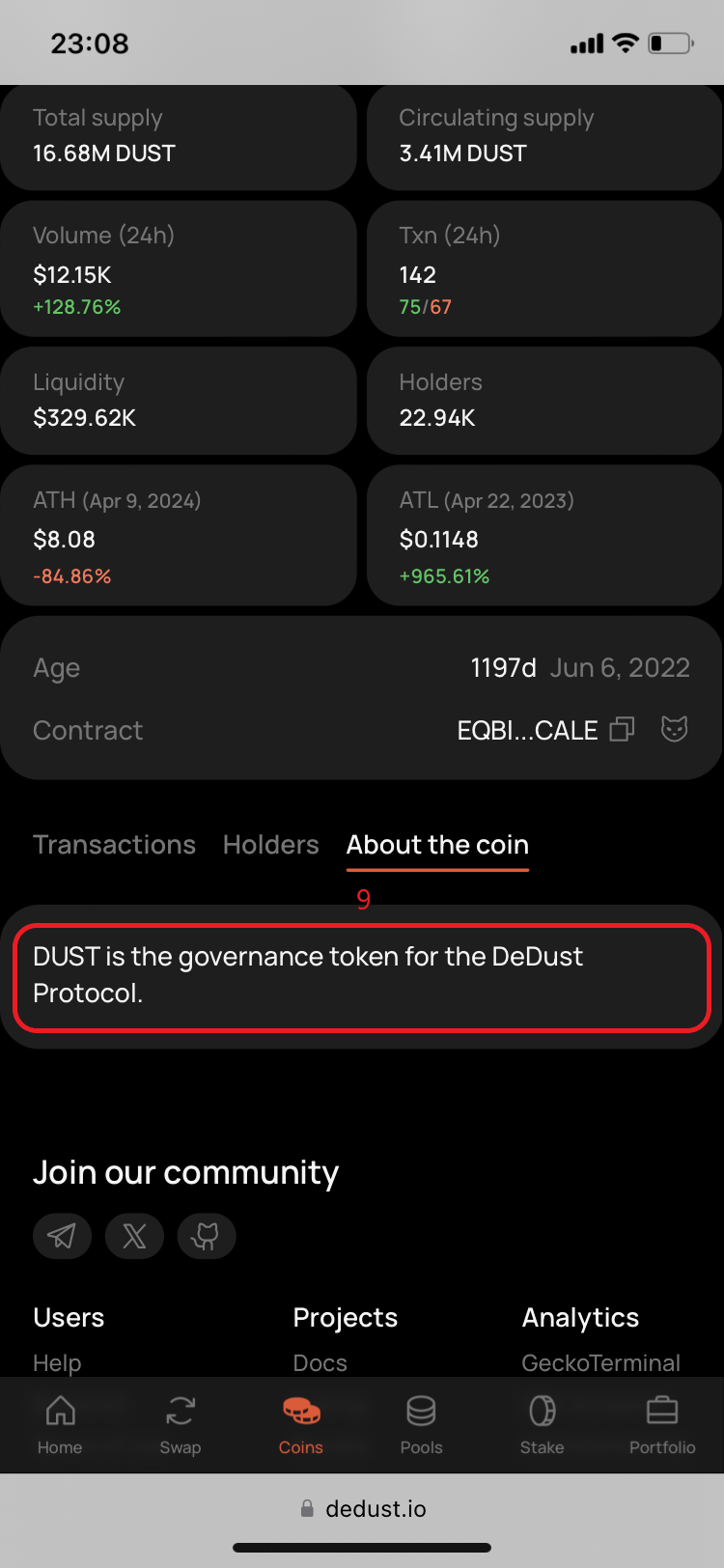
#### Transactions, Holders, and About the coin

The lower part of Coin summary can include:

* **Transactions** — recent trades, their type, token amounts, price, value, and the participating wallet;
* **Holders** — available information about addresses holding the token;
* **About the coin** — a project description when one is available.

Wallet addresses in Transactions can be opened in [Portfolio](/en/analytics/portfolio) to view their public on-chain data.


# Pools

Here you will learn about the liquidity pools, [their types](/en/liquidity/pools/types) on DeDust, how they work, how to [deposit](/en/liquidity/deposit) and [withdraw](/en/liquidity/withdraw) the liquidity to/from pools. And how to earn on providing liquidity.

## What is a Liquidity pool

<details>

<summary>Simply put, a liquidity pool is a pair of cryptocurrencies on a decentralized exchange (DEX) that lets users swap one token for another, such as <strong>GRAM ↔ USDT</strong>.</summary>

More specifically, a liquidity pool consists of two parts:

* **A pool of assets** — a vault containing two cryptocurrency tokens, typically in equal value proportions. Users trade against this pool by swapping one token for another.
* **A smart contract** — a program deployed on the blockchain that defines how the pool operates, calculates exchange rates, and processes swaps.

Once liquidity is added to a pool, anyone can trade its assets. When you swap, you deposit one token into the pool and receive the other token in return based on the pool's current exchange rate.

The exchange rate is determined solely by the balance of assets in the pool. As users trade, these balances change, causing the price to adjust automatically.

In general, the more liquidity a pool has, the smaller the price impact of each swap. Larger pools can handle bigger trades with less slippage and more stable exchange rates.

</details>

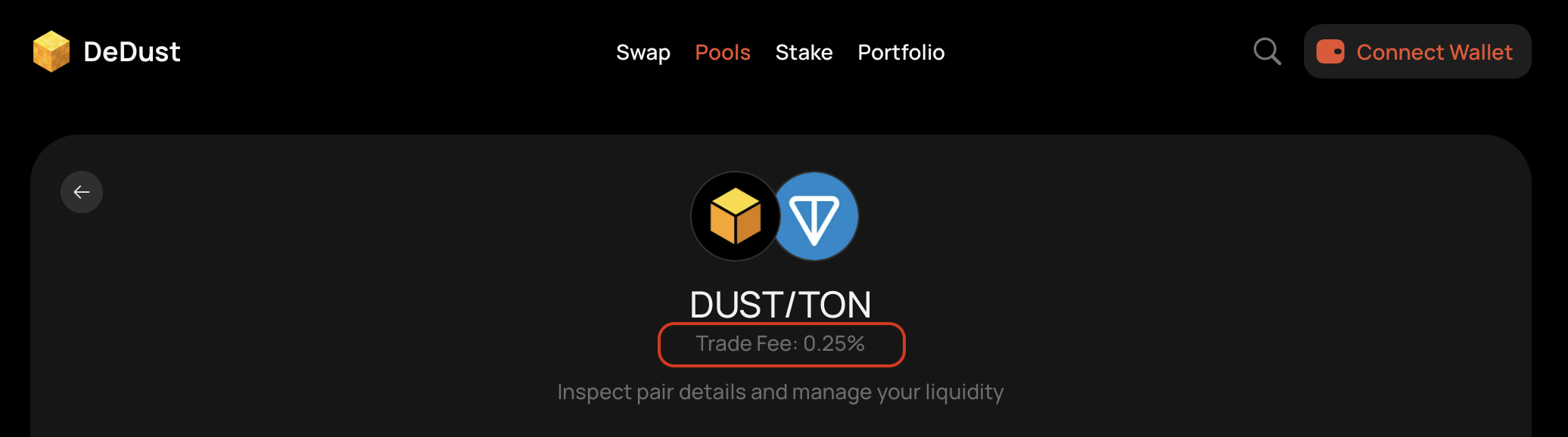
For every exchange in a pool it withholds a fee, called [*Trade fee*](/en/protocol/fees#trading-fees) — from a user performing the swap.

## How it works on DeDust

* The trading fees might vary in different pools.
* 20% of trading fees goes to DeDust protocol.
* 80% of trading fees are distributed between all pool's liqiudity providers, according to their share.
* The trading fee is only withheld if a swap was successful.
* With every swap each liquidity provider's portion of trading fee earnings is:
  * auto-compounded to the total amount of provider's tokens in the pool (added to his position), in case of [Classic](/en/liquidity/pools/types#classic-pool-cpmm-v1-legacy) and [Stable-swap](/en/liquidity/pools/types#stable-swap-pool) pools, or
  * accumulated on a separate balance and [available for claim anytime](/en/liquidity/earnings), in case of [CPMM v2](/en/liquidity/pools/types#cpmm-v2-pool) pools.

## Exploring pools

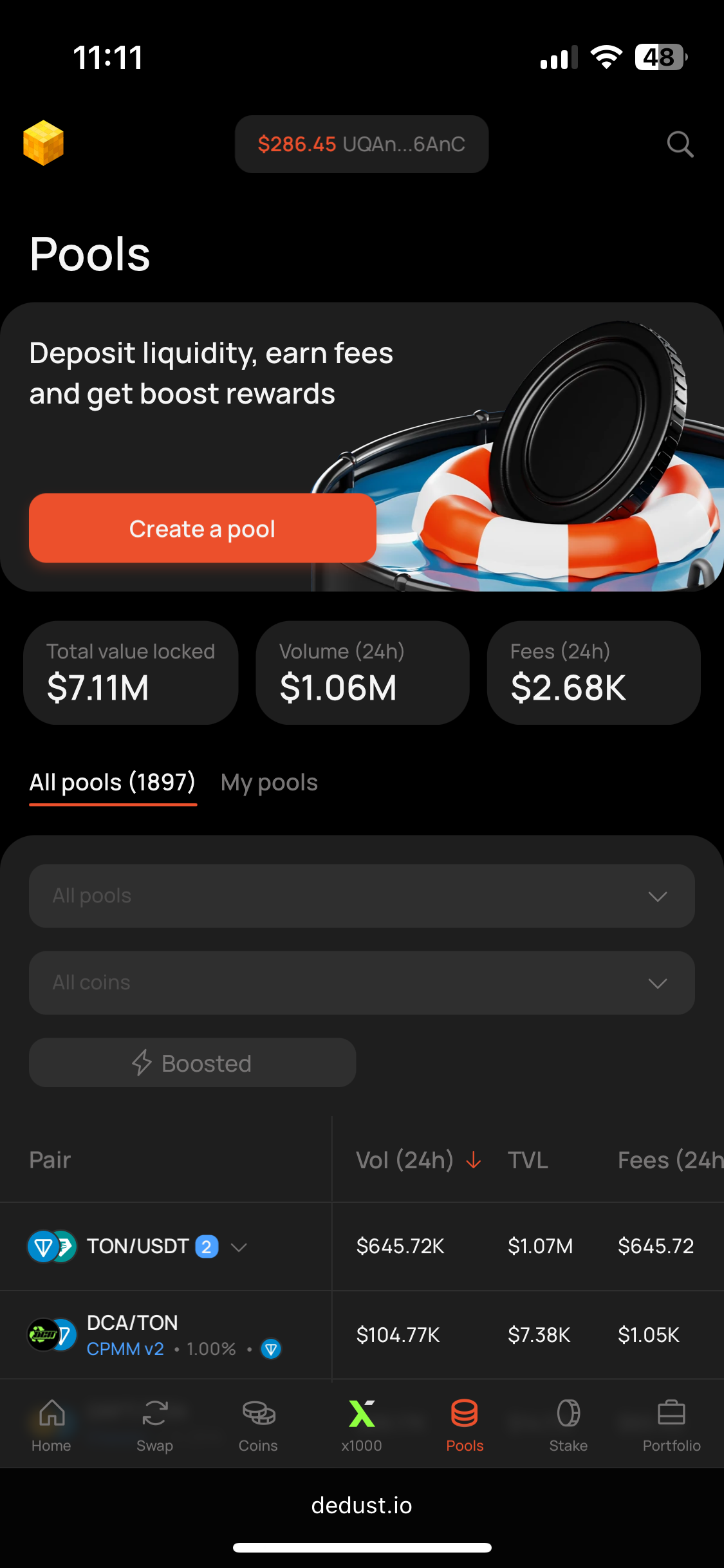
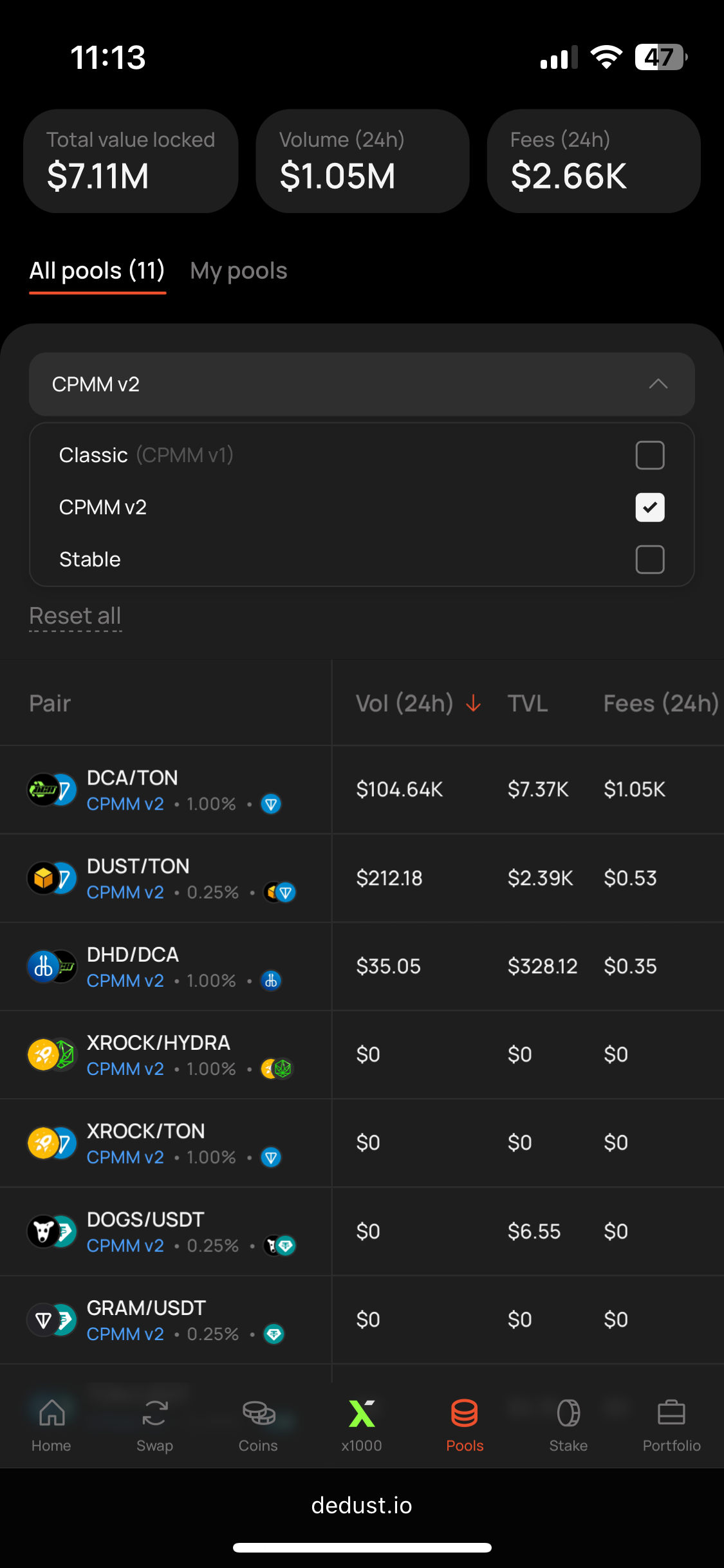
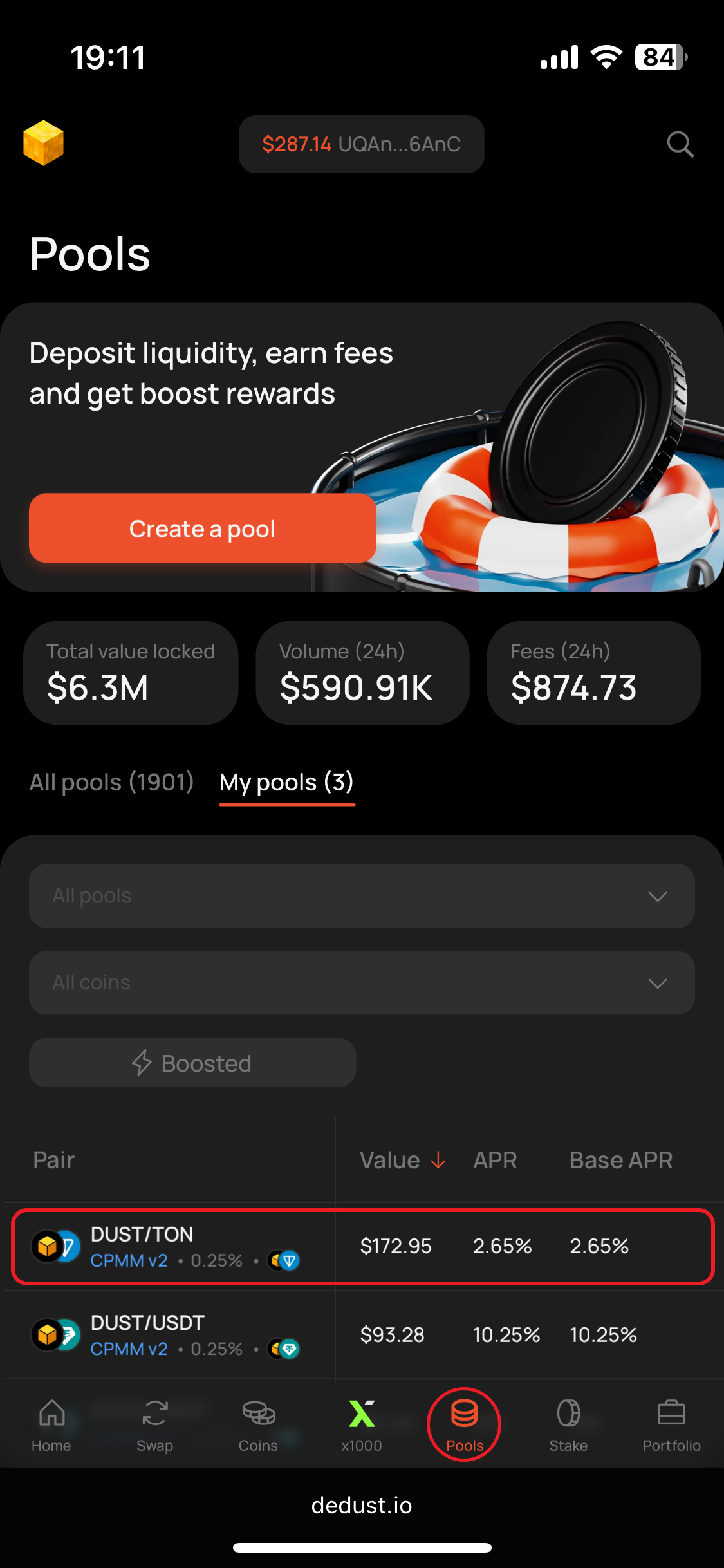
All whitelisted pools are listed on the [Pools](https://dedust.io/pools) page.

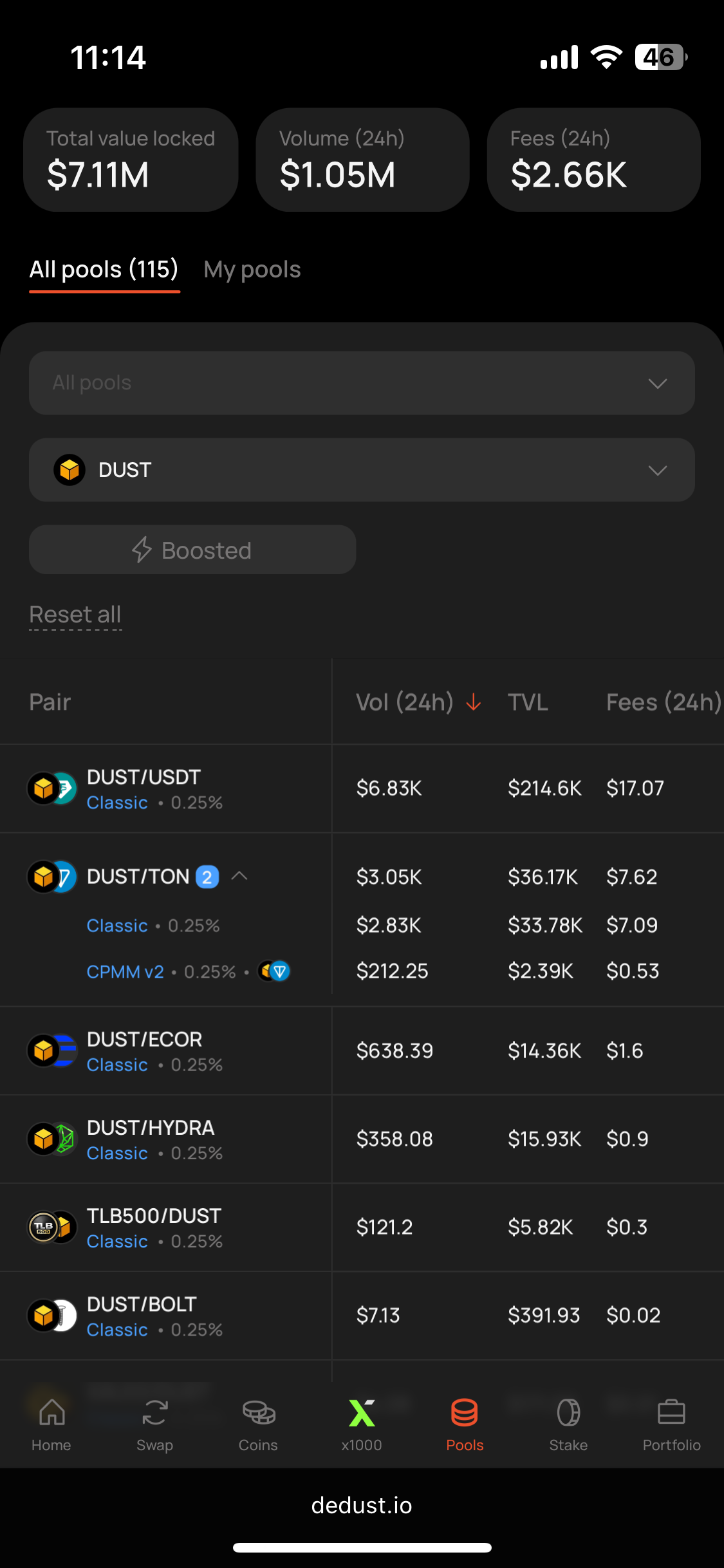
Pools with the same pair of tokens are by default grouped in one record.

Most traded token pairs will always be in the top of the list.

Switch from ***All pools*** to ***My pools*** tab, to see details only on pools you're providing liquidity to.

Use filters to find relevant pools for specific cases:

* **Pool type** — choose between different pool types
* **Coins filter** — use search or pick some from the list, to view only pools with selected tokens
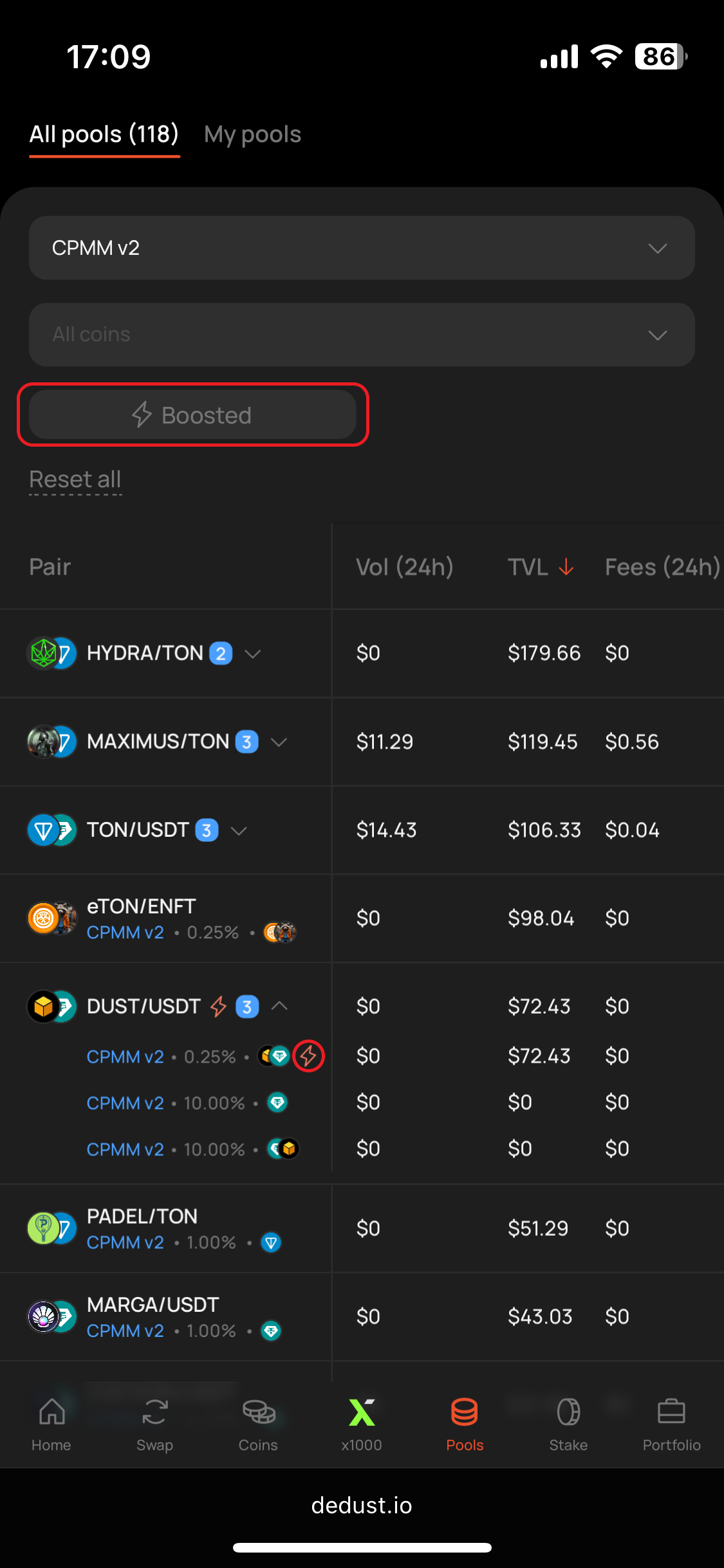
* **Boosted** — pools with additional [boost rewards](/en/liquidity/boosts)

By default, pools with non-whitelisted tokens are not displayed on this page. You can [import a non-verified token](/en/trade/tokens#how-to-import-a-token) to see it (at your own risk!).


# Pool types

<table data-search="false"><thead><tr><th>Parameter / Type</th><th>CPMM v2</th><th>Classic (CPMM v1)</th><th>Stable-swap</th></tr></thead><tbody><tr><td>Formula</td><td>x·y=k</td><td>x·y=k</td><td>x³y+y³x=k</td></tr><tr><td>LP share</td><td>80%</td><td>80%</td><td>80%</td></tr><tr><td>LP rewards</td><td>Claimable separately</td><td>Autocompound</td><td>Autocompound</td></tr><tr><td>Lock on DeDust</td><td>yes</td><td>no</td><td>no</td></tr><tr><td>Fees token</td><td>Can choose one</td><td>Both tokens</td><td>Both tokens</td></tr><tr><td>Available to create</td><td>Yes</td><td>No (not on frontend)</td><td>No</td></tr><tr><td>Boosts</td><td>Yes</td><td>No</td><td>No</td></tr></tbody></table>

### CPMM v2 pool

* **Claimable fees.** Trading fees accumulate separately from your position, so you can [claim them anytime](/en/liquidity/earnings) without withdrawing liquidity — even when it's locked.
* **Fee tiers from 0.1% to 5%,** set at pool creation. Several pools with different tiers can exist for one pair; [Router](/en/trade/router) always picks the most profitable one for each trade.
* **Liquidity providers earn 80%** of the pool's trading fees.
* **Choose your fee token** — one side of the pair, or both.
* **Optional** [**permanent liquidity lock**](/en/launch/lock)**,** set during the deposit.
* **Creator fee support** — an extra fee on top of the trading fee, collected by the pool creator. Useful for memepads and tax tokens.
* **No LP tokens.** Positions are recorded on-chain at the smart contract level, so they can't be moved between wallets or protocols. The pricing formula is the same as CPMM v1.

{% hint style="success" %}
CPMM v2 pools are introduced[^1] on **Nov 17, 2025** and available for creation, deposits / withdrawals by all users. Since **Jan 26, 2026** users (typically, founders and devs) can also [Boost](/en/liquidity/boosts) this type of pools with extra rewards for liquidity providers, to attract more liquidity for their token.

Learn more about [**CPMM v2 pools use-cases and advantages**](/en/liquidity/pools/cpmm-v2) compared to other pools.
{% endhint %}

### Classic pool (CPMM v1, legacy)

{% hint style="warning" %}
Classic pools were available for creation until **Nov 17, 2025**. All pools are still functioning, but users can't create new ones [via DeDust user interface](#user-content-fn-2)[^2].
{% endhint %}

* **Auto-compounded fees.** Fees are added to liquidity positions instantly after each swap, increasing the value of your LP tokens.
* **No separate fee balance.** Earned fees aren't shown in the interface — you receive them when you withdraw liquidity.
* **Trading fee from 0.1% to 1%,** 0.25% by default.
* **Liquidity providers earn 80%** of the pool's trading fees.
* **Fees are withheld in the token the trader sells,** so they accrue in both tokens of the pair, alternating by swap direction.

### Stable-swap pools

* Optimized for pairs of near-equal value (USDT/USDC).
* **Fixed trading fee of 0.05%** — the lowest on DeDust.
* **Low price impact.** A different formula keeps the exchange rate stable across swaps, even large ones.
* **Liquidity providers earn 80%** of the pool's trading fees.
* **Auto-compounded fees,** same model as CPMM v1: added to positions instantly after each swap, withheld in the token the trader sells.
* **No separate fee balance.** Earned fees aren't shown in the interface — you receive them when you withdraw liquidity.

> **x³ · y + y³ · x = k**\
> x — amount of token A in the pool\
> y — amount of token B in the pool\
> k — constant value at any pool state, defining the exchange rate after every swap

[^1]: [Telegram](https://t.me/dedust_en/132) | [X (Twitter)](https://x.com/dedust_io/status/1991534215800975723)

[^2]: But you still can do it on smart contract level. Use the [documentation](https://hub.dedust.io/), if needed.


# Four advantages of CPMM v2 pool

{% hint style="info" %}
You might not have known this, but most of the pools you use are called “Constant Product” pools. It is the most basic and widely used type of liquidity pool, governed by the formula x\*y=k (you don’t need to dive deep into the math, but if you want to — ask ChatGPT).
{% endhint %}

[CPMM v2](/en/liquidity/pools/types#cpmm-v2-pool) is a new, advanced version of the “Constant Product Market Maker,” the most popular type of [liquidity pool](/en/liquidity/pools). It has four key advantages, and its main strength is customizability — you can create a pool that fits your project’s specific needs.

### **Advantage 1**

The main parameter in pools is the [fee](/en/protocol/fees#trading-fees) size. On the one hand, a higher fee makes the pool more attractive to liquidity providers. On the other hand, traders may be discouraged from trading in a pool with high fees. Depending on market conditions, timing, and the stage of a token’s lifecycle, different fee levels may be more effective.

If you are launching a meme coin during a hot market phase, when demand is high and users are less sensitive to fees, you may benefit from setting a 5% fee, as it will make the pool more attractive for liquidity providers.

While during calmer market conditions, for example, when trading volume is low and users are more price-sensitive, a lower fee such as 0.25–1% would be more appropriate to encourage trading activity.

### **Advantage 2**

The second customizable aspect is the token in which fees are collected. Previously, in pools with two tokens, LP[^1] rewards were distributed in both tokens. In DeDust CPMM v2 pools, you may choose a single token in which fees will be collected, regardless of the swap direction (Token A → Token B or Token B → Token A — in both cases, the fee is taken in the selected token).

For example, if you launch a utility token and want to gradually reduce its circulating supply, instead of buying tokens from the market, you can configure the pool to collect fees in your token. This allows you to accumulate tokens over time in a smoother and more predictable way, helping to avoid price spikes caused by large buybacks.\
The same applies if you want to accumulate USDT — simply set the pool to collect fees in USDT, and you won’t need to sell your token directly.

{% hint style="info" %}
It’s also worth noting that a single token pair can now have multiple pools (unlike before in TON, where only one pool per pair was possible) — they may differ in fee size and fee token. Our [router](/en/trade/router) will automatically find the most efficient path across available pools to ensure the best execution for traders.
{% endhint %}

### **Advantage 3**

Liquidity provider rewards are now accumulated separately from the “body” of your LP position.

This makes it much easier to clearly see how much you’ve earned from providing liquidity, as your rewards are no longer mixed with the body of your deposit. It also separates your earnings from the main LP position, meaning they are not exposed to impermanent loss in the same way as your liquidity.

If you want to compound your returns, you can simply [claim the accumulated rewards](/en/liquidity/earnings) and reinvest them back into the pool, increasing your position over time.

And with [liquidity lock](/en/launch/lock) you can lock your CPMM v2 position and still receive LP rewards.

### **Advantage 4**

Decentralized [Boosts](/en/liquidity/boosts). CPMM v2 pools allow you attract additional liquidity for your token by creating additional rewards for liquidity providers. Higher liquidity makes token price less vulnerable to manipulations and more predictable for traders and potential investors. And they work completely permissionless — you don't need to reach us to boost any pool, just use the Boost menu on a pool page.

### Conclusion

As you can see, CPMM v2 gives you the flexibility to create liquidity pools tailored to your specific goals — whether it’s optimizing fees, controlling reward flows, or managing token economics more effectively. Most importantly, all of this is available directly through DeDust.io interface. [Create your pool](https://dedust.io/pools/create) and try it out now.

[^1]: Liquidity Provider


# Четыре преимущества пулов CPMM v2

{% hint style="info" %}
Возможно, вы не знали, но большинство пулов, которыми вы пользуетесь, относятся к типу **Constant Product**. Это самый базовый и распространённый вид пулов ликвидности, работающий по формуле *x\*y = k* (в математику углубляться не обязательно, но если хочется — спросите ChatGPT).
{% endhint %}

[**CPMM v2**](/en/liquidity/pools/types#claimable-fees-pool-cpmm-v2) — это новая, более продвинутая версия «Constant Product Market Maker», самого популярного типа [пулов ликвидности](/en/liquidity/pools). У неё есть четыре ключевых преимущества, и главное из них — гибкость настройки. Вы можете создать пул, который максимально соответствует задачам вашего проекта.

#### Преимущество 1

Главный параметр пула — это размер [комиссии](/en/protocol/fees). С одной стороны, высокая комиссия делает пул более привлекательным для поставщиков ликвидности. С другой — может отпугнуть трейдеров. В зависимости от рыночной ситуации, времени и стадии жизненного цикла токена, оптимальный уровень комиссии может отличаться.

Например, если вы запускаете мем-коин в разгар хайпа, когда спрос высокий и пользователи менее чувствительны к комиссиям, может быть выгодно установить комиссию 5% — это привлечёт ликвидность.

А в более спокойных условиях, когда объёмы ниже и пользователи чувствительнее к цене, лучше подойдут комиссии в диапазоне 0.25–1%, чтобы стимулировать торговлю.

#### Преимущество 2

Второй настраиваемый параметр — это токен, в котором собираются комиссии. Раньше LP вознаграждение собиралось в обоих токенах. В CPMM v2 на DeDust вы можете выбрать один токен, в котором будут собираться комиссии — независимо от направления обмена (Token A → Token B или Token B → Token A).

Например, если вы запускаете utility-токен и хотите постепенно снижать его циркулирующее предложение, вместо выкупа с рынка можно настроить пул так, чтобы комиссии собирались именно в вашем токене. Это позволит накапливать его плавно и предсказуемо, избегая резких скачков цены из-за крупных байбэков.

Аналогично, если вы хотите накапливать USDT — просто выберите его в качестве токена для комиссий, и вам не придётся продавать свой токен напрямую.

{% hint style="info" %}
Также важно, что теперь для одной и той же пары токенов может существовать несколько пулов (в отличие от прежней модели в TON, где был только один пул на пару). Они могут отличаться размером комиссии и токеном комиссий. Наш роутер автоматически находит наиболее эффективный маршрут между пулами, обеспечивая лучший результат для трейдеров.
{% endhint %}

#### Преимущество 3

Теперь вознаграждения поставщиков ликвидности накапливаются отдельно от «тела» LP-позиции.

Это упрощает понимание того, сколько вы заработали — доход больше не смешивается с основным депозитом. Кроме того, вознаграждения отделены от позиции, а значит, не подвержены непостоянным потерям так же, как ликвидность.

Если вы хотите реинвестировать доход, достаточно забрать накопленные награды и добавить их обратно в пул, увеличивая свою позицию со временем.

А с функцией [**liquidity lock**](/en/launch/lock) вы можете заблокировать свою CPMM v2 позицию и при этом продолжать получать вознаграждения.

#### Преимущество 4

Децентрализованные бусты **(**[**Boosts**](/en/liquidity/boosts)**).** Пулы CPMM v2 позволяют привлекать дополнительную ликвидность, создавая дополнительные награды для LP.

Более высокая ликвидность делает цену токена менее подверженной манипуляциям и более предсказуемой для трейдеров и инвесторов.

И всё это работает полностью permissionless — вам не нужно обращаться к нам, чтобы забустить пул. Просто используйте раздел Boost на странице пула.

#### Заключение

Как видно из статьи, CPMM v2 даёт гибкость в создании пулов ликвидности под конкретные задачи: будь то настройка комиссий, управление потоками вознаграждений или оптимизация токеномики.

И главное — всё это доступно прямо в интерфейсе DeDust.io. [Создавайте свой пул](https://dedust.io/pools/create) и оцените сами.


# How to deposit liquidity

Learn how to earn with your assets using DeDust

Depositing adds both tokens of a pair to a pool and gives you a share of its [trading fees](/en/protocol/fees#trading-fees), proportional to your share of the pool. You enter one amount and DeDust calculates the other, based on the pool's current rate.

This page covers depositing into an existing pool. To start a new one, see [Create a new poo](/en/liquidity/create)l.

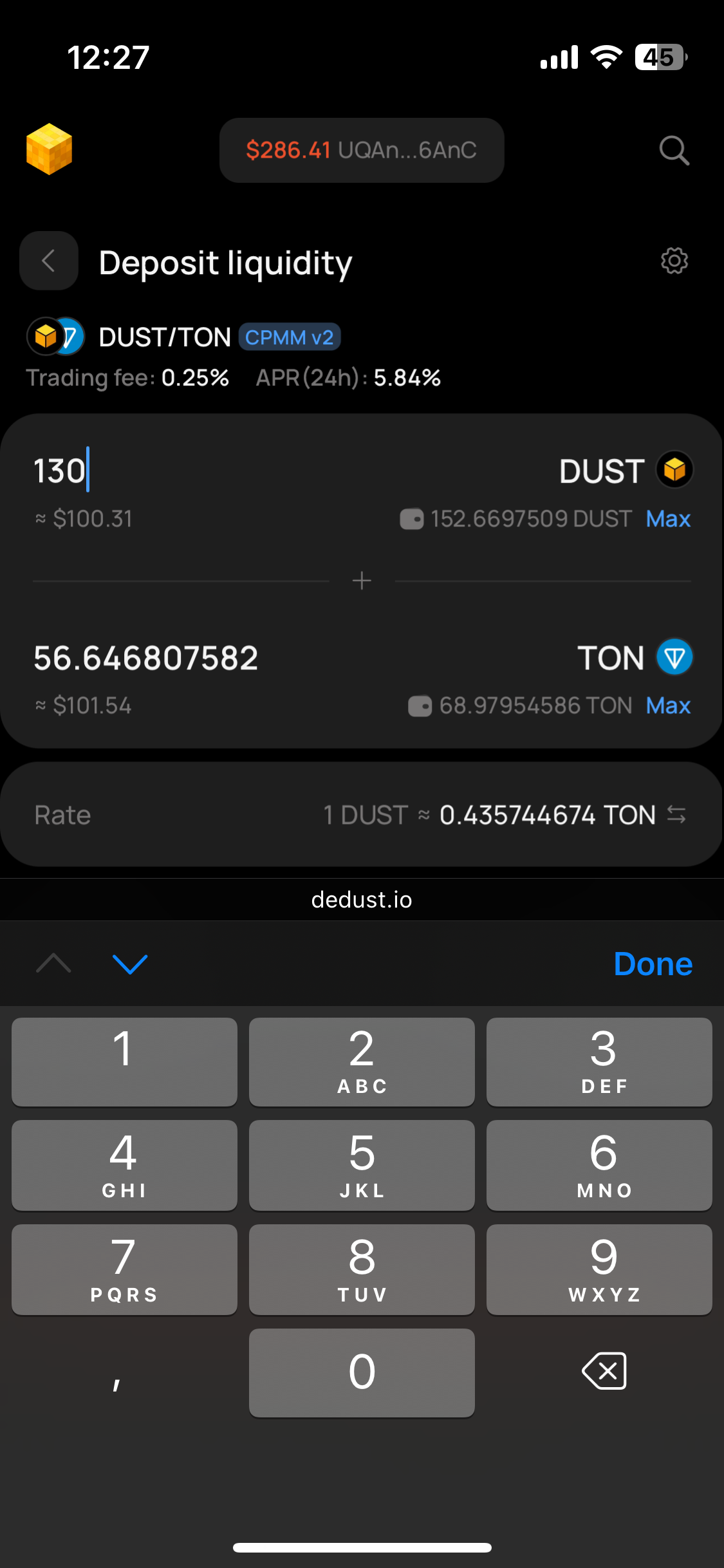
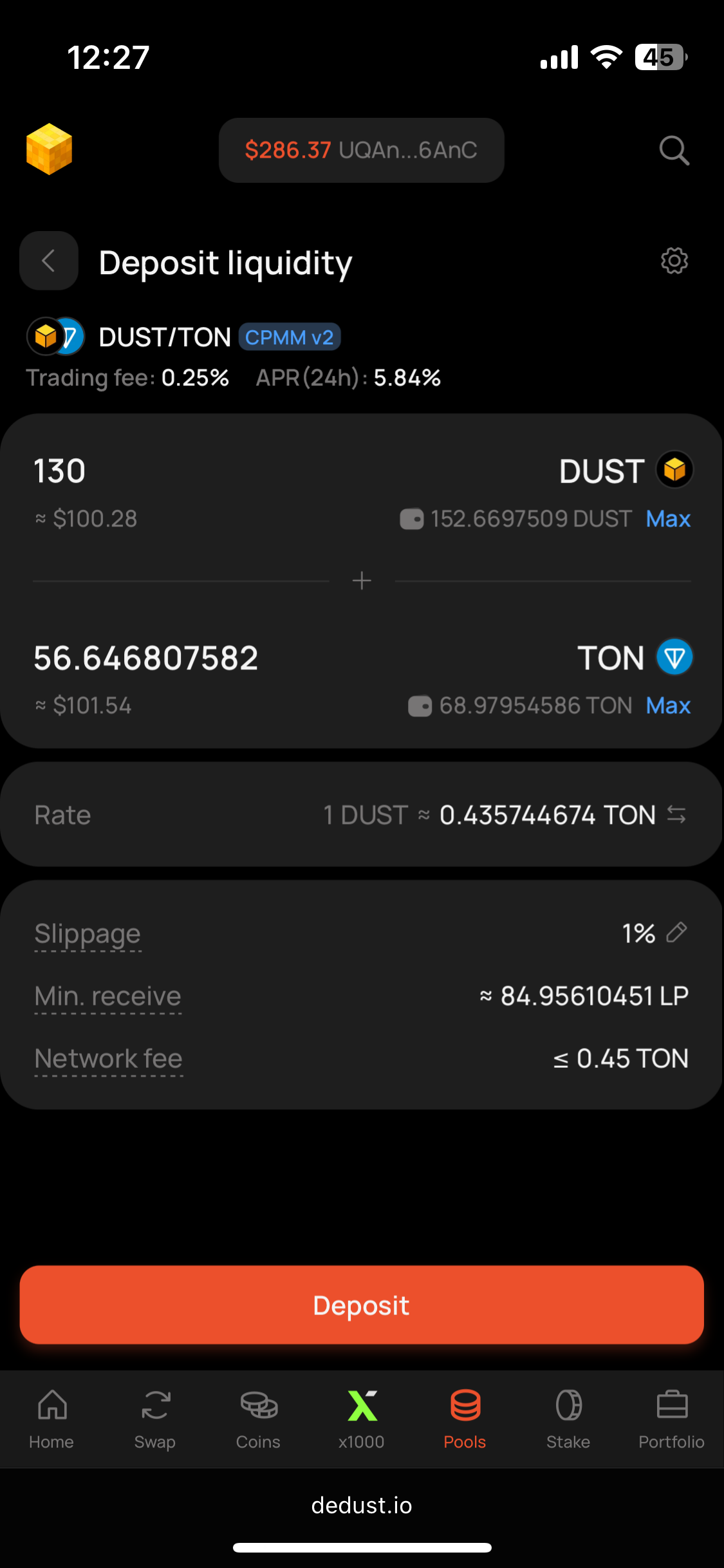
### Deposit

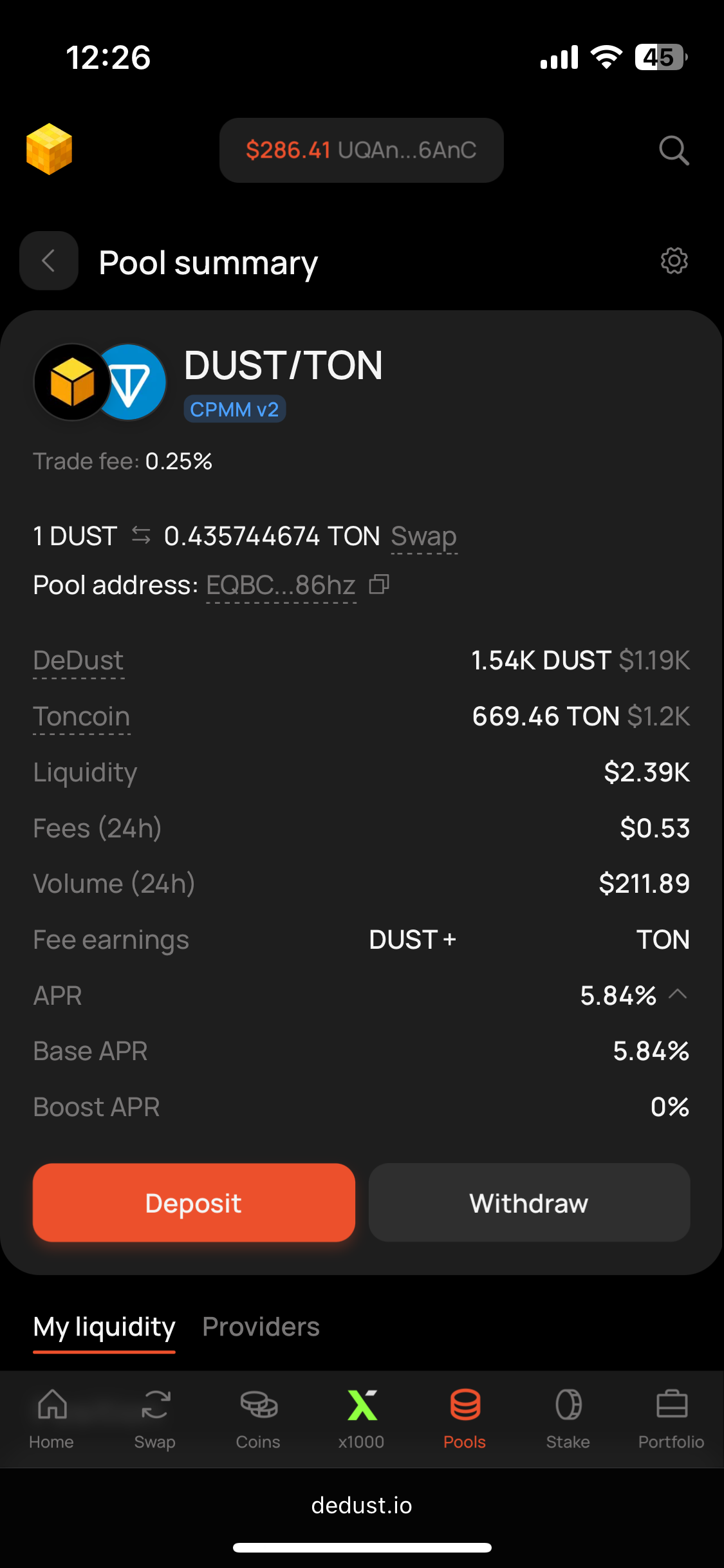
1. Open the [Pools](https://dedust.io/pools) page and find your pair — use the filters or pick from the list. Open the pool to see its summary.
2. Press **Deposit**.
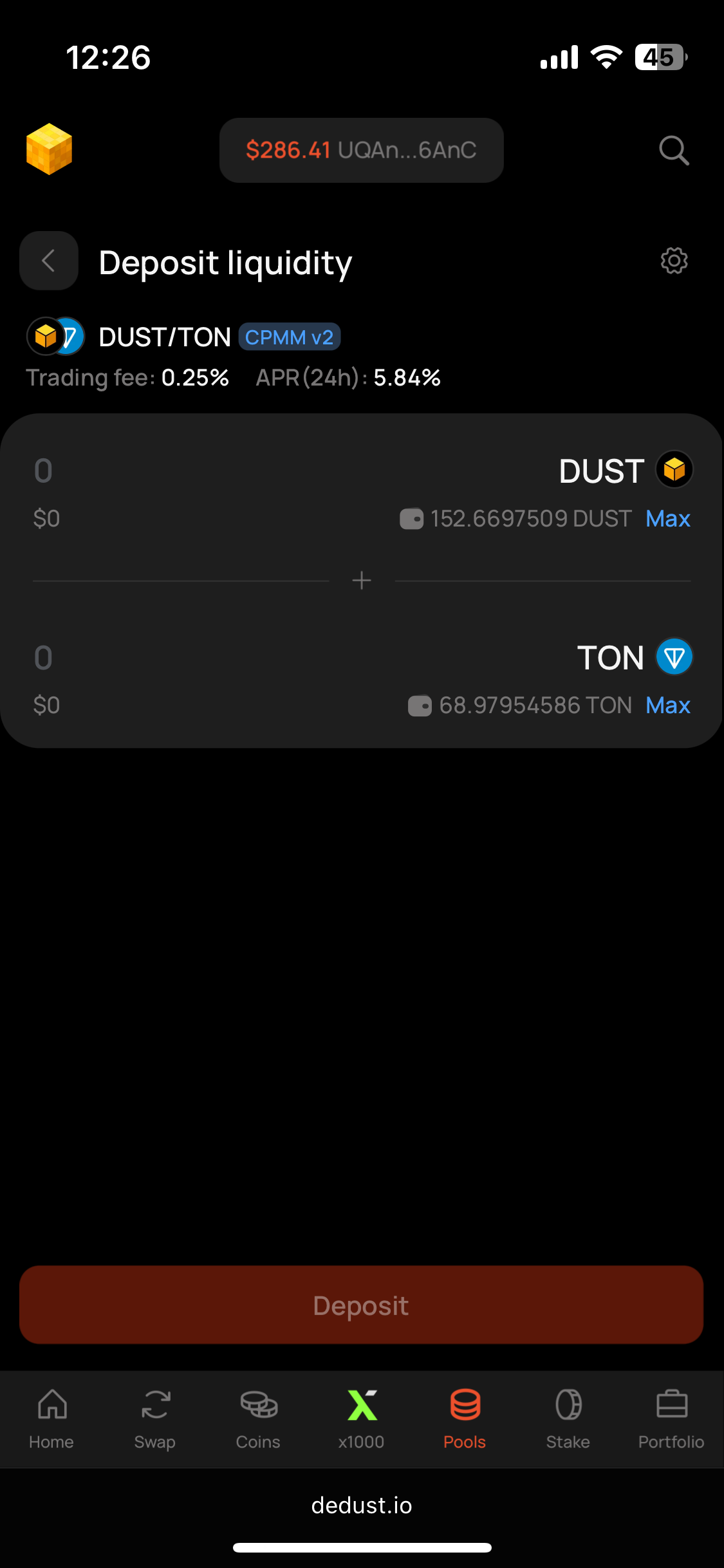
3. Enter the amount of either token; the second is calculated for you. Adjust slippage if needed.
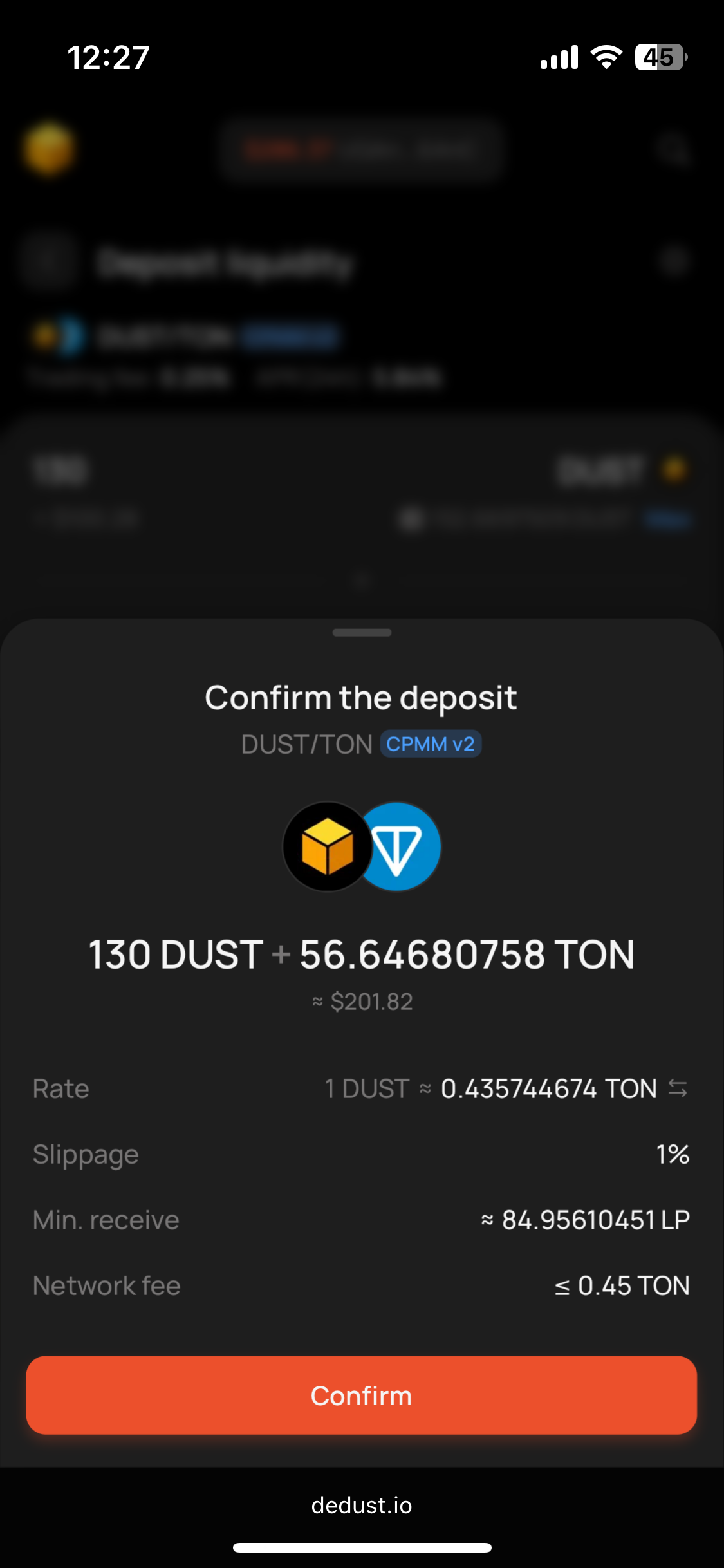
4. Press **Deposit**, check the details and press **Confirm**.
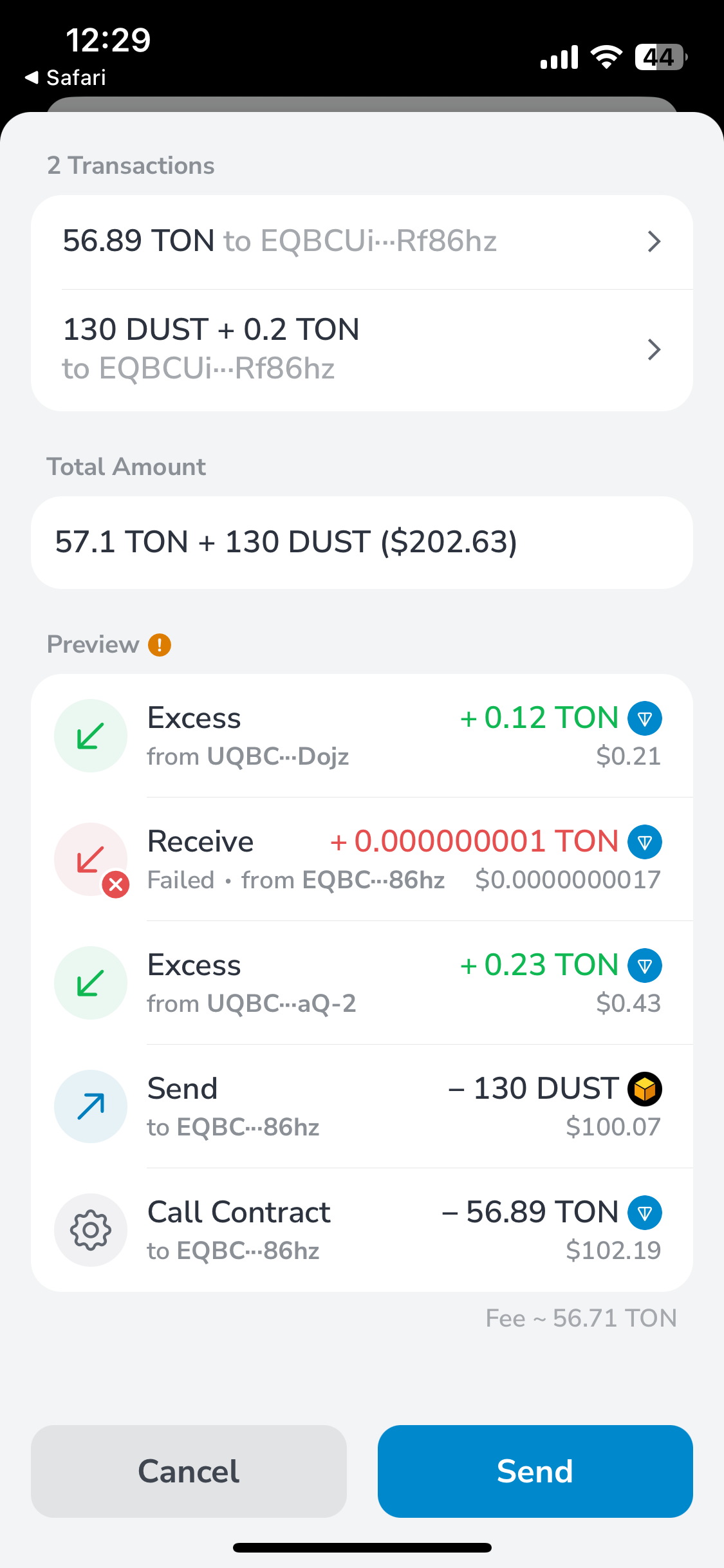
5. Sign the transaction in your wallet.

Your position appears in the pool's **Position** section, and on the [**Portfolio** page](/en/analytics/portfolio#liquidity).

> **You can permanently** [**lock your liquidity**](/en/launch/lock) **at this step** — and only at this step. A locked position keeps earning fees and [boost rewards](/en/liquidity/boosts) but can never be withdrawn.

### Before you deposit

* Check the pool's **type and trading fee tier** — they're fixed at creation and differ between pools for the same pair. See [Pool types](/en/liquidity/pools/types).
* Deposits to **Classic and Stable-swap pools** give you LP tokens in return. They are the proof of your share — keep them safe, you need them to withdraw. [**CPMM v2 pools**](/en/liquidity/pools/types#cpmm-v2-pool) don't use LP tokens: your position is recorded on-chain and shown in the interface.

### Slippage

The rate in a pool moves as other users trade. If it shifts by more than your slippage tolerance between signing and execution, the transaction simply doesn't go through and your tokens return to your wallet.

The default is **1%**, set separately for deposits and withdrawals. Raise it for volatile or thinly traded pairs. You decide the tolerance and carry the consequences of setting it too high or too low — see [Price impact and slippage](/en/trade/price_impact) for the mechanics.


# How to withdraw liquidity

Withdrawing returns your share of the pool to your wallet — both tokens, in the pool's **current** proportion. Because the ratio shifts with every swap, the amounts you get back will differ from what you deposited.

> ⚠️ [**Locked liquidity**](/en/launch/lock) **cannot be withdrawn.** If you locked your position during the deposit, it stays in the pool permanently. It keeps earning [trading fees and boost rewards](/en/liquidity/earnings), which you can claim as usual, but the liquidity itself is not returnable — by anyone, including the DeDust team.

### Withdraw

1. Open your pool's page — from [Portfolio → Liquidity](https://dedust.io/portfolio), or from the **My Pools** tab on the [Pools](https://dedust.io/pools) page.
2. Press **Withdraw**.
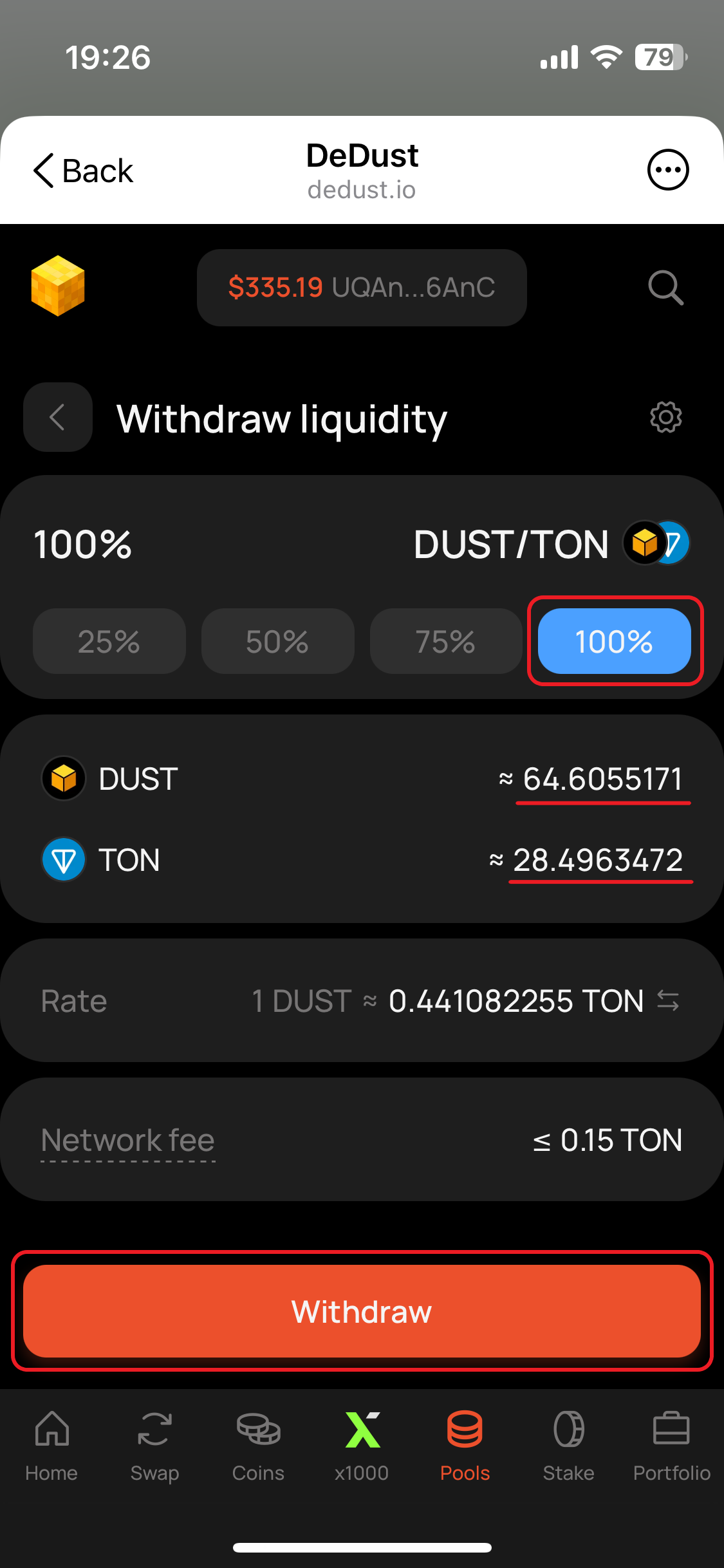
3. Choose how much of your position to withdraw. Whatever you leave keeps earning.
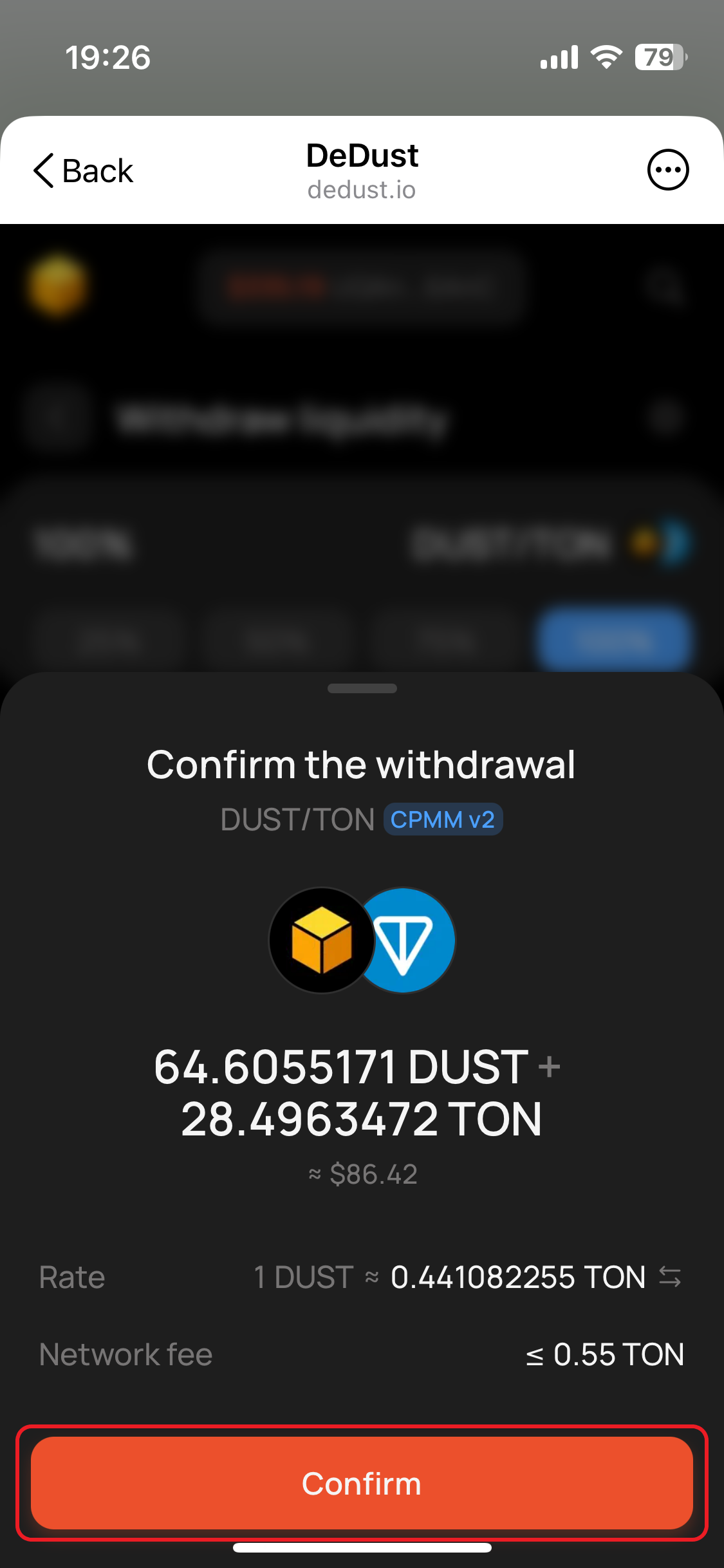
4. Check the token amounts you'll receive, adjust [slippage](/en/trade/price_impact#slippage-and-slippage-tolerance) if needed, and press **Withdraw**.
5. Sign the transaction in your wallet.

Your tokens arrive in a few seconds, and the position updates on the Portfolio page.

### **Slippage**

If the pool's ratio moves between the moment you press Withdraw and the moment your transaction lands, the actual amounts will differ — slippage sets how much difference you accept before the transaction fails instead of going through. Raise it for thinly traded or volatile pairs; leave it at 1% otherwise.

### LP rewards in different types of pools

* **Trading fees in** [**CPMM v2 pools**](/en/liquidity/pools/types#cpmm-v2-pool) **are not included.** They sit on a separate balance and have to be claimed separately — before or after the withdrawal, in any order. Withdrawing your liquidity does not forfeit them.
* **In** [**Classic**](/en/liquidity/pools/types#classic-pool-cpmm-v1-legacy) **and** [**Stable-swap**](/en/liquidity/pools/types#stable-swap-pools) **pools** fees are auto-compounded into the position, so they come back together with your liquidity.
* **Boost rewards** stop accruing as soon as your liquidity leaves the pool. Anything already earned stays claimable indefinitely.

### Can't find your position?

* The pool won't appear if one of its tokens isn't whitelisted — [import it first](/en/trade/tokens#how-to-import-a-token).
* Check you're on the **My Pools** tab, not the full pool list.
* Make sure the connected wallet is the one you deposited from.


# Boosts

A **boosted pool** pays liquidity providers extra rewards on top of their share of [swap fees](/en/protocol/fees#trading-fees). Deposit liquidity into such a pool and you earn both. Rewards accrue in real time and can be claimed at any moment.

> **Boosts are available for** [**CPMM v2 pools**](/en/liquidity/pools/types#cpmm-v2-pool) **only** (since Jan 26, 2026).

### **How boosts work**

* **No extra steps.** Just [deposit liquidity](/en/liquidity/deposit) — no staking of LP tokens or pool NFTs, unlike classic farming.
* **Several boosts at once.** One pool can be boosted with different tokens simultaneously.
* **Anyone can boost.** The tool is mainly used by founders rewarding their community, but it's open to everyone — you can boost a pool yourself, or extend and increase a running one.

### **How rewards are calculated**

Boost rewards follow the same rule as trading fees: you receive a share proportional to your share of the pool, measured continuously. Deposit more, or deposit earlier, and you earn more.

* **Boost APR is not fixed.** It depends on how much liquidity sits in the pool: as liquidity grows, the same reward budget is split between more providers, and APR falls. As liquidity leaves, APR rises.
* **Locked liquidity keeps earning.** Boost rewards accrue on locked positions as well, just like trading fees.
* **When a boost ends,** rewards stop accruing. Anything you have already earned stays claimable indefinitely — there is no deadline and nothing expires.

> **Boosts don't protect you from impermanent loss.** Extra rewards add to your yield, but they don't offset a change in the price ratio of the two tokens in the pair. Assess the pool on its own merits before depositing.

### **How to see that a pool is boosted**

* On the [Pools](https://dedust.io/pools) page, boosted pools carry a lightning icon. The "Boosted" filter shows only boosted pools.
* On a pool's own page, the lightning mark sits next to the Pool type badge, and Boost APR is above zero.
* New boosts are automatically announced in [DeDust New Listings](https://t.me/DeDustListings) telegram channel.


# Claim earnings and rewards

### Claim earnings and rewards

Two kinds of earnings can be claimed without touching your liquidity:

* [**Trading fees**](/en/protocol/fees#trading-fees) — your share of swap fees, available in [**CPMM v2 pools**](/en/liquidity/pools/types#cpmm-v2-pool) only. In [Classic](/en/liquidity/pools/types#classic-pool-cpmm-v1-legacy) and [Stable-swap](/en/liquidity/pools/types#stable-swap-pools) pools fees are auto-compounded and come back when you withdraw.
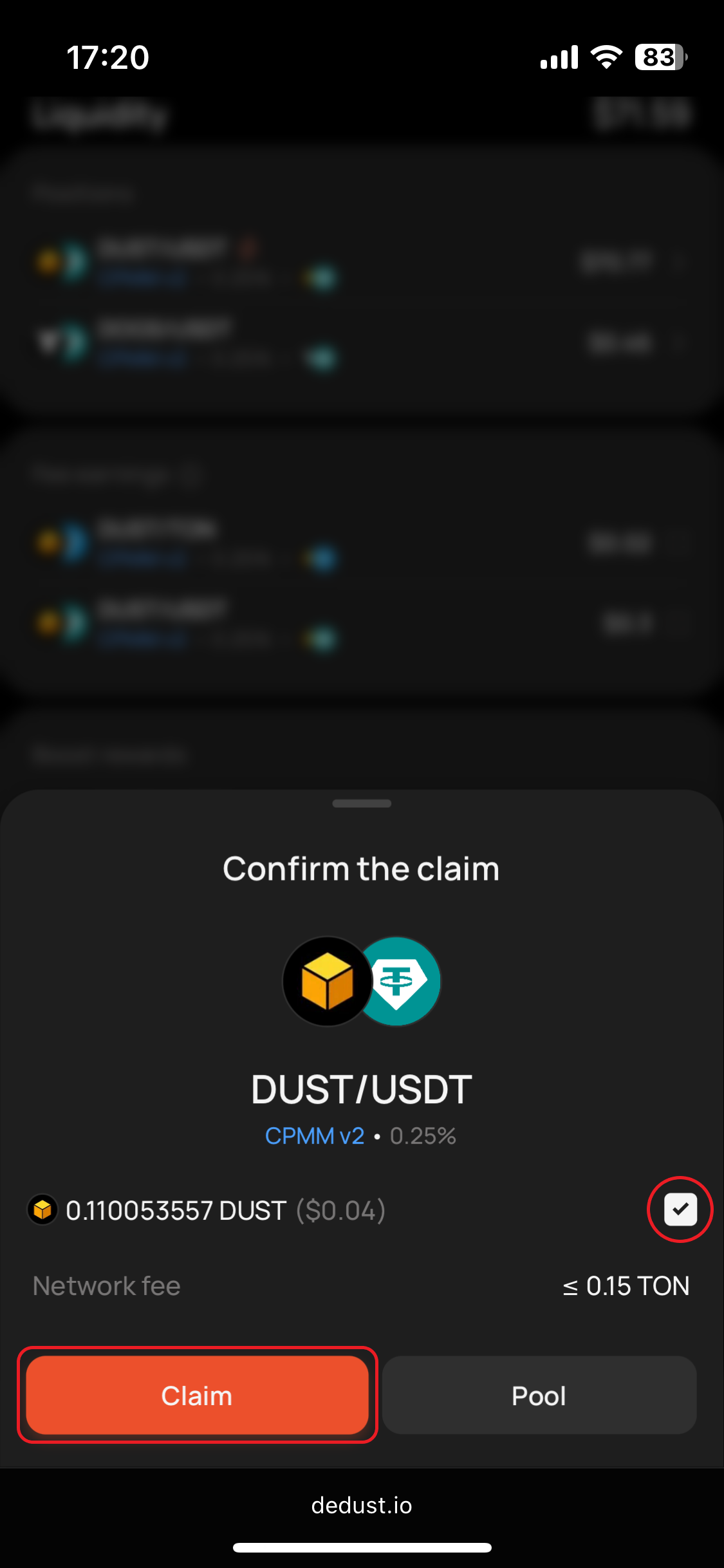
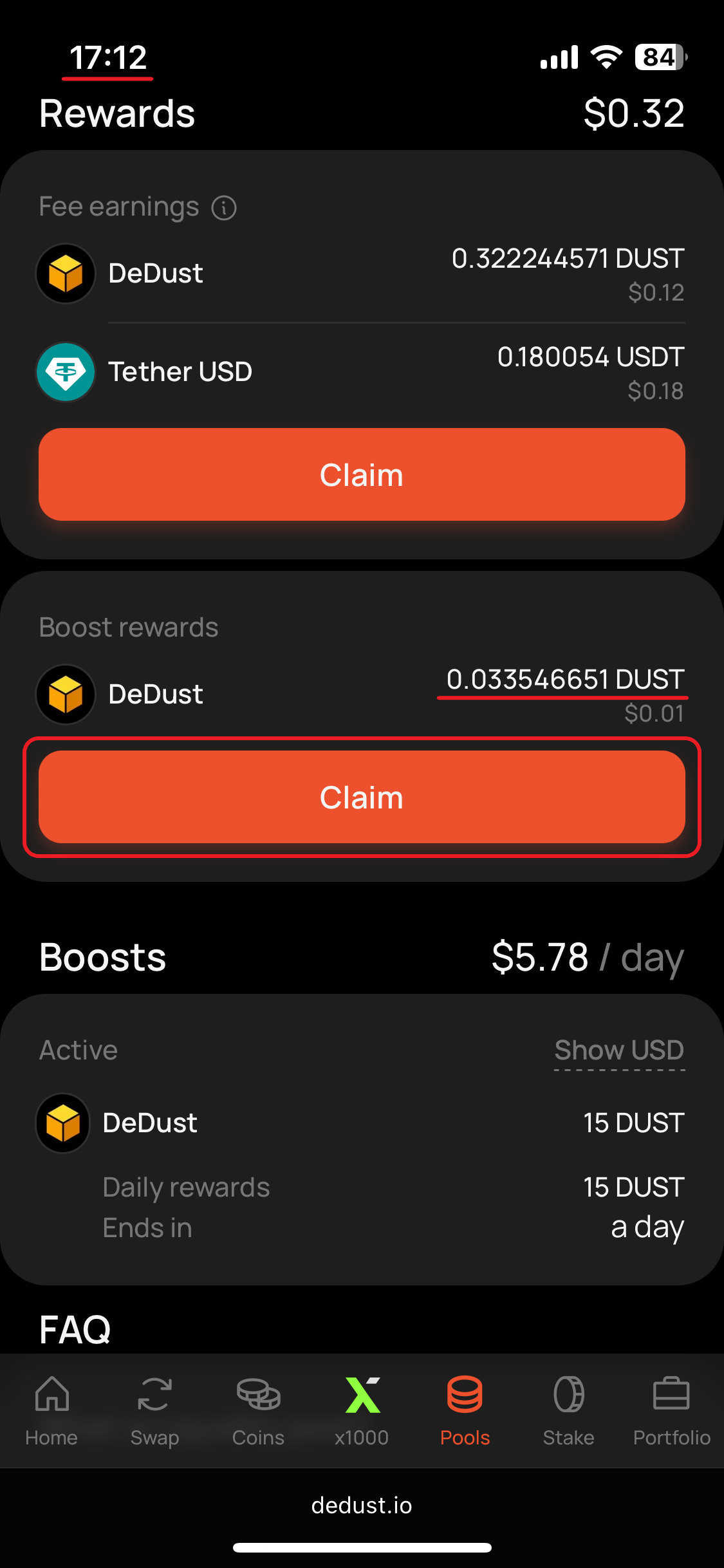
* [**Boost rewards**](/en/liquidity/boosts) — extra rewards paid by whoever boosted the pool.

Both accrue in real time and can be claimed at any moment, in any order, as many times as you like. Claiming doesn't affect your position — your liquidity stays in the pool and keeps earning.

> Rewards don't expire. Even after a boost ends and you've withdrawn your liquidity, whatever you earned stays claimable.

Everything below can be done from two places: your [**Portfolio**](https://dedust.io/portfolio) page, or the pool's own page.

### Claim trading fees

1. Open **Fee earnings** and pick the pool.
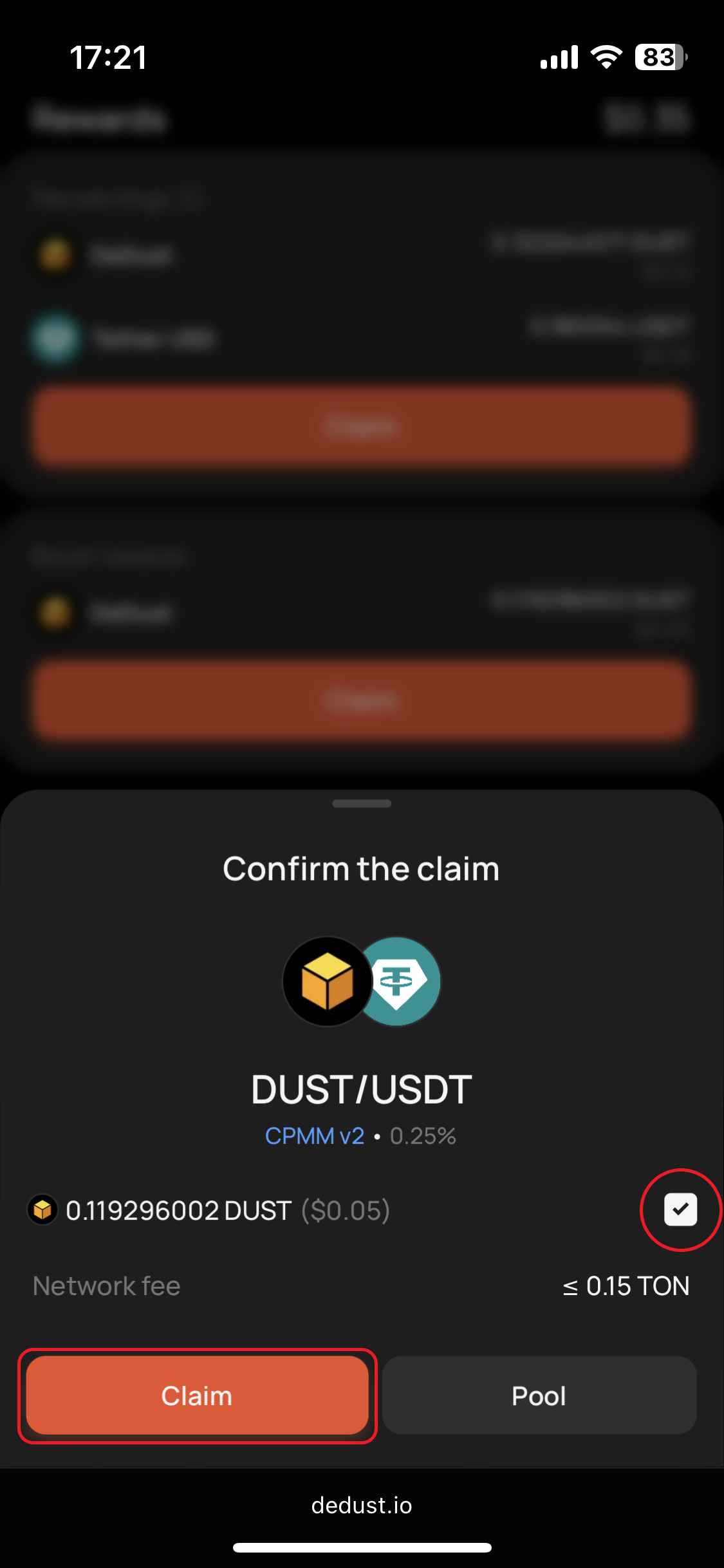
2. Press **Claim**. The window shows what you've earned — fees accrue in the token fixed when the pool was created, so there's nothing to choose.
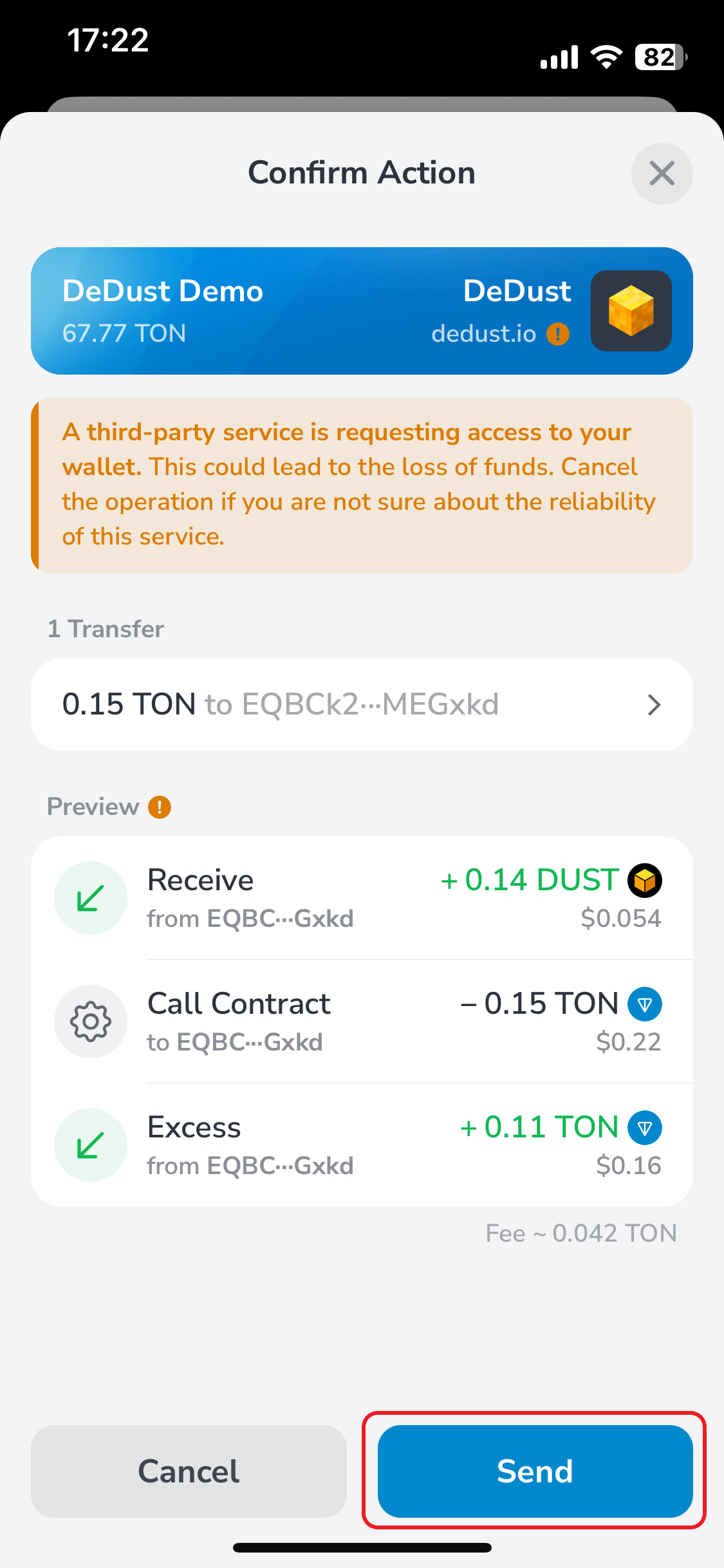
3. Confirm and sign the transaction in your wallet.

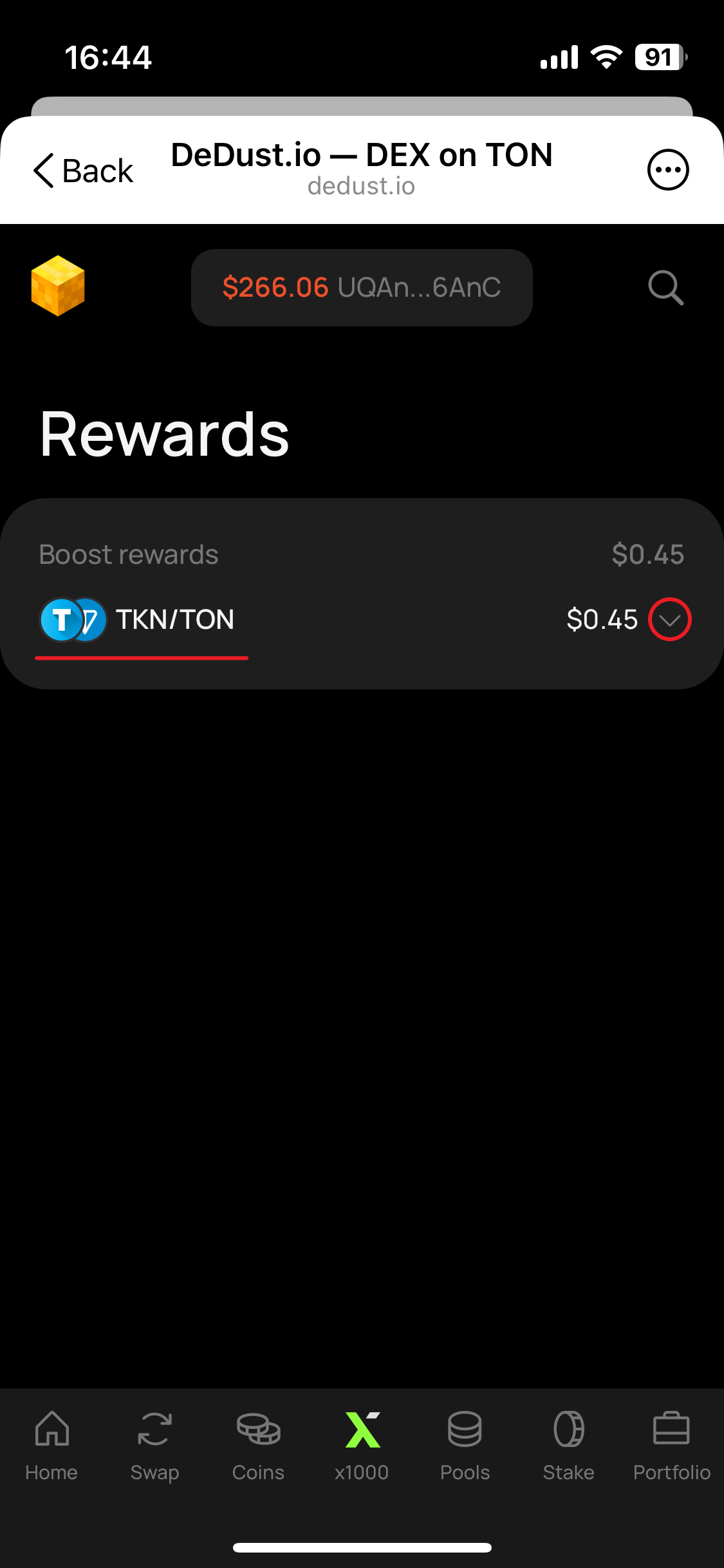
### Claim boost rewards

1. Open **Boost rewards** and pick the pool.
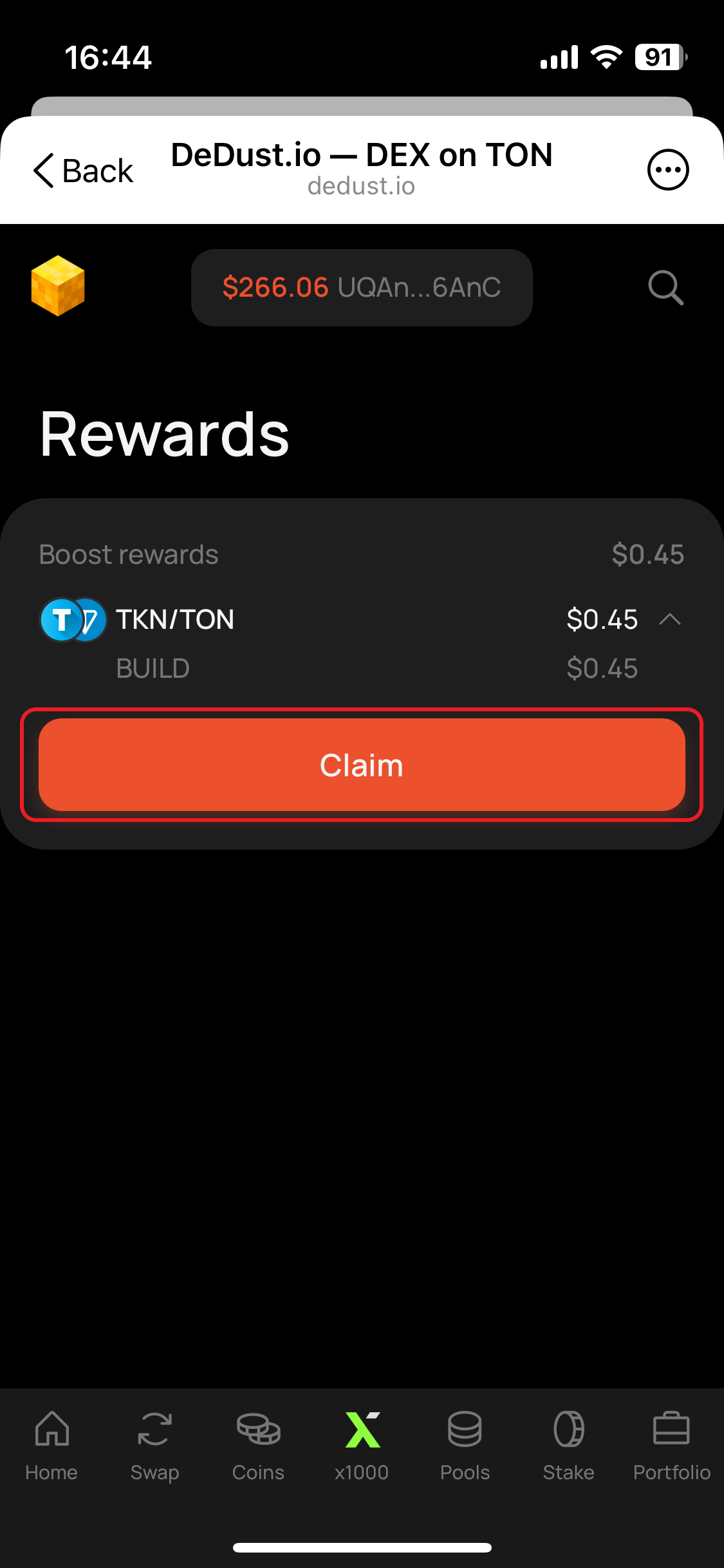
2. Select the tokens you'd like to receive — a pool can run several boosts in different tokens at once.
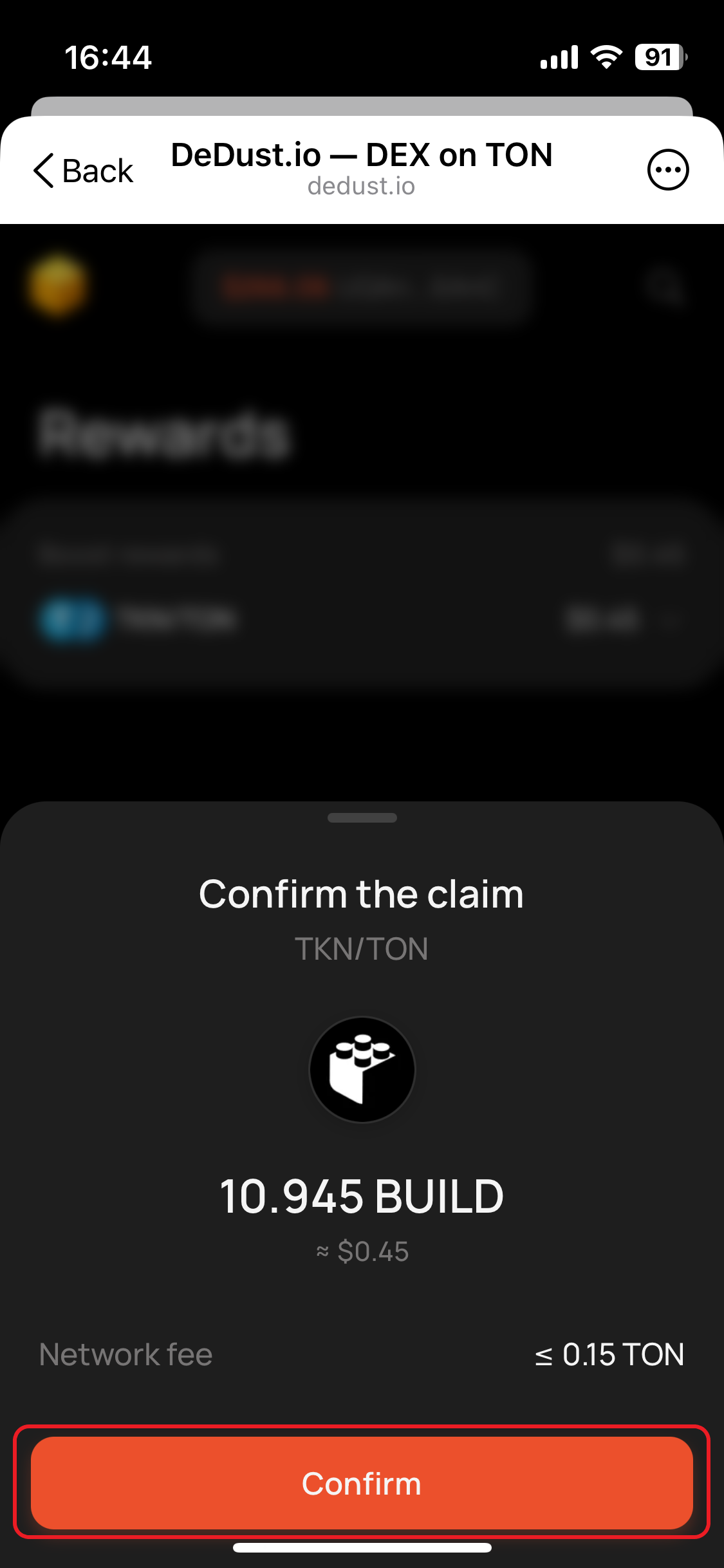
3. Press **Claim**, then sign the transaction in your wallet.


# Create new pool

To trade a pair that has no pool yet, you need to create one. It takes two steps: creating the pool, then depositing the initial liquidity.

### Step 1. Create the pool

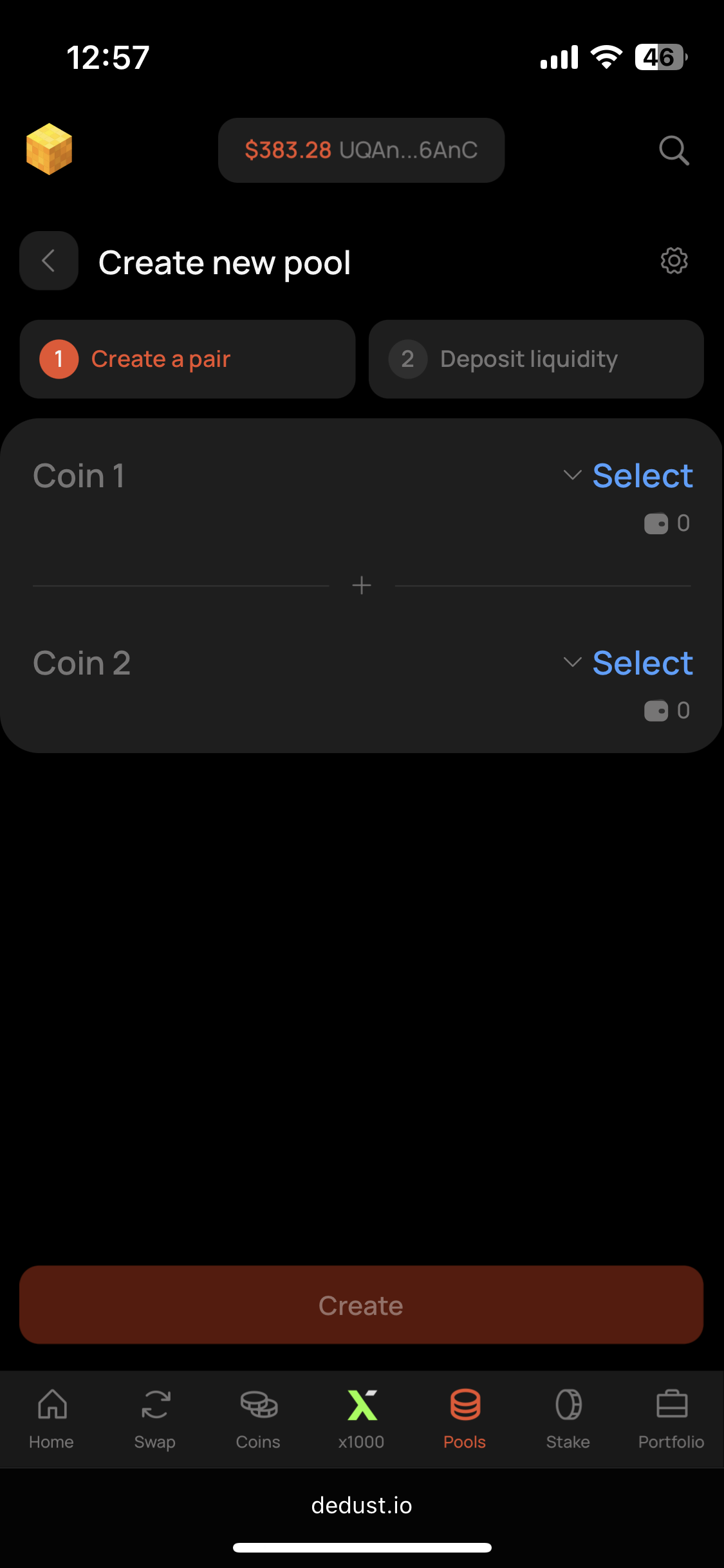
1. On the [Pools](https://dedust.io/pools) page, press **Create pool**.
2. Choose the two tokens to pair. If one of them isn't whitelisted, [import it first](/en/trade/tokens#how-to-import-a-token).
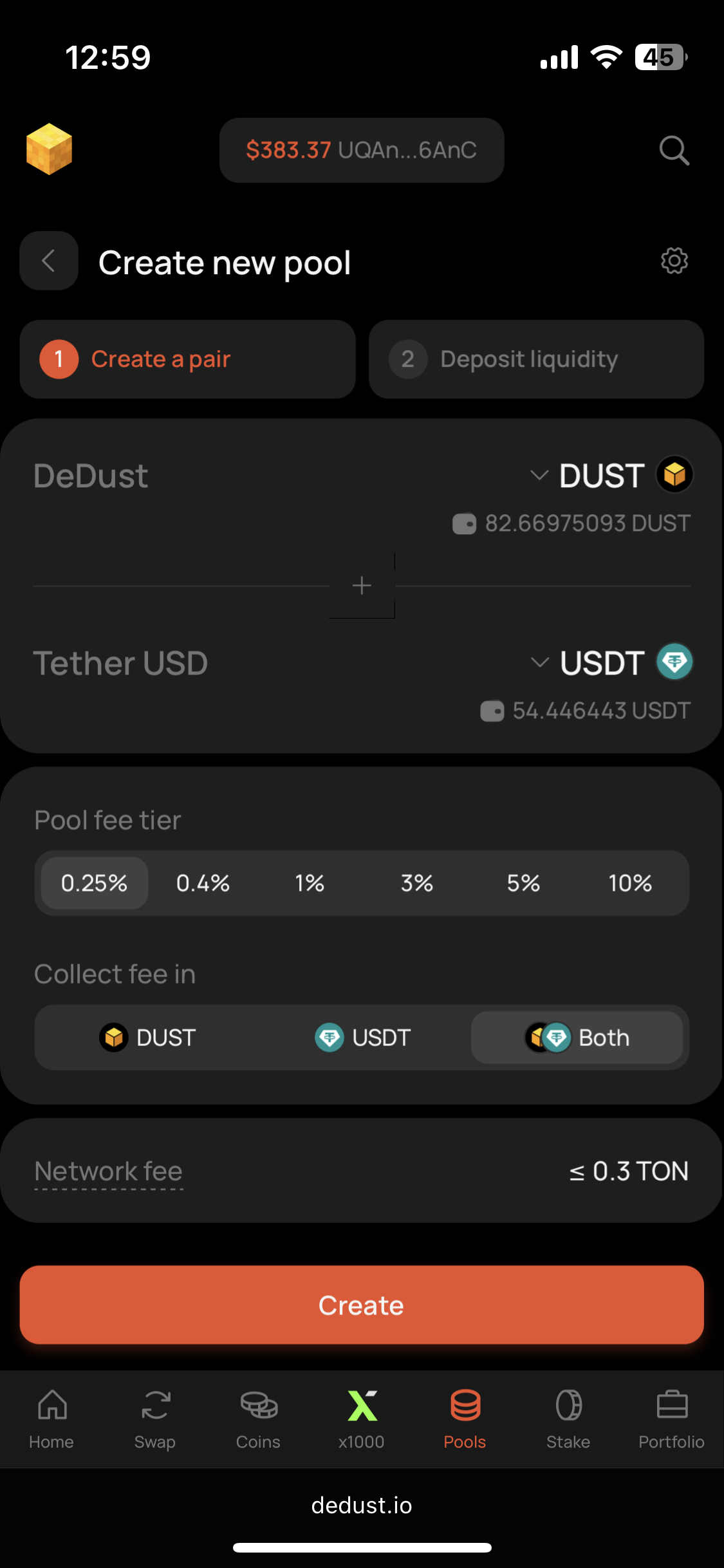
3. Select the trading fee tier and the token (or both) in which your earnings will be collected.
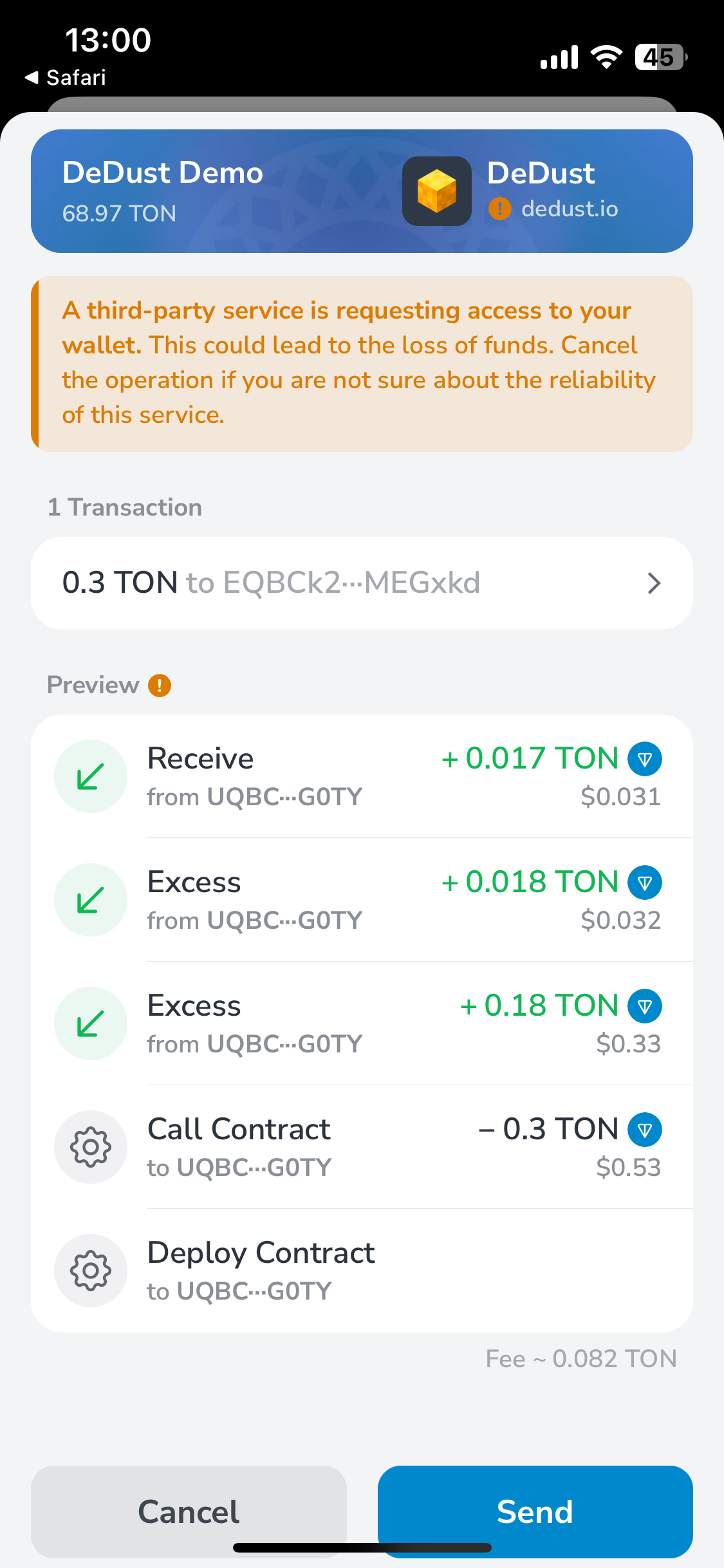
4. Press **Create** and confirm the transaction in your wallet.

Once the transaction goes through — usually a minute or two — you'll proceed to the deposit step automatically.

> You can create several [CPMM v2 pools](/en/liquidity/pools/types#cpmm-v2-pool) for the same pair, as long as their configurations differ.

### Step 2. Deposit the initial liquidity

Unlike depositing into an existing pool, here you enter amounts for both sides. **The proportion you enter sets the pool's initial exchange rate.**

What happens next depends on whether a market rate for the pair already exists.

**If the pair is already traded elsewhere.** Type in one amount and DeDust fills in the other automatically, based on the current market rate. This is the **Lock rate** toggle, on by default. Keep it on unless you have a reason not to — a rate that differs from the market invites arbitrage bots the moment the pool goes live.

**If the token is brand new,** with no pools and no market rate, there's nothing to calculate from: enter both amounts yourself. The proportion becomes the starting price.

**To set your own rate deliberately,** switch **Lock rate** off and type both amounts manually.

> **Check the rate before confirming.** If pools with your token already exist anywhere — including other DEXs — they will pull your pool's price toward theirs. A rate set too far from the market can shift instantly and cost you funds.

Adjust [slippage](/en/trade/price_impact#slippage-and-slippage-tolerance) if needed, then press **Deposit**. At this step you can also [permanently lock your liquidity](/en/launch/lock).

Review the details, press **Confirm** and sign in your wallet.

> If a token has no estimated fiat ($) price in the interface, [make it tradable](/en/launch/fiat_price): deposit at least $50 of liquidity in GRAM or USDT.

When the transaction completes, open your pool's summary page and go to **My position** to see your tokens and your share.


# How to create a token

There are two main ways to launch a new token: create it with a token minter or use a launchpad.

If you create the token yourself, you will need to [create a liquidity pool](https://help.dedust.io/en/liquidity/create) for it. When you use a launchpad, the pool is created automatically.

### Token minter

Use the official [TON Minter](https://minter.ton.org/) to create a token yourself.

### Launchpads

We recommend the following launchpads:

* [Uranus on x1000](https://x1000.finance/uranus)
* [Topblast](https://topblast.lol/)
* [Meridian](https://meridian.wtf/)

### Jetton standard

Read more about the Jetton standard and metadata best practices in the [official TON GitHub repository](https://github.com/ton-blockchain/minter-contract#jetton-metadata-field-best-practices).


# Make your token tradable

After you [create a pool](/en/liquidity/create), DeDust needs enough liquidity in it to calculate your token's price in dollars. Until that threshold is met, the token shows a **$0** price and **nobody can swap it** — the interface blocks the trade with a High value difference warning.

To make your token tradable, [deposit into its pool](/en/liquidity/deposit) at least:

* **50 USDT**, or
* **$50 worth of GRAM**

plus the equivalent amount of your own token.

> This is a minimum, not a target. $50 makes the token tradable; it doesn't make it comfortably tradable. With liquidity this thin, any meaningful buy moves the price sharply — see [price impact](/en/trade/price_impact#price-impact-and-value-difference).

### How token price is determined

DeDust derives a token's fiat price from its pool against GRAM or USDT. If the pool has too little liquidity, the implied price is unreliable. Instead of showing a potentially misleading number, the interface shows no price and prevents trades that would almost certainly result in a loss for the user.

#### After you add liquidity

The fiat price appears in the interface, the *High value difference* warning goes away, and swaps go through normally.

#### Wallets are separate

Each TON wallet has its own rules for token verification, price display and in-wallet swaps. Meeting DeDust's threshold doesn't automatically make your token display correctly everywhere.


# Whitelist (Verification)

The new version of this page is here: <https://help.dedust.io/en/launch/verification>


# Token verification

### What is Token Verification on DeDust?

Verification confirms that a token contract is the genuine one for a given project. On TON anyone can mint a token with any name and logo, so the verified list is what separates the real token from copies.

Until a token is verified, it exists on DeDust but stays invisible: it can't be found in the swap menu, its pools don't show up in the pools list, and Router doesn't route trades through them. The only way to reach it is a [manual import](/en/trade/tokens#how-to-import-a-token).

**Once verified, the token:**

* appears in the token list on the [Swap](https://dedust.io/swap) page and in search;
* has its pools listed on the [Pools](https://dedust.io/pools) page, visible to every liquidity provider;
* becomes part of [Router's](/en/trade/router) routing — trades can pass through its pools, which brings volume and fees to your liquidity providers;
* shows up in users' [Portfolio](/en/analytics/portfolio);
* carries a verification checkmark on DeDust, and in most cases across the TON ecosystem — major wallets and explorers pick up DeDust's verified list automatically. Each of them sets its own policy, though, and may choose to display a token differently.

New verifications are announced automatically in the [DeDust New Listings](https://t.me/DeDustListings) Telegram channel — that's where you'll see your token appear once it's approved.

> ⚠️ **Verification is not an endorsement.** It confirms that a contract is the canonical one for a project. It says nothing about whether the project is legitimate, safe, or worth investing in. Always do your own research.

### Who can request it

Anyone — the project team, or a community member acting on the project's behalf. [Submit a verification request](https://forms.gle/wpFxwtyhBMKu2hs37) whenever you're ready.

We also verify tokens proactively. If a token is trading actively on DeDust and there's no doubt about which contract is the real one, we may verify it without any request at all.

### What we look at

Verification is a judgement call, not a checklist. We review each token individually and weigh the whole picture — a token that's weak on one signal can still be verified if the rest is convincing.

The signals that matter most:

* **Liquidity on DeDust.** Enough depth in pools against GRAM or USDT that the token is genuinely tradable. As a rough reference point, we rarely verify tokens with a total pool value below **2,000 GRAM** (or the USDT equivalent) — but this is a guideline, not a threshold to hit.
* **Real trading activity.** Organic volume from real users, not wash trading between a handful of wallets.
* **Contract ownership.** Revoked ownership is a strong positive signal: it means the supply can't be changed after the fact.
* **A public presence.** A Telegram channel or X account that belongs to the project and shows genuine activity.
* **Ticker clarity.** The token shouldn't be confusable with an existing verified one.

### How long it takes

We don't commit to a timeline. Requests are reviewed as capacity allows, and the queue can be long — some tokens are verified within days, others wait considerably longer.

What moves a request up the queue is the token itself: **the more trading volume and genuine traction a token has, the sooner we get to it.** A token with real users and steady volume gets attention quickly; a token with a request and little else waits.

### What prevents verification

* Tokens minted on untrusted platforms, or with unverified contract code.
* Fake copies of existing tokens, or tokens imitating another project's name, ticker or branding.
* Custom jetton contracts with unresolved technical issues.
* Tokens promoting violence, racism, discrimination, adult or shock content, or any illegal activity.
* Anything else that could harm DeDust users or the protocol's reputation.

If your request isn't approved, you're welcome to submit again once the underlying situation has changed — more liquidity, more real volume, a resolved contract issue. Resubmitting without anything having changed will get the same answer.

### Before verification

**An unverified token is fully tradable** — nothing is blocked. But nobody will find it on their own, so trading depends entirely on you distributing a direct link:

```
dedust.io/swap/[TOKEN CONTRACT ADDRESS]
```

Anyone opening it gets an import prompt and can trade from there. Users can also paste the contract address into the token search on the Swap page.

The same applies to liquidity: your pools won't appear in the pools list, so providers have to be brought in by link as well.

Read more about [imported tokens](/en/trade/tokens#verified-and-imported-tokens) for the full picture.

> A token also needs a minimum amount of liquidity before it can be swapped at all, separately from verification — see [Make your token tradable](/en/launch/fiat_price).


# Liquidity lock

Locking permanently leaves your liquidity in the pool. It's a signal to traders and holders that the liquidity behind a token can't be pulled — the standard way for a project to show it isn't planning a rug pull.

> ⚠️ **Locking is irreversible.** Once confirmed, the liquidity can never be withdrawn — not by you, not by the DeDust team, not by anyone. There is no unlock, no expiry and no partial release. Only permanent locking is supported.

You keep everything else: the position stays yours and keeps earning your share of [trading fees](/en/protocol/fees#trading-fees) and [boost rewards](/en/liquidity/boosts), which you claim as usual.

### Need to know before you lock

* [**CPMM v2 pools**](/en/liquidity/pools/types#cpmm-v2-pool) **only.** Classic and Stable-swap pools don't support locking.
* **Locking happens during the** [**deposit**](/en/liquidity/deposit)**, and only then.** To lock liquidity that's already in a pool, you have to [withdraw](/en/liquidity/withdraw) it and deposit again with the toggle on.
* **Pick the pool carefully.** Two pools with the same pair can perform very differently depending on the fee tier and the token fees are collected in — and a higher trading fee doesn't always mean a higher APR. Since you can't move the liquidity afterwards, compare the options before you commit.
* **Lock only what you can afford to leave.** The tokens stay exposed to price movement in the pair, and you have no way to exit the position.

### How to lock

1. Open the pool's page and press **Deposit**.
2. Enter the amount you want to deposit and lock.
3. Expand the **Advanced** section and enable **Lock liquidity permanently**.
4. Press **Deposit**, review the details and press **Confirm**.
5. Sign the transaction in your wallet.

### After locking

* The **Pool summary** shows the pool's permanently locked share of total liquidity — this is what traders check.
* [**Portfolio → Position**](https://dedust.io/portfolio) marks which part of your own liquidity is locked.
* Fees and boost rewards keep accruing and stay claimable indefinitely.


# LP Incentives (Boosts)

A **Boost** lets you add extra rewards for anyone [providing liquidity](/en/liquidity/pools) to your pool. You put up a reward budget, set a duration, and the smart contract distributes it to liquidity providers continuously, proportionally to their share.

Boosting is the main tool for attracting liquidity to a new token: deeper liquidity means lower [price impact](/en/trade/price_impact#price-impact-and-value-difference) for traders, a more stable rate, and better routing through the [Router](/en/trade/router).

> **Boosts work with** [**CPMM v2 pools**](/en/liquidity/pools/types#cpmm-v2-pool) **only** (since Jan 26, 2026). If your token is in a Classic (CPMM v1) pool, [create a CPMM v2 pool](/en/liquidity/create) first.

### Before you start

Decide three things:

* **Reward token.** Either of the pool's own two tokens, or GRAM, DUST, USDT.
* **Budget.** The total amount distributed over the whole campaign. Minimum is the equivalent of **$5 per day**.
* **Duration.** From **1 to 14 days**.

Budget divided by duration gives the daily reward rate, and that rate against the pool's liquidity gives the Boost APR providers see. The same budget over two weeks shows a modest APR; over two days it looks far more attractive but leaves nothing afterwards — and liquidity often leaves with the rewards.

> **Boost APR is not fixed.** As liquidity flows into your pool, the same budget is split between more providers and APR falls. That is the mechanism working as intended: the pool settles at the level of liquidity your budget can sustain.

> ⚠️ **A Boost cannot be cancelled.** Once confirmed, your tokens go into a smart contract that has no way to return them. Distribution starts immediately and runs to the end of the term. Double-check the token, amount and duration before signing.

### How to create a Boost

1. Open your pool's page — from Pools, or from [**Portfolio → Liquidity**](https://dedust.io/portfolio).
2. In the pool's **FAQ** section, follow the link to boost creation (not very obvious but we'll change this soon, look in the paragraph starting with "How to boost a pool?").
3. On the **New boost** tab, choose the reward token, enter the total reward amount and set the duration.
4. Press **Boost**, check the conditions, press **Confirm** and sign in your wallet.

Rewards start being distributed in real time as soon as the transaction lands. Within a short while the boost appears in the **Boosts** section at the bottom of the pool's page.

> Can't find your pool? One or both tokens may not be verified — [import](/en/trade/tokens#how-to-import-a-token) them on DeDust first.

**You can run only one boost per token at a time.** To add more rewards in the same token, use Extend or Increase instead of creating a second boost.

### How to extend a Boost

Adds more days at the current daily rate.

1. Open the **Extend** tab on the boost setup page and select the active boost.
2. Enter the number of days to add and press **Extend**.
3. Check the details, press **Confirm** and sign in your wallet.

The total cost is calculated automatically from the boost's current daily rewards. **Available to extend** shows how many days you can add right now — it depends on the days left in your boost and on the pool's maximum boost duration (14 days by default).

### How to increase a Boost

Adds budget without changing the end date, raising the daily rate for the remaining period.

1. Open the **Increase** tab on the boost setup page and select the active boost.
2. Enter the amount to add and press **Increase**.
3. Check the details, press **Confirm** and sign in your wallet.

Two figures are shown before you confirm:

* **New amount** — total rewards remaining for the rest of the boost: what you're adding plus what's left.
* **New distribution** — the resulting daily payout for the remaining days. This is what liquidity providers will earn per day after the increase.

If the boost is extended later, the new daily rate is what gets extended.

### Costs

Creating, extending and increasing a boost are all free. You pay only the reward budget itself.

### Track your Boost

* The pool's page shows active boosts, their remaining duration and the current Boost APR.
* Your pool is marked with a lightning icon on the Pools page and can be found via the **Boosted** filter.
* New boosts are announced automatically in the [DeDust New Listings](https://t.me/DeDustListings) Telegram channel.

### Good to know

* **Rewards reach liquidity providers only.** CPMM v2 pools don't use LP tokens or NFTs, so there is no way for rewards to be routed to addresses other than the providers' own wallets.
* **Locked liquidity earns boost rewards too,** paid to the wallet the liquidity was deposited from. A boost and a [liquidity lock](/en/launch/lock) work well together for a new token.
* **Unclaimed rewards never expire.** After a boost ends, whatever providers have earned stays [claimable indefinitely](/en/liquidity/earnings).
* **Anyone can boost any pool,** including yours. Several boosts in different tokens can run on one pool simultaneously.


# About $DUST

#### DUST is a native token of DeDust Protocol and other upcoming products of the ecosystem.&#x20;

<figure><img src="https://85253202-files.gitbook.io/~/files/v0/b/gitbook-x-prod.appspot.com/o/spaces%2FiLJ0WdKUBHXsAEMMSEfd%2Fuploads%2FGynw4muJshAnRtv5YtR8%2FScale%20allocation%20(1).png?alt=media&amp;token=14db26c4-94d5-4883-a5b9-7224fc0e824a" alt=""><figcaption></figcaption></figure>

#### Initial supply: 21 000 000

<table><thead><tr><th width="157">Allocation</th><th width="126">DUST</th><th width="110">%</th><th></th></tr></thead><tbody><tr><td>Burned</td><td>4 313 384,9</td><td>20,54%</td><td></td></tr><tr><td>On the market</td><td>5 463 615,1</td><td>26,02%</td><td></td></tr><tr><td>Marketing</td><td>548 000</td><td>2,61%</td><td>Tokens will be used to expand the user base.</td></tr><tr><td>Development</td><td>1 225 000</td><td>5,83%</td><td>Tokens will be used to fund the development of DeDust.io and other Scaleton products.</td></tr><tr><td>Core Team</td><td>4 200 000</td><td>20,00%</td><td>Tokens will be used for staking and as rewards for core team members.</td></tr><tr><td>Ecosystem Fund</td><td>5 250 000</td><td>25,00%</td><td>Tokens will be used for acquisitions and grants.</td></tr></tbody></table>

Ownership is [revoked](https://github.com/scaleton-co/token-contract/commit/dcbcbd6d79036b077070ccc013b32749a0bb7309), there will be no new tokens issued.

On the 2nd of May, 2024, we introduced DUST staking, funded by DeDust protocol fees.&#x20;

[80% of this fee](#user-content-fn-1)[^1] goes to liquidity providers as their earnings. 20% of the fee is converted into DUST and distributed to stakers.

As an illustration, trading fee in a Classic pool is 0.0025 (0.25%). Then, 0.002 (0.20%) of the trading volume goes to LP, and the rest 0.0005 (0.05%) is used for staking rewards.

$DUST (ex. $SCALE) is DeDust's native token.

CA[^2]: EQBlqsm144Dq6SjbPI4jjZvA1hqTIP3CvHovbIfW\_t-SCALE\
\
We rebranded it from $SCALE to $DUST on Oct. 21, 2024:\
<https://t.me/dedust_en/105>\
<https://x.com/dedust_io/status/1848328016729919526>

[^1]: Depending on [liquidity pool type](/en/liquidity/pools/types)

[^2]: Token smart contract address


# How to stake DUST

1. Open the 'Stake' section.
2. Tap on the 'Stake' button.
3. Specify the amount of DUST you want to stake. On DeDust.io you can stake only DUST — our native token.&#x20;

<div><figure><img src="https://85253202-files.gitbook.io/~/files/v0/b/gitbook-x-prod.appspot.com/o/spaces%2FiLJ0WdKUBHXsAEMMSEfd%2Fuploads%2FLyHZ2SiRoGwOlcsfLk2j%2FIMG_3029.PNG?alt=media&amp;token=a0625a37-5644-400d-9880-79a726132f1b" alt=""><figcaption><p>Step 1</p></figcaption></figure> <figure><img src="https://85253202-files.gitbook.io/~/files/v0/b/gitbook-x-prod.appspot.com/o/spaces%2FiLJ0WdKUBHXsAEMMSEfd%2Fuploads%2F7wSzVJHBDhMDyaKrpHqb%2FIMG_3030.PNG?alt=media&amp;token=f456d354-7cca-4a99-a54c-2e4d64cae321" alt=""><figcaption><p>Step 2</p></figcaption></figure> <figure><img src="https://85253202-files.gitbook.io/~/files/v0/b/gitbook-x-prod.appspot.com/o/spaces%2FiLJ0WdKUBHXsAEMMSEfd%2Fuploads%2FTjFiQyvJHXori2iMX6Iw%2FIMG_3031.PNG?alt=media&amp;token=f81acba7-850d-4cff-ad4a-ff1a290355c1" alt=""><figcaption><p>Step 3</p></figcaption></figure></div>

4. Tap on the 'Stake' button to verify your transaction and to proceed with staking the specified amount of DUST. Then, your wallet will ask for a confirmation to finalize the transaction.
5. Confirm this action again using slide option and then secure it by entering your PIN code or using your biometric data such as fingerprint or face ID.

<div><figure><img src="https://85253202-files.gitbook.io/~/files/v0/b/gitbook-x-prod.appspot.com/o/spaces%2FiLJ0WdKUBHXsAEMMSEfd%2Fuploads%2FQBDGSxmxytqpu5iAVJgn%2FIMG_3032.PNG?alt=media&amp;token=c0c421b9-af66-457f-a33f-8c32db5f02d4" alt=""><figcaption><p>Step 4</p></figcaption></figure> <figure><img src="https://85253202-files.gitbook.io/~/files/v0/b/gitbook-x-prod.appspot.com/o/spaces%2FiLJ0WdKUBHXsAEMMSEfd%2Fuploads%2FKIQqs7Qk4H6s61tXNxQE%2FIMG_3033.PNG?alt=media&amp;token=ca1bd2fa-ee5c-4490-9698-4fab77c84312" alt=""><figcaption><p>Step 4</p></figcaption></figure> <figure><img src="https://85253202-files.gitbook.io/~/files/v0/b/gitbook-x-prod.appspot.com/o/spaces%2FiLJ0WdKUBHXsAEMMSEfd%2Fuploads%2FDaXUhPYpVCjCqJLpDfqf%2FIMG_3034.PNG?alt=media&amp;token=c4566d56-a349-4840-ab7c-bb2c86751cef" alt=""><figcaption><p>Step 5</p></figcaption></figure></div>

To make sure your transaction was successful, you can check in the 'Stake' section. Staked tokens will show up in a few minutes. Rewards appear daily.

<figure><img src="https://85253202-files.gitbook.io/~/files/v0/b/gitbook-x-prod.appspot.com/o/spaces%2FiLJ0WdKUBHXsAEMMSEfd%2Fuploads%2F5da13VKKGOwTTfjMrhQF%2F2024-11-07%2016.17.23.jpg?alt=media&amp;token=876252d2-3065-4840-b2b1-ba64637a3004" alt="" width="296"><figcaption><p>The 'Stake' section</p></figcaption></figure>


# How to unstake DUST

1. Open the 'Stake' section.
2. Specify the amount of DUST you want to unstake and select a period of time for getting your tokens — in 72 hours or 1-5 minutes.&#x20;
3. Tap on the 'Unstake' button.

<div><figure><img src="https://85253202-files.gitbook.io/~/files/v0/b/gitbook-x-prod.appspot.com/o/spaces%2FiLJ0WdKUBHXsAEMMSEfd%2Fuploads%2FnfiUPKf9B9AWS8HL63Qp%2F2024-11-07%2016.21.30.jpg?alt=media&amp;token=7839a609-d54a-4c9d-b950-df66c2ef29a9" alt=""><figcaption><p>Step 1</p></figcaption></figure> <figure><img src="https://85253202-files.gitbook.io/~/files/v0/b/gitbook-x-prod.appspot.com/o/spaces%2FiLJ0WdKUBHXsAEMMSEfd%2Fuploads%2FMXNewyfOMMuxQmYoTyqm%2F2024-11-07%2016.21.35.jpg?alt=media&amp;token=17cdf566-1a28-4487-b570-1890a47234ca" alt=""><figcaption><p>Step 2</p></figcaption></figure> <figure><img src="https://85253202-files.gitbook.io/~/files/v0/b/gitbook-x-prod.appspot.com/o/spaces%2FiLJ0WdKUBHXsAEMMSEfd%2Fuploads%2FWmfFrpB6oBhVmZe0OiKI%2F2024-11-07%2016.22.03.jpg?alt=media&amp;token=e51568f5-1f06-4a75-9ade-4e6d24a4dd7f" alt=""><figcaption><p>Step 3</p></figcaption></figure></div>

4. Tap on the 'Unstake' button again to verify your transaction. Then, your wallet will ask for a confirmation to finalize the transaction on the blockchain.
5. Confirm your action using slide option and then secure it by entering your PIN code or using your biometric data such as fingerprint or face ID.

<div><figure><img src="https://85253202-files.gitbook.io/~/files/v0/b/gitbook-x-prod.appspot.com/o/spaces%2FiLJ0WdKUBHXsAEMMSEfd%2Fuploads%2FRJOSXRm8lJ5XBULXD1Ee%2F2024-11-07%2016.22.09.jpg?alt=media&amp;token=46932f14-aa40-4f50-938a-8b1414e70776" alt=""><figcaption><p>Step 4</p></figcaption></figure> <figure><img src="https://85253202-files.gitbook.io/~/files/v0/b/gitbook-x-prod.appspot.com/o/spaces%2FiLJ0WdKUBHXsAEMMSEfd%2Fuploads%2Fb8OKAm8KvNiyEIlt1EN7%2F2024-11-07%2016.22.15.jpg?alt=media&amp;token=967b577f-3fa5-46cd-bd21-8a7d42d37095" alt=""><figcaption><p>Step 5</p></figcaption></figure></div>

You'll get your unstaked DUST in 72 hours or 1-5 minutes depending on your choice.&#x20;


# How to claim stake reward

1. Open the 'Stake' section.
2. Tap on the 'Claim rewards' button.

<div><figure><img src="https://85253202-files.gitbook.io/~/files/v0/b/gitbook-x-prod.appspot.com/o/spaces%2FiLJ0WdKUBHXsAEMMSEfd%2Fuploads%2F4osDLfNjJgIiQrM4UaTN%2F1.png?alt=media&amp;token=52d71a6e-a5c0-4eb1-a61f-009755d1e053" alt=""><figcaption><p>Step 1</p></figcaption></figure> <figure><img src="https://85253202-files.gitbook.io/~/files/v0/b/gitbook-x-prod.appspot.com/o/spaces%2FiLJ0WdKUBHXsAEMMSEfd%2Fuploads%2FGaoSscLM6cnuEbVeeN5P%2F2.png?alt=media&amp;token=97cfe32b-719d-4a22-945e-98af462f0840" alt=""><figcaption><p>Step 2</p></figcaption></figure></div>

3. Tap on the 'Claim' button to verify your transaction. Then, your wallet will ask for a confirmation to finalize the transaction on the blockchain.
4. Confirm your action using slide and then secure it by entering your PIN code or using your biometric data such as fingerprint or face ID.

<div><figure><img src="https://85253202-files.gitbook.io/~/files/v0/b/gitbook-x-prod.appspot.com/o/spaces%2FiLJ0WdKUBHXsAEMMSEfd%2Fuploads%2FYbNfncMHpmsTcURjTFAI%2F3.png?alt=media&amp;token=b2691aee-7eeb-4004-ae05-104f93d72848" alt=""><figcaption><p>Step 3</p></figcaption></figure> <figure><img src="https://85253202-files.gitbook.io/~/files/v0/b/gitbook-x-prod.appspot.com/o/spaces%2FiLJ0WdKUBHXsAEMMSEfd%2Fuploads%2F9zTUe35eTHvZQq2qgqfI%2F4.png?alt=media&amp;token=13fec974-8ca1-4c21-8fba-acfbe26855ea" alt=""><figcaption><p>Step 4</p></figcaption></figure></div>

Reward will appear in your wallet in a few minutes.


# Fees

When swapping on DeDust, you may pay two types of fees: **trading fees** charged by [liquidity pools](/en/liquidity/pools) and **network fees** charged for processing transactions on TON.

### Trading fees

Each liquidity pool has its own trading fee. There is no universal default trading fee on DeDust.

For [CPMM v2 pools](/en/liquidity/pools/types#cpmm-v2-pool), the pool creator selects a **Pool fee tier** when creating the pool. As a result, pools can charge different fees, including pools for the same token pair. The current fee is displayed as **Trading fee** at the top of each pool page.

If a swap [route](/en/trade/router) uses several pools, each pool charges its own trading fee on the part of the swap that passes through it. These fees are already reflected in the quoted amount you receive.

#### Trading fee distribution

Every trading fee is split between:

* **Liquidity providers — 80%.** This is distributed among liquidity providers of the pool involved in the swap.
* **DeDust protocol — 20%.** This is collected as the protocol fee.

### Network fees

Every transaction on DeDust requires a network fee paid in TON. This fee is charged for processing the transaction on the TON blockchain and is separate from the pool's trading fee.

The network fee typically ranges from **0.1 to 3 TON**, depending on the transaction, the assets involved, the wallet you use, and the current network load.

Before you confirm a transaction, DeDust displays the maximum possible network fee. The unused part is returned to your wallet after the transaction is processed.

### Token taxes are separate

Some token contracts deduct an additional tax when the token is bought, sold, or transferred. This tax is set by the token's smart contract: it is not a DeDust trading fee or a TON network fee, and DeDust does not collect it.

Learn more in [Tokens with tax](https://help.dedust.io/en/trade/tokens/tax).


# About DeDust

What is DeDust?

{% columns %}
{% column width="66.66666666666666%" %}
**DeDust.io** is a platform designed to be the central DeFi hub for TON users. With its user-friendly interface, extensive integrations, and robust DeDust Protocol at its core, both beginners and seasoned DeFi enthusiasts can seamlessly access and benefit from TON ecosystem.
{% endcolumn %}

{% column %}

<figure><img src="https://content.gitbook.com/content/SBFL2enjS0C3zTK97y9H/blobs/bjxb9fX6BmCubtYC8EoT/Group%201410092243.png" alt=""><figcaption></figcaption></figure>
{% endcolumn %}
{% endcolumns %}

### DeDust Protocol includes:

* **DEX DeDust v2** is a set of smart contracts that enable swapping, liquidity provision, and pool creation. It supports multi-hop swaps, stableswap pairs, and LP incentivization for pools. It is a hackathon-winning DEX natively built on TON Blockchain.
* **DeDust v2 Router** is a multi-DEX aggregator that builds routes across multiple liquidity pools in TON ecosystem.
* [**DeDust X**](#user-content-fn-1)[^1] is an innovative protocol that extends pool functionality with custom AMM logic. Built on top of DeDust v2, it lets project develop custom AMM logic and create pools, tailored to their needs. ETA Q3 2025.
* [**x1000**](https://x1000.finance) is the first DeFi trading terminal on TON blockchain built by DeDust team and launched in the end of Q3, 2025. Learn more in [x1000 guide](https://help.x1000.finance) and our [socials](/en/ru/about/contacts#x1000-socials).<br>

[$DUST](https://help.dedust.io/dedust/welcome-to-dedust.io/about-dust) is the native token of DeDust protocol.

### Useful links <a href="#useful-links" id="useful-links"></a>

#### Trackers

* [DEX Screener](https://dexscreener.com/ton/dedust)
* [GeckoTerminal](https://www.geckoterminal.com/ton/dedust/pools)
* [DefiLlama](https://defillama.com/protocol/dedust)
* [CoinMarketCap](https://coinmarketcap.com/exchanges/dedust/)

#### WEB

* [DeDust.io](https://dedust.io/) (mirror - [app.dedust.io](https://app.dedust.io/))
* [Dune dashboard](https://dune.com/dedust_io/smart)
* [Documentation & SDK](https://docs.dedust.io)
* [Swaps routing](#user-content-fn-2)[^2] and [Documentation Hub for developers](https://hub.dedust.io/apis/router-v2/quote/)
* [Brand kit](https://www.figma.com/proto/u8XTSf8Rs7MRboXqW8XhfN/DeDust-Brand-Kit?page-id=0%3A1\&node-id=1-308\&node-type=frame\&viewport=474%2C748%2C0.15\&t=l3zNnMK87kgGQJjR-1\&scaling=contain\&content-scaling=responsive\&starting-point-node-id=1%3A308\&hide-ui=1)
* [Listing form](https://forms.gle/wpFxwtyhBMKu2hs37)

#### Telegram bot / Mini Application

* [DeDust Telegram Mini App](https://t.me/dedustBot)

#### Smart contracts audit

An audit of our project is in progress. We're working closely with CertiK's security experts. Follow the updates [here](https://skynet.certik.com/projects/dedust).&#x20;

Use the ['Contact us' section](/en/ru/about/contacts) when you need our help.

[^1]: [Watch on YouTube](https://www.youtube.com/live/Y7zA6K8-oWM?t=18226s): DeDust presentation on TON Gateway (Nov 1, 2024)

[^2]: <https://t.me/dedust_en/113>


# Contact us

Use these options to contact us when you need our help.

## Сustomer Support

DeDust has no official support service — all help is open and transparent in [Telegram](#telegram-chats) chats.&#x20;

❗Make sure you are communicating with official team/active community members who have administrators (or other) title in the chat's users list and in top right corner of every their message.\
If someone is privately writing (or even calling) you first, impersonating DeDust or x1000 support, or is proposing you to solve any issue and to write for this him/her privately, while having no admin's title in the chat, then most probably this is a scammer. Please be careful!

## DeDust social communities&#x20;

#### X  (ex-Twitter)

* [DeDust X (ex-Twitter) page](https://twitter.com/dedust_io)

#### Telegram <a href="#telegram-chats" id="telegram-chats"></a>

* [Channel](http://t.me/dedust_en) and [chat](http://t.me/dedust_en_chat) in English
* [Channel](http://t.me/dedust_zh) and [chat](http://t.me/dedust_zh_chat) in Chinese
* [Channel](http://t.me/dedust_es) and [chat](http://t.me/dedust_es_chat) in Spanish
* [Channel ](http://t.me/dedust_ru)and [chat](http://t.me/dedust_ru_chat) in Russian
* [Channel](http://t.me/dedust_ua) and [chat ](http://t.me/dedust_ua_chat)in Ukrainian
* [Channel with listing announcements](https://t.me/DeDustListings)
* [Channel with educational articles](https://t.me/Scaleton_University)
* [Channel for developers](https://t.me/dedust_dev)
* [Chat for developers](https://t.me/dedust_dev_chat)

## x1000 socials

#### X (ex-Twitter)

[x1000 X (ex-Twitter) page](https://x.com/x1000_finance)&#x20;

#### Telegram

[Channel](https://t.me/x1000News) and [chat](https://t.me/x1000Support)

Relevant info can always be found in [x1000 Help](https://help.x1000.finance/support).


# (-- TON Onboarding --)

Interested in bridging to The Open Network (TON)? Here's a step-by-step guide to help you get started:

## Setting up a TON wallet

First, you'll need to set up a TON wallet. Did you know that if you have a Telegram account, you already have a TON wallet?

A crypto wallet is a digital tool that allows users to securely store, send, and receive cryptocurrencies. It stores the private keys needed to access and manage the cryptocurrencies stored on the blockchain.

In the DEX context It's necessary to use a non-custodial wallet, but we will shortly describe both types.

## Custodial wallets

Custodial wallets are managed by a third party, similar to a bank account.

Examples:

* Built-in Telegram wallet or other TG bots
* Any CEX (centralized exchange)
* Any wallet that offers you to register by email and sign in with login and password

## Non-custodial wallets

Non-custodial wallets are self-hosted, meaning you control your own private keys. Non-custodial wallets offer more security and privacy but require more responsibility from a user.

Examples:

* Built-in Telegram wallet with TON Space enabled
* [TonHub](https://tonhub.com)
* [MyTonWallet](https://mytonwallet.io/)
* [Tonkeeper](https://tonkeeper.com/)

❗You need a **non-custodial** wallet to trade on DeDust.io (or any other DEX)

## Acquiring TON for gas fees

Next, you'll need to acquire some TON to use for gas fees. There are several options depending on your experience level.

**Newcomer**

You can use an on-ramp service to buy TON directly with your credit card right from within the Telegram app. This is a simple and convenient way to get started with TON without needing to navigate complex crypto exchanges or wallet setups. Learn more about ways to buy TON on [the official TON website](https://ton.org/en/buy-toncoin).

**Experienced**

If you're already familiar with crypto but not experienced with on-chain operations, the easiest way to acquire TON is by purchasing it on a centralized cryptocurrency exchange (CEX) like [Binance](https://www.binance.com/), [OKX](https://www.okx.com/), [KuCoin](https://www.kucoin.com/), [Bybit](https://www.bybit.com/en), [Gate.io](https://www.gate.io/ru). Once you're ready, you can withdraw TON to your personal TON wallet.

❗When withdrawing from a CEX to your wallet, you don't need a memo, but if you send TON from your wallet to a CEX, be sure to include the memo in the transaction comments.

Now that you have some TON in your wallet, you can start swapping to your favorite token on [DeDust.io](http://dedust.io/).


# (How to get TON)

[The Open Network](https://ton.org/) (TON) is a global, decentralized blockchain community focused on putting crypto in every pocket. By building a[ Web3 ecosystem in Telegram](https://t.me/toncoin/1032), TON's vision is to empower 500 million users to own their digital identity, data, and assets by 2028.

There are a lot of options [to get TON](https://ton.org/en/buy-toncoin?filters\[exchange_groups]\[slug]\[$eq]=buy-with-card\&pagination\[page]=1\&pagination\[pageSize]=100). Choose the right option based on your experience and convenience:

* Buy with a card

Purchase TON's native currency, Toncoin, directly in Telegram using [xRocket](https://t.me/xrocket), [Wallet](https://t.me/Wallet) or [CryptoBot](https://t.me/CryptoBot) with a debit or credit card.

* Buy on CEX

Use centralized exchanges like [Binance](http://binance.com/), [OKX](https://www.okx.com/), [KuCoin](https://www.kucoin.com/), [Bybit](https://www.bybit.com/en), [Gate.io](https://www.gate.io/ru) and [Mexc.com](https://www.mexc.com/ru-RU).


# (SafePal)

Let's create a wallet in [SafePal](https://www.safepal.com/) app using the mobile version of the application in this guide. You can download SafePal for [iOS](https://www.safepal.com/download/appstore) or [Android](https://play.google.com/store/apps/details?id=io.safepal.wallet\&referrer=utm_source%3Dsafepal.com%26utm_medium%3Ddisplay%26utm_campaign%3Ddownload).

1. Open the SafePal app and select ‘Create New Wallet’.
2. Create a security password to protect your wallet.
3. Press 'Back Up Now' and carefully go through all steps to save your mnemonic phrase not to lose the access to your wallet.

<div><figure><img src="https://85253202-files.gitbook.io/~/files/v0/b/gitbook-x-prod.appspot.com/o/spaces%2FiLJ0WdKUBHXsAEMMSEfd%2Fuploads%2FTT4SGJQZHqvn0McD0GCM%2FIMG_3144.png?alt=media&#x26;token=1e9b0c2e-9844-4f13-9380-ddcd1226dbc5" alt=""><figcaption><p>Step 1</p></figcaption></figure> <figure><img src="https://85253202-files.gitbook.io/~/files/v0/b/gitbook-x-prod.appspot.com/o/spaces%2FiLJ0WdKUBHXsAEMMSEfd%2Fuploads%2FL3RJd9sYuzY9fad3CRCZ%2FIMG_3156.PNG?alt=media&#x26;token=fc6a8290-7b08-4252-a27c-f0aa552f774d" alt=""><figcaption><p>Step 2</p></figcaption></figure> <figure><img src="https://85253202-files.gitbook.io/~/files/v0/b/gitbook-x-prod.appspot.com/o/spaces%2FiLJ0WdKUBHXsAEMMSEfd%2Fuploads%2FFPPBkS09s19UvdCgEewS%2FIMG_3158.png?alt=media&#x26;token=4b537c7a-9e96-4893-89b8-fdce07f6da71" alt=""><figcaption><p>Step 3</p></figcaption></figure></div>

4. Choose 'Back up manually' option.
5. Read responsibly and mark as acknowledged all the statements, and press 'Understood'.
6. Enter your security code to reveal your mnemonic phrase (or also often called 'seed phrase').

{% hint style="warning" %}
Make sure your words are recorded correctly and then confirm its back up according to SafePal app guidings.
{% endhint %}

7. Your wallet is ready to use.

To start interacting with DeDust using SafePal app, go throug this page.

<div><figure><img src="https://85253202-files.gitbook.io/~/files/v0/b/gitbook-x-prod.appspot.com/o/spaces%2FiLJ0WdKUBHXsAEMMSEfd%2Fuploads%2FxOiqKyOlJVmGAV8wx5zk%2FIMG_3159.png?alt=media&#x26;token=d0dfc8d8-c2a8-4e0b-9849-2d4d8ccdb2a6" alt=""><figcaption><p>Step 4</p></figcaption></figure> <figure><img src="https://85253202-files.gitbook.io/~/files/v0/b/gitbook-x-prod.appspot.com/o/spaces%2FiLJ0WdKUBHXsAEMMSEfd%2Fuploads%2FMxu1732k6wmbFh3LNQyP%2FIMG_3161.png?alt=media&#x26;token=562d2e0e-a55d-4f37-866b-28389310defd" alt=""><figcaption><p>Step 5</p></figcaption></figure> <figure><img src="https://85253202-files.gitbook.io/~/files/v0/b/gitbook-x-prod.appspot.com/o/spaces%2FiLJ0WdKUBHXsAEMMSEfd%2Fuploads%2F0WhV3dhgdJtuJbXdf8mC%2FIMG_3162.PNG?alt=media&#x26;token=b68b75e9-20cd-44d2-b766-648404bfdae0" alt=""><figcaption><p>Step 6</p></figcaption></figure></div>

{% hint style="info" %}
Make note that due to safety concerns, trying to copy your seed phrase or to make a screenshot of it on your device would be blocked by the app. So you'll have to write it down and then to confirm its back up manually.
{% endhint %}


# (Where to find a wallet address)

This set of characters, starting with EQ or UQ (special markings for wallets on the TON blockchain), is your wallet address. You can copy it with a tap on the screen.

<div><figure><img src="https://85253202-files.gitbook.io/~/files/v0/b/gitbook-x-prod.appspot.com/o/spaces%2FiLJ0WdKUBHXsAEMMSEfd%2Fuploads%2FAvjS0JCnN85uY1dtiguo%2FIMG_2996.PNG?alt=media&#x26;token=d2a70126-6ec8-4036-a19a-120b219690d5" alt=""><figcaption><p>Step 1</p></figcaption></figure> <figure><img src="https://85253202-files.gitbook.io/~/files/v0/b/gitbook-x-prod.appspot.com/o/spaces%2FiLJ0WdKUBHXsAEMMSEfd%2Fuploads%2F3Kcrfhibin4OZBt02wEC%2FIMG_2997.PNG?alt=media&#x26;token=dfa2110c-3f74-4e72-8a3f-7756898b6106" alt=""><figcaption><p>Step 2</p></figcaption></figure></div>

In this example we used Tonkeeper but the process is similar for majority of wallets.


# TON wallet

How to start using DeDust?

You need a self-custodial wallet to use DeDust. Here are some of the most popular TON wallets:

* [MyTonWallet](/en/ru/start/wallet/mytonwallet)
* [Tonkeeper](/en/ru/start/wallet/tonkeeper)
* [TonHub](/en/ru/start/wallet/tonhub)

You can also use [TON Wallet](https://wallet.tg/ton) (self-cutodial wallet in Telegram), different multi-chain and popular hardware wallets (and their apps), like [Binance Web3 wallet](https://www.binance.com/en/binancewallet), [OKX Web3 wallet](https://web3.okx.com/) or [SafePal](/en/ru/start/connect/safepal).

You can find detailed instructions to each wallet in the appropriate category.


# MyTonWallet

Let's create a wallet in [MyTonWallet](https://mytonwallet.io/) using the mobile version of the application in this guide. You can download MyTonWallet for [iOS](https://apps.apple.com/ru/app/mytonwallet-anyway-ton-wallet/id6464677844) or [Android](https://mytonwallet.app/get/android).

1. Open the MyTonWallet app and select ‘Create Wallet’.
2. Create and confirm a PIN code to protect the wallet and authorize transactions.&#x20;

<div><figure><img src="https://content.gitbook.com/content/SBFL2enjS0C3zTK97y9H/blobs/ldqEyKJwbp61s6DfKZp1/IMG_8261.jpg" alt="" width="375"><figcaption><p>Step 1</p></figcaption></figure> <figure><img src="https://content.gitbook.com/content/SBFL2enjS0C3zTK97y9H/blobs/EjQUILPdccVajpVETjU0/IMG_8262.PNG" alt="" width="375"><figcaption><p>Step 2</p></figcaption></figure></div>

3. Read responsibly and accept the information.&#x20;
4. Tap on ‘Back Up Now’ and check all safety rules.
5. Select ‘Understood’ to write down and save the 24-word seed phrase provided by the wallet.&#x20;

❗The **seed phrase** is crucial for wallet access — never share it with other users. Losing the seed phrase means losing all wallet funds.

<div><figure><img src="https://content.gitbook.com/content/SBFL2enjS0C3zTK97y9H/blobs/uCMOdQjiG0kIDvP1rNra/IMG_8264.jpg" alt="" width="375"><figcaption><p>Step 3</p></figcaption></figure> <figure><img src="https://content.gitbook.com/content/SBFL2enjS0C3zTK97y9H/blobs/Kbx2c2FzzrjF0v50P5hi/IMG_8265.jpg" alt="" width="375"><figcaption><p>Step 4</p></figcaption></figure> <figure><img src="https://content.gitbook.com/content/SBFL2enjS0C3zTK97y9H/blobs/aM6Oa4ZiOShbgLpX4rtY/IMG_8266.jpg" alt="" width="375"><figcaption><p>Step 5</p></figcaption></figure></div>

6. Make sure your safety words are recorded correctly and select ‘Done’.
7. MyTonWallet is ready to use.

Consider enabling biometric authentication — fingerprint or face ID. If you forget the code, use the seed phrase to recover access.

<div><figure><img src="https://content.gitbook.com/content/SBFL2enjS0C3zTK97y9H/blobs/iCW5uDLOZ10K0gjnULzC/IMG_8268.jpg" alt="" width="375"><figcaption><p>Step 6</p></figcaption></figure> <figure><img src="https://content.gitbook.com/content/SBFL2enjS0C3zTK97y9H/blobs/vEE5a4zvg4HsyVPDJ8qe/IMG_8267.PNG" alt="" width="375"><figcaption><p>Step 7</p></figcaption></figure></div>


# Tonkeeper

Let's create a wallet on [Tonkeeper](https://tonkeeper.com/) using the mobile version of the application in this guide. You can download Tonkeeper on [iOS](https://apps.apple.com/us/app/tonkeeper/id1587742107) or [Android](https://play.google.com/store/apps/details?id=com.ton_keeper).

1. Open Tonkeeper app and select ‘Create New Wallet’.
2. Create a passcode to protect your wallet.
3. Open the settings and tap on 'Backup' to find 24-word seed phrase.&#x20;

<div><figure><img src="https://content.gitbook.com/content/SBFL2enjS0C3zTK97y9H/blobs/Qfo1LxGHkTClLo7plqWC/IMG_8348.jpg" alt="" width="375"><figcaption><p>Step 1</p></figcaption></figure> <figure><img src="https://content.gitbook.com/content/SBFL2enjS0C3zTK97y9H/blobs/qhRI20hBFzWGZN6WGsvu/IMG_8349.PNG" alt="" width="375"><figcaption><p>Step 2</p></figcaption></figure> <figure><img src="https://content.gitbook.com/content/SBFL2enjS0C3zTK97y9H/blobs/zlFuakk8R04XRnLuxmXn/IMG_8351.jpg" alt="" width="375"><figcaption><p>Step 3</p></figcaption></figure></div>

4. Select 'Back Up Manually' and ‘Continue’, write down and save the 24-word seed phrase provided by the wallet.&#x20;

❗The **seed phrase** is crucial for wallet access — never share it with other users. Losing the seed phrase means losing all wallet funds.

5. Check the seed phrase and continue.

Consider enabling biometric authentication — fingerprint or face ID. If you forget the code, use the seed phrase to recover access.

<div><figure><img src="https://content.gitbook.com/content/SBFL2enjS0C3zTK97y9H/blobs/xm7jnEtwfgPH1SVCstjs/IMG_8352.jpg" alt="" width="375"><figcaption><p>Step 4</p></figcaption></figure> <figure><img src="https://content.gitbook.com/content/SBFL2enjS0C3zTK97y9H/blobs/Ww30YTO7nCF81lpeowLE/IMG_8353.jpg" alt="" width="375"><figcaption><p>Step 4</p></figcaption></figure> <figure><img src="https://content.gitbook.com/content/SBFL2enjS0C3zTK97y9H/blobs/BJOxFW8l693In4IWPGOQ/IMG_8356.PNG" alt="" width="375"><figcaption><p>Step 5</p></figcaption></figure></div>


# TON Wallet (ex-TON Space)


# Tonhub

Let's create a wallet on [Tonhub](https://tonhub.com/) using the mobile version of the application in this guide. You can download Tonhub on [iOS](https://apps.apple.com/app/tonhub-wallet/id1607656232) or [Android](https://play.google.com/store/apps/details?id=com.tonhub.wallet).

1. Open the TonHub app and select ‘Get a new wallet’ to create a wallet.
2. Read and accept privacy policy and terms of service. Tap on ‘Continue’, write down and save the 24-word seed phrase provided by the wallet.&#x20;

❗The **seed phrase** is crucial for wallet access — never share it with other users. Losing the seed phrase means losing all wallet funds.

<div><figure><img src="https://content.gitbook.com/content/SBFL2enjS0C3zTK97y9H/blobs/caLFjVPMQDTMMWCiFA9H/IMG_8277.jpg" alt="" width="375"><figcaption><p>Step 1</p></figcaption></figure> <figure><img src="https://content.gitbook.com/content/SBFL2enjS0C3zTK97y9H/blobs/IbAUOz765Bcqzr9zCTtj/IMG_8270.jpg" alt="" width="375"><figcaption><p>Step 2</p></figcaption></figure></div>

3. Create and confirm a PIN code to protect the wallet and authorize transactions.&#x20;
4. Consider enabling biometric authentication — fingerprint or face ID. If you forget the password, use the seed phrase to recover access.
5. Your Tonhub wallet is ready to use.

<div><figure><img src="https://content.gitbook.com/content/SBFL2enjS0C3zTK97y9H/blobs/IZvfBUPW8Q72yOmgHXa7/IMG_8272.PNG" alt="" width="375"><figcaption><p>Step 3</p></figcaption></figure> <figure><img src="https://content.gitbook.com/content/SBFL2enjS0C3zTK97y9H/blobs/eZjWSVF5fBPJGN4dBT9W/IMG_8279.jpg" alt="" width="375"><figcaption><p>Step 4</p></figcaption></figure> <figure><img src="https://content.gitbook.com/content/SBFL2enjS0C3zTK97y9H/blobs/iBx6ijgSu47546iQ3pP1/IMG_8274.PNG" alt="" width="375"><figcaption><p>Step 5</p></figcaption></figure></div>


# Copy of SafePal

Let's create a wallet in [SafePal](https://www.safepal.com/) app using the mobile version of the application in this guide. You can download SafePal for [iOS](https://www.safepal.com/download/appstore) or [Android](https://play.google.com/store/apps/details?id=io.safepal.wallet\&referrer=utm_source%3Dsafepal.com%26utm_medium%3Ddisplay%26utm_campaign%3Ddownload).

1. Open the SafePal app and select ‘Create New Wallet’.
2. Create a security password to protect your wallet.
3. Press 'Back Up Now' and carefully go through all steps to save your mnemonic phrase not to lose the access to your wallet.

<div><figure><img src="https://content.gitbook.com/content/SBFL2enjS0C3zTK97y9H/blobs/11eJOeIX2TqAqd5Anwnv/IMG_3144.png" alt=""><figcaption><p>Step 1</p></figcaption></figure> <figure><img src="https://content.gitbook.com/content/SBFL2enjS0C3zTK97y9H/blobs/jMJQ9UpaHrVHOYW7EeyC/IMG_3156.PNG" alt=""><figcaption><p>Step 2</p></figcaption></figure> <figure><img src="https://content.gitbook.com/content/SBFL2enjS0C3zTK97y9H/blobs/InxhYPARK2h44GjBJXiD/IMG_3158.png" alt=""><figcaption><p>Step 3</p></figcaption></figure></div>

4. Choose 'Back up manually' option.
5. Read responsibly and mark as acknowledged all the statements, and press 'Understood'.
6. Enter your security code to reveal your mnemonic phrase (or also often called 'seed phrase').

{% hint style="info" %}
Make note that due to safety concerns, trying to copy your seed phrase or to make a screenshot of it on your device would be blocked by the app. So you'll have to write it down and then to confirm its back up manually.
{% endhint %}

<div><figure><img src="https://content.gitbook.com/content/SBFL2enjS0C3zTK97y9H/blobs/AczqGAhbfvU84q0SjWxk/IMG_3159.png" alt=""><figcaption><p>Step 4</p></figcaption></figure> <figure><img src="https://content.gitbook.com/content/SBFL2enjS0C3zTK97y9H/blobs/j4TLDVT2fUpdf55ITA8R/IMG_3161.png" alt=""><figcaption><p>Step 5</p></figcaption></figure> <figure><img src="https://content.gitbook.com/content/SBFL2enjS0C3zTK97y9H/blobs/plNnisuwrogYhv1xl1Ho/IMG_3162.PNG" alt=""><figcaption><p>Step 6</p></figcaption></figure></div>

{% hint style="success" %}
Now after you've backed up and successfully confirmed knowing your mnemonic phrase, your wallet is ready for use. Go through Welcome guide, Security Quiz, top up your TON balance and explore the app.
{% endhint %}

7. To start interacting with DeDust using your SafePal wallet app, move to **Explore** tab, and:
   * use Search, or
   * open Categories menu to find DeDust under TON category.

<div><figure><img src="https://content.gitbook.com/content/SBFL2enjS0C3zTK97y9H/blobs/dUFyB85cNhDRbNO99zaR/IMG_3170.PNG" alt=""><figcaption><p>Step 7. Wallet</p></figcaption></figure> <figure><img src="https://content.gitbook.com/content/SBFL2enjS0C3zTK97y9H/blobs/NC1SxoqZQbMTV0ufF1Ry/IMG_3174.png" alt=""><figcaption><p>Step 7. Explore</p></figcaption></figure> <figure><img src="https://content.gitbook.com/content/SBFL2enjS0C3zTK97y9H/blobs/xIysooTuwqKUrStSUWyc/IMG_3176.png" alt=""><figcaption><p>Step 7. Search</p></figcaption></figure> <figure><img src="https://content.gitbook.com/content/SBFL2enjS0C3zTK97y9H/blobs/6tTTJHS3axqGlUIDCWCw/IMG_3177.png" alt=""><figcaption><p>Step 7. Search results</p></figcaption></figure></div>

8. After chosing DeDust, read a Security Warning and press 'Confirm' to connect your wallet to DeDust.\
   Enjoy! Swap, stake and provide liquidity.
9. Press 'three dots' button in the top right corner to find more options for DeDust.

<div><figure><img src="https://content.gitbook.com/content/SBFL2enjS0C3zTK97y9H/blobs/hQLwHIk71LDnB3FaDqXf/IMG_3183.png" alt=""><figcaption><p>Step 7. Categories -> TON</p></figcaption></figure> <figure><img src="https://content.gitbook.com/content/SBFL2enjS0C3zTK97y9H/blobs/WQi6s5uxsnfTMVf07yin/IMG_3178_2.png" alt=""><figcaption><p>Step 8</p></figcaption></figure> <figure><img src="https://content.gitbook.com/content/SBFL2enjS0C3zTK97y9H/blobs/2IZkccmAMsGxx8jWOcyv/IMG_3184.png" alt=""><figcaption><p>Step 9</p></figcaption></figure></div>

10. Add DeDust to Favorites category and pin it Floating to have it always at your fingertips in SafaPal.\
    DeDust icon will also appear in 'Recently Visited' apps list once you go back to **Explore** tab.

<div><figure><img src="https://content.gitbook.com/content/SBFL2enjS0C3zTK97y9H/blobs/CugN402Xf6eNgFdf4uXo/IMG_3188.png" alt=""><figcaption></figcaption></figure> <figure><img src="https://content.gitbook.com/content/SBFL2enjS0C3zTK97y9H/blobs/nh4FR5Ncu7kcI9D9zCIt/IMG_3197.png" alt=""><figcaption></figcaption></figure></div>

<details>

<summary><strong>About SafePal:</strong></summary>

Founded in 2018, [SafePal](http://www.safepal.com/) is a next generation non-custodial crypto wallet suite backed by Animoca Brands, Binance and Superscrypt. The suite empowers access to decentralized and centralized finance on 200+ blockchains across its hardware, software, and browser extension wallet solutions.\
\
Encompassing a diverse mix of crypto asset management solutions like cross-chain swapping, trading and yielding tools, centralized exchange (CEX) mini programs, a [banking gateway and Mastercard](https://www.safepal.com/en/bank) for users — SafePal serves over 20 million users globally across 200+ regions and countries in 16 languages.\
\
[SFP](https://www.coingecko.com/en/coins/safepal) is a decentralized BEP-20 and ERC-20 token fuelling the SafePal ecosystem with various utilities such as discounts on SafePal products, staking boost and airdrop rewards, seamless conversion to gas tokens, and more.\
\
Stay informed about SafePal [here](https://www.safepal.com/sitemap)\
\
**Media Kit:**

<https://www.figma.com/design/NzGySSmxkCddJpqZ6jEjeP/media-kit?node-id=3-2&p=f&t=5xecPwPV72etNrJi-0>

</details>


# Safety rules

Before you start...

Before you go, stamp the following basics into your mind:

{% hint style="danger" %}

* **NEVER share your seed phrase**\
  *Even if someone is saying he/she is from DeDust team.*

* **NEVER lose your seed phrase**\
  *In* [*DeFi*](#user-content-fn-1)[^1] *nobody's able to help you reach your funds.*

* **NEVER connect your wallet to untrusted platforms or bots / miniapps**\
  *Even if it looks completely the same as origins or was shared to you by someone impersonating DeDust team. Always double-check.*
  {% endhint %}

{% hint style="warning" %}

* Carefully store your seed phrase and make sure to have at least one its backup, not to lose it.
* 'Not your keys — not your crypto'. Using custodial cryptowallets, you risk to lose access to your funds.
* Use anti-virus software on your device, only official versions and up to date wallet apps.
* Always DYOR[^2]. Only you are responsible for your funds and it's only up to you how you treat them.
* With more power comes more responsibility.\
  The whole crypto is **RISK**.
  {% endhint %}

{% hint style="success" %}

* Always refer to this guide and only to official socials/contacts of DeDust team.
* Work out a habbit to visit this page from time to time to be informed about new known scams.
* First think (and ask) — act after.
  {% endhint %}

<details>

<summary>Learn more about safety</summary>

* Known popular scam schemes in crypto:\
  <https://t.me/thedailyton/960>

</details>

[^1]: Decentralized Finance

[^2]: Do Your Own Research


# Connect to DeDust

TON Connect is a communication protocol between wallets and apps in TON. Use TON Connect to connect any non-custodial wallet.&#x20;

## Mobile version

1. Open [DeDust.io](https://dedust.io) in your browser and tap on 'Connect wallet'.
2. Select your wallet and confirm the connection with a mobile application of your wallet — we use Tonkeeper as an example.

<div><figure><img src="https://content.gitbook.com/content/SBFL2enjS0C3zTK97y9H/blobs/TcZ4egBmpIKMTn0QIf3n/1.png" alt="" width="375"><figcaption><p>Step 1</p></figcaption></figure> <figure><img src="https://content.gitbook.com/content/SBFL2enjS0C3zTK97y9H/blobs/Jgap6egvZ4oUxTOHoqLP/2.PNG" alt="" width="375"><figcaption><p>Step 2</p></figcaption></figure> <figure><img src="https://content.gitbook.com/content/SBFL2enjS0C3zTK97y9H/blobs/V03aSYEwZsWwW3vFP2Zc/3.PNG" alt="" width="375"><figcaption><p>Step 3</p></figcaption></figure></div>

## Desktop version

1. Open [DeDust.io](https://dedust.io) in your browser and click on the 'Connect wallet' button.
2. Select a wallet that you use or scan QR code with a mobile application of your wallet and confirm the connection.

<div><figure><img src="https://content.gitbook.com/content/SBFL2enjS0C3zTK97y9H/blobs/6Yo2quHXY9uCDbBiXCIv/1.png" alt="" width="375"><figcaption><p>Step 1</p></figcaption></figure> <figure><img src="https://content.gitbook.com/content/SBFL2enjS0C3zTK97y9H/blobs/WQOS8FWHY4V4F0TvjwBQ/2.png" alt="" width="375"><figcaption><p>Step 2</p></figcaption></figure></div>


# DeDust in MyTonWallet

In this guide you'll learn how to connect MyTonWallet to DeDust.io.

* Open MyTonWallet and find the Browser tab in the Explore section of the interface.
* Type DeDust.io in the search bar and select it.
* Connect MyTonWallet with the 'Connect' button.

The DeDust.io page will open automatically in MyTonWallet application after connection.

<div><figure><img src="https://content.gitbook.com/content/SBFL2enjS0C3zTK97y9H/blobs/b6K2C0xXq6jRtYkJSsBP/IMG_8319.jpg" alt="" width="375"><figcaption><p>Step 1</p></figcaption></figure> <figure><img src="https://content.gitbook.com/content/SBFL2enjS0C3zTK97y9H/blobs/rtT18AQJdJhuLi4SYjZL/IMG_8317.jpg" alt="" width="375"><figcaption><p>Step 2</p></figcaption></figure> <figure><img src="https://content.gitbook.com/content/SBFL2enjS0C3zTK97y9H/blobs/IJjPalTdkGBiI12XkN4Y/IMG_8318.jpg" alt="" width="375"><figcaption><p>Step 3</p></figcaption></figure></div>


# DeDust in Tonkeeper

In this guide you'll learn how to connect your Tonkeeper wallet to DeDust.io.

1. Open Tonkeeper and find the Browser tab at the bottom of the interface.
2. Locate the Search window.
3. In the search bar type DeDust.io and select it.

<div align="center"><figure><img src="https://content.gitbook.com/content/SBFL2enjS0C3zTK97y9H/blobs/1Vif43IXYkolNO9l0e4A/IMG_2998.PNG" alt=""><figcaption><p>Step 1</p></figcaption></figure> <figure><img src="https://content.gitbook.com/content/SBFL2enjS0C3zTK97y9H/blobs/JaZD9Smn6U1xKsbsq3Dc/IMG_2999.PNG" alt=""><figcaption><p>Step 2</p></figcaption></figure> <figure><img src="https://content.gitbook.com/content/SBFL2enjS0C3zTK97y9H/blobs/T3GnLgLEn1iRAw6STyYw/IMG_3001.PNG" alt=""><figcaption><p>Step 3</p></figcaption></figure></div>

4. If you have previously interacted with DeDust.io via Tonkeeper and the wallet is authorized, check the Portfolio section to ensure your wallet is connected, everything is OK and you see your assets. If your wallet is not authorized, Tonkeeper will prompt you to connect it.&#x20;
5. Press the 'Connect wallet' button.&#x20;
6. If the connection window doesn't pop up, or you closed it by mistake, tap the 'Wallets' button at the top right. This will bring back the option to 'Connect Wallet', allowing you to try connecting again.

<div align="center"><figure><img src="https://content.gitbook.com/content/SBFL2enjS0C3zTK97y9H/blobs/kvs7d2g7PONN4T00rtXl/900bbad76f3ad44d0a8e5.png" alt="" width="375"><figcaption><p>Step 4</p></figcaption></figure> <figure><img src="https://content.gitbook.com/content/SBFL2enjS0C3zTK97y9H/blobs/s6ZHUPRn2I3HRpWGs9xf/IMG_7982.PNG" alt="" width="375"><figcaption><p>Step 5</p></figcaption></figure> <figure><img src="https://content.gitbook.com/content/SBFL2enjS0C3zTK97y9H/blobs/4OWhTO1LzRvugg1s5til/fb158d429b1e69b61592d.png" alt="" width="375"><figcaption><p>Step 6</p></figcaption></figure></div>


# DeDust in SafePal

This tutorial will guide you through the steps of connecting your SafePal wallet to DeDust using the SafePal DApp.

<div><figure><img src="https://content.gitbook.com/content/SBFL2enjS0C3zTK97y9H/blobs/dUFyB85cNhDRbNO99zaR/IMG_3170.PNG" alt=""><figcaption><p>Step 1 DApp Store</p></figcaption></figure> <figure><img src="https://content.gitbook.com/content/SBFL2enjS0C3zTK97y9H/blobs/NC1SxoqZQbMTV0ufF1Ry/IMG_3174.png" alt=""><figcaption><p>Step 2.1 Search bar</p></figcaption></figure> <figure><img src="https://content.gitbook.com/content/SBFL2enjS0C3zTK97y9H/blobs/xIysooTuwqKUrStSUWyc/IMG_3176.png" alt=""><figcaption><p>Step 2.2</p></figcaption></figure> <figure><img src="https://content.gitbook.com/content/SBFL2enjS0C3zTK97y9H/blobs/6tTTJHS3axqGlUIDCWCw/IMG_3177.png" alt=""><figcaption><p>Step 3</p></figcaption></figure></div>

1. Navigate to the Explore tab to open the dApp store
2. &#x20;Type "DeDust" In the search bar
3. Choose DeDust in the menu under the search bar

{% hint style="info" %}
Alternatively, you can find DeDust in Explore → Decentralized Exchanges → TON blockchain section.
{% endhint %}

Find more guides on how to use DeDust here:

[How to swap Tokens](/en/ru/trade/swap)

[How to provide liquidity](/en/ru/liquidity/deposit)

Expore our guide to learn about every feature of DeDust.

<details>

<summary><strong>About SafePal:</strong></summary>

Founded in 2018, [SafePal](http://www.safepal.com/) is a next generation non-custodial crypto wallet suite backed by Animoca Brands, Binance and Superscrypt. The suite empowers access to decentralized and centralized finance on 200+ blockchains across its hardware, software, and browser extension wallet solutions.\
\
Encompassing a diverse mix of crypto asset management solutions like cross-chain swapping, trading and yielding tools, centralized exchange (CEX) mini programs, a [banking gateway and Mastercard](https://www.safepal.com/en/bank) for users — SafePal serves over 20 million users globally across 200+ regions and countries in 16 languages.\
\
[SFP](https://www.coingecko.com/en/coins/safepal) is a decentralized BEP-20 and ERC-20 token fuelling the SafePal ecosystem with various utilities such as discounts on SafePal products, staking boost and airdrop rewards, seamless conversion to gas tokens, and more.\
\
Stay informed about SafePal [here](https://www.safepal.com/sitemap)\
\
**Media Kit:**

<https://www.figma.com/design/NzGySSmxkCddJpqZ6jEjeP/media-kit?node-id=3-2&p=f&t=5xecPwPV72etNrJi-0>

</details>


# Глоссарий DeDust

### A

<details>

<summary><strong>Aggregator</strong></summary>

Платформа, объединяющая ликвидность с различных [децентрализованных бирж](#dex-decentralized-exchange) для предоставления пользователям лучших курсов обмена и минимизации [проскальзывания](#slippage).

</details>

<details>

<summary><strong>Airdrop</strong></summary>

Бесплатная раздача токенов пользователям за выполнение определённых действий или за владение определёнными активами.

</details>

<details>

<summary><strong>AMM (Automated Market Maker)</strong></summary>

Алгоритм автоматического маркет-мейкинга, который определяет цену актива на [DEX](#dex-decentralized-exchange) без использования книги ордеров. Вместо этого цена рассчитывается по математической формуле на основе соотношения токенов в пуле.

</details>

<details>

<summary><strong>APR (Annual Percentage Rate)</strong></summary>

Годовая процентная ставка без учёта сложного процента. Показывает, сколько вы заработаете за год при неизменных условиях.

</details>

<details>

<summary><strong>APY (Annual Percentage Yield)</strong></summary>

Годовая доходность с учётом сложного процента (реинвестирования). Обычно выше [APR](#apr-annual-percentage-rate), так как учитывает капитализацию.

</details>

<details>

<summary><strong>Arbitrage</strong></summary>

Стратегия заработка на разнице цен одного актива на разных площадках или пулах. Арбитражники помогают выравнивать цены между [DEX](#dex-decentralized-exchange).

</details>

<details>

<summary><strong>ATH (All-Time High)</strong></summary>

Самая высокая цена актива за всё время его существования.

</details>

<details>

<summary><strong>ATL (All-Time Low)</strong></summary>

Самая низкая цена актива за всё время его существования.

</details>

***

### **B**

Boost — механика, которая позволяет любому желающему добавлять дополнительные награды в токенах для поставщиков ликвидности помимо комиссий за обмены.

**Bridge** — протокол для переноса токенов между разными блокчейнами. Например, перевод USDT из Ethereum в TON.

**Burning** — безвозвратное уничтожение токенов путём отправки на недоступный адрес. Уменьшает общее предложение и может повышать цену.

***

### **C**

CA (Contract Address) — уникальный адрес смарт-контракта в блокчейне. Управляется кодом и не имеет приватного ключа. Используется для взаимодействия с токенами и dApps. Важно сверять CA, чтобы не купить фейковый токен.

**CEX (Centralized Exchange)** — централизованная биржа, которая хранит средства пользователей и управляет торговлей. Примеры: Binance, Coinbase, Bybit.

**Constant Product Formula** — формула x × y = k, которая лежит в основе большинства AMM. Произведение количества двух токенов в пуле остаётся постоянным при свапах.

***

### **D**

**DAO** — децентрализованная автономная организация, управляемая сообществом держателей токенов. Решения принимаются коллективно через голосование, без центрального руководства.

**dApp (Decentralized Application)** — децентрализованное приложение, работающее на блокчейне через смарт-контракты. DEX — это тип dApp.

**DeFi (Decentralized Finance)** — децентрализованные финансы. Экосистема финансовых сервисов (обмен, кредитование, стейкинг) без посредников, работающая на смарт-контрактах.

<details>

<summary><strong>DEX (Decentralized Exchange)</strong></summary>

Децентрализованная биржа для обмена криптовалют напрямую между пользователями. Работает на смарт-контрактах без посредников. Примеры: DeDust, Uniswap, PancakeSwap.

</details>

<details>

<summary><strong>DEX Aggregator</strong> — cм. <a href="#aggregator">Aggregator</a></summary>

</details>

...

### **R**

<details>

<summary><strong>Routing</strong></summary>

Путь, по которому проходит обмен токенов. [Агрегаторы](#aggregator) находят оптимальный маршрут через разные пулы и DEX для лучшей цены.

</details>

**Rug Pull** — мошенническая схема, при которой создатели проекта внезапно забирают ликвидность или средства пользователей.

***

### **S**

<details>

<summary><strong>Slippage</strong></summary>

Разница между ожидаемой и фактической ценой сделки. Возникает из-за изменения цены между отправкой и исполнением транзакции или из-за низкой ликвидности.

</details>

**Slippage Tolerance** — максимально допустимое проскальзывание, которое вы устанавливаете. Если цена изменится сильнее — транзакция отменится.

**Smart Contract**  — программа на блокчейне, которая автоматически исполняется при выполнении заданных условий. DEX работают на смарт-контрактах.

**Split Swap** — разделение одного свапа на части через разные пулы или DEX для минимизации price impact. Используется агрегаторами.

**Stablecoin**  — криптовалюта с привязкой к стабильному активу (обычно доллару). Примеры: USDT, USDC.

**Staking** — блокировка токенов для получения вознаграждения. Может быть нативным (валидация сети) или в DeFi-протоколах.

**Snapshot**  — «снимок» состояния блокчейна в определённый момент (на конкретном номере блока). Он используется для фиксации балансов кошельков перед раздачей токенов (см. Airdrop) или для определения права голоса в управлении проектом.

**Swap** — обмен одного токена на другой на DEX. В отличие от трейда на CEX, происходит напрямую через смарт-контракт.

***

### **T**

**Token** — см. Jetton.

**TVL (Total Value Locked)** — общая стоимость активов, заблокированных в DeFi-протоколе. Показатель доверия и размера протокола.

**TWAP (Time-Weighted Average Price)** — стратегия исполнения большого ордера путём разбиения на части во времени для получения средней цены и минимизации price impact.


# How to swap

Learn how to swap TON to USDT or any other token

<details>

<summary>Before you swap: what you need to buy a token</summary>

1. Wallet app, where you have logged into your wallet using a 24-word secret phrase (seed phrase).
2. Your wallet's TON balance should be more than the desired purchase amount to cover network fees. Make sure to have more than 0.3 TON to make a swap.
3. Connect your wallet to DeDust.io. [Here is the guide on how to do it.](/en/ru/start/connect)

</details>

#### Step by step guide

1. Open the 'Swap' section.
2. Specify the amount of token you wish to swap.
3. Tap on the 'Swap' button.

<div><figure><img src="https://content.gitbook.com/content/SBFL2enjS0C3zTK97y9H/blobs/8u5VFqRAN3Q5Et1DK8Vb/IMG_3002.PNG" alt=""><figcaption><p>Step 1</p></figcaption></figure> <figure><img src="https://content.gitbook.com/content/SBFL2enjS0C3zTK97y9H/blobs/sZoD6jhNUC53TKOpTwXy/IMG_3003.PNG" alt=""><figcaption><p>Step 2</p></figcaption></figure> <figure><img src="https://content.gitbook.com/content/SBFL2enjS0C3zTK97y9H/blobs/RIaPJSuSj8oAnebAN3CT/IMG_3004.PNG" alt=""><figcaption><p>Step 3</p></figcaption></figure></div>

4. Tap the 'Confirm' button to verify your purchase and to proceed with buying the specified amount of DUST. Then, your wallet will ask for a confirmation to finalize the transaction on the blockchain.
5. Confirm your action again using slide option and then secure it by entering your PIN code or using your biometric data such as fingerprint or face ID.

<div><figure><img src="https://content.gitbook.com/content/SBFL2enjS0C3zTK97y9H/blobs/i9UwNibfxYvFfENv7tv6/IMG_3005.PNG" alt=""><figcaption><p>Step 4</p></figcaption></figure> <figure><img src="https://content.gitbook.com/content/SBFL2enjS0C3zTK97y9H/blobs/2soBuawNiJDIMjiHqksG/IMG_3006.PNG" alt=""><figcaption><p>Step 5</p></figcaption></figure></div>

<details>

<summary>After you swap: where to find the token you've bought</summary>

Open the 'Portfolio' section to check you balance after swap

<figure><img src="https://content.gitbook.com/content/SBFL2enjS0C3zTK97y9H/blobs/4w8lESSOo2Vhv1ui9Ooy/IMG_3006_1.PNG" alt="" width="375"><figcaption><p>'Portfolio' section</p></figcaption></figure>

Alternatively, check the main screen of your Wallet app where your updated balance should reflect the new purchase.

</details>


# Price charts and token info

**How to find detailed token information and price charts**

1. Open coins dropdown on [Swap](https://dedust.io/swap) page.&#x20;
2. Press (...) button on a token you need and chose **'*****About the coin'***. You'll move to [Coin summary](/en/ru/trade/coins/summary) page with its price chart, key metrics and other relevant data.

<div><figure><img src="https://content.gitbook.com/content/SBFL2enjS0C3zTK97y9H/blobs/vG3KeiWWWSS3HD77qoj4/IMG_5195.png" alt=""><figcaption></figcaption></figure> <figure><img src="https://content.gitbook.com/content/SBFL2enjS0C3zTK97y9H/blobs/ToXRY3fVw1Tmkeip9Abf/IMG_5197.png" alt=""><figcaption></figcaption></figure> <figure><img src="https://content.gitbook.com/content/SBFL2enjS0C3zTK97y9H/blobs/RdMSQ0rAp7ddVfleJmMF/IMG_5198.PNG" alt=""><figcaption></figcaption></figure></div>

Another way is to simply press any token from your [Portfolio](https://dedust.io/portfolio) or to find it in [Coins](https://dedust.io/coins) section.

{% hint style="info" %}
You can also use popular analytics platforms. They are accessible from **"Analytics"** in the footer of DeDust site:

* [GeckoTerminal](https://www.geckoterminal.com/ton/dedust/pools)
* [DEX Screener](https://dexscreener.com/ton/dedust)
* [Coinmarketcap](https://coinmarketcap.com/exchanges/dedust/)
  {% endhint %}


# Managing non-whitelisted (imported) tokens

If you want to buy or sell a token that is not whitelisted on DeDust, you need to import it first.&#x20;

**How to import a token**

1. Open the token list on the Swap page.
2. Enter the token’s smart contract address in the search field.
3. Read the warning and confirm the import only if you accept the risks.

For more details, check the "[Non-whitelisted token](/en/ru/launch/whitelist/non-whitelisted)" page.

<div><figure><img src="https://content.gitbook.com/content/SBFL2enjS0C3zTK97y9H/blobs/jXA8evLM55YHXklSAFIq/IMG_3238.png" alt=""><figcaption><p>Step 1</p></figcaption></figure> <figure><img src="https://content.gitbook.com/content/SBFL2enjS0C3zTK97y9H/blobs/CrPS89yrulYP4uD7f935/IMG_3134_1.png" alt=""><figcaption><p>Step 2</p></figcaption></figure> <figure><img src="https://content.gitbook.com/content/SBFL2enjS0C3zTK97y9H/blobs/POT6ykn3e1vMSE2fgRdq/IMG_3135.PNG" alt=""><figcaption><p>Step 3</p></figcaption></figure></div>

**Important to know:**

* Once you import a token in your user settings, it will be displayed only on the current device and browser (including built-in wallet browsers) or Telegram mini-app that you are using.


# Favorite tokens

You can add tokens to favorites to quickly access them when swapping.

**How to Add a Token to Favorites**

1. Open the token list on the Swap screen.
2. Press the button with three dots and then press the star icon (or follow the interface instructions) to add it to your Favorites list. The token will now appear above the general token list for easy access.
3. Removing the token from the list:
   1. Press the cross icon next to the token’s ticker in the menu on the top.
   2. You can also remove tokens via the same dropdown menu you used to add it.

<div><figure><img src="https://content.gitbook.com/content/SBFL2enjS0C3zTK97y9H/blobs/WkOXzbvFI5BwbPyWwBqv/IMG_3238.png" alt=""><figcaption><p>Step 1</p></figcaption></figure> <figure><img src="https://content.gitbook.com/content/SBFL2enjS0C3zTK97y9H/blobs/6sYenwy3WA6Md6qejRw4/IMG_3258.png" alt=""><figcaption><p>Step 2</p></figcaption></figure> <figure><img src="https://content.gitbook.com/content/SBFL2enjS0C3zTK97y9H/blobs/YzSiMGIwIU0pt0bgyiG0/IMG_3260.png" alt=""><figcaption><p>Removing token from the list</p></figcaption></figure></div>

#### **Favorites list behavior and accessibility**

* Even if wallet balances or token order changes, your Favorite Tokens will remain easily accessible.
* You can collapse or expand the Favorites list by pressing the arrow button on the right edge.
* Once you add a token to Favorites in your user settings at DeDust.io, it will be displayed only on the current device and browser (including built-in wallet browsers) or Telegram mini-app that you are using.


# Tokens with tax

Trading tokens with [built-in fees](#user-content-fn-1)[^1] poses a risk of getting less tokens than you expect after swap.

{% hint style="warning" %}
Such fee is designed by a token creator and is enforced by its smart contract each time you buy or sell the token. Since it's set on a token contract level, DeDust can’t remove or decrease it.
{% endhint %}

To protect users from potentially higher loss than expected, by default trading tokens with tax in [Swap](https://dedust.io/swap) is disabled. Once you select one of such tokens, there will be a relevant warning message.

And once you enter the amount, **Token fee** size for both *Buy* and *Sell* transactions will be shown.

<div><figure><img src="https://content.gitbook.com/content/SBFL2enjS0C3zTK97y9H/blobs/e6O18iOWqIw5n1VhaGdy/IMG_5815.png" alt=""><figcaption></figcaption></figure> <figure><img src="https://content.gitbook.com/content/SBFL2enjS0C3zTK97y9H/blobs/UWFyt7rtWhODbNsV2XtQ/IMG_5819.png" alt=""><figcaption></figcaption></figure></div>

{% hint style="info" %}
This protection feature and additional ***Token fee*** info is available only for recognized contracts of tax tokens. Some new and yet unknown tokens still may also charge inbuilt fee without any warning, once you import such [non-whitelisted](/en/ru/launch/whitelist/non-whitelisted) token. Do your own research and find more about each token's risk using [**Coins**](/en/ru/trade/coins) section.
{% endhint %}

To enable trading tax tokens, go to **Advanced settings** and toggle the 'Trade tokens with tax' switcher. Either from the warning or by pressing gear button in the top right corner of Swap screen.

Now 'Swap' button is active and you can trade. Press on ***Token fee*** for a quick tooltip on tokens with tax.

<div><figure><img src="https://content.gitbook.com/content/SBFL2enjS0C3zTK97y9H/blobs/nNMPSVkkihLY9mExIXyU/IMG_5832.png" alt=""><figcaption></figcaption></figure> <figure><img src="https://content.gitbook.com/content/SBFL2enjS0C3zTK97y9H/blobs/f3EijxmVcD43bGYQoDFJ/IMG_5833.png" alt=""><figcaption></figcaption></figure></div>

{% hint style="info" %}
***Min. receive*** value doesn't consider yet the amount (loss) that will be deducted by a tax token's contract itself.
{% endhint %}

[^1]: Often called also 'tax'.


# Swap settings

Find best settings for your trade on DeDust

At DeDust, you can customize certain swap settings to enhance your experience and make interactions with the platform more efficient. You can access these settings by clicking the gear icon at the top right corner of various tabs and screens in the swap interface.

**When you adjust your user settings at DeDust, keep in mind:**

* Changes apply only to the device and browser (including built-in browsers in wallet apps) or Telegram mini-app that you are currently using.
* Settings are not linked to a specific wallet application or wallet address.
* If you use multiple wallet addresses within the same wallet application and its built-in browser, your settings will apply to all connected wallet addresses inside that app and browser.

**There are four key settings you can adjust:**

1. [**Slippage**](/en/ru/trade/advanced/slippage) – defines the maximum price difference you're willing to accept for a trade.
2. [**Expert Mode**](/en/ru/trade/advanced/expert_mode) – enables trading with high [price impact](/en/ru/trade/advanced/price_impact), removing confirmation prompts for faster execution (recommended for experienced users only).
3. [**Trade tokens with tax**](/en/ru/trade/swap/tax) – enables trading for known tokens with [inbuilt fee](#user-content-fn-1)[^1] charged from every swap.
4. [**Router v2**](/en/ru/trade/router) **beta** (with its extra set of settings) - activates multi-step exchange with intermediate tokens and splitting into routes, which result in the best price for your swap.

[^1]: A fee (often also called 'tax') that is designed by a token creator and is enforced by its smart contract every time you buy or sell token.


# DeDust apps

Exchange one token for another.

You can trade on DeDust.io in several ways:

* Mobile and desktop version of the [DeDust website](https://dedust.io) (or use [mirror](https://app.dedust.io) if you're facing DeDust website connection / display problems).
* Built-in browser of a mobile application wallet — [MyTonWallet](/en/ru/start/connect/mytonwallet) or [Tonkeeper](/en/ru/start/connect/tonkeeper) (including their Mini applications in Telegram), or any other wallet compatible with TON Connect.
* [DeDust mini application](https://t.me/dedustbot) in Telegram.

<figure><img src="https://content.gitbook.com/content/SBFL2enjS0C3zTK97y9H/blobs/PCHkZoUhNXpHM9qurpD7/IMG_9811.PNG" alt="" width="375"><figcaption><p>Swap screen</p></figcaption></figure>

{% hint style="danger" %}
Be aware of fake website copies, Telegram bots or miniapps impersonating DeDust official ones!
{% endhint %}


# Router (DEX Aggregator)

In March 2025, the new Router v2 was launched. Announcement: <https://t.me/dedust_en/113>

\
It builds routes across major TON decentralized exchanges, supports split trades, and allows flexible settings. Since its release, DeDust.io is not only a DEX but also a liquidity aggregator.

{% hint style="info" %}
What is multi-DEX routing (Aggregation) in crypto?

Multi-DEX routing is a process where a trade is split across multiple decentralized exchanges (DEXs) to find the best possible price, rather than relying on just one exchange.

By using a router or aggregator like DeDust, your trade can automatically take the most efficient path—often involving multiple tokens and platforms—to reduce slippage, lower fees, and maximize the amount you receive.

This is usually much better than swapping on a single DEX, which might not offer the best rate or have enough liquidity for your trade.
{% endhint %}


# Router interface

Learn more about the Swap interface with Router v2 enabled.

<div><figure><img src="https://content.gitbook.com/content/SBFL2enjS0C3zTK97y9H/blobs/4phhu2P04RTCcZxtxK1E/rv2off.png" alt=""><figcaption><p>Router OFF</p></figcaption></figure> <figure><img src="https://content.gitbook.com/content/SBFL2enjS0C3zTK97y9H/blobs/TgP5IJr4vFT6vEAsH7aA/IMG_6657_1.png" alt=""><figcaption><p>Router ON</p></figcaption></figure> <figure><img src="https://content.gitbook.com/content/SBFL2enjS0C3zTK97y9H/blobs/zCQulefLOYT9FpyXwlJN/routes.png" alt=""><figcaption><p>Routing breakdown</p></figcaption></figure></div>

\
With Router v2 enabled, you can see:

* The number of routes and steps. Click to view a detailed breakdown (Pic. 3).
* Savings – represent the amount saved by using flexible routing compared to a single-route exchange.


# Router settings

Our router lets you flexibly configure settings for your swaps. By pressing a gear button on [Swap](https://dedust.io/swap) page, you can customize:

* The maximum number of routes in one swap
* The maximum number of steps (also called "hops") within each route
* Avoiding low-liquidity pools
* Enabling the avoidance of highly volatile pools
* Setting a minimum savings threshold
* Choosing whether to include third-party protocols' liquidity

<div><figure><img src="https://content.gitbook.com/content/SBFL2enjS0C3zTK97y9H/blobs/gqPw9jblIQtIdTBsWfzc/IMG_6727_2.png" alt=""><figcaption><p>Settings on Swap page</p></figcaption></figure> <figure><img src="https://content.gitbook.com/content/SBFL2enjS0C3zTK97y9H/blobs/GFD3MsihexcPcDRUthvv/IMG_4855.PNG" alt=""><figcaption><p>Router default settings (1)</p></figcaption></figure> <figure><img src="https://content.gitbook.com/content/SBFL2enjS0C3zTK97y9H/blobs/U51X145qR6RxdV6X9KaR/IMG_4856.PNG" alt=""><figcaption><p>Router default settings (2)</p></figcaption></figure></div>


# Routes and steps

With default router settings your swap splits into up to 4 different routes and 2 steps in each route.

<div><figure><img src="https://content.gitbook.com/content/SBFL2enjS0C3zTK97y9H/blobs/0SGq31D02JPl7WvNRSLJ/IMG_4869_0.PNG" alt=""><figcaption></figcaption></figure> <figure><img src="https://content.gitbook.com/content/SBFL2enjS0C3zTK97y9H/blobs/btHpm60wKBtw3LrEoGIa/IMG_4870.png" alt=""><figcaption></figcaption></figure> <figure><img src="https://content.gitbook.com/content/SBFL2enjS0C3zTK97y9H/blobs/zBVVY7yZqpanUUsenVfq/IMG_4871.png" alt=""><figcaption></figcaption></figure></div>

The more routes and steps you allow, the more efficient your swaps will be. But it increases the risk of [slippage](/en/ru/trade/advanced/slippage).

{% hint style="info" %}
If you wish to make a direct swap, involving only one pool, choose maximum 1 route and 1 step in it.
{% endhint %}


# Low TVL pools

This setting allows you to avoid [pools with low TVL](#user-content-fn-1)[^1]. These pools sometimes offer better prices but have a risk of [slippage](/en/ru/trade/advanced/slippage). To disable or set precisely, toggle the switcher and tune the threshold.

<figure><img src="https://content.gitbook.com/content/SBFL2enjS0C3zTK97y9H/blobs/l1IVNQmQeZnAKVzalXaI/IMG_4857.PNG" alt="" width="375"><figcaption></figcaption></figure>

[^1]: [Pools](/en/ru/trade/router/settings/low-tvl) with low Total Value Locked, or in other words, pools that have low liquidity.


# Highly volatile pools

If a trade involves intermediate pools with [highly volatile](#user-content-fn-1)[^1] tokens, you may face [slippage](/en/ru/trade/advanced/slippage) and failed swap. To make your trades smoother, set two parameters:

* Volatility — difference between pool's min and max exchange rate within a time before your swap.
* Period — time range before your swap, wherein the volatility is estimated.

If the conditions[^2] are met, the router will ignore such intermediate pools, minimizing swap failure risk.

<figure><img src="https://content.gitbook.com/content/SBFL2enjS0C3zTK97y9H/blobs/2VSQmMxnds4p4AtNDOWI/IMG_4966.png" alt="" width="375"><figcaption></figcaption></figure>

[^1]: Actively traded tokens (or [pools](/en/ru/liquidity/pools)), which exchange rate changes rapidly and signifacntly within short period of time.

[^2]: By default, if max price (pool's exchange rate) is >10% higher than min price within 1 minute before your swap.


# Minimal savings

{% hint style="success" %}
**Savings** are the level of assets you save within a multi-route swap compared to single-route swap.
{% endhint %}

Because of [slippage](/en/ru/trade/advanced/slippage) multi-route swaps slightly increase the chance of their failure, fully or partialy. And, although the router always takes it into account, multiple routes assume higher network fee for a swap.

When Minimal savings enabled, multiple routes will only be proposed if the benefit exceeds the set level.

<div><figure><img src="https://content.gitbook.com/content/SBFL2enjS0C3zTK97y9H/blobs/y5UPGBinqcth8XWXoT5m/IMG_4969.png" alt=""><figcaption></figcaption></figure> <figure><img src="https://content.gitbook.com/content/SBFL2enjS0C3zTK97y9H/blobs/sMHi0hjIVTcR3FA3sLo1/IMG_4974.png" alt=""><figcaption></figcaption></figure></div>

{% hint style="info" %}
Extra network fee for proposed multi-route swap never exceeds its overall benefit and the minimal savings level.
{% endhint %}


# Third-party protocols

## DEX protocols

Once router is enabled, liquidity pools from all supported TON DEXs are involved into your trades.

DeDust liquidity aggregator splits your swap across several platforms to give you the best overall price.

<div><figure><img src="https://content.gitbook.com/content/SBFL2enjS0C3zTK97y9H/blobs/LHp2NLcBRlazlgVKKvtq/IMG_4983.png" alt=""><figcaption></figcaption></figure> <figure><img src="https://content.gitbook.com/content/SBFL2enjS0C3zTK97y9H/blobs/03EwPYF3kOHWmjyccUHd/IMG_4984.png" alt=""><figcaption></figcaption></figure> <figure><img src="https://content.gitbook.com/content/SBFL2enjS0C3zTK97y9H/blobs/srSHgWK0TxEv0JSRWLqJ/IMG_4985.png" alt=""><figcaption></figcaption></figure></div>

## Memepads

Router allows you to trade memecoins from popular memepads, even before they migrate to DEX.

At this moment we support **Memes Lab**, **Blum**, **BigPump**, **GraFun**, **Hot**.

For better performance they are disabled by default. Simply toggle the switcher to start trading memes.

<div><figure><img src="https://content.gitbook.com/content/SBFL2enjS0C3zTK97y9H/blobs/DQy6BSPSRPeypYDcbBVQ/IMG_4993.png" alt=""><figcaption></figcaption></figure> <figure><img src="https://content.gitbook.com/content/SBFL2enjS0C3zTK97y9H/blobs/0vZuVqzU3F6Ud1XgOPXt/IMG_4994.png" alt=""><figcaption></figcaption></figure></div>

{% hint style="info" %}
Once a meme accumulates certain level of liquidity and trading volume on a memepad:

* it appears in coins dropdown in [Swap](https://dedust.io/swap) — just enter the ticker, name or contract address into the search field.
* it becomes displayed in your [Portfolio](https://dedust.io/portfolio), if you already hold some in your wallet.
  {% endhint %}


# Disabling Router

While Router v2 is in Beta and it's already enabled by default, you still can disable it manually. For this:

1. Go to Settings by clicking the gear icon on the Swap page.
2. Toggle **Router v2 (Beta)** OFF and press **Save.**

In this case your swaps will always go through only 1 single route with maximum 2 steps in it, and always only across DeDust [liquidity pools](/en/ru/liquidity/pools).

<div><figure><img src="https://content.gitbook.com/content/SBFL2enjS0C3zTK97y9H/blobs/gqPw9jblIQtIdTBsWfzc/IMG_6727_2.png" alt=""><figcaption></figcaption></figure> <figure><img src="https://content.gitbook.com/content/SBFL2enjS0C3zTK97y9H/blobs/bcyzZIPnOf8OyUSmhlo3/IMG_6654.png" alt=""><figcaption></figcaption></figure></div>


# Coins

DeDust makes users research efforts smoother, granting them all relevant tools in one place.

{% hint style="success" %}
To simplyfi the interaction, consider that *'coin'*, *'token'* and *'jetton'* are all equal terms.
{% endhint %}

## How to find any coin on TON

{% columns %}
{% column width="50%" valign="middle" %}

1. Open [Coins](https://dedust.io/coins) page.
2. Explore the coins from default '**All**' tab.

{% hint style="info" %}
All tokens tradable on all TON DEXes and popular TON memepads are shown here.
{% endhint %}

3. Assets are grouped into separate tabs. Track Top-100 coins based on preferred criteria and timeframe:

* [**Trending**](/en/ru/trade/coins/tabs#trending) — most actively traded tokens.
* [**Gainers**](/en/ru/trade/coins/tabs#gainers) — jettons with increasing value.
* [**New**](/en/ru/trade/coins/tabs#new) — recently created coins.

4. Use [**Watchlist**](/en/ru/trade/coins/watchlist) — to track coins you like.
   {% endcolumn %}

{% column width="50%" valign="middle" %}

<figure><img src="https://content.gitbook.com/content/SBFL2enjS0C3zTK97y9H/blobs/GpNowIbUdnHuogYAZ1qS/IMG_5162.png" alt="" width="188"><figcaption></figcaption></figure>
{% endcolumn %}
{% endcolumns %}

5. Switch between ***All types*** and only ***Whitelisted*** coins. Use filtering and sorting options, if necessary.

<figure><img src="https://content.gitbook.com/content/SBFL2enjS0C3zTK97y9H/blobs/QyvHnpNSDnm0dO5SZKcL/IMG_5193.PNG" alt=""><figcaption></figcaption></figure>

6. Press any token to open [**Coin summary**](/en/ru/trade/coins/summary) and see its price chart, other metrics, contract address, holders, latest trades and additional data
7. Press star button to add coin to Watchlist. Or press **'Buy'** to go to [Swap](https://dedust.io/swap) and trade the selected token.

{% hint style="success" %}
The ***Whitelisted*** filter displays only tokens that have been verified through the [Whitelisting procedure](/en/ru/launch/whitelist).
{% endhint %}

{% hint style="warning" %}
The ***All coins*** filter shows all existing coins on TON, including <img src="https://content.gitbook.com/content/SBFL2enjS0C3zTK97y9H/blobs/WjNoT6p4mr2o84UO6SIx/IMG_5081_3.png" alt="" data-size="line"> [**Risky**](#user-content-fn-1)[^1] and <img src="https://content.gitbook.com/content/SBFL2enjS0C3zTK97y9H/blobs/ntOnLhIAIVg5io7iNnTt/IMG_5081_4.png" alt="" data-size="line"> [**Dangerous**](#user-content-fn-2)[^2] ones.

Always DYOR[^3] prior to buying any.
{% endhint %}

{% hint style="info" %}
By default coins on all tabs are sorted in a way that **Trusted** (whitelisted) and other usual tokens (with no indication) are always shown first. **Risky** and **Dangerous** tokens are always shown in the end of coins list.
{% endhint %}

[^1]: Like:

    * tokens with custom logic, including inbuilt fees (called also 'tax fee'),
    * mintable tokens, with potentially unlimited supply or changeable contract code,
    * tokens with extremely low liquidity, etc.

[^2]: Most probably scam tokens, including:

    * 'honeypots' — tokens unable to sell, or with extremely high tax fee, up to 100%
    * 'rug pulls' — tokens where all the liquidity is withdrawn by the token creator
    * fake copies of popular and trusted coins (or projects), etc.

[^3]: Do Your Own Research


# Coin summary

**Coin summary** page contains the following elements:

1. Token's name, ticker symbol and logo, with level of trust / risk indication.
2. Watchlist mark.
3. Price chart powered by [TradingView](https://www.tradingview.com/).
4. Swap and Deposit liquidity buttons.
5. Coin's price and a set of key metrics.
6. Age, date of first mint and token's unique smart contract address, with two buttons:

* For copyign token's contract address
* For opening token's page in Tonscan[^1]
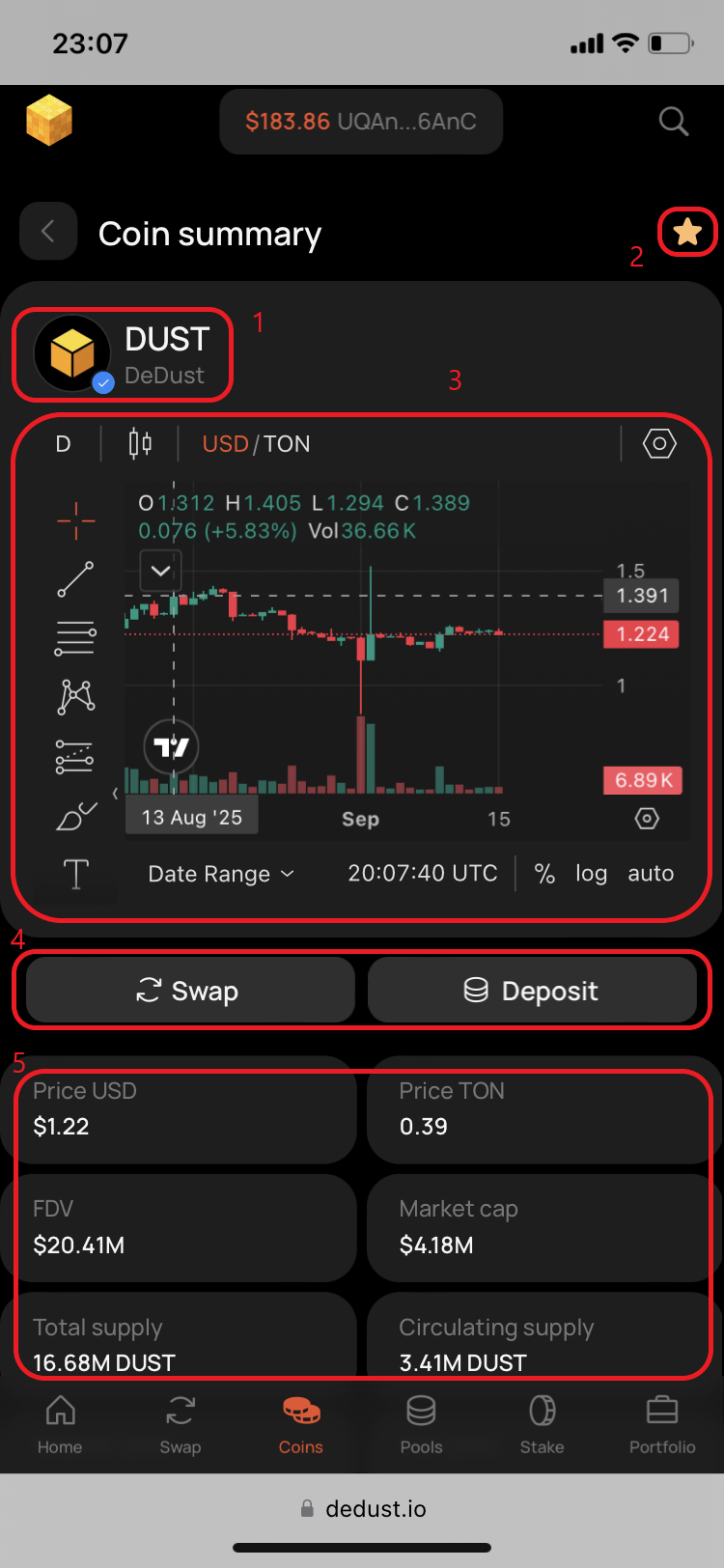
<div><figure><img src="https://content.gitbook.com/content/SBFL2enjS0C3zTK97y9H/blobs/AX6A6UCWaQ4qbQ9CxlFI/IMG_5240.png" alt=""><figcaption></figcaption></figure> <figure><img src="https://content.gitbook.com/content/SBFL2enjS0C3zTK97y9H/blobs/WeU33GiLoMJ5uHavOCvo/IMG_5241.PNG" alt=""><figcaption></figcaption></figure></div>

Below the contract address you'll find moreinfo on separate tabs:

* **Transactions** — with latest token trades
* **Holders** — with all token holders
* **About the coin** — token's description (for trusted tokens, if available)

<div><figure><img src="https://content.gitbook.com/content/SBFL2enjS0C3zTK97y9H/blobs/NJVMnOjwbqzjt9CIDjNs/IMG_5242.png" alt=""><figcaption></figcaption></figure> <figure><img src="https://content.gitbook.com/content/SBFL2enjS0C3zTK97y9H/blobs/HKEpqCvxLM5yf2pRpMAx/IMG_5243.png" alt=""><figcaption></figcaption></figure></div>

[^1]: [Tonscan.org](https://tonscan.org/) - TON blockchain explorer


# Trending, Gainers, New

## Trending

Here you'll find Top-100 [actively traded tokens](#user-content-fn-1)[^1] within the set timeframe (***24H*** by default).

<figure><img src="https://content.gitbook.com/content/SBFL2enjS0C3zTK97y9H/blobs/aFBKOV8OBOG0qzMJGg2T/IMG_5189.PNG" alt=""><figcaption></figcaption></figure>

## Gainers

Here you'll find Top-100 coins by price growth within the set timeframe (***24H*** by default).

<figure><img src="https://content.gitbook.com/content/SBFL2enjS0C3zTK97y9H/blobs/qUg65z0A64v48LKTrJ9Z/IMG_5190.PNG" alt=""><figcaption></figcaption></figure>

## New

Here you'll find 100 recently created coins sorted by their age within the set timeframe (***24H*** by default).

<figure><img src="https://content.gitbook.com/content/SBFL2enjS0C3zTK97y9H/blobs/NGjho2i2qD1pn33o78dF/IMG_5191.PNG" alt=""><figcaption></figcaption></figure>

{% hint style="info" %}
Choose preferred timeframes: ***1H**, **6H**, **24H** or **7D** —* to see the most relevant data.
{% endhint %}

[^1]: By number of trades.


# Watchlist

Create your own set of coins that you'd like to watch all the time.

Once added the token remains in your Watchlist until you manually remove it. Watchlist is not synced across different devices.

<figure><img src="https://content.gitbook.com/content/SBFL2enjS0C3zTK97y9H/blobs/7FRkuI4n5ZaMWTeeNNyM/IMG_5192.PNG" alt=""><figcaption></figcaption></figure>


# Portfolio

The [Portfolio](https://dedust.io/portfolio) page lets you check the tokens you hold, your staking and liquidity positions, staking rewards and rewards from providing liquidity.

You can see the following sections on Portfolio page:

1. **Net assets worth**, portfolio sharing and other wallet options
2. **Wallet** — token balances in your wallet, their current fiat prices and value
3. **Staking** — $DUST token staking position and rewards
4. **Liquidity** — positions in [liquidity pools](/en/ru/liquidity/pools) on DeDust, rewards from [Boosted pools](/en/ru/liquidity/boosts/boosted_pool) and [retro fee rewards](#user-content-fn-1)[^1]

{% hint style="info" %}
Press any token in **Wallet** to open its [Coin summary](/en/ru/trade/coins/summary) with the price chart, key metrics and other relevant data.
{% endhint %}

In the top of Portfolio page you're shown:

* Connected wallet application icon
* First and last 4 symbols of your wallet address
* 'Copy wallet address' and 'Go to wallet page in Tonscan[^2]' buttons
* Total wallet assets worth expressed in USD, including staking, liquidity and rewards
* [Portfolio sharing](/en/ru/trade/portfolio/share) options

{% hint style="info" %}
In **Wallet** section by default first 5 most popular and valuable assets are displayed. Press 'Show all' to see all assets in your wallet. And then press 'Hide' if you want to collapse them back.
{% endhint %}

<div><figure><img src="https://content.gitbook.com/content/SBFL2enjS0C3zTK97y9H/blobs/oeeuhA0q5suUUGMXlEE7/IMG_1910.PNG" alt=""><figcaption><p>Net assets worth</p></figcaption></figure> <figure><img src="https://content.gitbook.com/content/SBFL2enjS0C3zTK97y9H/blobs/xw3YW5BlRBZKNSMjYpLc/IMG_2153.PNG" alt=""><figcaption><p>Wallet, 'Show all' assets</p></figcaption></figure> <figure><img src="https://content.gitbook.com/content/SBFL2enjS0C3zTK97y9H/blobs/zzhbEJzEGPtITXTMVvM2/IMG_1912.PNG" alt=""><figcaption><p>Wallet, all tokens balances</p></figcaption></figure> <figure><img src="https://content.gitbook.com/content/SBFL2enjS0C3zTK97y9H/blobs/w5pbdYJud7XyLrMpXTHg/IMG_1913.PNG" alt=""><figcaption><p>Staking and Liquidity</p></figcaption></figure></div>

{% hint style="warning" %}
By default only the [whitelisted tokens](/en/ru/trade/swap/imported) (and pools) are displayed in **Wallet** and **Liquidity** sections. If you don't see some of your tokens or liquidity pools, [import the non-whitelisted token(s)](/en/ru/launch/whitelist/non-whitelisted) first.
{% endhint %}

In **Liquidity** -> 'Positions' press on a row with any liquidity pool to go to pool's page and details.

In **Liquidity** -> 'Boost rewards' by pressing on a pool row you'll see the rewards list and ['Claim' button](/en/ru/liquidity/boosts/claim#how-to-claim-rewards-from-portfolio).

{% hint style="success" %}
In a same way Portfolio allows users [to see assets in any other wallet](/en/ru/trade/portfolio/view) on TON.
{% endhint %}

[^1]: LP rewards (or [trading fees](/en/ru/protocol/fees#fee-for-swaps)) collected [before June 24, 2024](https://t.me/dedust_en/103), for providing liquidity on DeDust.

[^2]: [Tonscan.org](https://tonscan.org/) - TON blockchain explorer


# How to share your Portfolio

To let someone see your portfolio through DeDust interface, together with liquidity, staking and rewards:

1. Share your wallet address, QR or direct link to portfolio. You can even do it directly to your socials. The link to your Portfolio page will look like this:\
   <https://dedust.io/portfolio/UQAn44fDUaqnON5F--_DyaRLvuOQB8W3e9h-25ZibYdQ6AnC>

<div><figure><img src="https://content.gitbook.com/content/SBFL2enjS0C3zTK97y9H/blobs/VwtwT8k2VPf61QiaCC2A/IMG_2151.png" alt=""><figcaption><p>Address copied / Sharing options</p></figcaption></figure> <figure><img src="https://content.gitbook.com/content/SBFL2enjS0C3zTK97y9H/blobs/uLf4rokXDC8YMEgnOn8N/IMG_2149.PNG" alt=""><figcaption><p>QR-code with wallet address</p></figcaption></figure> <figure><img src="https://content.gitbook.com/content/SBFL2enjS0C3zTK97y9H/blobs/LPpGQSdv9oT162ucHtaq/IMG_2152.PNG" alt=""><figcaption><p>Portfolio link copied</p></figcaption></figure></div>


# How to view other's Portfolio

To see someone's assets in the Portfolio you just need to:

1. Open [DeDust.io](https://dedust.io/) and enter wallet address (or unique domain name on TON) into a search field in top right corner of DeDust homepage (or any other page), or search field [on Portfolio page](#user-content-fn-1)[^1].

<div><figure><img src="https://content.gitbook.com/content/SBFL2enjS0C3zTK97y9H/blobs/rsXKcEsQROudw0gQfi9L/IMG_1934.png" alt=""><figcaption><p>Step 1. DeDust homepage</p></figcaption></figure> <figure><img src="https://content.gitbook.com/content/SBFL2enjS0C3zTK97y9H/blobs/2WM4WVTuhgrBvzPvUseR/IMG_1935.png" alt=""><figcaption><p>Step 1. Search field</p></figcaption></figure> <figure><img src="https://content.gitbook.com/content/SBFL2enjS0C3zTK97y9H/blobs/BCfI5iitKC1qGYJU6MT6/IMG_1936.png" alt=""><figcaption><p>Step 1. Address validation</p></figcaption></figure> <figure><img src="https://content.gitbook.com/content/SBFL2enjS0C3zTK97y9H/blobs/od0aC1Yo1TeYPgKfaWkL/IMG_1933.png" alt=""><figcaption><p>Step 1. Search from Portfolio</p></figcaption></figure></div>

2. Another case is when you are an active DeDust user and your wallet is already connected to DeDust.

<div><figure><img src="https://content.gitbook.com/content/SBFL2enjS0C3zTK97y9H/blobs/HACapagKSENhi2gACBH4/IMG_1902.png" alt=""><figcaption><p>Step 2. Portfolio (connected wallet)</p></figcaption></figure> <figure><img src="https://content.gitbook.com/content/SBFL2enjS0C3zTK97y9H/blobs/LIms6udBkpd1TjnWFpQb/IMG_1903.png" alt=""><figcaption><p>Step 2. Search field</p></figcaption></figure> <figure><img src="https://content.gitbook.com/content/SBFL2enjS0C3zTK97y9H/blobs/sxhUn9g8WdTSjEHx6rzU/IMG_1904.png" alt=""><figcaption><p>Step 2. Address validation</p></figcaption></figure></div>

3. In both cases the interface will give you a hint when you are viewing not your own wallet.

<div><figure><img src="https://content.gitbook.com/content/SBFL2enjS0C3zTK97y9H/blobs/kGLpfbe8PFjDEkcE7c9n/IMG_1937.PNG" alt=""><figcaption><p>Step 3. Portfolio (no wallet connected)</p></figcaption></figure> <figure><img src="https://content.gitbook.com/content/SBFL2enjS0C3zTK97y9H/blobs/LAGulFGQp8TRscJEyfoS/IMG_1905.PNG" alt=""><figcaption><p>Step 3. Portfolio (connected wallet)</p></figcaption></figure></div>

This mode allows you to see assets in different wallets, including staking, liquidity and rewards.

[^1]: If there's no wallet connected to DeDust.


# Advanced guides


# Price impact

**Price impact and asset value**

'Price impact' is the change in token's price directly caused by your trade. Price impact is calculated as the difference between the current market price and the price resulting from your trade, considering the total liquidity in the pool. The price impact you experience depends on the exchange route and the size of the [liquidity pool(s)](/en/ru/liquidity/pools) involved.

At DeDust.io, for user convenience, besides the direct/reverse exchange rate of two tokens (shown in *Rate*), both assets value is also displayed in USD ($).

The difference between your current asset value and the expected value after the swap (both expressed in $) is always shown in **brackets** next to the expected asset amount and its $ value.

#### **How price impact / value difference is displayed**

For clarity, the impact on your asset value is color-coded:

* *<mark style="color:green;">**Green**</mark>* – when the value of the received asset increases compared to the current value.
* ***No color*** – when the estimated loss in value is 3% or less.
* *<mark style="color:orange;">**Orange**</mark>* – when the estimated loss in value is between 3% and 5%.
* *<mark style="color:red;">**Red**</mark>* – when the estimated loss in value exceeds 5%.

⚠️ **Without** [**Expert mode**](/en/ru/trade/advanced/expert_mode) **activated, price impact is limited to 15%.**\
If the difference exceeds this limit, you will receive a warning message, and the "Swap" button will be disabled until the price conditions improve.

<div><figure><img src="https://content.gitbook.com/content/SBFL2enjS0C3zTK97y9H/blobs/xfo7Zg1j0VPI5Sp4y4re/IMG_3922.png" alt=""><figcaption><p>Increasing value ($)</p></figcaption></figure> <figure><img src="https://content.gitbook.com/content/SBFL2enjS0C3zTK97y9H/blobs/iNOCEyOibSVIWE8tK9yI/IMG_3777.png" alt=""><figcaption><p>Loss in value &#x3C; 3%</p></figcaption></figure> <figure><img src="https://content.gitbook.com/content/SBFL2enjS0C3zTK97y9H/blobs/3RqGLyxTe4ZcmDlf9AwF/IMG_3781.png" alt=""><figcaption><p>Loss in value &#x3C; 5%</p></figcaption></figure></div>

<div><figure><img src="https://content.gitbook.com/content/SBFL2enjS0C3zTK97y9H/blobs/gaimc5L28UYjkxrEGRaY/IMG_3783.png" alt=""><figcaption><p>Loss in value > 5%</p></figcaption></figure> <figure><img src="https://content.gitbook.com/content/SBFL2enjS0C3zTK97y9H/blobs/2NnVyKKlm24pOEWVn7Zc/IMG_3785.png" alt=""><figcaption><p>Loss in value &#x3C; 15%</p></figcaption></figure> <figure><img src="https://content.gitbook.com/content/SBFL2enjS0C3zTK97y9H/blobs/qB4OTokVfhmEykmRfki6/IMG_3789.png" alt=""><figcaption><p>Loss in value > 15%<br>(inactive Expert mode)</p></figcaption></figure></div>


# Slippage

**Slippage in Crypto: What You Need to Know**

Slippage in crypto refers to the difference between the expected price of a trade and the price at which the trade is actually executed.

When you confirm a swap, a short delay occurs between the moment you approve the transaction and when it reaches the blockchain, competing with other transactions in the queue. If another transaction within the same pool reaches the blockchain ("slips") after you confirm your swap but before it is executed, the price may change from what was displayed in the confirmation window.

**Price slippage** is the difference between the price you confirmed and the actual price in the liquidity pool at the time of execution. **Slippage tolerance** defines the maximum difference you’re willing to accept for the trade. If the price moves beyond this threshold in an unfavorable way, your transaction will automatically revert.

1. To check your slippage settings, press the **gear icon** on the Swap page.
2. At **DeDust.io**, the default slippage tolerance is set to **1%**.
3. The **"Min Receive"** field accounts for slippage and displays the minimum amount of tokens you will receive if the maximum slippage occurs.

<div><figure><img src="https://content.gitbook.com/content/SBFL2enjS0C3zTK97y9H/blobs/jZYj9WvfVP1sYX2lyixe/IMG_4371.png" alt=""><figcaption><p>Step 1</p></figcaption></figure> <figure><img src="https://content.gitbook.com/content/SBFL2enjS0C3zTK97y9H/blobs/OUV8fFlGXxrYsik07Wr0/IMG_4412.png" alt=""><figcaption><p>Step 2</p></figcaption></figure> <figure><img src="https://content.gitbook.com/content/SBFL2enjS0C3zTK97y9H/blobs/hTNyrsVWdIG49w79O6r7/IMG_4528.png" alt=""><figcaption><p>Step 3</p></figcaption></figure></div>

<br>

**Adjusting Slippage on DeDust.io**

At **DeDust.io**, you can set slippage as low as **0.01%** or as high as **50%**.

* **0.01% Slippage**: If the price fluctuates even slightly, most of your swaps **will fail**, and you will likely get your tokens back due to the tight slippage limit.
* **50% Slippage**: Almost all swaps will execute successfully, but if the price of your purchased token suddenly **doubles**, you might receive **only half** of the expected tokens when the transaction is signed.

*Always double-check the "Min Receive" value to avoid unexpected losses.*<br>

**Key Things to Keep in Mind**

* **You are responsible for setting your slippage tolerance.** If you set it too high, you accept the risk of potential losses.
* **If a swap fails due to slippage, you will get your original funds back.** However, if the transaction involved [routing](/en/ru/trade/router) through multiple liquidity pools for better pricing, you may receive an **intermediate token** instead of the original one. In this case, you can manually swap it back if the price conditions are acceptable.
* **Even if a swap is reverted due to slippage, you still have to pay the gas fee.**


# Slippage in transaction examples

## Succesful swap example: [1 TON -> PX](https://tonscan.org/tx/a4a3294a0ea3bcb200cfb7db1a5205976b67c6dfe9d51e392fd47dd76964b5f3)

1. Imagine you are going to swap 1 TON to PX (NotPixel) tokens. PX/TON pair at the moment of writing was quite highly volatile and actively traded by many of DeDust users. But before we start let's take a brief look at wallet's tokens balances in the [Portfolio](https://dedust.io/portfolio).
2. Now go to the [Swap](https://dedust.io/swap) page, choose assets and look at the present exchange rate.&#x20;
3. As only you enter the amount, the potential result of a swap shows you'll get 25.10708801 PX for 1 TON at a price 0.03982939 TON for 1 PX token. The default slippage is 1%. The minimum amount you would get is ≈24.85601713 PX. Let's go to settings and tune the slippage.

<div><figure><img src="https://content.gitbook.com/content/SBFL2enjS0C3zTK97y9H/blobs/B1gGIbIaOG0ajzchjrEK/IMG_4370.PNG" alt=""><figcaption><p>Step 1. Portfolio</p></figcaption></figure> <figure><img src="https://content.gitbook.com/content/SBFL2enjS0C3zTK97y9H/blobs/l2V1NCIg0jWY7j9QVLE8/IMG_4374.PNG" alt=""><figcaption><p>Step 2</p></figcaption></figure> <figure><img src="https://content.gitbook.com/content/SBFL2enjS0C3zTK97y9H/blobs/oeyDgKHJZpQNykGnLymw/IMG_4411.png" alt=""><figcaption><p>Step 3</p></figcaption></figure></div>

4. We'll set the slippage to 0.1% to better understand how it works. Tap on the '*Custom %'* field and type in the value.
5. Then press *'Save'* to apply your new slippage settings.
6. Within a minute the price has changed. Now the expected swap result is 25.090239048 PX for 1 TON and at a price 0.039856137 TON for 1 PX. With the slippage now set to 0.1%, the\
   minimum amount you will get is [≈25.06514881 PX](#user-content-fn-1)[^1].\
   \
   *Even despite that the price of PX moved higher, and the swap estimation (*≈*25.0902 PX) now gives you potentially* [*less PX tokens*](#user-content-fn-2)[^2] *compared to previous market conditions (*≈*25.1071 PX), due to now lower slippage tollerance set, if the price suddenly goes higher, you'll all the same get more PX tokens* [*(≈25.0651 PX)*](#user-content-fn-3)[^3]*, than you could get with* [*previous higher slippage*](#user-content-fn-4)[^4] *settings.*\
   *And now if the price suddenly* [*goes even higher*](#user-content-fn-5)[^5]*, then you'll just get your TON back, spending only some fraction of TON to cover the network fee.*

<div><figure><img src="https://content.gitbook.com/content/SBFL2enjS0C3zTK97y9H/blobs/MsHKFM6AwNerOrHHcqT5/IMG_4412_1.png" alt=""><figcaption><p>Step 4</p></figcaption></figure> <figure><img src="https://content.gitbook.com/content/SBFL2enjS0C3zTK97y9H/blobs/NXaZRPkO9ni29KdJzR31/IMG_4416.png" alt=""><figcaption><p>0.1% slippage</p></figcaption></figure> <figure><img src="https://content.gitbook.com/content/SBFL2enjS0C3zTK97y9H/blobs/Njyy6KcWnm52bamDYrto/IMG_4417.png" alt=""><figcaption><p>Step 5</p></figcaption></figure> <figure><img src="https://content.gitbook.com/content/SBFL2enjS0C3zTK97y9H/blobs/b4UaXmDfO9R3gnpkspip/IMG_4418.png" alt=""><figcaption><p>Step 6</p></figcaption></figure></div>

7. To easier monitor the rapid price movements you can also open the token's [price chart](/en/ru/trade/swap/charts). Let's use [DEX Screener's charts](https://dexscreener.com/ton/eqch2s-2bhzpzcqaht4rqlrpeko6g4pvuwtckuktoeba9cax) for this case. Just copy the PX [token's smart contract address](#user-content-fn-6)[^6], enter it into the search field on DEX Screener and find the relevant [trading pair](#user-content-fn-7)[^7] from DeDust.
8. Press on the 'Chart' in the bottom of the page.
9. On PX/USD default chart you can see that PX's price is a bit volatile, as during the last three hours the price jumped from \~$0.165 to \~$0.21 (+27.3%) and then also moved half of this path down. Let's set the chart's timeframe to 1 min to better see all the latest price movements.&#x20;
10. Now swipe to the right on the chart pannel to switch it to PX/TON[^8] instead of PX/USD.

<div><figure><img src="https://content.gitbook.com/content/SBFL2enjS0C3zTK97y9H/blobs/56zOKjnrTFQJR1dQVw7y/IMG_4406_2.PNG" alt=""><figcaption><p>Step 7</p></figcaption></figure> <figure><img src="https://content.gitbook.com/content/SBFL2enjS0C3zTK97y9H/blobs/yqFvaBfNmjGy0upU3LNn/IMG_4407.png" alt=""><figcaption><p>Step 8</p></figcaption></figure> <figure><img src="https://content.gitbook.com/content/SBFL2enjS0C3zTK97y9H/blobs/FIRlk13rNl7Sa638ok5a/IMG_4409.png" alt=""><figcaption><p>Step 9</p></figcaption></figure> <figure><img src="https://content.gitbook.com/content/SBFL2enjS0C3zTK97y9H/blobs/lO5GK0N73zoKO3lacBmC/IMG_4426.png" alt=""><figcaption><p>Step 10</p></figcaption></figure></div>

11. While we were adjusting the charts, the price again has changed, and now in inverse direction and more substantially. Within just several seconds the price moves down giving you potentially already 25.323312939 PX for 1 TON instead of roughly 25.0902 PX that was proposed a moment before. Check again the available TON balance and the amount in '*Min.receive',* and press *'Swap'*.
12. While proceeding to the swap confirmation screen the price falls even more down resulting in almost 25.3624 PX for 1 TON at a price of 0.039428466 TON for 1 PX token. Minimum amount to receive with the set 0.1% slippage tollerance is 25.3370 PX tokens. Exactly these are the conditions at which your swap will be executed (or not). Confirm the swap at DeDust.
13. Now sign the transaction in your wallet. Additional mount of 0.15 TON is also temporarily withheld from your balance for the [Network fee](/en/ru/protocol/fees#blockchain-fees-or-network-fees) to process your transaction.
14. Return to DeDust and wait for the transaction to be processed in the blockchain.

<div><figure><img src="https://content.gitbook.com/content/SBFL2enjS0C3zTK97y9H/blobs/1fUxUmHLyfG0EMbhxY9E/IMG_4421.png" alt=""><figcaption><p>Step 11</p></figcaption></figure> <figure><img src="https://content.gitbook.com/content/SBFL2enjS0C3zTK97y9H/blobs/NSdp2ZNsGoDDjI4QmjRM/IMG_4422.png" alt=""><figcaption><p>Step 12</p></figcaption></figure> <figure><img src="https://content.gitbook.com/content/SBFL2enjS0C3zTK97y9H/blobs/wdv4GMVvWL5hl4biAtbo/IMG_4423.png" alt=""><figcaption><p>Step 13</p></figcaption></figure> <figure><img src="https://content.gitbook.com/content/SBFL2enjS0C3zTK97y9H/blobs/dNcUxqk6leiPNcDjkvBD/IMG_4424.png" alt=""><figcaption><p>Step 14</p></figcaption></figure></div>

15. Update the page and first check the swap results 👇 As you see, the balance of PX has changed, meaning that this [1 TON -> PX](https://tonscan.org/tx/a4a3294a0ea3bcb200cfb7db1a5205976b67c6dfe9d51e392fd47dd76964b5f3) swap was successful. Let's briefly look at the details:

* *After the swap processing was completed your TON balance changed from 23.93559519 to 22.90104615. So the total amount of TON spent for this swap equals 1.03454904 TON. This amount consists of* [*1 TON for the swap*](#user-content-fn-9)[^9] *itself to PX token and the rest 0.03454904 TON was utilized to cover the blockchain fee (from that extra amount of 0.15 TON* [*withheld at Step 12*](#user-content-fn-10)[^10]*).*
* *The amount of PX token received after the swap equals 25.33997997 PX , which is lower than the estimated and expected 25.3624 PX shown at the Step 13, but anyway higher than the specified in* [*'Min. receive' amount of 25.3370 PX*](#user-content-fn-11)[^11]*.*
* *After we exclude the amount 0.0025 TON of trading fee, we can calculate also the exact rate at which the PX token amount was in fact bought:*\
  *(1 - 0.0025) / 25.33997997 ≈ 0.039364671 TON for 1 PX token.*

## Unsuccessfull 1 TON -> PX swap example: [1 TON -> TON](https://tonscan.org/tx/c1bc04a8b46ca95ee6effc5f0a31082616d38e2a6a45d04aa559eb28439a3146)

Now let's look also at the new market conditions on the same screen for another similar swap.

16. Estimated amount of tokens to receive after the swap is 25.074491776 PX. The exchange rate is 0.039881167 TON for 1 PX token. '*Min. receive'* ≈ 25.04941728 PX. Press *'Swap'* to proceed.
17. Meanwhile go to see the price chart. You now see the confirmation that the price of 1 PX at the moment of previous swap moved first to the level of 0.03943 and then in a few minutes has grown to 0.03989 TON, what is shown on DeDust as the new market price for the swap.
18. Go back to DeDust.io and check again the final conditions. They have changed again. Estimated [amount to receive](#user-content-fn-12)[^12] is ≈25.0252 PX. The new price is 0.039959762 TON for 1 PX. *'Min. receive'* ≈ 25.00014867 PX. Confirm the swap.
19. Go to the wallet. Check TON amount, including 0.15 TON 'gas' expenses. Sign the transaction.

<div><figure><img src="https://content.gitbook.com/content/SBFL2enjS0C3zTK97y9H/blobs/kQ8oKeBI9A7SLN3jumzk/IMG_4429.png" alt=""><figcaption><p>Step 15 / Step 16</p></figcaption></figure> <figure><img src="https://content.gitbook.com/content/SBFL2enjS0C3zTK97y9H/blobs/rS3t2RiQ23CflI0H4Q5S/IMG_4428.png" alt=""><figcaption><p>Step 17</p></figcaption></figure> <figure><img src="https://content.gitbook.com/content/SBFL2enjS0C3zTK97y9H/blobs/VFoBBawdFVfIPsNq7U1b/IMG_4430.png" alt=""><figcaption><p>Step 18</p></figcaption></figure> <figure><img src="https://content.gitbook.com/content/SBFL2enjS0C3zTK97y9H/blobs/SB2bmU8pJvrCT9uV6gcd/IMG_4431.png" alt=""><figcaption><p>Step 19</p></figcaption></figure></div>

20. Return back to DeDust and wait for the transaction to be processed in the blockchain. The wallet balances remain yet unchanged. Update the page in a minute or two.
21. Meanwhile go to see the price chart. You see that the price of 1 PX in a couple of last minutes has grown more and even surpassed 0.04 level, and at the moment equals to 0.04005 TON. While the confirmed exchange rate at Step 18 was ≈0.03996 TON.
22. Go back to DeDust.io and update the page. In a minute the balance of TON has changed, but much less than should be enough to execute the swap. And the balance of PX remained the same as before the swap. This is a sign that the swap was not fulfilled.
23. Go also to the [Portfolio](https://dedust.io/portfolio) to check that the tokens balances left unchanged here too. Due to a high trading activity the price was rapidly changing, and right at the time you confirmed the swap in your wallet, the price several times moved up, resulting in >0.2% growth:\
    (0.04005 - 0.03996) / 0.03996 x 100% = 0.00009 / 0.03996 x 100% ≈ 0.22523%.\
    Considering that your slippage settings allow only 0.1% price change, your TON -> PX swap was canceled because of the price slippage. Here you can see an example of the 1 TON -> PX swap transaction when the slippage occurs: [1 TON -> TON](https://tonscan.org/tx/c1bc04a8b46ca95ee6effc5f0a31082616d38e2a6a45d04aa559eb28439a3146). Let's also look at the details:

* *TON balance before the swap was 22.90104615. Balance after is* [*22.88384089 TON*](#user-content-fn-13)[^13]*.*
* *Amount of 1 TON for the swap to PX token wasn't used and is* [*fully returned*](#user-content-fn-14)[^14] *back to wallet.*
* *0.15 TON amount,* [*initially deducted*](#user-content-fn-15)[^15] *from your wallet ballance, was partially utilized for the transaction processing* [*by the netwrok*](#user-content-fn-16)[^16]*. In this case the amount of* [*0.0172 TON*](#user-content-fn-17)[^17] *was consumed by the blockchain, and the rest 0.1328 TON is returned to the wallet.*

<div><figure><img src="https://content.gitbook.com/content/SBFL2enjS0C3zTK97y9H/blobs/HJM3uhoBWSS7AajDGSRq/IMG_4433.png" alt=""><figcaption><p>Step 20</p></figcaption></figure> <figure><img src="https://content.gitbook.com/content/SBFL2enjS0C3zTK97y9H/blobs/tGCLmAT5wp712YI1K571/IMG_4434.png" alt=""><figcaption><p>Step 21</p></figcaption></figure> <figure><img src="https://content.gitbook.com/content/SBFL2enjS0C3zTK97y9H/blobs/XrtcJKhJIgQ32CtPP9mB/IMG_4438.png" alt=""><figcaption><p>Step 22</p></figcaption></figure> <figure><img src="https://content.gitbook.com/content/SBFL2enjS0C3zTK97y9H/blobs/Apup4cvtqbrnfYylZWhp/IMG_4439.png" alt=""><figcaption><p>Step 23</p></figcaption></figure></div>

24. Go to see again the price chart. As you see the chart candle right a minute after the swap confirmation (21:29/21:30 UTC) was closed/opened right at a level of 0.04005 TON, which didn't satisfy the swap conditions confirmed by you according to your slippage settings.
25. To see the transaction status and details go to your wallet app, open the recent transactions and tap on the one you need.
26. Then press on 'Information' icon of the transaction details in your wallet app and see the transaction record details in the blockchain explorer. Exit code '304' in transaction details also will point to the slippage reason of your failed transaction.

<div><figure><img src="https://content.gitbook.com/content/SBFL2enjS0C3zTK97y9H/blobs/UsqkXZkuTDA8EPUQaDCO/IMG_4456.png" alt="" width="563"><figcaption><p>Step 24</p></figcaption></figure> <figure><img src="https://content.gitbook.com/content/SBFL2enjS0C3zTK97y9H/blobs/vRXi8Q60nQBo1jCkH2Wd/IMG_4798.png" alt="" width="188"><figcaption><p>Step 25</p></figcaption></figure> <figure><img src="https://content.gitbook.com/content/SBFL2enjS0C3zTK97y9H/blobs/nltaTTkAebgA9lWIHzlW/IMG_4799.png" alt="" width="188"><figcaption><p>Step 26</p></figcaption></figure></div>

[^1]: What is ≈99.9% of 25.090239048 PX.

[^2]: *If from now the price remains un\_\_chaged.*&#x20;

[^3]: S*hown in Min. receive for Step 7*

[^4]: *≈24.8560 PX, if you would perform the swap on the conditions shown in Min. receive for Step 3, and if suddenly the price moved up.*

[^5]: *Resulting for you in less than ≈25.0651 PX*

[^6]: It's the only unique token's identificator, unlike its name, ticker and logo, which can be the same for several different tokens in the blockchain (including the created by scammers fake copies of the real ones).

[^7]: The data will be the same that you see on [DeDust's PX/TON](https://dedust.io/pools/EQCh2S-2BhZPZcQaHT4rqlRpEkO6G4PVUwTCKuKtOebA9cAx) liquidity pool's page, including the pair's (or pool's) unique smart contract address.

[^8]: Comparing the prices shown on the chart and on the DeDust [PX/TON swap](https://dedust.io/swap/TON/PX) screen, you can see that they are roughly equal.

[^9]: *Including the 0.25% or 0.0025 TON of* [*Trading fee*](/en/ru/protocol/fees)*.*

[^10]: *And thus 0.11545096 TON, that left unused, were successfully returned back to your wallet after the swap.*

[^11]: *According to the settings and information shown on confirmation screen.*

[^12]: If the price doesn't change.

[^13]: *The difference is 0.01720526 TON.*

[^14]: *Trading fee is also absent, as the swap wasn't fulfilled.*

[^15]: *Together with 1 TON for the swap, at the Step 19.*

[^16]: *As the transaction was signed in your wallet app and sent to the blockchain for processing it, the network will anyway consume some TON regardless of the swap result.*

[^17]: *Twice less than was in the case of successful swap.*


# Expert mode (for high price impact)

## Expert mode

To trade tokens with high [price impact](/en/ru/trade/advanced/price_impact) (or with high value difference, expressed in USD ($) for your sold/received tokens) you need to activate Expert mode in your user settings.

**What Expert mode does:**

* Disables the swap confirmation prompt.
* Allows trades with a significant difference (> 15%) between the dollar-expressed values of tokens you sell and tokens you receive after swap.

❗ **Expert mode is for experienced users only.**\
Activate it carefully, and always turn it off after completing trades where allowance of high price impact was necessary. Leaving it on can lead to poor rates and permanent loss of funds.

#### **How to activate Expert mode**

1. Press the gear icon at the top right corner of the Swap page.
2. Switch Expert mode ON.
3. Read the warning message carefully. Check the box for "I understand what I’m doing" only if you accept the risks. Press Confirm.
4. Press Save to activate Expert mode.

<div><figure><img src="https://content.gitbook.com/content/SBFL2enjS0C3zTK97y9H/blobs/vIPJRhFigFxBgJS6lYIC/IMG_4965.png" alt=""><figcaption><p>Step 1</p></figcaption></figure> <figure><img src="https://content.gitbook.com/content/SBFL2enjS0C3zTK97y9H/blobs/8PJqHvYL7TbWXIMVeIrY/IMG_4966.png" alt=""><figcaption><p>Step 2</p></figcaption></figure> <figure><img src="https://content.gitbook.com/content/SBFL2enjS0C3zTK97y9H/blobs/N6uRJODM5KsXIBysNu3Y/IMG_4969.png" alt=""><figcaption><p>Step 3</p></figcaption></figure> <figure><img src="https://content.gitbook.com/content/SBFL2enjS0C3zTK97y9H/blobs/a873qeO4Bm1jGSU6hdTD/IMG_4970.png" alt=""><figcaption><p>Step 4</p></figcaption></figure></div>


# Пулы

Поставляйте ликвидность в пул и получайте часть комиссии за каждый своп.

Здесь вы узнаете о пулах ликвидности, их типах на DeDust, как они работают, как внести и вывести ликвидность в/из пулов. А также как зарабатывать на предоставлении ликвидности.

## Что такое Пул ликвидности

<details>

<summary>Очень упрощённо, пул ликвидности — это «торговая пара» из двух криптовалют на децентрализованной бирже (DEX), позволяющая пользователям обменивать одну криптовалюту на другую, например, TON на USDT.</summary>

Если же разбираться дальше, пул ликвидности - это:

* своего рода хранилище, содержащее комбинацию (обычно пару) криптовалютных токенов (как правило, в пропорции 50/50), позволяющее пользователям покупать из этого пула (или продавать в него) один токен за другой,

и в то же время,

* смарт-контракт, развёрнутый в блокчейне - программный код с набором строгих правил, определяющий как конкретный пул функционирует и исполняет обмены, которые инициируют пользователи.

{% hint style="info" %}
Как только пара активов (токенов) помещена в пул ликвидности, пользователи могут начать торговать этими активами. Затем, отдавая определенное количество одного токена в пул («продавая» его в пул), пользователь взамен получает некоторое количество другого токена из этого же пула («покупая» его из пула), в соответствии с его обменным курсом.
{% endhint %}

{% hint style="info" %}
Только пропорция (количество) двух активов в пуле определяет «цену» одного из них, выраженную в другом, и определяет их обменный курс **в этом конкретном пуле**. И чем больше ликвидности[^1] (или активов, в сумме) содержит пул, тем меньшим будет [влияние на цену](/en/ru/trade/advanced/price_impact) (отклонение обменного курса) с каждым обменом в нем.
{% endhint %}

</details>

За каждый обмен в пуле удерживается комиссия, называемая [*Торговой комиссией*](/en/ru/protocol/fees#fee-for-swaps-or-trading-fee) — с пользователя, который делает своп.

## Как это работает на DeDust

* Торговые комиссии могут отличаться в различных пулах.
* 70-80% торговых комиссий, в зависимости от [типа пула](https://help.dedust.io/en/liquidity/pools/types), распределяются между всеми поставщиками ликвидности пула, в соответствии с их долей.
* 20% комиссий используется для откупа [токенов $DUST](https://help.dedust.io/en/protocol/dust) с рынка и вознаграждения холдеров за стейкинг.
* Комиссия может вычитаться либо из суммы токенов, потраченных трейдером, либо из суммы токенов, полученных им после обмена. Зависит от параметров пула и направления обмена.
* Все комиссии удерживаются с трейдеров и сразу же распределяются между провайдерами ликвидности в момент совершения свопа.
* Торговая комиссия удерживается только в случае успешного выполнения свопа.
* С каждым обменом часть доходов от торговых комиссий каждого поставщика ликвидности:
  * реинвестируется в пул, в дополнение к общему числу токенов провайдера ликвидности (добавляются к его позиции) — в случае с [Классическими](/en/ru/liquidity/pools/types#classic-pool-cpmm-v1) и [Стэйблсвоп](/en/ru/liquidity/pools/types#stable-swap-pools) пулами, или
  * накапливается на отдельном балансе и может быть получена в любое время — в случае с пулами [CPMM v2](/en/ru/liquidity/pools/types#claimable-fees-pool-cpmm-v2).

## Обзор пулов

Откройте раздел [Пулы](https://dedust.io/pools) DeDust, с Главной или используя таскбар.

Вверху доступна [базовая статистика](#user-content-fn-2)[^2] по основным пулам ликвидности DeDust.

Перейдите с вкладки Все пулы на Мои пулы, чтобы просмотреть подробную информацию только о тех пулах, в которых вы предоставляете ликвидность.

{% hint style="info" %}

* Пулы с одинаковой парой токенов по умолчанию группируются в одну запись.
* Наиболее активно торгуемые пары токенов по объему всегда будут вверху списка.
* Проскролльте влево и вправо, чтобы увидеть ключевые показатели работы пулов, в том числе годовую доходность (APR, Annual Percentage Rate) и ваши доходы.
  {% endhint %}

![Главная](https://content.gitbook.com/content/SBFL2enjS0C3zTK97y9H/blobs/1K3cmDVHcQHmVxrKO1D5/IMG_4568.png) ![Пулы](https://content.gitbook.com/content/SBFL2enjS0C3zTK97y9H/blobs/qxddSJxT6ObHw9MWFqp0/IMG_4569.PNG) ![Все пулы](https://content.gitbook.com/content/SBFL2enjS0C3zTK97y9H/blobs/Lw5PBT6PXfN442Y3yAN7/IMG_4567_.png) ![Мои пулы](https://content.gitbook.com/content/SBFL2enjS0C3zTK97y9H/blobs/bdYuG1MdQqnAs2MraZxB/IMG_4715.PNG)

Используйте фильтры, чтобы найти подходящие пулы для конкретных случаев:

* **Тип пула** — выбирайте между разными типами волатильных пулов или стэйблсвоп пулами
* **Фильтр монет** — используйте поиск или выберите нужные из списка, чтобы видеть только пулы с выбранными токенами
* **Бусты** — пулы с дополнительными [буст-наградами](/en/ru/liquidity/boosts)

{% hint style="warning" %}
Пулы, содержащие как минимум один [токен не из вайтлиста](/en/ru/trade/swap/imported), будут видны на странице Пулов лишь после того, как вы [импортируете токен(ы) не из вайтлиста](/en/ru/launch/whitelist/non-whitelisted).
{% endhint %}

![Фильтр типа пулов](https://content.gitbook.com/content/SBFL2enjS0C3zTK97y9H/blobs/iZ80i4FCAIZXq05BpnrC/IMG_4762.png) ![Фильтр монет](https://content.gitbook.com/content/SBFL2enjS0C3zTK97y9H/blobs/8DjHp0mOIjfqJoYzkMpb/IMG_4765.png) ![Пулы с фильтром по монете](https://content.gitbook.com/content/SBFL2enjS0C3zTK97y9H/blobs/4ZgczWcvC0u2LWsHGFT2/IMG_4767.png) ![Пулы с бустами](https://content.gitbook.com/content/SBFL2enjS0C3zTK97y9H/blobs/127Fm21qA15SKZ7i7xLp/IMG_4915.png)

<details>

<summary>Дополнительно</summary>

{% hint style="success" %}
Применив фильтр пулов с двумя и более токенами, сначала будут показаны пары, которые включают оба токена. Раскрывайте/сворачивайте пулы в рамках сгруппированной пары. Нажмите «**Показать все**», чтобы отобразить более пяти пулов.
{% endhint %}

![Несколько монет в фильтре](https://content.gitbook.com/content/SBFL2enjS0C3zTK97y9H/blobs/lXe5BI582DLmO2qJqvl6/IMG_4770.png) ![Развёрнутая группа пулов](https://content.gitbook.com/content/SBFL2enjS0C3zTK97y9H/blobs/cybXIyya84ckPkxOkPRb/IMG_4772.PNG) ![Все пулы внутр группы](https://content.gitbook.com/content/SBFL2enjS0C3zTK97y9H/blobs/hk3tRlFo9uZpyhN6PuO5/IMG_4773.png) ![APR пулов в рамках группы](https://content.gitbook.com/content/SBFL2enjS0C3zTK97y9H/blobs/NcY2GehDjL5zfP1eXhio/IMG_4774.png)

{% hint style="info" %}
Значения группы: TVL, Объём, Комиссии и APR — показаны как общее / среднее пулов в рамках пары.
{% endhint %}

</details>

[^1]: Общая ликвидность пула, или общая стоимость обоих активов, размещенных в этом пуле (обычно выраженная в долларах США) — одна из ключевых метрик, называемая общей заблокированной стоимостью (Total Value Locked, TVL).

[^2]: Пулов с [токенами в вайтлисте](/en/ru/launch/whitelist) и которые вы импортировали сами.


# Pool types

## Volatile pools

### Classic pool (CPMM v1)

* All fees collected from swaps are auto-compouded into the pool and users' liquidity positions, thus increasing in value each of their [LP (Liquidity Provider) tokens](#user-content-fn-1)[^1].
* Default trading fee for such pools is 0.25%, but levels in range from 0.1% to 1% are also possible.

{% hint style="warning" %}
Pools were available for creation till **Nov 17, 2025**. All pools are still functioning, but users can't create new ones [via DeDust user interface](#user-content-fn-2)[^2].
{% endhint %}

{% hint style="success" %}
Liquidity deposits / withdrawals are available. Meanwhile, it's reasonable to move liquidity to CPMM v2 pools.
{% endhint %}

Classic pool is an Automated Market Maker pool, using the "Constant Product" formula (CPMM[^3]):

{% hint style="info" %}
***x \* y = k**, where*\
*x — amount of token A in the pool*\
*y — amount of token B in the pool*\
*k — constant value, which is true for any state of the pool, defining pool's exchange rate with every new swap*
{% endhint %}

### Claimable fees pool (CPMM v2)

* All trading fees are accumulated separately from user's liquidity position.\
  This allows liquidity providers to claim earned fees anytime, without necessity to withdraw liquidity. What is more important, it allows liquidity providers to **earn and** [**claim fees**](/en/ru/liquidity/earnings) **when liquidity is locked**.

{% hint style="warning" %}
What is essential is that the liquidity lock must be done within the [liquidity deposit](/en/ru/liquidity/deposit) process on DeDust.
{% endhint %}

* Creating a pool, liquidity providers are able to choose trading fee tiers, from 0.25% up to 10%. Thus for the same trading pair several liquidity pools, with different trading fee tiers, may exist. [Router](/en/ru/trade/router) will always choose the most profitable ones for every user's trade.
* Creating a pool, users may choose in which of two pool's tokens (or both) they'd like to receive earned fees.

{% hint style="info" %}
If for collecting fees only one of tokens is selected, then part of a fee withheld in another token is [automaticaly converted](#user-content-fn-4)[^4] into it during swaps. And it's always distributed to liquidity providers in a token, defined by the pool.
{% endhint %}

* During the liquidity deposit process, users are able to permanently lock their liquidity 🔜
* Pool creation may be postponed and scheduled for specific date and time 🔜
* Pool supports [Creator fee](#user-content-fn-5)[^5], additional kind of fee apart from [Trading fee](/en/ru/protocol/fees#fee-for-swaps-or-trading-fee), allowing pool creators to earn and collect fees from trades. This may be useful for memepads[^6] and creators of [tokens with tax](/en/ru/trade/swap/tax).

{% hint style="success" %}
CPMM v2 pools are [introduced](https://t.me/dedust_en/132) on **Nov 17, 2025** and available for creation, deposits / withdrawals by all users.
{% endhint %}

{% hint style="info" %}
CPMM v2 pools use the same Constant Product formula as CPMM v1 pools. But unlike CPMM v1 pools, CPMM v2 pools don’t assume handling of LP tokens, thus liquidity positions can't be moved between wallets. Records about all users positions are stored in the blockchain on smart contract level.
{% endhint %}

## Stable-swap pools

This type of pools is optimized for pairs of assets of near-equal value (e.g. USDT / USDe, TON / stTON).&#x20;

It uses same as CPMM v1 pools model with auto-compounded fees. But unlike CPMM pools, stable-swap pools have pretty low trading fee, only 0.05%, and use different formula:

{% hint style="info" %}
***x^3 \* y + y^3 \* x = k**, where*\
*x — amount of token A in the pool*\
*y — amount of token B in the pool*\
*k — constant value, which is true for any state of the pool, defining pool's exchange rate with every new swap*
{% endhint %}

This allows to avoid high [price impact](/en/ru/trade/advanced/price_impact) and significantly shift the exchange rate with every new swap.

[^1]: When users deposit A and B tokens to liqiudity pool, in return they get LP tokens, as a proof of their positions in the pool. With every swap in such pool, LP tokens reflect not only A and B tokens initially placed to the pool, but also collected [trading fees](/en/ru/protocol/fees#fee-for-swaps-or-trading-fee).

[^2]: But you still can do it on smart contract level. Use the [documentation](https://hub.dedust.io/), if needed.

[^3]: Constant Product Market Maker, in short. Often also called 'Volatile pool'.

[^4]: In other words, liquidity providers aren't losing another part of fees, if only one of tokens is selected to accumulate fees.

[^5]: To create pools with Creator fee [contact our team](/en/ru/about/contacts) for assistance.

[^6]: Popular platforms for launching tokens on TON, like [Uranus](https://x1000.finance/launches/new) on [x1000](https://help.x1000.finance), Blum, GasPump, Memes Lab, etc.


# Четыре преимущества пулов CPMM v2

{% hint style="info" %}
Возможно, вы не знали, но большинство пулов, которыми вы пользуетесь, относятся к типу **Constant Product**. Это самый базовый и распространённый вид пулов ликвидности, работающий по формуле *x\*y = k* (в математику углубляться не обязательно, но если хочется — спросите ChatGPT).
{% endhint %}

[**CPMM v2**](https://help.dedust.io/en/liquidity/types#claimable-fees-pool-cpmm-v2) — это новая, более продвинутая версия «Constant Product Market Maker», самого популярного типа [пулов ликвидности](https://help.dedust.io/en/liquidity/pools). У неё есть четыре ключевых преимущества, и главное из них — гибкость настройки. Вы можете создать пул, который максимально соответствует задачам вашего проекта.

#### Преимущество 1

Главный параметр пула — это размер [комиссии](https://help.dedust.io/en/protocol/fees). С одной стороны, высокая комиссия делает пул более привлекательным для поставщиков ликвидности. С другой — может отпугнуть трейдеров. В зависимости от рыночной ситуации, времени и стадии жизненного цикла токена, оптимальный уровень комиссии может отличаться.

Например, если вы запускаете мем-коин в разгар хайпа, когда спрос высокий и пользователи менее чувствительны к комиссиям, может быть выгодно установить комиссию 5% — это привлечёт ликвидность.

А в более спокойных условиях, когда объёмы ниже и пользователи чувствительнее к цене, лучше подойдут комиссии в диапазоне 0.25–1%, чтобы стимулировать торговлю.

#### Преимущество 2

Второй настраиваемый параметр — это токен, в котором собираются комиссии. Раньше LP[^1] вознаграждение собиралось в обоих токенах. В CPMM v2 на DeDust вы можете выбрать один токен, в котором будут собираться комиссии — независимо от направления обмена (Token A → Token B или Token B → Token A).

Например, если вы запускаете utility-токен и хотите постепенно снижать его циркулирующее предложение, вместо выкупа с рынка можно настроить пул так, чтобы комиссии собирались именно в вашем токене. Это позволит накапливать его плавно и предсказуемо, избегая резких скачков цены из-за крупных байбэков.

Аналогично, если вы хотите накапливать USDT — просто выберите его в качестве токена для комиссий, и вам не придётся продавать свой токен напрямую.

{% hint style="info" %}
Также важно, что теперь для одной и той же пары токенов может существовать несколько пулов (в отличие от прежней модели в TON, где был только один пул на пару). Они могут отличаться размером комиссии и токеном комиссий. Наш [роутер](/en/ru/trade/router) автоматически находит наиболее эффективный маршрут между пулами, обеспечивая лучший результат для трейдеров.
{% endhint %}

#### Преимущество 3

Теперь вознаграждения поставщиков ликвидности накапливаются отдельно от «тела» LP-позиции.

Это упрощает понимание того, сколько вы заработали — доход больше не смешивается с основным депозитом. Кроме того, вознаграждения отделены от позиции, а значит, не подвержены непостоянным потерям так же, как ликвидность.

Если вы хотите реинвестировать доход, достаточно забрать накопленные награды и добавить их обратно в пул, увеличивая свою позицию со временем.

А с функцией [**liquidity lock**](https://help.dedust.io/en/liquidity/deposit/advanced/lock) вы можете заблокировать свою CPMM v2 позицию и при этом продолжать получать вознаграждения.

#### Преимущество 4

Децентрализованные бусты **(**[**Boosts**](https://help.dedust.io/en/liquidity/boosts)**).** Пулы CPMM v2 позволяют привлекать дополнительную ликвидность, создавая дополнительные награды для LP.

Более высокая ликвидность делает цену токена менее подверженной манипуляциям и более предсказуемой для трейдеров и инвесторов.

И всё это работает полностью permissionless — вам не нужно обращаться к нам, чтобы забустить пул. Просто используйте раздел Boost на странице пула.

#### Заключение

Как видно из статьи, CPMM v2 даёт гибкость в создании пулов ликвидности под конкретные задачи: будь то настройка комиссий, управление потоками вознаграждений или оптимизация токеномики.

И главное — всё это доступно прямо в интерфейсе DeDust.io. [Создавайте свой пул](https://dedust.io/pools/create) и оцените сами.

[^1]: Liquidity Provider — Поставщик Ликвидности


# How to deposit liquidity

Learn how to earn with your assets using DeDust

{% hint style="success" %}
Here you'll learn how to add liquidity to **existing pool**. See [**pool creation**](/en/ru/liquidity/deposit/create#create-pool) and [new pool deposit](/en/ru/liquidity/deposit/create#deposit-liquidity) to learn more.
{% endhint %}

In liquidity provision, two tokens are usually added in equal proportions based on their current rate on DeDust. E.g. if you are adding 100 DUST, the exchange interface will automatically determine the necessary amount of TON or USDT to deposit into liquidity pool.

{% hint style="info" %}
[Blockchain fees](/en/ru/protocol/fees#blockchain-fees-or-network-fees) are applied when you add or withdraw tokens to / from liquidity pool. Therefore, it is advisable to always retain balance of at least 1.5 TON in your wallet. Still, these fees are relatively small.
{% endhint %}

## W**hat you need to add tokens to liquidity pool** <a href="#here-is-what-you-need-to-add-tokens-to-the-liquidity-pool" id="here-is-what-you-need-to-add-tokens-to-the-liquidity-pool"></a>

* A [non-custodial wallet](/en/ru/start/wallet), where you have logged in using a 12/24-word secret phrase (seed phrase).
* [Connect your wallet](/en/ru/start/connect) to DeDust.
* Tokens you plan to add to liquidity pool.

## How to add liquidity

1. Open the [Pools](https://dedust.io/pools) section.
2. Use filters to search for liquidity pair you want or just pick one from the list. Let's use DUST/TON pool as an example. Select the pool to see its summary.&#x20;

{% hint style="info" %}
You can also press '**Create pool**' button and select the desired assets (and other parameters — for [new pools](#user-content-fn-1)[^1]).
{% endhint %}

<div><figure><img src="https://content.gitbook.com/content/SBFL2enjS0C3zTK97y9H/blobs/R95D0hR6bcCZyf50lUhW/IMG_3641.PNG" alt=""><figcaption><p>Homepage</p></figcaption></figure> <figure><img src="https://content.gitbook.com/content/SBFL2enjS0C3zTK97y9H/blobs/a4cDk1236aC3N0K0plGF/IMG_3642.PNG" alt=""><figcaption><p>Step 1</p></figcaption></figure> <figure><img src="https://content.gitbook.com/content/SBFL2enjS0C3zTK97y9H/blobs/i4o0hlexJoQ8J0FSzPML/IMG_3646.PNG" alt=""><figcaption><p>Step 2. Pool types filter</p></figcaption></figure> <figure><img src="https://content.gitbook.com/content/SBFL2enjS0C3zTK97y9H/blobs/bJemGSTULiziKSYyRD73/IMG_3648.PNG" alt=""><figcaption><p>Step 2. Coins filter</p></figcaption></figure></div>

3. On Pool summary page press **'Deposit'** button.

{% hint style="warning" %}
Depositing liquidity to a pool, pay attention to its [type](/en/ru/liquidity/pools/types) and conditions, defined at the moment of pool creation.
{% endhint %}

4. Enter TON amount you want to add or the amount of DUST tokens. The system will calculate the other token's amount for you. E.g. if you add 100 DUST, it will calculate the amount of TON you need.&#x20;
5. Press **'Deposit'** button to continue.

<div><figure><img src="https://content.gitbook.com/content/SBFL2enjS0C3zTK97y9H/blobs/myyZCM0VNba5EXo6HQ6Y/IMG_3659.PNG" alt=""><figcaption><p>Step 3</p></figcaption></figure> <figure><img src="https://content.gitbook.com/content/SBFL2enjS0C3zTK97y9H/blobs/0AzdxvnkSUII5OGukpuH/IMG_3662.PNG" alt=""><figcaption><p>Step 4 (empty)</p></figcaption></figure> <figure><img src="https://content.gitbook.com/content/SBFL2enjS0C3zTK97y9H/blobs/Yli8z9RZHAxDIA1BqWZ6/IMG_3663.PNG" alt=""><figcaption><p>Step 4 (filled)</p></figcaption></figure> <figure><img src="https://content.gitbook.com/content/SBFL2enjS0C3zTK97y9H/blobs/Yt8DudWFD9WXQ5rZAp5N/IMG_3664.PNG" alt=""><figcaption><p>Step 5</p></figcaption></figure></div>

6. DeDust will ask you to confirm the entry. If everything's correct, press **'Confirm'**.
7. Your wallet will ask to confirm the transaction. Confirm it in your wallet app and go back to DeDust.
8. Return to Pool summary to see tokens are added to your pool's share in ***My position*** section.

{% hint style="info" %}
Open [Portfolio](https://dedust.io/portfolio) -> ***Liquidity*** section or ***My pools*** tab on [Pools](https://dedust.io/pools) page, to also see your positions there.
{% endhint %}

<div><figure><img src="https://content.gitbook.com/content/SBFL2enjS0C3zTK97y9H/blobs/NgeS7NvVKVIiQhZbJEYe/IMG_3666.PNG" alt=""><figcaption><p>Step 6</p></figcaption></figure> <figure><img src="https://content.gitbook.com/content/SBFL2enjS0C3zTK97y9H/blobs/czNzYxSacmvf4vMmvumR/IMG_3671.PNG" alt=""><figcaption><p>Step 7. Wallet</p></figcaption></figure> <figure><img src="https://content.gitbook.com/content/SBFL2enjS0C3zTK97y9H/blobs/B7165tAYetjnSrvVdDsY/IMG_3673.PNG" alt=""><figcaption><p>Step 7. DeDust</p></figcaption></figure> <figure><img src="https://content.gitbook.com/content/SBFL2enjS0C3zTK97y9H/blobs/BeFfdkFd9YEjENQypHaw/IMG_3680.PNG" alt=""><figcaption><p>Step 8</p></figcaption></figure></div>

{% hint style="info" %}
When you add liquidity (let's say, DUST and TON) to [**Classic pools**](/en/ru/liquidity/pools/types#classic-pool-cpmm-v1) or to [**Stable-swap pools**](/en/ru/liquidity/pools/types#stable-swap-pools), tokens are removed from your wallet, but you receive special LP[^2] tokens in return. These LP tokens prove that you own a part of DUST/TON pool and allow you to withdraw DUST and TON later on. Make sure to keep them safe.

When you add liquidity to [**CPMM v2 pools**](/en/ru/liquidity/pools/types#claimable-fees-pool-cpmm-v2), you won't have to worry about storage of any new tokens. All the records are always available in the blockchain and in DeDust user interface.
{% endhint %}

{% hint style="warning" %}
Depositing liquidity to a pool, pay attention to its type and conditions, defined at the moment of pool creation.
{% endhint %}

[^1]: Interface will notify you, once you try to create one more pool with already existing configuration. It will propose you to move to liquidity deposit step.

[^2]: Liquidity Provider


# Create new pool

{% hint style="success" %}
You can automatically create pool in one click together with [new token launch](#user-content-fn-1)[^1] in [**Uranus memepad**](https://x1000.finance/launches/new) on [x1000](https://help.x1000.finance).
{% endhint %}

To deposit liquidity with a pair of tokens that doesn't have a pool yet, you need to create such pool first. General flow of custom pool creation on DeDust takes two major steps: creation and liquidity deposit.

{% hint style="warning" %}
[Classic (CPMM v1) pools](/en/ru/liquidity/pools/types#classic-pool-cpmm-v1) were available for creation till **Nov 17, 2025**. All pools are still functioning, but users can't create new ones [via DeDust user interface](#user-content-fn-2)[^2]. Deposits and withdrawals are available, as usually.
{% endhint %}

{% hint style="info" %}
To create a [Stable-swap pool](/en/ru/liquidity/pools/types#stable-swap-pools) please [contact our team](/en/ru/about/contacts) for assistance.
{% endhint %}

## Create pool

1. To create new pool on DeDust go to [Pools](/en/ru/liquidity/pools) page and press '**Create pool**' button.
2. Choose tokens you'd like to pair in liquidity pool, to make them tradable one for another. If any of your tokens is not whitelisted, [import](/en/ru/trade/swap/imported) it first. In this example we'll create pool with DUST and USDT.
3. Select your pool's trading fee tier and define in which of two tokens (or both) providers' earnings will be collected from trading fees. Once all is set, press **'Create'** button.

<div><figure><img src="https://content.gitbook.com/content/SBFL2enjS0C3zTK97y9H/blobs/ZLdElE4w6Pt6zBc8EHJ2/IMG_3690.PNG" alt=""><figcaption><p>Homepage</p></figcaption></figure> <figure><img src="https://content.gitbook.com/content/SBFL2enjS0C3zTK97y9H/blobs/NtieFRORQgOqi7pmYALe/IMG_3691.PNG" alt=""><figcaption><p>Step 1</p></figcaption></figure> <figure><img src="https://content.gitbook.com/content/SBFL2enjS0C3zTK97y9H/blobs/9KMfxgJL2X2b3VcgtO9U/IMG_3692.PNG" alt=""><figcaption><p>Step 2</p></figcaption></figure> <figure><img src="https://content.gitbook.com/content/SBFL2enjS0C3zTK97y9H/blobs/7gOQY7O0BH8y1Utm9K5z/IMG_3697.PNG" alt=""><figcaption><p>Step 3</p></figcaption></figure></div>

4. Confirm the trasnsaction in your wallet and return to DeDust. It will take [up to 0.3 TON](#user-content-fn-3)[^3] as a [gas fee](/en/ru/protocol/fees#blockchain-fees-or-network-fees).
5. In a minute or two, once the transaction is successfully completed, you'll [automatically proceed](#user-content-fn-4)[^4] to liquidity deposit step.

<div><figure><img src="https://content.gitbook.com/content/SBFL2enjS0C3zTK97y9H/blobs/UWxumruP9bYj6IXtZSj7/IMG_3699.PNG" alt=""><figcaption><p>Step 4. Wallet</p></figcaption></figure> <figure><img src="https://content.gitbook.com/content/SBFL2enjS0C3zTK97y9H/blobs/FqfXCjmu5u8Tiw1B13ez/IMG_3702.PNG" alt=""><figcaption><p>Step 4. DeDust</p></figcaption></figure> <figure><img src="https://content.gitbook.com/content/SBFL2enjS0C3zTK97y9H/blobs/Xpn6uyq7EbA1toQJmhpm/IMG_3703.PNG" alt=""><figcaption><p>Step 5</p></figcaption></figure></div>

{% hint style="success" %}
You can create multiple CPMM v2 pools for the same pair of tokens, once they have different configuration.
{% endhint %}

## Deposit liquidity

6. Unlike depositing liquidity [to existing pool](/en/ru/liquidity/deposit), for newly created pools you need to enter tokens amount for both sides. Their proportion will define the initial exchange rate for this specific pool. Once you are ready, press **'Deposit'** button.

{% hint style="warning" %}
Make sure to correctly define the exchange rate. If some pools with tokens you add already exist (including other DEXs), they may impact your pool. It may instantly shift the rate set by you, and you may lose funds.
{% endhint %}

7. Double check the details and press **'Confirm'**.

{% hint style="warning" %}
If one of tokens you're willing to add doesn't have yet estimated fiat ($) price in DeDust user interface, you need to make it [tradable](/en/ru/launch/add_token/create_pool/fiat_price). For this, deposit your tokens to the pool with at least $50 liquidity in TON or USDT.
{% endhint %}

<div><figure><img src="https://content.gitbook.com/content/SBFL2enjS0C3zTK97y9H/blobs/8hwmHdyEKHM56HRmde0k/IMG_3705.PNG" alt=""><figcaption><p>Step 6. DUST amount</p></figcaption></figure> <figure><img src="https://content.gitbook.com/content/SBFL2enjS0C3zTK97y9H/blobs/m4N6vSpNHOnXt85EolD3/IMG_3707.PNG" alt=""><figcaption><p>Step 6. USDT amount</p></figcaption></figure> <figure><img src="https://content.gitbook.com/content/SBFL2enjS0C3zTK97y9H/blobs/18MuAUHt0ffJaFiKqWT7/IMG_3708.PNG" alt=""><figcaption><p>Step 6. Deposit</p></figcaption></figure> <figure><img src="https://content.gitbook.com/content/SBFL2enjS0C3zTK97y9H/blobs/hboCS010D4jkI1eAyrwa/IMG_3711.PNG" alt=""><figcaption><p>Step 7</p></figcaption></figure></div>

8. Sign the transaction in your wallet app. It will typically take [up to 0.45 TON](#user-content-fn-5)[^5] as a [gas fee](/en/ru/protocol/fees#blockchain-fees-or-network-fees).

{% hint style="info" %}
Make sure that you have at least 1.50 TON in your wallet to cover the blockchain fees. Keep in mind that for all further transactions (including the liquidity withdrawal, if you decide to) you'll also need TON to cover the network fees.
{% endhint %}

9. After transaction is completed, go back to DUST/USDT[^6] [Pool summary](https://dedust.io/pools/EQBCk2KyYEhlGFiJX-n91hhEBqLQadnFVMi7MB85eUMEGxkd) page and move to ***My position*** section, to see your tokens and your share in the created pool.

<div><figure><img src="https://content.gitbook.com/content/SBFL2enjS0C3zTK97y9H/blobs/jBfX9GW6PH5reFUjvNKY/IMG_3716.PNG" alt=""><figcaption><p>Step 8. Wallet</p></figcaption></figure> <figure><img src="https://content.gitbook.com/content/SBFL2enjS0C3zTK97y9H/blobs/ErkrTT5RUOKqJFmfAP5B/IMG_3719.PNG" alt=""><figcaption><p>Step 8. DeDust</p></figcaption></figure> <figure><img src="https://content.gitbook.com/content/SBFL2enjS0C3zTK97y9H/blobs/xpyM9UZMcIprcayE2shU/IMG_3721.PNG" alt=""><figcaption><p>Step 9. Pool summary</p></figcaption></figure> <figure><img src="https://content.gitbook.com/content/SBFL2enjS0C3zTK97y9H/blobs/ZwVr2L0rcacI1KiE8AeD/IMG_3724.PNG" alt=""><figcaption><p>Step 9. Position</p></figcaption></figure></div>

{% hint style="info" %}
Open [Portfolio](https://dedust.io/portfolio) -> ***Liquidity*** section or ***My pools*** tab on [Pools](https://dedust.io/pools) page, to also see your positions there.
{% endhint %}

{% hint style="warning" %}
Don't add liquidity with 'pre-tokens' purchased on memepads[^7]. They are yet not 'traditional' TON tokens you usually interact with — until they fill the bonding curve (accumulate enough liquidity) and migrate to DEX.
{% endhint %}

[^1]: Use [x1000 guide](https://help.x1000.finance/memepad/uranus) to learn more

[^2]: But you still can do it on smart contract level. Use the [documentation](https://hub.dedust.io/), if needed.

[^3]: Usually it should take less than 0.15 TON and the rest will be returned back to your wallet

[^4]: Interface will notify you, once you try to create one more pool with already existing configuration. It will propose you to move to liquidity deposit step.

[^5]: Usually it should take less than 0.2 TON and the rest will be returned back to your wallet

[^6]: * Type: **CPMM v2**
    * Trade fee: **0.25%**
    * Fee earnings: **DUST + USDT**

[^7]: Popular platforms for launching memecoins and other tokens on TON, like [Uranus](https://x1000.finance/launches/new) on x1000, Blum, GasPump, Memes Lab, etc.


# How to withdraw liquidity

1. Open [Portfolio](https://dedust.io/portfolio) and look at current balances in ***Wallet***. Then go to ***Liquidity*** section -> *Positions.*
2. Choose the pool you need — DUST/TON[^1] in our example.

{% hint style="info" %}
You can do it also from [Pools](https://dedust.io/pools) -> ***My pools*** tab, or just using filters in ***All pools***.
{% endhint %}

<div><figure><img src="https://content.gitbook.com/content/SBFL2enjS0C3zTK97y9H/blobs/5PtUq4VnuEselhBCwu2c/IMG_3807.PNG" alt=""><figcaption><p>Step 1</p></figcaption></figure> <figure><img src="https://content.gitbook.com/content/SBFL2enjS0C3zTK97y9H/blobs/R88LZydOiMAyIuAzxLPI/IMG_3808.png" alt=""><figcaption><p>Step 2. Portfolio</p></figcaption></figure> <figure><img src="https://content.gitbook.com/content/SBFL2enjS0C3zTK97y9H/blobs/qBqaR1D7jbbCoNyWqCWd/IMG_3819.png" alt=""><figcaption><p>Step 2. My pools</p></figcaption></figure></div>

3. In [Pool summary](https://dedust.io/pools/EQBCUifO2pZHiz-IGkzGF74szy0XYelqMCprbjZJcXRf86hz) check your position in ***My liquidity*** tab -> **Position** section, and press **'Withdraw'**.
4. Type in or choose the [position size](#user-content-fn-2)[^2] you'd like to withdraw. Let's choose 50%.
5. Check the amount of tokens you're going to receive and press **'Withdraw'** button.

<div><figure><img src="https://content.gitbook.com/content/SBFL2enjS0C3zTK97y9H/blobs/fDKHap1Nm96jfjhrGssq/IMG_3820.PNG" alt=""><figcaption><p>Step 3. Pool summary</p></figcaption></figure> <figure><img src="https://content.gitbook.com/content/SBFL2enjS0C3zTK97y9H/blobs/IUbq4zFbsKLbraeYpxfH/IMG_3823.png" alt=""><figcaption><p>Step 3. Position -> Withdraw</p></figcaption></figure> <figure><img src="https://content.gitbook.com/content/SBFL2enjS0C3zTK97y9H/blobs/LuyuoNYb1DxbUf5b4BND/IMG_3830.png" alt=""><figcaption><p>Step 4</p></figcaption></figure> <figure><img src="https://content.gitbook.com/content/SBFL2enjS0C3zTK97y9H/blobs/QEocwFbSotKpWLMZmemA/IMG_3832.png" alt=""><figcaption><p>Step 5</p></figcaption></figure></div>

6. Confirm the withdrawal.
7. Sign the transaction in your wallet application. Consider that there's a [*Network fee*](#user-content-fn-3)[^3] which is fixed and doesn't exceed 0.15 TON.
8. Return to DeDust and go back to Pool summary. Refresh the page in a minute or two if needed.

<div><figure><img src="https://content.gitbook.com/content/SBFL2enjS0C3zTK97y9H/blobs/1mQBA9H5wSCXqnYVxZnL/IMG_3834.png" alt=""><figcaption><p>Step 6</p></figcaption></figure> <figure><img src="https://content.gitbook.com/content/SBFL2enjS0C3zTK97y9H/blobs/d65sIEhEePoCgEEkDm3M/IMG_3838.png" alt=""><figcaption><p>Step 7</p></figcaption></figure> <figure><img src="https://content.gitbook.com/content/SBFL2enjS0C3zTK97y9H/blobs/gWCbITvcHAw8I8BDmKo9/IMG_3841.png" alt=""><figcaption><p>Step 8</p></figcaption></figure></div>

9. Check your position again after withdrawal.
10. Go to Portfolio to see tokens from your liquidity position are credited to ***Wallet*** balance.&#x20;

{% hint style="info" %}
Keep in mind that some amount of TON was spent as [*Network fee*](#user-content-fn-4)[^4]*.*
{% endhint %}

Your position size in ***Liquidity*** section -> *Positions* has also decreased by 50%.

<div><figure><img src="https://content.gitbook.com/content/SBFL2enjS0C3zTK97y9H/blobs/sAarQEWgsQi4Wd2nWmL0/IMG_3844.png" alt=""><figcaption><p>Step 9</p></figcaption></figure> <figure><img src="https://content.gitbook.com/content/SBFL2enjS0C3zTK97y9H/blobs/aIIyWWyHJKJGrj3g0Izn/IMG_3846.png" alt=""><figcaption><p>Step 10. Wallet</p></figcaption></figure> <figure><img src="https://content.gitbook.com/content/SBFL2enjS0C3zTK97y9H/blobs/BsgSkeXebMx8XxPNPYyd/IMG_3847.png" alt=""><figcaption><p>Step 10. Liquidity</p></figcaption></figure></div>

<details>

<summary>In a same way you can completely withdraw all the liquidity from pool.</summary>

<div><figure><img src="https://content.gitbook.com/content/SBFL2enjS0C3zTK97y9H/blobs/N2bQXR2tB6TFUfAOnKj5/IMG_3857.png" alt=""><figcaption></figcaption></figure> <figure><img src="https://content.gitbook.com/content/SBFL2enjS0C3zTK97y9H/blobs/cvVFGE3FrwhbvHJk94Sv/IMG_3859.png" alt=""><figcaption></figcaption></figure> <figure><img src="https://content.gitbook.com/content/SBFL2enjS0C3zTK97y9H/blobs/iOTvOpDwNZauPlLXIqUp/IMG_3886.png" alt=""><figcaption></figcaption></figure> <figure><img src="https://content.gitbook.com/content/SBFL2enjS0C3zTK97y9H/blobs/PWmFowl3vQEkbfXa7MRP/IMG_3887.png" alt=""><figcaption></figcaption></figure></div>

</details>

{% hint style="info" %}
Even after you withdraw all the liquidity from pool, you'll still be able to claim your Fee earnings anytime.
{% endhint %}

[^1]: * Type: **CPMM v2**
    * Trade fee: **0.25%**
    * Fee earnings: **DUST + TON**

[^2]: You can enter any value from 0.01% to 100%

[^3]: *The exact* [*Network fee*](/en/ru/protocol/fees#blockchain-fees-or-network-fees) *will depend on wallet app that you use, selected token, the network load and performance. Usually less than a half of this amount is really being used. The rest goes back to your wallet after the transaction is completed. The network fee is taken with some excess to prevent your transaction and assets from stuck on halfway in the blockchain due to insufficiency of TON.*

[^4]: ≈ 0.0475 TON (or ≈ $0.0722) in our case.


# Claim fee earnings

{% hint style="success" %}
Since **Nov 17, 2025**, with [CPMM v2 pools launch](https://t.me/dedust_en/132), liquidity providers now can claim their earned [trading fees](/en/ru/protocol/fees#fee-for-swaps-or-trading-fee) on DeDust, separately from the liquidity itself, placed to liquidity pool. For doing this you can go two ways.
{% endhint %}

### Claim earned fees from Portfolio

1. Open [Portfolio](https://dedust.io/portfolio) and look at current balances[^1] in ***Wallet***. Then go to ***Liquidity*** section -> *Fee earnings.*
2. Select earnings record you'd like to receive. In our example it's DUST/USDT[^2] pool.
3. Press **'Claim'** button.
4. Confirm transaction in your wallet app (see below starting from step 4).

<div><figure><img src="https://content.gitbook.com/content/SBFL2enjS0C3zTK97y9H/blobs/jeRkpcgGBN47JpTwpXjz/IMG_3769.png" alt=""><figcaption><p>Step 1</p></figcaption></figure> <figure><img src="https://content.gitbook.com/content/SBFL2enjS0C3zTK97y9H/blobs/IXJxlLdDgEhKtSNwakYV/IMG_3772.PNG" alt=""><figcaption><p>Step 2</p></figcaption></figure> <figure><img src="https://content.gitbook.com/content/SBFL2enjS0C3zTK97y9H/blobs/w8Ge8T9b9fzACJQ2bSRQ/IMG_3774.png" alt=""><figcaption><p>Step 3</p></figcaption></figure></div>

### Claim earned fees from Pools

1. Open [Pools](https://dedust.io/pools) page and find the pool you're providing liquidity to.

<figure><img src="https://content.gitbook.com/content/SBFL2enjS0C3zTK97y9H/blobs/xll24UensHqKL0Qqvdpk/IMG_3790.png" alt=""><figcaption><p>Step 1</p></figcaption></figure>

2. On [Pool summary](https://dedust.io/pools/EQBCUifO2pZHiz-IGkzGF74szy0XYelqMCprbjZJcXRf86hz) page move to ***My liquidity*** tab -> **Rewards** section -> *Fee earnings*. Press **'Claim'**.
3. Confirm the claim by pressing **'Claim'** button again.

<div><figure><img src="https://content.gitbook.com/content/SBFL2enjS0C3zTK97y9H/blobs/jqvxSdz4R4owJZZBfzBn/IMG_3776.PNG" alt=""><figcaption><p>Step 2. Pool summary</p></figcaption></figure> <figure><img src="https://content.gitbook.com/content/SBFL2enjS0C3zTK97y9H/blobs/10Qo1lhqq5SbyvuQDF64/IMG_3777.PNG" alt=""><figcaption><p>Step 2. My liquidity</p></figcaption></figure> <figure><img src="https://content.gitbook.com/content/SBFL2enjS0C3zTK97y9H/blobs/WCEqklcXxEL05OLxh2Mg/IMG_3778.png" alt=""><figcaption><p>Step 2. Rewards -> Claim</p></figcaption></figure> <figure><img src="https://content.gitbook.com/content/SBFL2enjS0C3zTK97y9H/blobs/K8C40gwByuFGM7DUD2BI/IMG_3779.png" alt=""><figcaption><p>Step 3</p></figcaption></figure></div>

4. Confirm transaction in your wallet app. Consider that there's a [*Network fee*](#user-content-fn-3)[^3] which is fixed and doesn't exceed 0.15 TON.
5. Go back to DeDust and wait for transaction to complete. Refresh page in a minute or two if needed. **Rewards** section will no longer be available.
6. Go to Portfolio to see your updated balances in ***Wallet*** and *Fee earnings* in ***Liquidity*** sections.

<div><figure><img src="https://content.gitbook.com/content/SBFL2enjS0C3zTK97y9H/blobs/LmnE2k61K2LlZp2LxjTq/IMG_3780.png" alt=""><figcaption><p>Step 4</p></figcaption></figure> <figure><img src="https://content.gitbook.com/content/SBFL2enjS0C3zTK97y9H/blobs/6JXj4h4qAb3knPGLlylA/IMG_3786.PNG" alt=""><figcaption><p>Step 5</p></figcaption></figure> <figure><img src="https://content.gitbook.com/content/SBFL2enjS0C3zTK97y9H/blobs/BcuhREpT2FlAQMpyGIfA/IMG_3787.png" alt=""><figcaption><p>Step 6. Wallet</p></figcaption></figure> <figure><img src="https://content.gitbook.com/content/SBFL2enjS0C3zTK97y9H/blobs/JYoRFm1saApGqW10zeqx/IMG_3788.PNG" alt=""><figcaption><p>Step 6. Liquidity</p></figcaption></figure></div>

{% hint style="info" %}
Considering that every claim consumes some [*Network fee*](#user-content-fn-4)[^4], it's reasonable to claim your earnings no too often.
{% endhint %}

[^1]: Including TON, as it'll be consumed as network fee.

[^2]: * Type: **CPMM v2**
    * Trade fee: **0.25%**
    * Fee earnings: **DUST + USDT**

[^3]: *The exact* [*Network fee*](/en/ru/protocol/fees#blockchain-fees-or-network-fees) *will depend on wallet app that you use, selected token, the network load and performance. Usually less than a half of this amount is really being used. The rest goes back to your wallet after the transaction is completed. The network fee is taken with some excess to prevent your transaction and assets from stuck on halfway in the blockchain due to insufficiency of TON.*

[^4]: ≈ 0,0445 TON (or ≈ $0.0672) in our case.


# Пулы (дубль)

Предоставляйте ликвидность в пул и получайте часть комиссии за каждый своп.

Здесь вы узнаете о пулах ликвидности, их типах на DeDust, как они работают, как внести и вывести ликвидность в/из пулов. А также как зарабатывать на предоставлении ликвидности.

## Что такое Пул ликвидности

<details>

<summary>Очень упрощённо, пул ликвидности — это «торговая пара» из двух криптовалют на децентрализованной бирже (DEX), позволяющая пользователям обменивать одну криптовалюту на другую, например, TON на USDT.</summary>

Если же разбираться дальше, пул ликвидности - это:

* своего рода хранилище, содержащее комбинацию (обычно пару) криптовалютных токенов (как правило, в пропорции 50/50), позволяющее пользователям покупать из этого пула (или продавать в него) один токен за другой,

и в то же время,

* смарт-контракт, развёрнутый в блокчейне - программный код с набором строгих правил, определяющий как конкретный пул функционирует и исполняет обмены, которые инициируют пользователи.

{% hint style="info" %}
Как только пара активов (токенов) помещена в пул ликвидности, пользователи могут начать торговать этими активами. Затем, отдавая определенное количество одного токена в пул («продавая» его в пул), пользователь взамен получает некоторое количество другого токена из этого же пула («покупая» его из пула), в соответствии с его обменным курсом.
{% endhint %}

{% hint style="info" %}
Только пропорция (количество) двух активов в пуле определяет «цену» одного из них, выраженную в другом, и определяет их обменный курс **в этом конкретном пуле**. И чем больше ликвидности[^1] (или активов, в сумме) содержит пул, тем меньшим будет [влияние на цену](/en/ru/trade/advanced/price_impact) (отклонение обменного курса) с каждым обменом в нем.
{% endhint %}

</details>

За каждый обмен в пуле удерживается комиссия, называемая [*Торговой комиссией*](/en/ru/protocol/fees#fee-for-swaps-or-trading-fee) — с пользователя, который делает своп.

## Как это работает на DeDust

* Торговые комиссии в разных пулах могут отличаться.
* 70-80% торговых комиссий, в зависимости от [типа пула](https://help.dedust.io/en/liquidity/pools/types), распределяются между всеми поставщиками ликвидности пула, в соответствии с их долей.
* 20% комиссий используется для откупа [токенов $DUST](https://help.dedust.io/en/protocol/dust) с рынка и вознаграждения холдеров за стейкинг.
* Комиссия может вычитаться либо из суммы токенов, потраченных трейдером, либо из суммы токенов, полученных им после обмена. Зависит от параметров пула и направления обмена.
* Все комиссии удерживаются с трейдеров и сразу же распределяются между провайдерами ликвидности в момент совершения свопа.
* Торговая комиссия удерживается только в случае успешного выполнения свопа.
* С каждым обменом часть доходов от торговых комиссий каждого поставщика ликвидности:
  * реинвестируется в пул, в дополнение к общему числу токенов провайдера ликвидности (добавляются к его позиции) — в случае с [Классическими](/en/ru/liquidity/pools/types#classic-pool-cpmm-v1) и [Стэйблсвоп](/en/ru/liquidity/pools/types#stable-swap-pools) пулами, или
  * накапливается на отдельном балансе и может быть получена в любое время — в случае с пулами [CPMM v2](/en/ru/liquidity/pools/types#claimable-fees-pool-cpmm-v2).

## Обзор пулов

Откройте раздел [Пулы](https://dedust.io/pools) DeDust, с Главной или используя таскбар.

Вверху доступна [базовая статистика](#user-content-fn-2)[^2] по основным пулам ликвидности DeDust.

Перейдите с вкладки Все пулы на Мои пулы, чтобы просмотреть подробную информацию только о тех пулах, в которых вы предоставляете ликвидность.

{% hint style="info" %}

* Пулы с одинаковой парой токенов по умолчанию группируются в одну запись.
* Наиболее активно торгуемые пары токенов по объему всегда будут вверху списка.
* Проскролльте влево и вправо, чтобы увидеть ключевые показатели работы пулов, в том числе годовую доходность (APR, Annual Percentage Rate) и ваши доходы.
  {% endhint %}

![Главная](https://content.gitbook.com/content/SBFL2enjS0C3zTK97y9H/blobs/1K3cmDVHcQHmVxrKO1D5/IMG_4568.png) ![Пулы](https://content.gitbook.com/content/SBFL2enjS0C3zTK97y9H/blobs/qxddSJxT6ObHw9MWFqp0/IMG_4569.PNG) ![Все пулы](https://content.gitbook.com/content/SBFL2enjS0C3zTK97y9H/blobs/Lw5PBT6PXfN442Y3yAN7/IMG_4567_.png) ![Мои пулы](https://content.gitbook.com/content/SBFL2enjS0C3zTK97y9H/blobs/bdYuG1MdQqnAs2MraZxB/IMG_4715.PNG)

Используйте фильтры, чтобы найти подходящие пулы для конкретных случаев:

* **Тип пула** — выбирайте между разными типами волатильных пулов или стэйблсвоп пулами
* **Фильтр монет** — используйте поиск или выберите нужные из списка, чтобы видеть только пулы с выбранными токенами
* **Бусты** — пулы с дополнительными [буст-наградами](/en/ru/liquidity/boosts)

{% hint style="warning" %}
Пулы, содержащие как минимум один [токен не из вайтлиста](/en/ru/trade/swap/imported), будут видны на странице Пулов лишь после того, как вы [импортируете токен(ы) не из вайтлиста](/en/ru/launch/whitelist/non-whitelisted).
{% endhint %}

![Фильтр типа пулов](https://content.gitbook.com/content/SBFL2enjS0C3zTK97y9H/blobs/iZ80i4FCAIZXq05BpnrC/IMG_4762.png) ![Фильтр монет](https://content.gitbook.com/content/SBFL2enjS0C3zTK97y9H/blobs/8DjHp0mOIjfqJoYzkMpb/IMG_4765.png) ![Пулы с фильтром по монете](https://content.gitbook.com/content/SBFL2enjS0C3zTK97y9H/blobs/4ZgczWcvC0u2LWsHGFT2/IMG_4767.png) ![Пулы с бустами](https://content.gitbook.com/content/SBFL2enjS0C3zTK97y9H/blobs/127Fm21qA15SKZ7i7xLp/IMG_4915.png)

<details>

<summary>Дополнительно</summary>

{% hint style="success" %}
Применив фильтр пулов с двумя и более токенами, сначала будут показаны пары, которые включают оба токена. Раскрывайте/сворачивайте пулы в рамках сгруппированной пары. Нажмите «**Показать все**», чтобы отобразить более пяти пулов.
{% endhint %}

![Несколько монет в фильтре](https://content.gitbook.com/content/SBFL2enjS0C3zTK97y9H/blobs/lXe5BI582DLmO2qJqvl6/IMG_4770.png) ![Развёрнутая группа пулов](https://content.gitbook.com/content/SBFL2enjS0C3zTK97y9H/blobs/cybXIyya84ckPkxOkPRb/IMG_4772.PNG) ![Все пулы внутр группы](https://content.gitbook.com/content/SBFL2enjS0C3zTK97y9H/blobs/hk3tRlFo9uZpyhN6PuO5/IMG_4773.png) ![APR пулов в рамках группы](https://content.gitbook.com/content/SBFL2enjS0C3zTK97y9H/blobs/NcY2GehDjL5zfP1eXhio/IMG_4774.png)

{% hint style="info" %}
Значения группы: TVL, Объём, Комиссии и APR — показаны как общее / среднее пулов в рамках пары.
{% endhint %}

</details>

[^1]: Общая ликвидность пула, или общая стоимость обоих активов, размещенных в этом пуле (обычно выраженная в долларах США) — одна из ключевых метрик, называемая общей заблокированной стоимостью (Total Value Locked, TVL).

[^2]: Пулов с [токенами в вайтлисте](/en/ru/launch/whitelist) и которые вы импортировали сами.


# Boosts

In this section you will find answers to the frequent questions about boosts.

<div align="left"><figure><img src="https://content.gitbook.com/content/SBFL2enjS0C3zTK97y9H/blobs/qymMTk2VJKfRqW5m6I2l/2000165.jpg" alt=""><figcaption></figcaption></figure></div>

## What is Boost

Boost is a revolutionary way for products and enthusiasts to reward users for providing liquidity. Think of it as a farming campaign with a focus on user experience (UX), suitable for newbies, and offering opportunities that are attractive to experienced crypto users.

**Boosted** [liquidity pool](/en/ru/liquidity/pools#what-is-liquidity-pool) is a pool with additional rewards for liquidity providers. Simply [deposit liquidity](/en/ru/liquidity/deposit) into a pool and start earning not only the [share of swap fees](/en/ru/protocol/fees#swap-fee-distribution), but also enjoy extra rewards on top of it.

Launched yet in January, 2024, Boosts have already passed an impressive open and transparent live test by thousands of users, including those who took part in [The Open League](#user-content-fn-1)[^1] in 2024, when together with DeDust, [over $10M](#user-content-fn-2)[^2] have been distributed through Boosts between DeDust pools liquidity providers.

{% hint style="success" %}
Since **Jan 26, 2025,** improved version of Boosts system is available. Only for [CPMM v2 pools](/en/ru/liquidity/pools/types#claimable-fees-pool-cpmm-v2). Unlike it was in elder Boosts version, now rewards are distributed in real-time, instantly after the boost launch.
{% endhint %}

## Advantages of boost compared to regular farming

* Boosts do not require any additional actions besides depositing liquidity. There's no need to transfer [LP tokens](#user-content-fn-3)[^3] (or liquidity pool's NFTs) for farming — you can simply deposit liquidity into a boosted pool and start receiving additional rewards right away.
* One pool may be boosted by several different tokens at the same time. Anyone can add rewards (Boosts) to any pool. There is no limit to the total amount of Boosts happening simultaneously in one pool. Already running boosts may be exteded or increased in total rewards budget.

{% hint style="success" %}
Although the tool is primarily designed to help founders reward their community, Boosts decentralized nature allows anyone to provide rewards and [boost a pool](#user-content-fn-4)[^4]. Feel free to support your favorite token.
{% endhint %}

[^1]: A global incentive by TON Foundation held during the whole 2024. [Read more](https://blog.ton.org/category/the_open_league)

[^2]: 28.08.2024 [Telegram](https://t.me/dedust_en/101) / [X (Twitter)](https://x.com/dedust_io/status/1828766829306847443)

    19.07.2024 [Telegram](https://t.me/dedust_en/98)

    16.05.2024 [Telegram](https://t.me/dedust_en/91) / [X (Twitter)](https://x.com/dedust_io/status/1791108398471172197)

    22.04.2024 [Telegram](https://t.me/dedust_en/89) / [X (Twitter)](https://x.com/dedust_io/status/1799737052864667888)

    01.04.2024 [Telegram](https://t.me/dedust_en/88) / [X (Twitter)](https://x.com/dedust_io/status/1775086209724715477)

    18.03.2024 [Telegram](https://t.me/dedust_en/85)

    11.03.2024 [Telegram](https://t.me/dedust_en/84) / [X (Twitter)](https://x.com/dedust_io/status/1767876318840946895)

    04.03.2024 [Telegram](https://t.me/dedust_en/83) / [X (Twitter)](https://x.com/dedust_io/status/1764965833183277530)

    02.03.2024 [Telegram](https://t.me/dedust_en/81) / [X (Twitter)](https://x.com/dedust_io/status/1764303630390141214)

[^3]: Liquidity Provider tokens — tokens received in return for your tokens deposited to specific liquidity pool. LP tokens serve as a proof of your deposit and represent your pool's share.

[^4]: Learn [how to boost a pool](/en/ru/launch/boost_pool).


# How to see the pool is boosted

1. While regular liquidity pools from [Pools](https://dedust.io/pools) page don't have any additional marks, boosted pools are spotted with lightning icon. You can also enable a filter to browse through boosted pools only.
2. To find more details go to the specific pool's page.
3. Boosted pool page also has a lightning mark next to [*Pool type*](/en/ru/liquidity/pools/types) and a non-zero *Boost APR* value.

<div><figure><img src="https://content.gitbook.com/content/SBFL2enjS0C3zTK97y9H/blobs/8FcxcKbmaNXhlHEDpHZp/IMG_4228_1.PNG" alt=""><figcaption></figcaption></figure> <figure><img src="https://content.gitbook.com/content/SBFL2enjS0C3zTK97y9H/blobs/45XqWLam6kaiC4qRnrGp/IMG_4087.png" alt=""><figcaption></figcaption></figure></div>

3. Scroll down to **Boosts** section to see the active boosts, their duration and rewards info.
4. Switch between tokens / USD display mode of boost rewards for your convenience.

<div><figure><img src="https://content.gitbook.com/content/SBFL2enjS0C3zTK97y9H/blobs/cprwTHIYXS11fvY7209X/IMG_4089.png" alt=""><figcaption></figcaption></figure> <figure><img src="https://content.gitbook.com/content/SBFL2enjS0C3zTK97y9H/blobs/X8bBUAmzjXfqunIgYATq/IMG_4090.png" alt=""><figcaption></figcaption></figure></div>

{% hint style="success" %}
Since **Jan 26, 2025,** Boosts are available only for [CPMM v2 pools](/en/ru/liquidity/pools/types#claimable-fees-pool-cpmm-v2).
{% endhint %}


# Composition of a Boost

1. To find more about the composition of pool's Boost, simply open and scroll down the pool page.
2. If the pool has multiple boosts, you will see a breakdown of all ongoing ones in **Boosts** section. It shows daily distribution of each Boost separately and the time left till the end of each Boost.

<div><figure><img src="https://content.gitbook.com/content/SBFL2enjS0C3zTK97y9H/blobs/TKi3K4tQfKy3pYizU2L1/IMG_4149.PNG" alt=""><figcaption></figcaption></figure> <figure><img src="https://content.gitbook.com/content/SBFL2enjS0C3zTK97y9H/blobs/JAVONi2MxODG0hAhneTq/IMG_4147.PNG" alt=""><figcaption></figcaption></figure> <figure><img src="https://content.gitbook.com/content/SBFL2enjS0C3zTK97y9H/blobs/OmPrmzoHdAlQGU8pzuEr/IMG_4148.PNG" alt=""><figcaption></figcaption></figure></div>

{% hint style="success" %}
Since **Jan 26, 2025,** Boosts are available only for [CPMM v2 pools](/en/ru/liquidity/pools/types#claimable-fees-pool-cpmm-v2).
{% endhint %}


# Claim Boost rewards

There are few ways to get rewards after you've been providing liquidity on DeDust to a boosted pool.

## How to claim rewards (from Portfolio)

1. Open the [Portfolio](https://dedust.io/portfolio) page, scroll down and see the 'Boost rewards' in ***Liquidity*** section.

{% hint style="info" %}
Inside you’ll see the pools for which you've accumulated the rewards. Each pool record displays all the tokens received as boost rewards for providing liquidity to that pool.&#x20;
{% endhint %}

2. Choose a pool you want to claim rewards from. In this example let's do it with [**DUST / USDT**](#user-content-fn-1)[^1] pool.&#x20;
3. Select coins you'd like to receive and press "**Claim**". Confirm the transaction by signing it in your wallet app (see below starting from step 5). Consider that there's a [*Network fee*](#user-content-fn-2)[^2] which is fixed and doesn't exceed 0.15 TON.&#x20;

{% hint style="info" %}
Pay attention that Network fee of up to 0.15 TON is charged for each reward.
{% endhint %}

<div><figure><img src="https://content.gitbook.com/content/SBFL2enjS0C3zTK97y9H/blobs/vBWiaYY6bcYAxQTVhvcD/IMG_4099.png" alt=""><figcaption><p>Step 1</p></figcaption></figure> <figure><img src="https://content.gitbook.com/content/SBFL2enjS0C3zTK97y9H/blobs/nEjw9AjPjAPJDmrWhTd7/IMG_4100.png" alt=""><figcaption><p>Step 2</p></figcaption></figure> <figure><img src="https://content.gitbook.com/content/SBFL2enjS0C3zTK97y9H/blobs/3zIqWl4JjERliBg7rBs0/IMG_4102.png" alt=""><figcaption><p>Step 3</p></figcaption></figure></div>

{% hint style="success" %}
Since **Jan 26, 2025,** Boosts are available only for [CPMM v2 pools](/en/ru/liquidity/pools/types#claimable-fees-pool-cpmm-v2).\
If you provided liquidity before November 7, 2025, check your **Retro Boost rewards**.
{% endhint %}

<details>

<summary>To claim <strong>Retro Boost rewards</strong> go to <a href="https://dedust.io/boosts/claim"><strong>Rewards</strong></a> page from the bottom of your <strong>Portfolio</strong>.</summary>

1. Select pool wherefrom you'd like to claim rewards.

{% hint style="info" %}
If you can't see some of the pools, make sure you've [imported](/en/ru/trade/swap/imported) non-whitelisted tokens of that pool.
{% endhint %}

2. Press "**Claim**".
3. Press "**Confirm**".
4. Sign the transaction in your wallet app.

<div><figure><img src="https://content.gitbook.com/content/SBFL2enjS0C3zTK97y9H/blobs/MEv1nsc1XqE1RqJqOKud/IMG_4043.png" alt=""><figcaption></figcaption></figure> <figure><img src="https://content.gitbook.com/content/SBFL2enjS0C3zTK97y9H/blobs/6Stzix41AibTDqrzQVaw/IMG_4044.png" alt=""><figcaption></figcaption></figure> <figure><img src="https://content.gitbook.com/content/SBFL2enjS0C3zTK97y9H/blobs/HBtQPdBh8IkJkBPJ7EpM/IMG_4045.png" alt=""><figcaption></figcaption></figure> <figure><img src="https://content.gitbook.com/content/SBFL2enjS0C3zTK97y9H/blobs/uiLYhJitj8uk3peEfpNB/IMG_4046.png" alt=""><figcaption></figcaption></figure></div>

</details>

## How to claim rewards (from Pools page)

1. Open [Pools](https://dedust.io/pools) page and go down to ***All pools*** tab to find the necessary pool. Or open ***My pools*** tab, if you still provide the liquidity to the pool with boost rewards, and scroll to 'Rewards' column, to see if you have something to claim.

{% hint style="success" %}
In this example we're still providing liquidity to DUST/USDT pool, and the boost is still not over. So it's equally available from ***My pools*** and from ***All pools*** with "Boosted" filter applied.
{% endhint %}

2. Open DUST/USDT pool page.

<div><figure><img src="https://content.gitbook.com/content/SBFL2enjS0C3zTK97y9H/blobs/h77XIyMXcJNZAVqtxmih/IMG_4233_1.PNG" alt=""><figcaption><p>Step 1</p></figcaption></figure> <figure><img src="https://content.gitbook.com/content/SBFL2enjS0C3zTK97y9H/blobs/8rbAJMNsOKZZl3uDwsBX/IMG_4085.PNG" alt=""><figcaption><p>Step 2</p></figcaption></figure></div>

{% hint style="success" %}
*Even if a boost has ended and you've withdrawn the liquidity — rewards remain available until you claim.*
{% endhint %}

3. Scroll down to ***Rewards*** section. Press "**Claim**".

{% hint style="info" %}
If your boost is still running refresh the page after a while, to see the rewards increasing in real-time.
{% endhint %}

4. Confirm the action. Consider there's a [*Network fee*](#user-content-fn-3)[^3] which is fixed and doesn't exceed 0.15 TON.

<div><figure><img src="https://content.gitbook.com/content/SBFL2enjS0C3zTK97y9H/blobs/yy0WoLHgAG1zlT4x5jem/IMG_4089_claim.png" alt=""><figcaption><p>Step 3 (1)</p></figcaption></figure> <figure><img src="https://content.gitbook.com/content/SBFL2enjS0C3zTK97y9H/blobs/0yWfmVbv3lfzpDyF4EL1/IMG_4091.png" alt=""><figcaption><p>Step 3 (2)</p></figcaption></figure> <figure><img src="https://content.gitbook.com/content/SBFL2enjS0C3zTK97y9H/blobs/MNdDYIwOlU9dGV78eaRM/IMG_4105.png" alt=""><figcaption><p>Step 4</p></figcaption></figure></div>

5. Sign the transaction in your wallet app. You can see the example of this claim transation [here](https://tonscan.org/tx/147f373e2524bcecb385e4d6a481443edac7f8ec67a31cdcb7fae5eb855c0b9f).\
   After you return back to DeDust you'll see the transaction processing notification on the screen.
6. As only the transaction is fulfilled in the blockchain, go to [Portfolio](https://dedust.io/portfolio), update the page (if needed) and check the balances. Our DUST amount increased by ≈0.1491 DUST, as a claimed reward.
7. You'll also see that Boost rewards amount in **Portfolio** -> ***Liquidity*** is now less than it was before the claim — showing only new rewards, earned after the claim.

{% hint style="info" %}
If you also compare the in / out TON balances, you'll notice that the total amount of TON consumed as a netwrok fee is only less than 0.05 TON (out of initially taken 0.15 TON).
{% endhint %}

<div><figure><img src="https://content.gitbook.com/content/SBFL2enjS0C3zTK97y9H/blobs/Qg0FgjglCIlNjYYOmmbS/IMG_4106.png" alt=""><figcaption><p>Step 5</p></figcaption></figure> <figure><img src="https://content.gitbook.com/content/SBFL2enjS0C3zTK97y9H/blobs/TREgENZeT8Iy0Ie62PgM/IMG_4115.png" alt=""><figcaption><p>Step 6</p></figcaption></figure> <figure><img src="https://content.gitbook.com/content/SBFL2enjS0C3zTK97y9H/blobs/oighPvBSXu88ECobdpTa/IMG_4116.png" alt=""><figcaption><p>Step 7</p></figcaption></figure></div>

[^1]: * Type: **CPMM v2**
    * Trade fee: **0.25%**
    * Fee earnings: **DUST + USDT**

[^2]: *The exact* [*Network fee*](/en/ru/protocol/fees#blockchain-fees-or-network-fees) *depends on involved assets, wallet app that you use, network load and performance. Usually less than a half of amount is really being used.*

[^3]: *The exact* [*Network fee*](/en/ru/protocol/fees#blockchain-fees-or-network-fees) *will depend on wallet app that you use, selected token, the network load and performance. Usually less than a half of this amount is really being used. The rest goes back to your wallet after the transaction is completed. The network fee is taken with some excess to prevent your transaction and assets from stuck on halfway in the blockchain due to insufficiency of TON.*


# About $DUST

#### DUST is a native token of DeDust Protocol and other upcoming products of the ecosystem.&#x20;

<figure><img src="https://content.gitbook.com/content/SBFL2enjS0C3zTK97y9H/blobs/5V6KsNHc9BtvldVkFMxQ/Scale%20allocation%20(1).png" alt=""><figcaption></figcaption></figure>

#### Initial supply: 21 000 000

<table><thead><tr><th width="157">Allocation</th><th width="126">DUST</th><th width="110">%</th><th></th></tr></thead><tbody><tr><td>Burned</td><td>4 313 384,9</td><td>20,54%</td><td></td></tr><tr><td>On the market</td><td>5 463 615,1</td><td>26,02%</td><td></td></tr><tr><td>Marketing</td><td>548 000</td><td>2,61%</td><td>Tokens will be used to expand the user base.</td></tr><tr><td>Development</td><td>1 225 000</td><td>5,83%</td><td>Tokens will be used to fund the development of DeDust.io and other Scaleton products.</td></tr><tr><td>Core Team</td><td>4 200 000</td><td>20,00%</td><td>Tokens will be used for staking and as rewards for core team members.</td></tr><tr><td>Ecosystem Fund</td><td>5 250 000</td><td>25,00%</td><td>Tokens will be used for acquisitions and grants.</td></tr></tbody></table>

Ownership is [revoked](https://github.com/scaleton-co/token-contract/commit/dcbcbd6d79036b077070ccc013b32749a0bb7309), there will be no new tokens issued.

On the 2nd of May, 2024, we introduced DUST staking, funded by DeDust.io protocol fees.&#x20;

80% of this fee goes back to the pool as rewards for liquidity providers, and the remaining 20% is converted into DUST and distributed to stakers.

As an illustration, trading fee in the pool is 0.0025 (0.25%). Then, 0.002 (0.20%) of the trading volume goes to LP, and the rest 0.0005 (0.05%) is used for staking rewards.

$DUST (ex. $SCALE) is DeDust's native token.

CA[^1]: EQBlqsm144Dq6SjbPI4jjZvA1hqTIP3CvHovbIfW\_t-SCALE\
\
We rebranded it from $SCALE to $DUST on Oct. 21, 2024:\
<https://t.me/dedust_en/105>\
<https://x.com/dedust_io/status/1848328016729919526>

[^1]: Token smart contract address


# How to stake DUST

1. Open the 'Stake' section.
2. Tap on the 'Stake' button.
3. Specify the amount of DUST you want to stake. On DeDust.io you can stake only DUST — our native token.&#x20;

<div><figure><img src="https://content.gitbook.com/content/SBFL2enjS0C3zTK97y9H/blobs/0m6oZl4jJ5l8LFosfuOJ/IMG_3029.PNG" alt=""><figcaption><p>Step 1</p></figcaption></figure> <figure><img src="https://content.gitbook.com/content/SBFL2enjS0C3zTK97y9H/blobs/T6efku1ixNl15WK3yac6/IMG_3030.PNG" alt=""><figcaption><p>Step 2</p></figcaption></figure> <figure><img src="https://content.gitbook.com/content/SBFL2enjS0C3zTK97y9H/blobs/pJCBzCVffKBTvSR9Pgzs/IMG_3031.PNG" alt=""><figcaption><p>Step 3</p></figcaption></figure></div>

4. Tap on the 'Stake' button to verify your transaction and to proceed with staking the specified amount of DUST. Then, your wallet will ask for a confirmation to finalize the transaction.
5. Confirm this action again using slide option and then secure it by entering your PIN code or using your biometric data such as fingerprint or face ID.

<div><figure><img src="https://content.gitbook.com/content/SBFL2enjS0C3zTK97y9H/blobs/hFM2Szt8v8JTewZYupjM/IMG_3032.PNG" alt=""><figcaption><p>Step 4</p></figcaption></figure> <figure><img src="https://content.gitbook.com/content/SBFL2enjS0C3zTK97y9H/blobs/1NATve4oYPc9uPBXdxtR/IMG_3033.PNG" alt=""><figcaption><p>Step 4</p></figcaption></figure> <figure><img src="https://content.gitbook.com/content/SBFL2enjS0C3zTK97y9H/blobs/KNBqXwMSbXf4FadA5wzx/IMG_3034.PNG" alt=""><figcaption><p>Step 5</p></figcaption></figure></div>

To make sure your transaction was successful, you can check in the 'Stake' section. Staked tokens will show up in a few minutes. Rewards appear daily.

<figure><img src="https://content.gitbook.com/content/SBFL2enjS0C3zTK97y9H/blobs/4jabaExq9yQKsz0hPZa0/2024-11-07%2016.17.23.jpg" alt="" width="296"><figcaption><p>The 'Stake' section</p></figcaption></figure>


# How to unstake DUST

1. Open the 'Stake' section.
2. Specify the amount of DUST you want to unstake and select a period of time for getting your tokens — in 72 hours or 1-5 minutes.&#x20;
3. Tap on the 'Unstake' button.

<div><figure><img src="https://content.gitbook.com/content/SBFL2enjS0C3zTK97y9H/blobs/Jgvhd49CHtW0JOSu2I3a/2024-11-07%2016.21.30.jpg" alt=""><figcaption><p>Step 1</p></figcaption></figure> <figure><img src="https://content.gitbook.com/content/SBFL2enjS0C3zTK97y9H/blobs/IZBoKsxITfVgiwVdXLGd/2024-11-07%2016.21.35.jpg" alt=""><figcaption><p>Step 2</p></figcaption></figure> <figure><img src="https://content.gitbook.com/content/SBFL2enjS0C3zTK97y9H/blobs/KlDSjdXVMHvZ8t00OwGC/2024-11-07%2016.22.03.jpg" alt=""><figcaption><p>Step 3</p></figcaption></figure></div>

4. Tap on the 'Unstake' button again to verify your transaction. Then, your wallet will ask for a confirmation to finalize the transaction on the blockchain.
5. Confirm your action using slide option and then secure it by entering your PIN code or using your biometric data such as fingerprint or face ID.

<div><figure><img src="https://content.gitbook.com/content/SBFL2enjS0C3zTK97y9H/blobs/x7jclAHEAyCB8rj4wTpP/2024-11-07%2016.22.09.jpg" alt=""><figcaption><p>Step 4</p></figcaption></figure> <figure><img src="https://content.gitbook.com/content/SBFL2enjS0C3zTK97y9H/blobs/y2D0TTRfQ4ZdhUra03ih/2024-11-07%2016.22.15.jpg" alt=""><figcaption><p>Step 5</p></figcaption></figure></div>

You'll get your unstaked DUST in 72 hours or 1-5 minutes depending on your choice.&#x20;


# How to claim stake reward

1. Open the 'Stake' section.
2. Tap on the 'Claim rewards' button.

<div><figure><img src="https://content.gitbook.com/content/SBFL2enjS0C3zTK97y9H/blobs/rNgKbBANrrcpyQv7pu9I/1.png" alt=""><figcaption><p>Step 1</p></figcaption></figure> <figure><img src="https://content.gitbook.com/content/SBFL2enjS0C3zTK97y9H/blobs/XFwBYY9g2OCAUuJVfGjr/2.png" alt=""><figcaption><p>Step 2</p></figcaption></figure></div>

3. Tap on the 'Claim' button to verify your transaction. Then, your wallet will ask for a confirmation to finalize the transaction on the blockchain.
4. Confirm your action using slide and then secure it by entering your PIN code or using your biometric data such as fingerprint or face ID.

<div><figure><img src="https://content.gitbook.com/content/SBFL2enjS0C3zTK97y9H/blobs/cdL1kRoE95IV6uGZK128/3.png" alt=""><figcaption><p>Step 3</p></figcaption></figure> <figure><img src="https://content.gitbook.com/content/SBFL2enjS0C3zTK97y9H/blobs/XsOEwx7B3DUTwHq44N9e/4.png" alt=""><figcaption><p>Step 4</p></figcaption></figure></div>

Reward will appear in your wallet in a few minutes.


# Staking

Staking involves locking up funds in a decentralized protocol. In return, stakers receive yields either in the form of additional tokens or through an increase in the value of their staked tokens.

On May 2nd, 2024, we released the staking of our native token. The key feature of this staking is the source of funds — they are not taken from the treasury or issued: we convert swap fees into $DUST and distribute it among stakers.

Thanks to this innovation, $DUST has obtained the long-awaited utility, and a deep connection between the ecosystem, the protocol, and the token has been established:

\- New users come to the ecosystem and trade tokens;\
\- The more new users come, the more trading volume they generate;\
\- This volume then transfers into swap fees, which fuels $DUST staking;\
\- This way, the token grows with the popularity of the whole ecosystem.

:warning: *The rewards distribution is delayed now. Our team works hard to make it regular and appreciates your patience during this period*

<div><figure><img src="https://content.gitbook.com/content/SBFL2enjS0C3zTK97y9H/blobs/pXQEq35miMZKbKDn6hv3/IMG_0129.PNG" alt=""><figcaption></figcaption></figure> <figure><img src="https://content.gitbook.com/content/SBFL2enjS0C3zTK97y9H/blobs/n5l6pHRghSSSWKZ8ReIH/IMG_0130.PNG" alt=""><figcaption></figcaption></figure> <figure><img src="https://content.gitbook.com/content/SBFL2enjS0C3zTK97y9H/blobs/Rfg0zM772zYilANV8bsS/IMG_0131.PNG" alt=""><figcaption></figcaption></figure></div>

{% hint style="danger" %}
Be aware of fake website copies, Telegram bots or miniapps impersonating DeDust official ones!
{% endhint %}


# Fees

Here you can find information about fees on DeDust.

## Fee for swaps or Trading fee

Default trading fee on DeDust is 0.25%. But it can very from 0.05% (for stableswap pools) up to 10%.

Sometimes founders want to set different fee levels for their pool and their token. Starting from Q4 2025 for majority of cases this now can be flexibly tuned at user's end, during the pool creation.

The trading fee level is always displayed at the top of the pool page, right under the name and logo. To find more about trading fees go to [Pools](/en/ru/liquidity/pools) section.

<figure><img src="https://content.gitbook.com/content/SBFL2enjS0C3zTK97y9H/blobs/pmCJbSf7eS4z9DF3ea6F/%D0%A1%D0%BD%D0%B8%D0%BC%D0%BE%D0%BA%20%D1%8D%D0%BA%D1%80%D0%B0%D0%BD%D0%B0%202024-11-07%20%D0%B2%2015.07.46.png" alt=""><figcaption></figcaption></figure>

## Swap fee distribution

Every fee is distributed between liquidity providers and [$DUST](/en/ru/protocol/dust) stakers. 80% of the fee collected (these are LP[^1] rewards) is either reinvested back to pools, or stored separately until liqudity provider claims it (depending on [pool type](/en/ru/liquidity/pools/types)). And the remaining 20% goes to stakers.\
E.g. if the fee in the pool is 0.25%, then 0.2% (0.25% \* 80%) of the swapped amount goes to liquidity providers, while the remaining 0.05% (0.25% \* 20%) is distrubuted among stakers.

## Blockchain fees or Network fees

Keep always in mind that apart from fees at DeDust for every interaction and initiated transaction in the blockchain you need to pay also the blockchain (or netwrork) fee, also called often a 'gas', which is usually withheld from your wallet balance in Toncoin. It varies from 0.1 TON to \~ 3 TON depending on the involved assets, transaction type and its complexity, as well as on the wallet app that you use, and the blockchain load at that moment. The maximum amount of this fee is always shown in *Network fee* on different transactions screens at DeDust before you confirm it. This amount is always taken with a certain excess to guarantee the successful passing of your transaction in the blockchain. This is caused by the specificity of the asynchronous TON blockchain work. In most cases the rest of the unused 'gas' is returned back to your wallet, nearly a half of it or even more.

[^1]: Liquidity Provider


# Add your token

Learn how to launch your token with DeDust

## Creating and listing your token takes 3 major steps:

{% stepper %}
{% step %}

### [Mint your token](/en/ru/launch/add_token/mint)

{% endstep %}

{% step %}

### [Put initial token liquidity (create pool)](/en/ru/launch/add_token/create_pool)

{% endstep %}

{% step %}

### [Whitelist your token (optional)](/en/ru/launch/whitelist)

{% endstep %}
{% endstepper %}

{% hint style="success" %}
Or you can launch [new token ](#user-content-fn-1)[^1]in just one click with [**Uranus launchpad**](https://x1000.finance/launches/new) on [x1000](https://help.x1000.finance).
{% endhint %}

[^1]: Use [x1000 guide](https://help.x1000.finance/memepad/uranus) to learn more


# Mint your token

Use the official tool to create your token — [Ton Minter](https://minter.ton.org).&#x20;

You can read more about the jetton standard [in the official TON GitHub](https://github.com/ton-blockchain/minter-contract#jetton-metadata-field-best-practices).

❗On DeDust.io there are no restrictions for trading tokens: listing is unnecessary and you only need to deposit liquidity.

## How to mint your own token

1. Open [Ton Minter](https://minter.ton.org) and connect your non-custodial wallet.
2. Fill in the required fields and tap on 'Deploy'.
3. Confirm this transaction in your wallet app.

<div><figure><img src="https://content.gitbook.com/content/SBFL2enjS0C3zTK97y9H/blobs/y1yOZ6x96yUZ36kNgOql/1.PNG" alt=""><figcaption><p>Step 1</p></figcaption></figure> <figure><img src="https://content.gitbook.com/content/SBFL2enjS0C3zTK97y9H/blobs/IlA78pkG39klFNMyut5Y/2.PNG" alt=""><figcaption><p>Step 2</p></figcaption></figure> <figure><img src="https://content.gitbook.com/content/SBFL2enjS0C3zTK97y9H/blobs/rnHmYXhVnyrz41vm9H8m/3.PNG" alt=""><figcaption><p>Step 3</p></figcaption></figure></div>


# Put initial token liquidity (create pool)

## How to create a liquidity pool and deposit initial liquidity for your token

1. Copy the token's address and open the [Pools](https://dedust.io/pools) section on DeDust.&#x20;
2. Tap on the 'Create a pool' button.
3. Select the tokens you want to create a pool with.

<div><figure><img src="https://content.gitbook.com/content/SBFL2enjS0C3zTK97y9H/blobs/74oD1Cvj3eqW5aJqMS69/IMG_3121.PNG" alt="" width="375"><figcaption><p>Step 1</p></figcaption></figure> <figure><img src="https://content.gitbook.com/content/SBFL2enjS0C3zTK97y9H/blobs/NtieFRORQgOqi7pmYALe/IMG_3691.PNG" alt="" width="375"><figcaption></figcaption></figure> <figure><img src="https://content.gitbook.com/content/SBFL2enjS0C3zTK97y9H/blobs/9KMfxgJL2X2b3VcgtO9U/IMG_3692.PNG" alt="" width="375"><figcaption></figcaption></figure></div>

4. Press 'Create' to create the traiding pair of two tokens.
5. Confirm the transaction in your wallet. It will take a bit to create a pool for the pair.
6. After the pool is created, proceed with the deposit. Enter the amount of tokens you are willing to deposit and press the 'Deposit' button.

{% hint style="warning" %}
This rate will determine the initial price of your token, so be cautious when depositing initial liquidity.

Deposit your tokens to the pool with at least $50 liquidity in TON or USDT to make token [tradable](/en/ru/launch/add_token/create_pool/fiat_price).
{% endhint %}

{% hint style="info" %}
Make sure that you have at least 1.50 TON in your wallet to cover the blockchain fees. Keep in mind that for all further transactions (including the liquidity withdrawal, if you decide to) you'll also need TON to cover the network fees.
{% endhint %}

Now you can see your position in the [Portfolio](https://dedust.io/portfolio).


---

[Next Page](https://help.dedust.io/en/llms-full.txt/1)