> For the complete documentation index, see [llms.txt](https://help.dedust.io/en/llms.txt). Markdown versions of documentation pages are available by appending `.md` to page URLs; this page is available as [Markdown](https://help.dedust.io/en/ru/trade/portfolio/view.md).

# How to view other's Portfolio

To see someone's assets in the Portfolio you just need to:

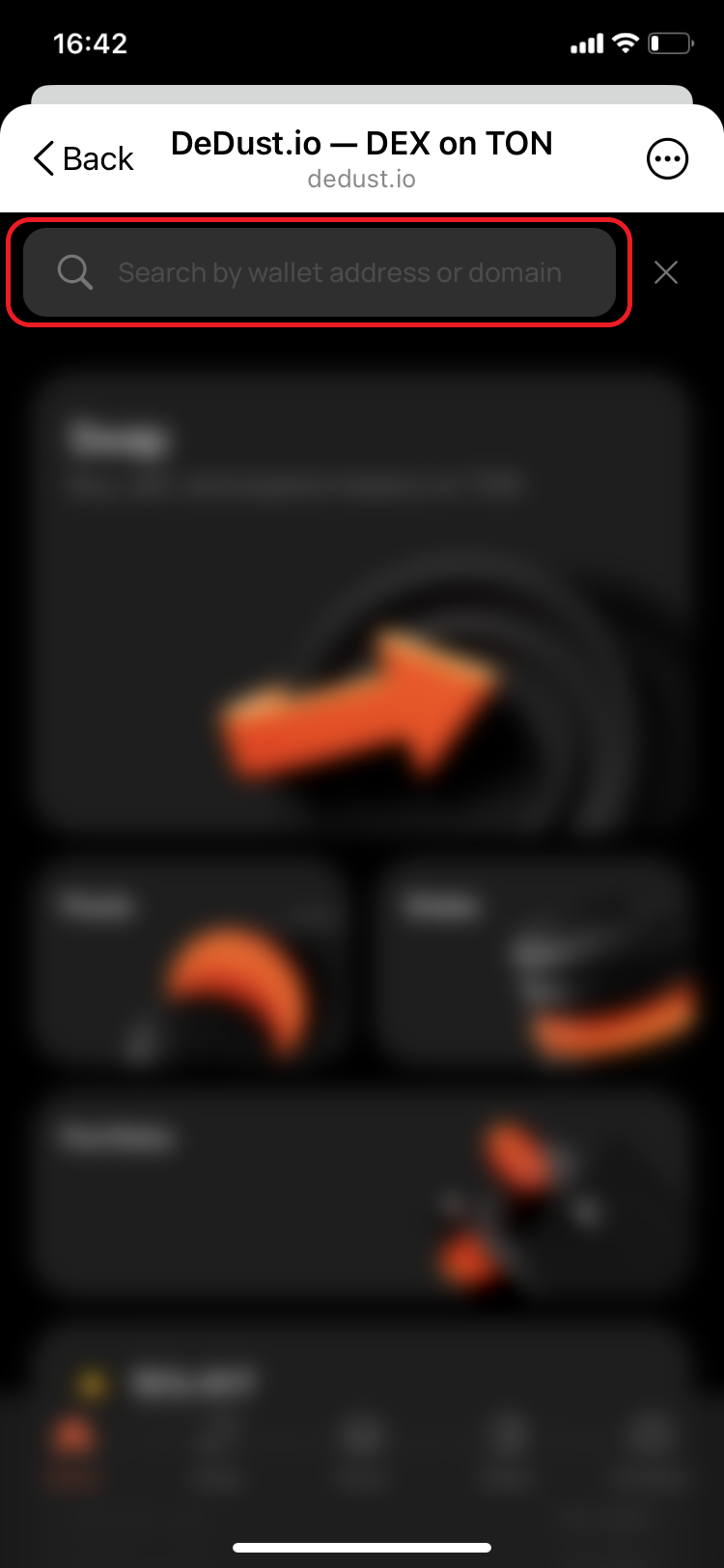
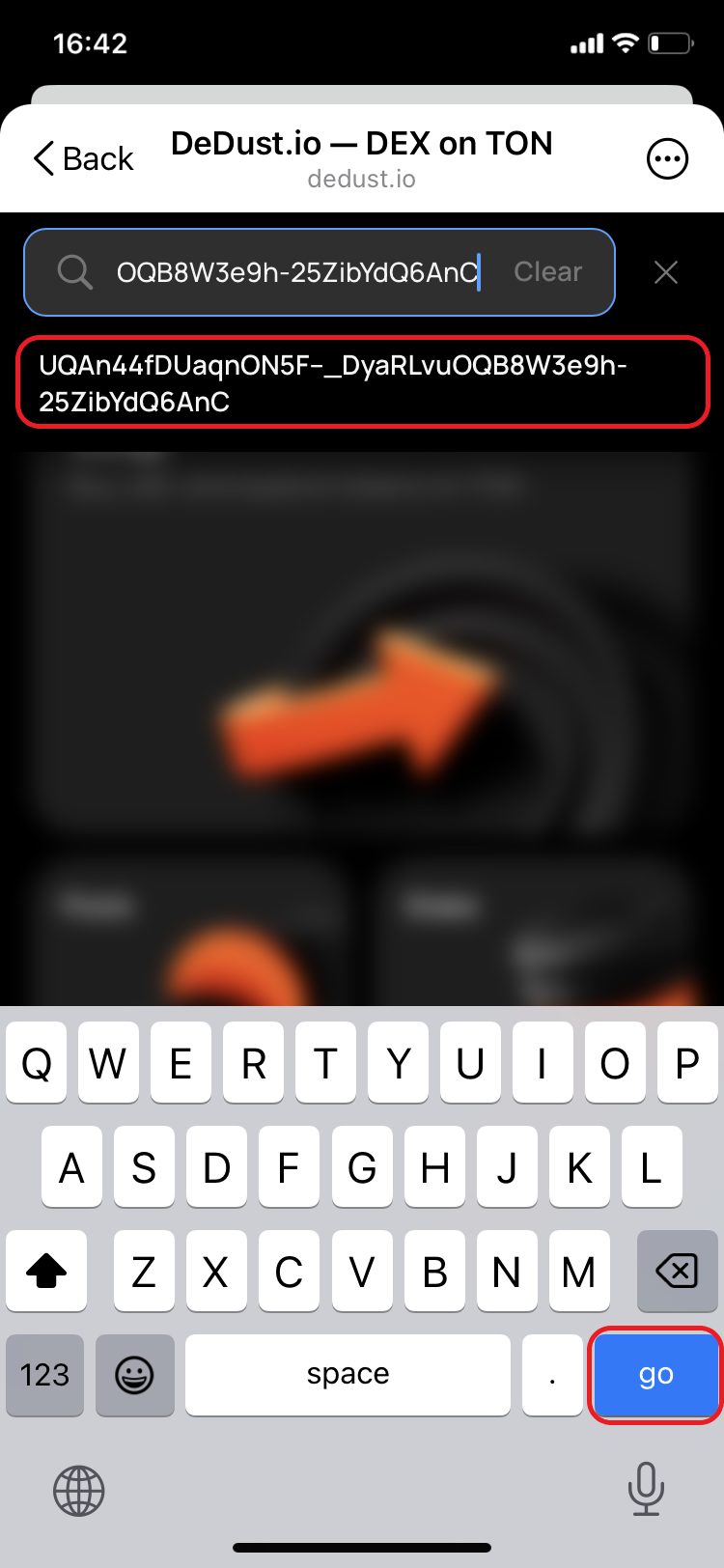
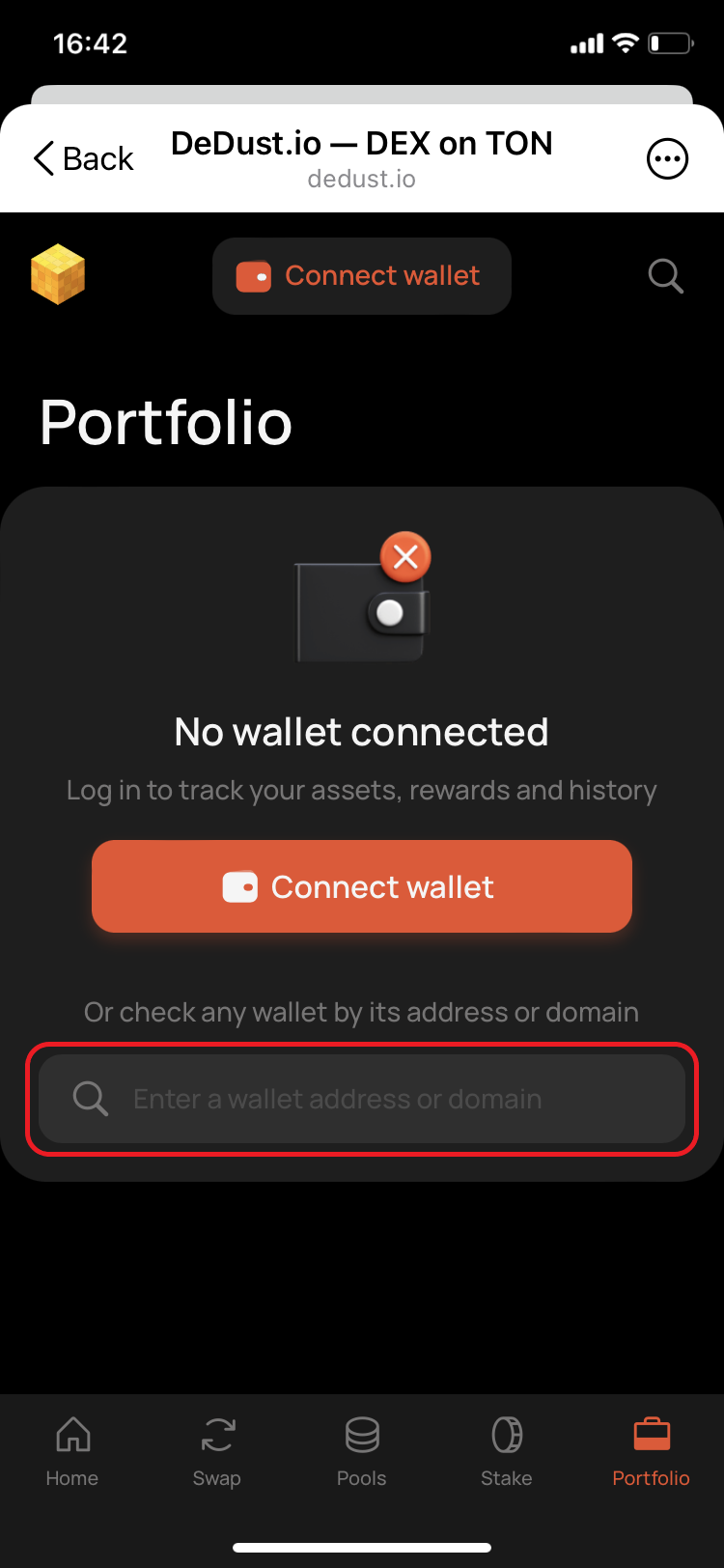
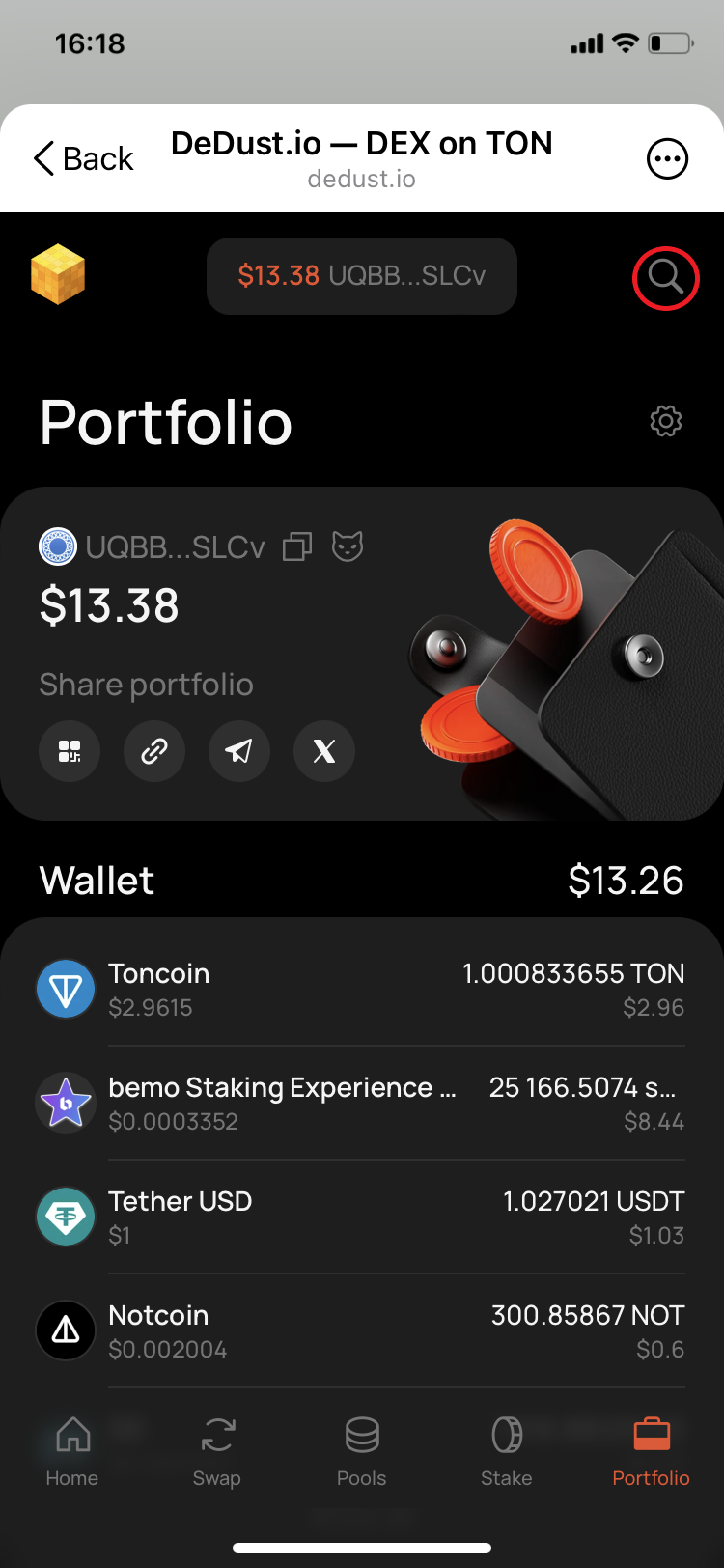
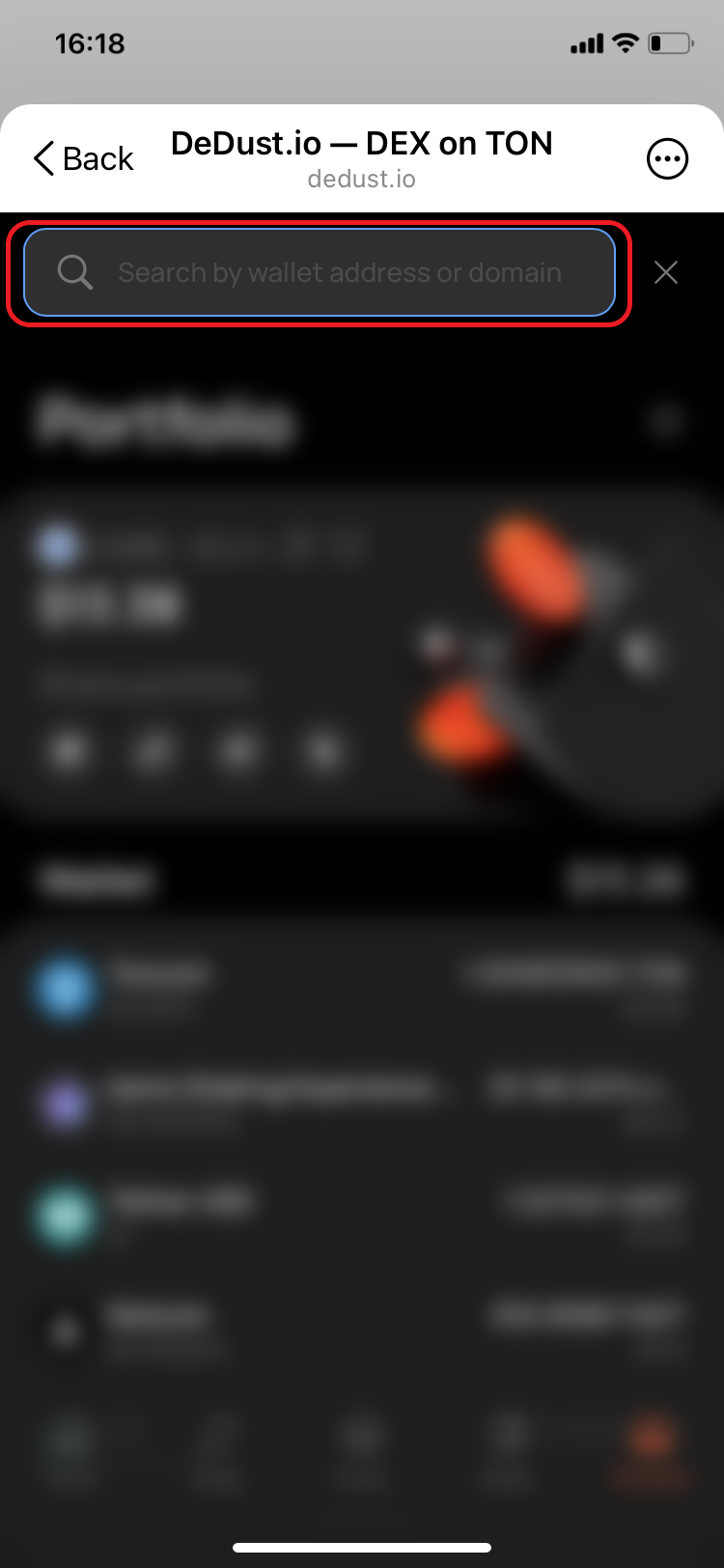
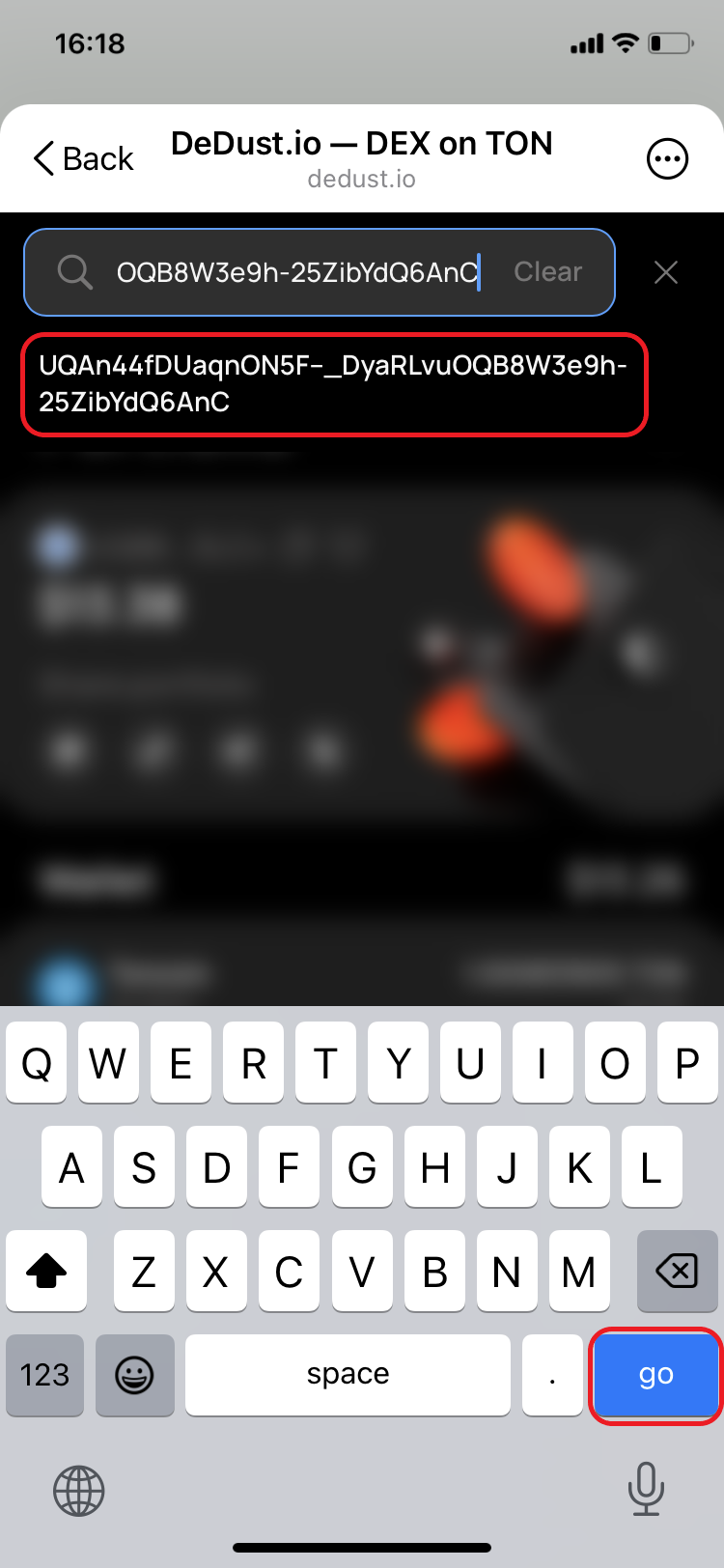
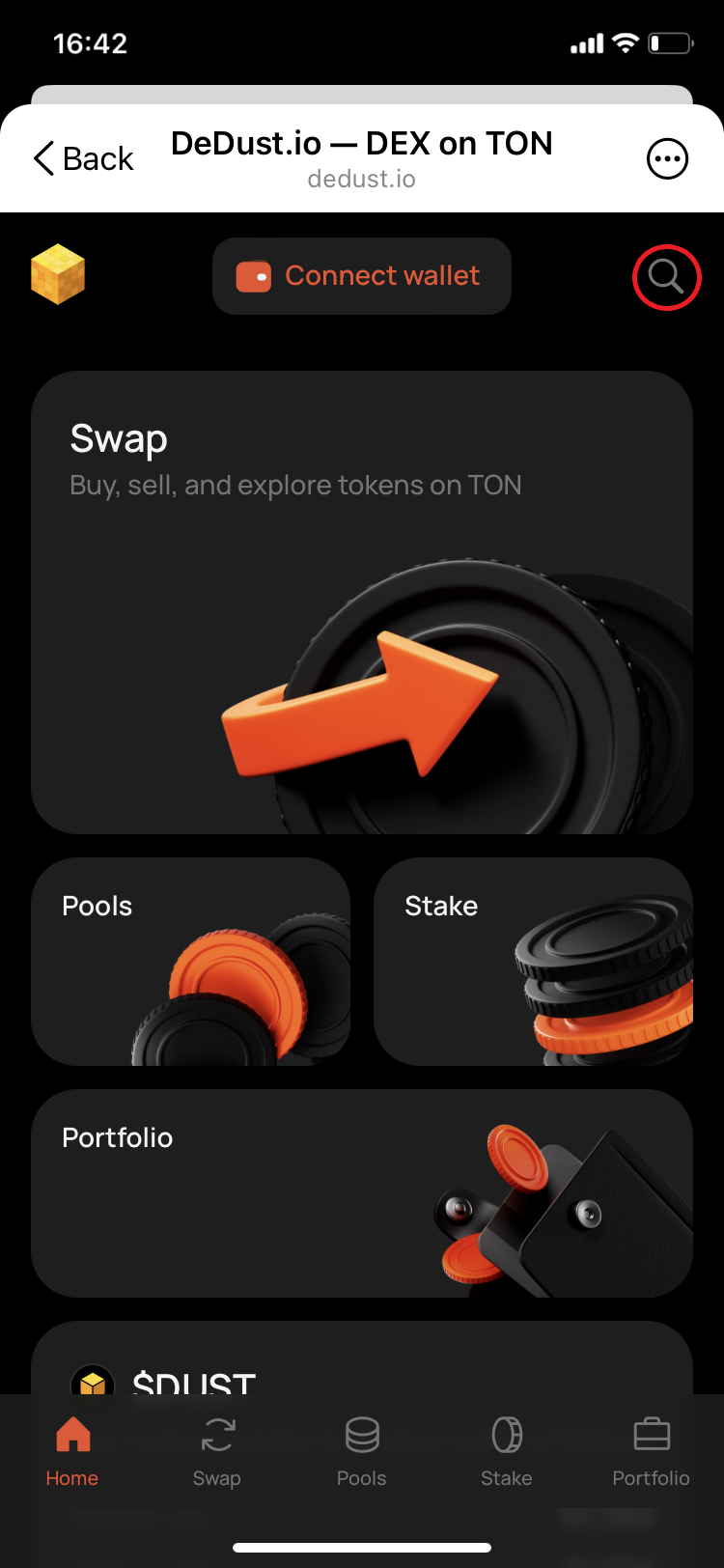
1. Open [DeDust.io](https://dedust.io/) and enter wallet address (or unique domain name on TON) into a search field in top right corner of DeDust homepage (or any other page), or search field [on Portfolio page](#user-content-fn-1)[^1].

<div><figure><img src="https://content.gitbook.com/content/SBFL2enjS0C3zTK97y9H/blobs/rsXKcEsQROudw0gQfi9L/IMG_1934.png" alt=""><figcaption><p>Step 1. DeDust homepage</p></figcaption></figure> <figure><img src="https://content.gitbook.com/content/SBFL2enjS0C3zTK97y9H/blobs/2WM4WVTuhgrBvzPvUseR/IMG_1935.png" alt=""><figcaption><p>Step 1. Search field</p></figcaption></figure> <figure><img src="https://content.gitbook.com/content/SBFL2enjS0C3zTK97y9H/blobs/BCfI5iitKC1qGYJU6MT6/IMG_1936.png" alt=""><figcaption><p>Step 1. Address validation</p></figcaption></figure> <figure><img src="https://content.gitbook.com/content/SBFL2enjS0C3zTK97y9H/blobs/od0aC1Yo1TeYPgKfaWkL/IMG_1933.png" alt=""><figcaption><p>Step 1. Search from Portfolio</p></figcaption></figure></div>

2. Another case is when you are an active DeDust user and your wallet is already connected to DeDust.

<div><figure><img src="https://content.gitbook.com/content/SBFL2enjS0C3zTK97y9H/blobs/HACapagKSENhi2gACBH4/IMG_1902.png" alt=""><figcaption><p>Step 2. Portfolio (connected wallet)</p></figcaption></figure> <figure><img src="https://content.gitbook.com/content/SBFL2enjS0C3zTK97y9H/blobs/LIms6udBkpd1TjnWFpQb/IMG_1903.png" alt=""><figcaption><p>Step 2. Search field</p></figcaption></figure> <figure><img src="https://content.gitbook.com/content/SBFL2enjS0C3zTK97y9H/blobs/sxhUn9g8WdTSjEHx6rzU/IMG_1904.png" alt=""><figcaption><p>Step 2. Address validation</p></figcaption></figure></div>

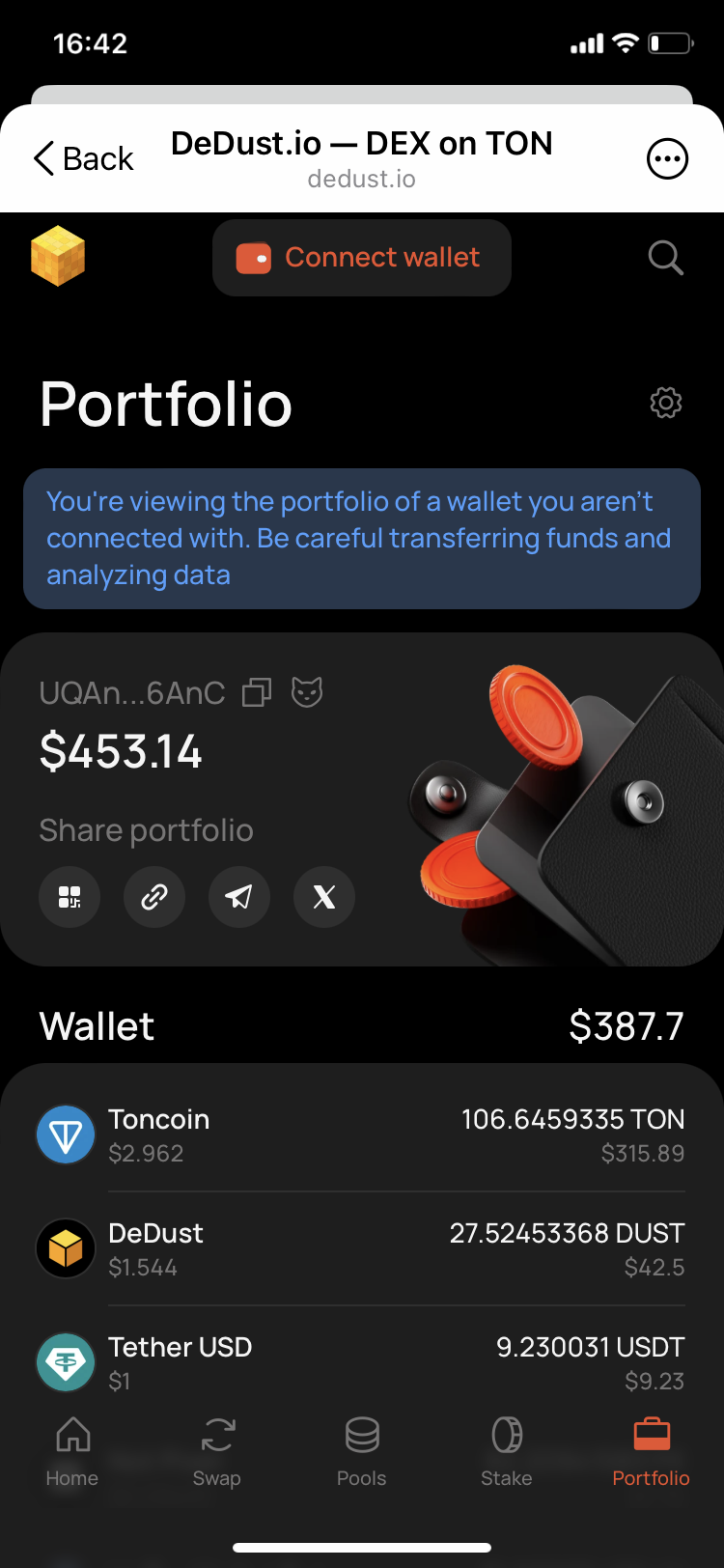
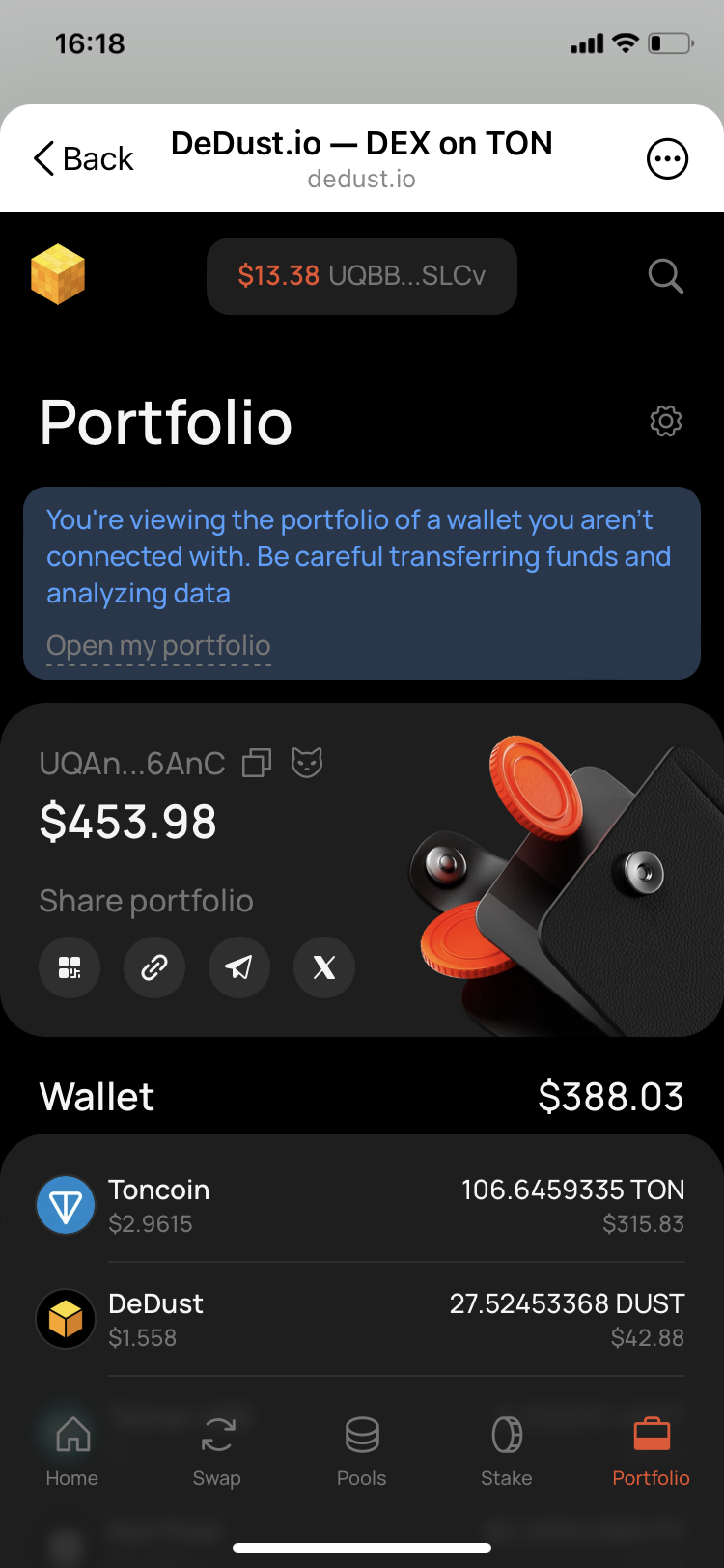
3. In both cases the interface will give you a hint when you are viewing not your own wallet.

<div><figure><img src="https://content.gitbook.com/content/SBFL2enjS0C3zTK97y9H/blobs/kGLpfbe8PFjDEkcE7c9n/IMG_1937.PNG" alt=""><figcaption><p>Step 3. Portfolio (no wallet connected)</p></figcaption></figure> <figure><img src="https://content.gitbook.com/content/SBFL2enjS0C3zTK97y9H/blobs/LAGulFGQp8TRscJEyfoS/IMG_1905.PNG" alt=""><figcaption><p>Step 3. Portfolio (connected wallet)</p></figcaption></figure></div>

This mode allows you to see assets in different wallets, including staking, liquidity and rewards.

[^1]: If there's no wallet connected to DeDust.