> For the complete documentation index, see [llms.txt](https://help.dedust.io/en/llms.txt). Markdown versions of documentation pages are available by appending `.md` to page URLs; this page is available as [Markdown](https://help.dedust.io/en/ru/launch/whitelist/non-whitelisted.md).
# Non-whitelisted token
## Non-whitelisted (imported) tokens
{% hint style="info" %}
If a token is not added to our [whitelist](/en/ru/launch/whitelist.md), it will only appear on DeDust if user manually imports it.
{% endhint %}
There are several ways to do this:
* Share the link like this:\
dedust.io/swap/\[TOKEN CONTRACT ADDRESS].\
[Example link](https://dedust.io/swap/EQAS2P2MTY4lHUtqymnUdPhUCOeJMulFR1eZSS1JbVDuJ_ap)\
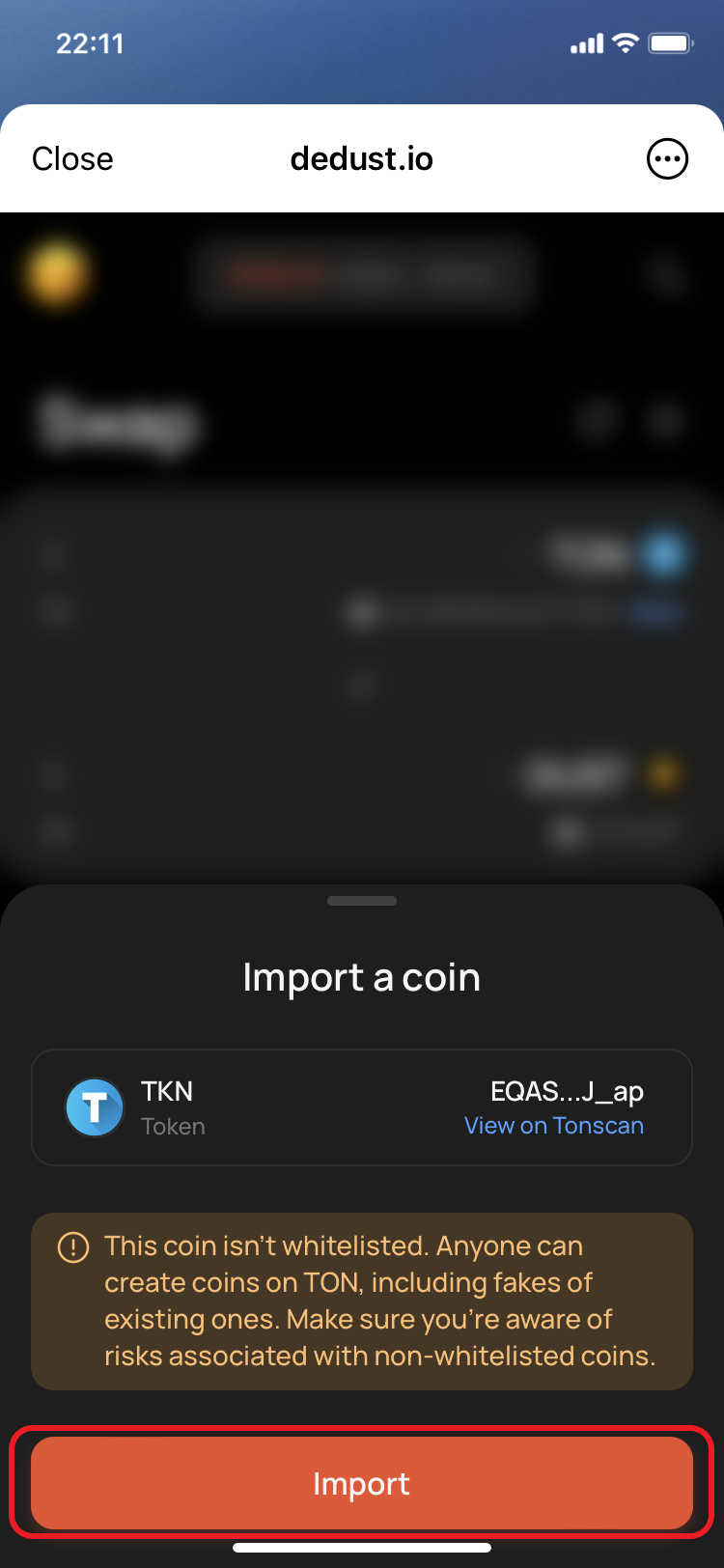
Once the users follow the link, they will see a pop-up offering to import the token.
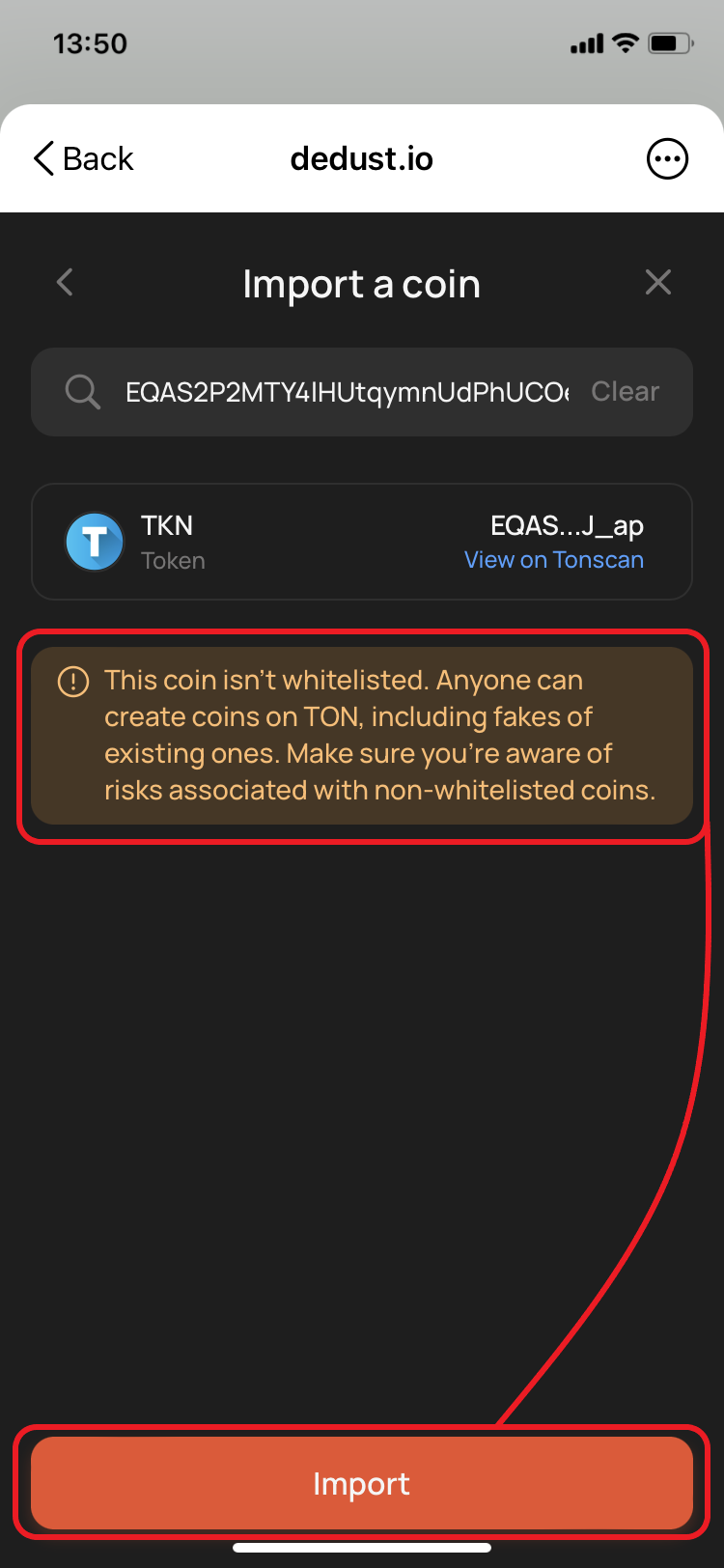
* Go to the [Swap](https://dedust.io/swap) page, open a list of tokens and paste the token smart contract address in to the search field or enter it manually. Example address:\
*EQAS2P2MTY4lHUtqymnUdPhUCOeJMulFR1eZSS1JbVDuJ\_ap*
You can also use the liquidity pool's direct link to import the coin. The link would be like this:\
dedust.io/pools/\[LP-TOKEN CONTRACT ADDRESS].\
[Example link](https://dedust.io/pools/EQAZRVu8madU9oBDf97tZu3HIhCx3PhclRHcTqaCi_w3chpx)\
And then just go to the [Swap](https://dedust.io/swap) page.
Import by a link
Import using search and contract address
Go to [Manage non-whitelisted (imported) tokens](/en/ru/trade/swap/imported.md) page to learn more.